






To make a private server, turn off Show in the server browser in the Config Editor, save, and restart. The server leaves the list. Players who know its address can still join. Add a join password so that not everyone with the address can get in. In config.json this is game.visible, set to false.
In the ArthOS panel
- Open your server and choose the Config Editor tab.
- In the Server group, switch off Show in the server browser (1). Its help text reads “Off hides the server from the list; players can still join by address.”
- In the same group, type a Join password. Its help text reads “Players need this to join. Leave it empty for a public server.”
- Press Save, then restart the server. The banner says “Saved changes apply after a restart.”
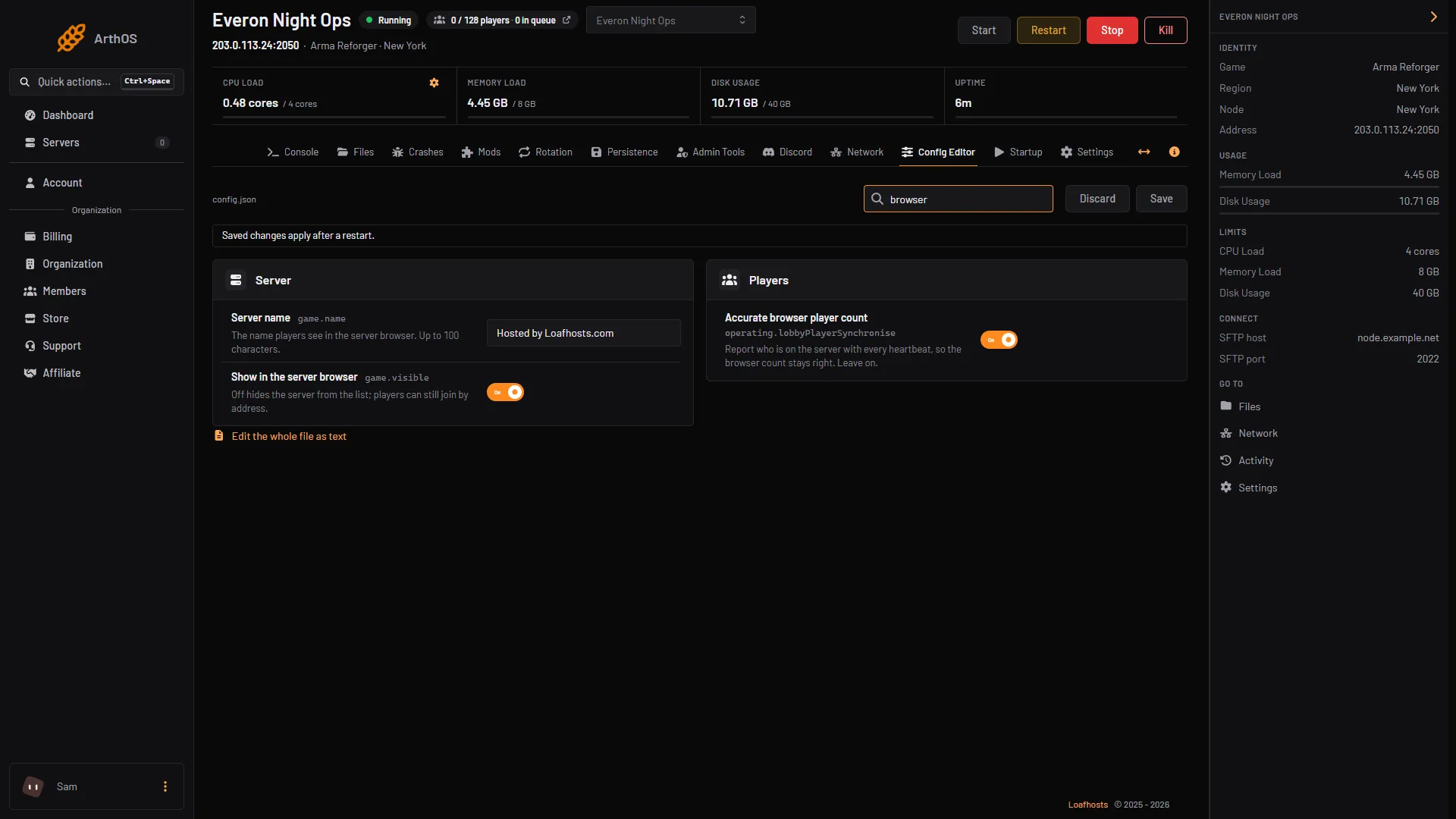
- Show in the server browser
Bohemia’s setting is game.visible. It is true by default and sets the server’s visibility in the server browser.
How players join a hidden server
Send your players the address from the top of the server page, written as ip:port, and the password. On PC, the game’s server browser has an IP Connect option where they enter the address. See connect to an Arma Reforger server.
Not checked on 1.8 as of 12 October 2026: whether Xbox and PlayStation players can join a hidden server. Console players find a server by searching its name, which a hidden server does not allow, so do not count on it.
By hand
Edit config.json:
"game": {
    "visible": false,
    "password": "choose-a-password"
}
Restart the server.
If it does not work
- The server is still in the list. The change applies at the next start. Restart it.
- Nobody can join. Players need the right address and port. Copy them from the server page, not from memory.
- You need it public again. Switch Show in the server browser back on and restart.
Sources: Bohemia wiki: Server Config, Bohemia wiki: Server Hosting