






The On death setting decides what a player loses when they die. It has three choices: Drop materials only, Drop the whole backpack and Keep everything. A new server uses Drop materials only.
Checked on the 0.9 server. Enshrouded 1.0 is released on 15 October 2026. The choices come from the readme that ships with the server (version 0.9.0.0), where the setting is called tombstoneMode.
The three choices
- Drop materials only. The player loses the materials in their backpack. The server puts them in a tombstone. This is the default.
- Drop the whole backpack. The player loses everything in their backpack. It goes into the tombstone.
- Keep everything. The player loses nothing and no tombstone is made.
The readme says lost items are stored in a tombstone and can be recovered there. The Enshrouded wiki adds that the player must return to the place where they died to collect them.
In the ArthOS panel
- Open the Config Editor tab.
- In the Player card, find On death.
- Pick one of the three choices.
- Choose Save.
- If the server is running, restart it. Saved changes apply after a restart.
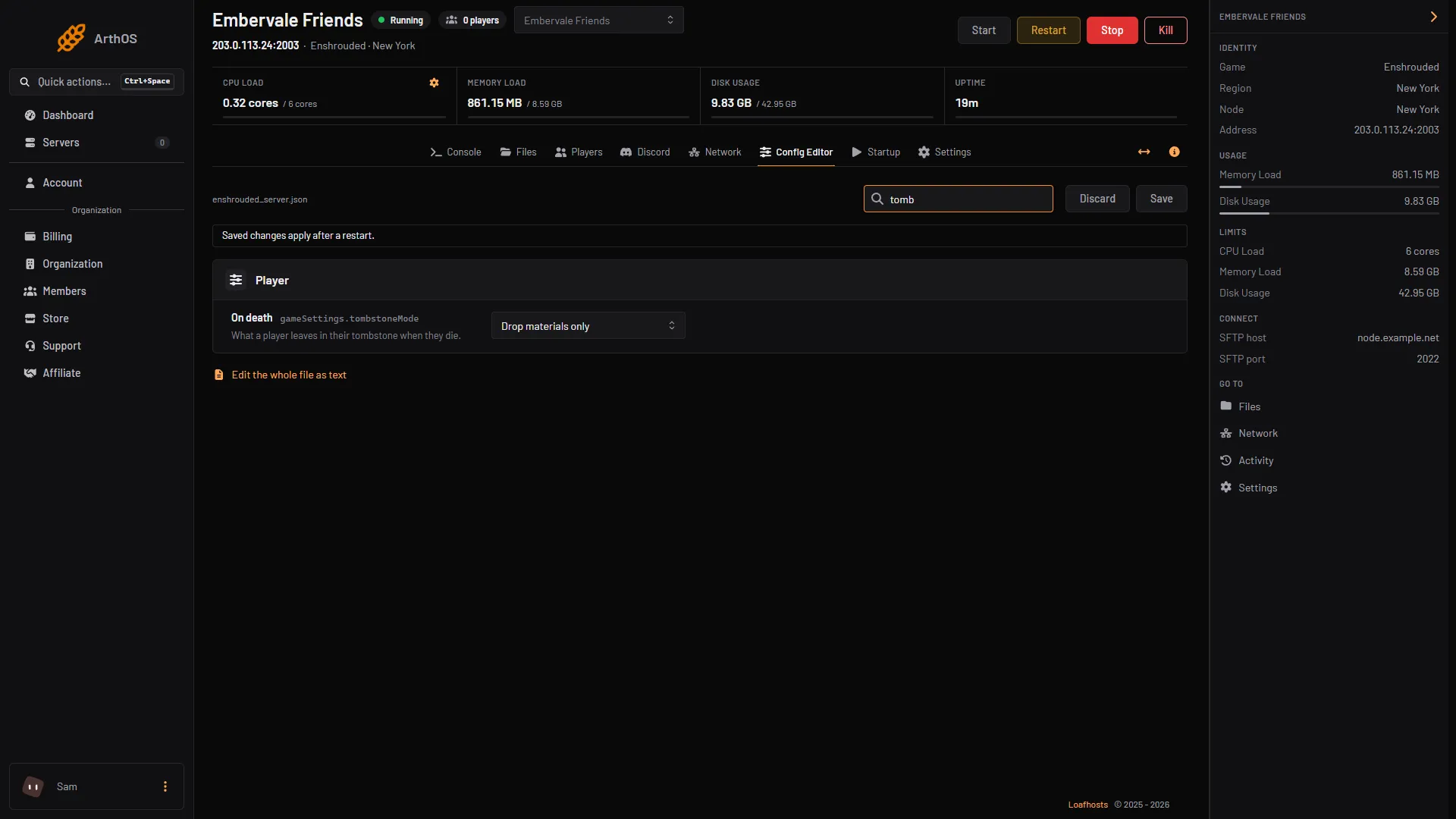
- On death
By hand
- Stop the server. The game rewrites
enshrouded_server.jsonwhen it starts. - Open
enshrouded_server.jsonin Files. - Set
"gameSettingsPreset": "Custom". - In
gameSettings, settombstoneModeto one of:
"tombstoneMode": "AddBackpackMaterials"The three values are AddBackpackMaterials (materials only), Everything (the whole backpack) and NoTombstone (keep everything).
- Save the file and start the server.
If it does not work
- Players still lose materials. Difficulty is not Custom, or the server has not restarted since you saved.
- My hand edit disappeared. The game wrote the file again at start. Edit it while the server is stopped.
- A player cannot find their things. With the first two choices, they are in the tombstone where the player died. Nothing is lost on Keep everything.
More about the game: Enshrouded servers.
Sources: store.steampowered.com: 1203620, enshrouded.wiki.gg: Death