






An Enshrouded server has about 35 individual game settings. The game uses them only while Difficulty is Custom. In the ArthOS panel you do not have to switch it yourself: change any of them and the panel sets Custom when you save.
Checked on the 0.9 server. Enshrouded 1.0 is released on 15 October 2026. Ranges come from the server’s own readme (version 0.9.0.0). A value of 1 means normal, 0.5 half, 2 double. See Enshrouded servers.
In the ArthOS panel
- Open Config Editor and change rows in the groups below.
- Choose Save. If Difficulty was not Custom, it is now. If you also picked a preset in the same save, your preset is kept and the settings stay unused.
- Restart the server when it is quiet. Saving while it runs is fine; the change applies at the next start.
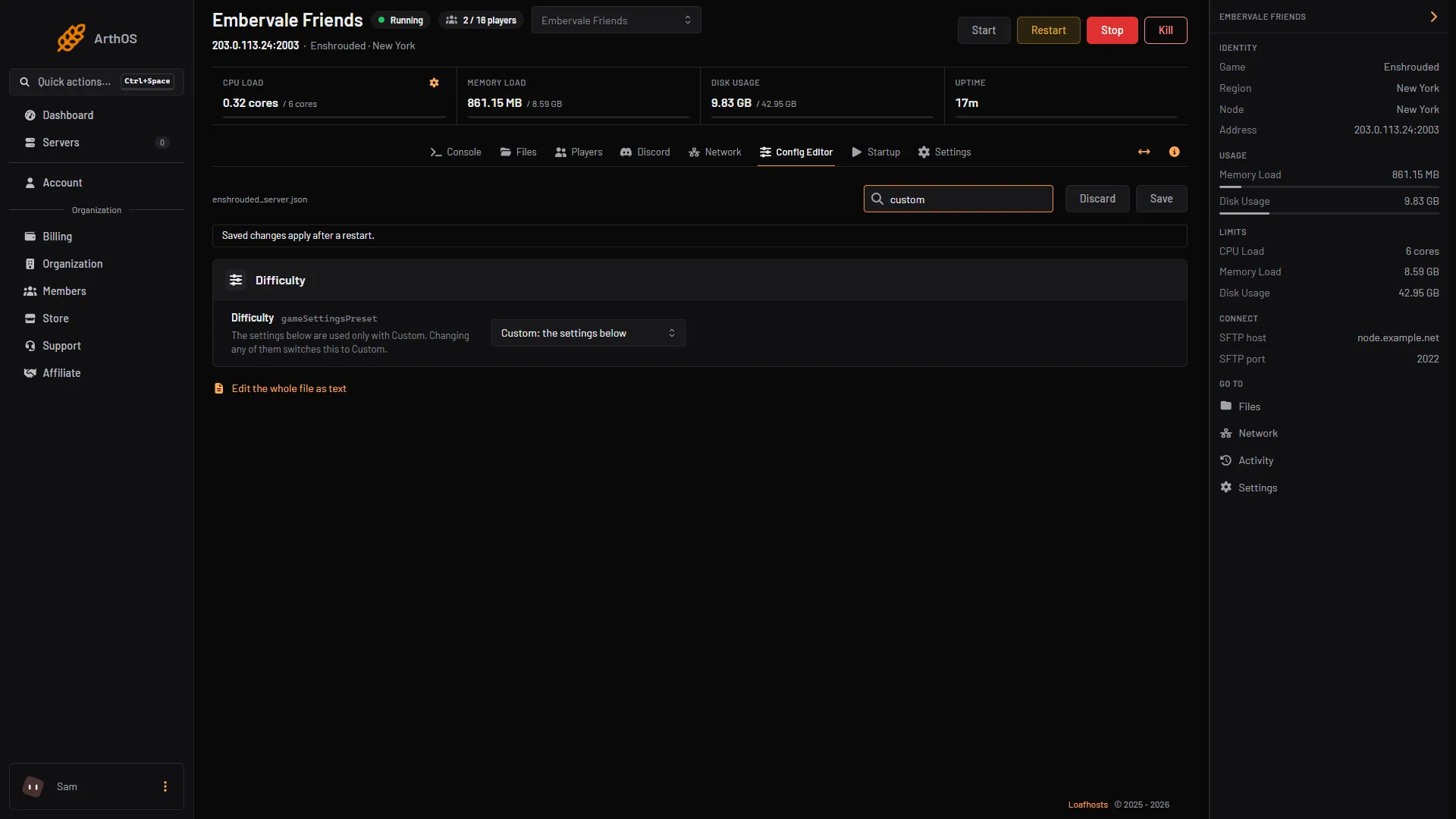
- The Difficulty row
- Custom: the settings below
In the picture, the Difficulty row (1) shows Custom: the settings below (2) once you have changed an individual setting.
The groups
Player
- Player health, Player mana, Player stamina: 0.25 to 4.
- Warmth in the cold, Breath underwater, Time in the Shroud: 0.5 to 2. Higher lasts longer.
- Weapons wear out: off means weapons never break.
- Hunger and starving: on means players who do not eat or drink lose health.
- Hungry before starving: 5, 8, 10, 15 or 20 minutes.
- Food effects last: 0.5 to 2.
- On death: Drop materials only, Drop the whole backpack, or Keep everything.
- Glider turbulence: off makes gliding smooth.
Enemies. See enemy settings.
World
- Day length and Night length. See day and night length.
- Weather: Off, Rare, Normal or Often.
- Shroud curse: Off, Normal, or Twice as likely.
- Fishing: Very easy to Very hard.
- Startling an animal while taming: keeps, loses some, or loses all progress.
Progress
- Mining: 0.5 to 2. Plant growth, Resources from loot, Workshop production time, Weapon upgrade cost: 0.25 to 2.
- Runes back when salvaging: 0 to 1.
- Combat experience, Exploration and quest experience: 0.25 to 2. Mining experience: 0 to 2, and 0 turns it off.
By hand
- Stop the server (needed for hand edits) and open
enshrouded_server.jsonin Files. - Set
"gameSettingsPreset": "Custom". - Change the values inside
"gameSettings". For example:
"gameSettings": {
    "playerHealthFactor": 2,
    "enableDurability": false
}- Keep the file valid JSON. Save it and start the server.
Leave the other lines in gameSettings as they are.
If it does not work
- A setting has no effect. Difficulty is not Custom.
- A value does not behave as expected. Keep it inside the range listed above, which is the range the game documents.
- A hand edit was lost. The game rewrites the file when it starts. Stop the server before editing the file in Files.
Sources: store.steampowered.com: 1203620