






Six settings change how the Enshrouded world behaves, apart from enemies and rewards: Weather, Shroud curse, Time in the Shroud, Fishing, Startling an animal while taming and Glider turbulence. Set them in the Config Editor. The game uses them only when Difficulty is Custom, and the panel switches it to Custom for you when you change one.
Checked on the 0.9 server. Enshrouded 1.0 is released on 15 October 2026.
What each setting does
All six come from the server’s own readme. Panel names are in bold.
- Weather. How often new weather happens. Choose Off, Rare, Normal or Often. Normal is the default. Off means no weather at all.
- Shroud curse. The chance of getting the curse when Shroud enemies hit a player. Choose Off, Normal or Twice as likely. Normal is the default.
- Time in the Shroud. How long a player can stay inside the Shroud. It is a number from 0.5 to 2. 1 is normal, 2 is twice as long, 0.5 is half. The game shows it as a percentage.
- Fishing. How strongly the fish fight in the fishing minigame. A stronger fish means a longer minigame. Choose Very easy, Easy, Normal, Hard or Very hard. Normal is the default.
- Startling an animal while taming. What happens to the hearts a player has earned if they startle the animal. Choose Keeps progress, Loses some progress or Loses all progress. Loses some progress is the default.
- Glider turbulence. With it on, air turbulence pushes the glider about. With it off, gliding is smooth, as in older versions. It is on by default.
In the ArthOS panel
- Open the Config Editor page.
- Look in the groups World and Player. Weather, Shroud curse, Fishing and Startling an animal while taming are in World. Time in the Shroud and Glider turbulence are in Player.
- Change the settings you want.
- Choose Save.
- You can save while the server runs. The page says “Saved changes apply after a restart.” Restart the server to apply them. If the server is stopped, the changes apply when it starts.
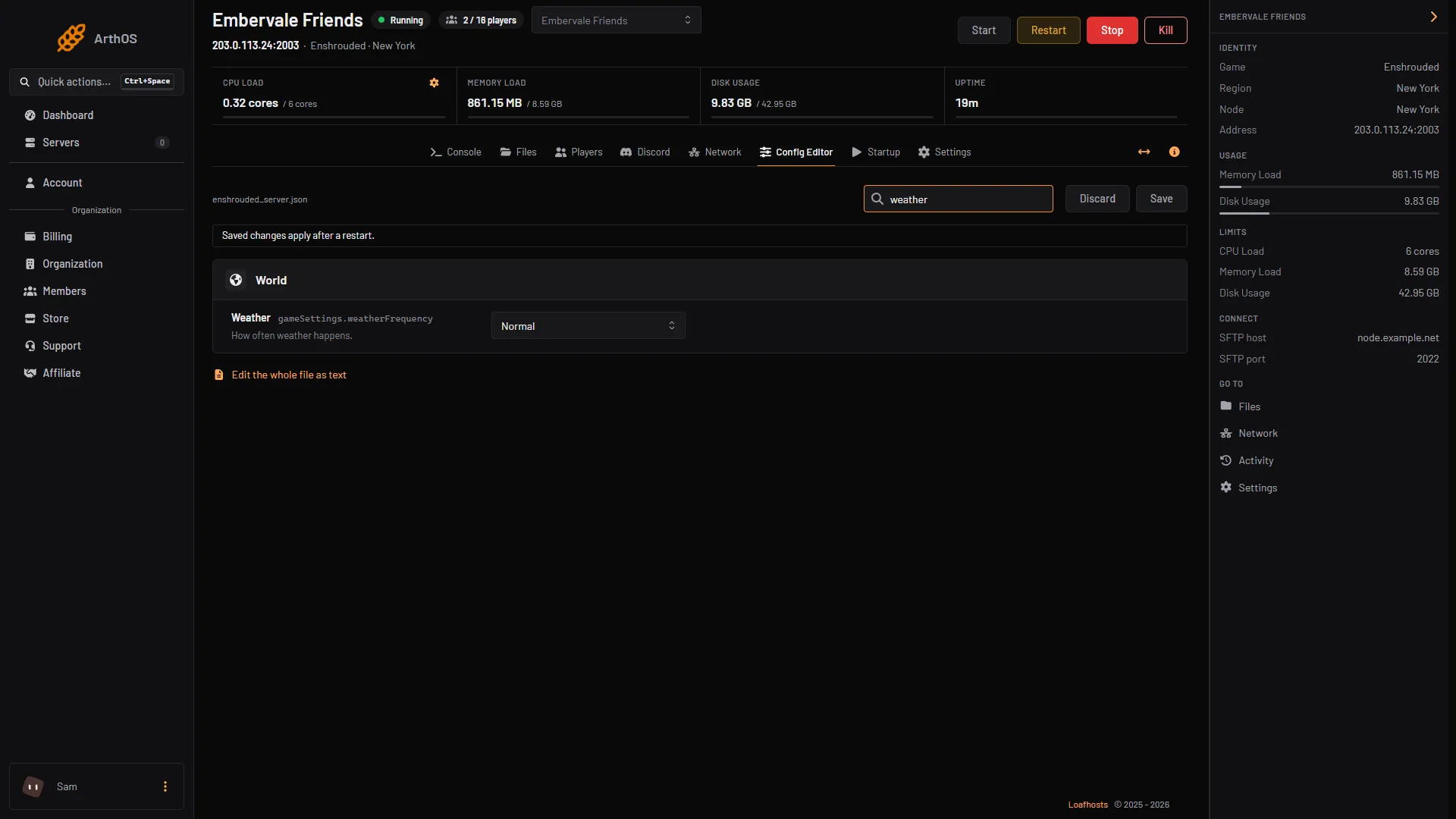
- Weather
The Weather row is box 1.
By hand
Stop the server first, only for a hand edit in Files. The game rewrites enshrouded_server.json when it starts, so an edit made while it runs can be lost. Open the file in Files and set gameSettingsPreset to "Custom". Then change these keys inside gameSettings:
"gameSettings": {
    "weatherFrequency": "Normal",
    "curseModifier": "Normal",
    "shroudTimeFactor": 1,
    "fishingDifficulty": "Normal",
    "tamingStartleRepercussion": "LoseSomeProgress",
    "enableGliderTurbulences": true
}
The values are:
weatherFrequency:Disabled,Rare,Normal,Often.curseModifier:Easy(curse off),Normal,Hard(twice the chance).shroudTimeFactor: 0.5 to 2.fishingDifficulty:VeryEasy,Easy,Normal,Hard,VeryHard.tamingStartleRepercussion:KeepProgress,LoseSomeProgress,LoseAllProgress.enableGliderTurbulences:trueorfalse.
Start the server again. The rest of the file stays as it was.
If it does not work
- Nothing changed in game. Check Difficulty is Custom. With any preset the game ignores
gameSettings. - A value is refused. Time in the Shroud only takes 0.5 to 2. Names such as
LoseSomeProgressmust be spelled exactly, with no spaces. - Your hand edit is gone. It was made while the server ran. Stop the server, edit again, then start it.
- The settings are locked. Your role can see them but not change them. Ask the server owner.
More about the game: Enshrouded servers.
Sources: enshrouded.zendesk.com: 20453241249821 Server Gameplay Settings, store.steampowered.com: 1203620