









What a player loses on death is a World rule on 7 Days to Die V3.3.0. To drop only the backpack, set Drop On Death to Backpack Only. The other three rows are separate; leave them at the default unless you want them. Open World rules, find Drop On Death in the group Players, choose a value, save and restart. By default a player who dies drops everything they carry.
Each rule below has a key, for example DropOnDeath. It is the World rule stored in the SandboxCode line of the server’s settings file.
The rules
All of these are in the group Players on the World rules page.
Drop On Death (DropOnDeath, default All): what falls from the body.
- None
- All
- Toolbelt Only
- Backpack Only
- Equipment
- Carried Only
- Delete All: the items are destroyed, not dropped.
Drop On Quit (DropOnQuit, default None): what a player drops when they leave the game. It has the same choices as Drop On Death, except Delete All.
Lose Items Death Type (LoseItemsOnDeathType, default None): None, All, Toolbelt Only, Backpack Only, Equipment, Carried Only.
Lose Items Death Count (LoseItemsOnDeathCount, default 1-3): 1-3, 1-5, 1-10, 1-20, 3-5, 5-7, 5-10, 7-10, 10-15, 15-20.
Degrade Items On Death (DegradeItemsOnDeath, default None): None, Durability, Max Durability, Both.
Degrade Amount On Death (DegradeAmountOnDeath, default 10%): None, 5%, 10%, 15%, 20%, 25%.
Death Penalty (DeathPenalty, default XP Only): None, XP Only, Injured, Permanent Death.
Not checked on V3.3.0 as of 19 October 2026: what each choice does in play, how Lose Items Death Type and Lose Items Death Count work together with Drop On Death, and what Injured and Permanent Death do.
The backpack
When items drop, the game leaves a backpack where the player died. It shows on the map and compass. The official wiki says it stays for one hour, and that a player can choose to respawn near it. The wiki describes an earlier version of the game. Not checked on V3.3.0 as of 19 October 2026: how long the backpack stays.
In the panel
- Open your server and choose World rules.
- Open the group Players.
- Change Drop On Death, Drop On Quit or the others.
- Choose Save at the top right. While the server runs, the panel says “Saved. The game reads its rules when it starts, so restart the server to use them.” with a Restart now button.
- Choose Restart now, or Restart at the top of the server page.
Type death in Search… to list the death rules together. A changed row is tagged Not the default.
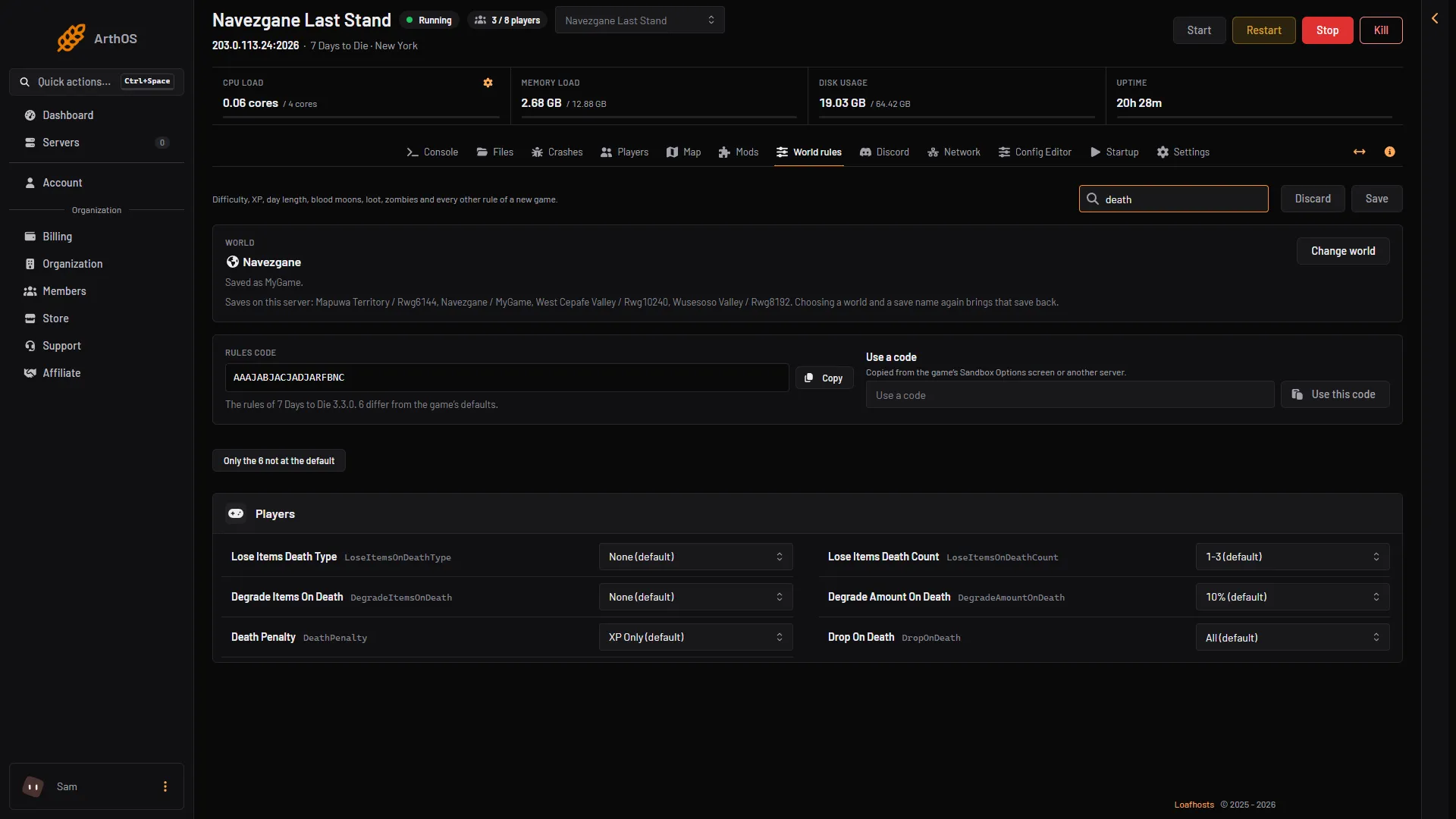
- Drop On Death
- Lose Items Death Type
- Lose Items Death Count
- Degrade Items On Death
- Death Penalty
Search for drop on to see Drop On Death (box 1) next to Drop On Quit (box 2).
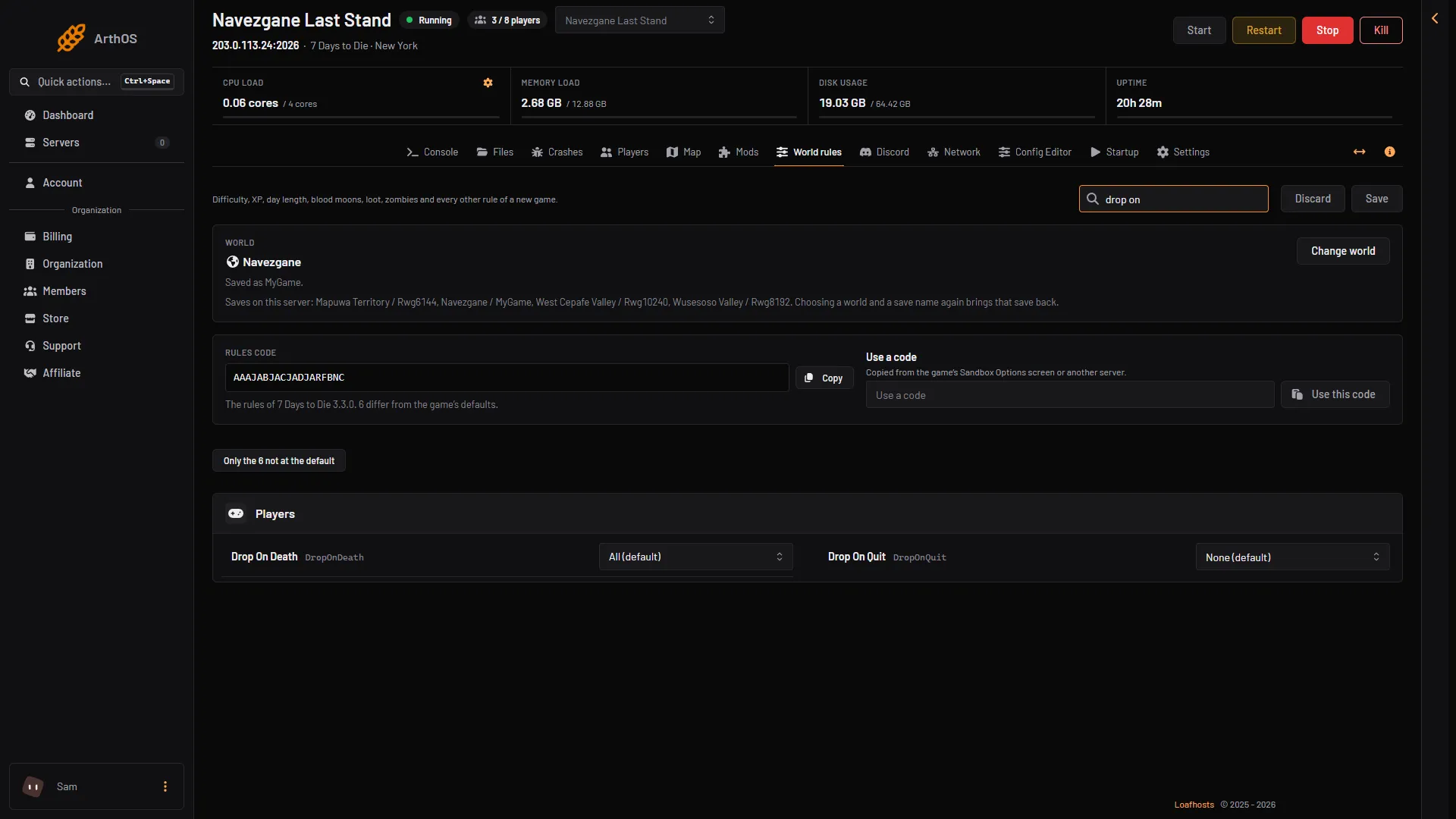
- Drop On Death
- Drop On Quit
The new rules apply to the world you already have. They do not apply while the server is running.
If it does not work
- Players still drop everything. Restart the server. The game reads its rules only at start.
- You cannot find the rule. It is on World rules, in Players. It is not in the Config Editor.
- A player lost a backpack. Not checked on V3.3.0 as of 19 October 2026: how long it stays. An admin can give items back from the Players page.
More about the game: 7 Days to Die servers.
Sources: 7daystodie.wiki.gg: Death