









Open the Config Editor, find Player killing (PlayerKillingMode) in the group Rules, choose who players can hurt, save and restart. Four choices exist: No killing, Allies only, Strangers only and Everyone. A new server starts on Everyone.
The four choices
The row is the game’s PlayerKillingMode setting, and the table gives its values.
| Choice | Value | Meaning |
|---|---|---|
| No killing | 0 | Players cannot hurt each other. |
| Allies only | 1 | Players can hurt only their allies. |
| Strangers only | 2 | Players can hurt only people who are not their allies. |
| Everyone | 3 | Players can hurt anyone. This is the default. |
Allies are players who have agreed to be allied in the game. For a peaceful server, choose No killing.
In the panel
- Open your server and choose Config Editor.
- In the group Rules, set Player killing.
- Choose Save. While the server runs, the panel says “Saved. Restart the server to apply the changes.” Choose Restart now.
Search for kill to find the row fast. Box 1 is Player killing with its list open. Box 2 is Party kill range.
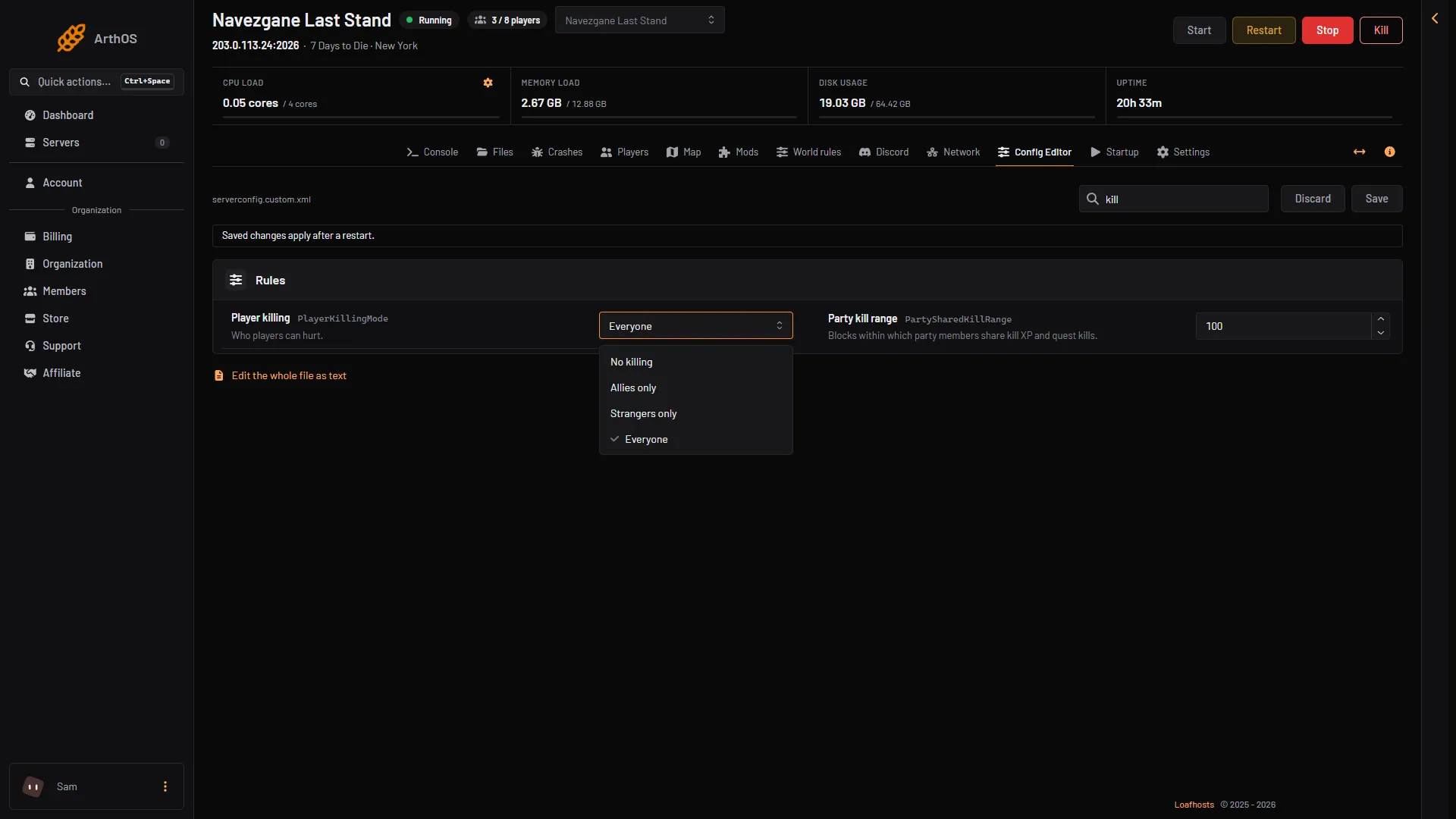
- Player killing
- Party kill range
Protect new players
Two rows in the same group help people who have just spawned.
- Safe zone up to level (
PlayerSafeZoneLevel, default 5): a player at or below this level gets a zone with no enemies around them when they spawn. - Safe zone hours (
PlayerSafeZoneHours, default 5): how many in-game hours that zone lasts.
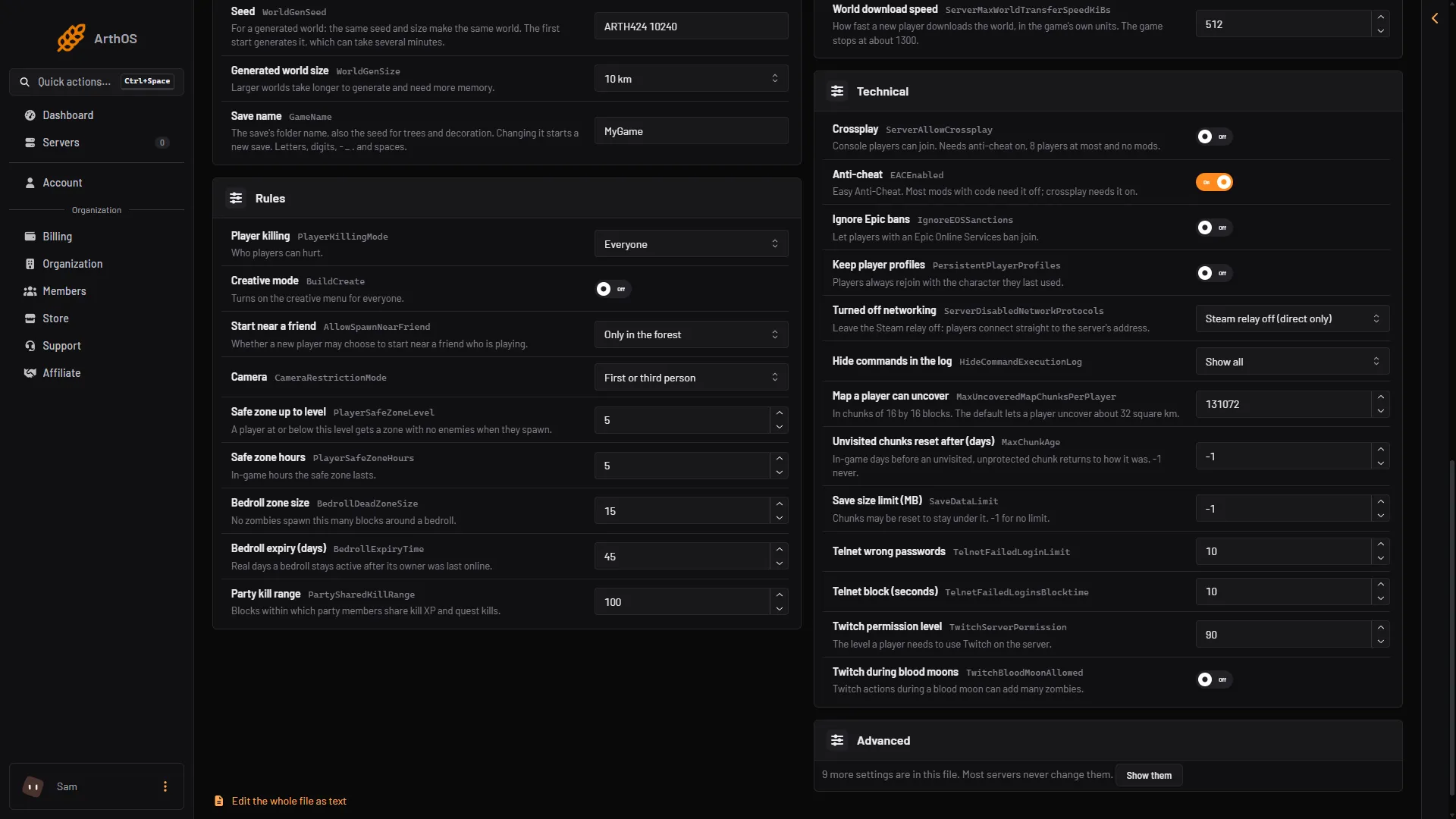
- Safe zone up to level
- Safe zone hours
- Party kill range
Party kill range
Party kill range (PartySharedKillRange, default 100) is not about PvP. It is the distance, in blocks, within which party members share kill experience and quest kills. Players farther apart do not share them.
Trader grounds
The Map page can show trader grounds with the Show switch Trader grounds (N). A trader’s ground is marked “no building or harm here” on the map. Not checked on V3.3.0 as of 19 October 2026: how the game treats player attacks inside a trader’s ground.
Land claims
A land claim stops other players from building or breaking inside it, unless they are the owner’s allies. See land claim settings.
If it does not work
- Players still fight. The server was not restarted. Restart it.
- Players cannot hurt a friend. Player killing is on Strangers only. Change it to Everyone, or Allies only if they are allies.
- Allies hurt each other. Player killing is on Allies only or Everyone. Pick Strangers only or No killing.
More about the game: 7 Days to Die servers.
Sources: 7daystodie.wiki.gg: Land Claim Block