









Open the World rules page, group World and blood moons. 24 Day Cycle sets how long one game day lasts in real minutes. Day Light Length sets how many hours of it are daylight. Choose Save, then restart the server.
These are the World rules DayNightLength and DayLightLength. They are stored in the SandboxCode line of the server’s settings file. In 7 Days to Die V3.0 and later, day length is a World rule. It is no longer in serverconfig.xml, so a guide that tells you to edit DayNightLength there is out of date.
The two rules
| Rule | Key | Meaning | Choices | Default |
|---|---|---|---|---|
| 24 Day Cycle | DayNightLength | Real minutes for one full game day. | 10, 20, 30, 40, 50, 60, 90, 120 | 60 |
| Day Light Length | DayLightLength | Hours of daylight in each game day. | Always Night, 4, 6, 8, 10, 12, 14, 16, 18, 20, Always Day | 18 |
An example with the defaults: a day lasts 60 real minutes, and 18 of its 24 game hours are daylight. That is 45 minutes of day and 15 minutes of night.
A shorter cycle makes everything come round faster: nights, and blood moons counted in days. A longer one gives players more time between them. Always Night and Always Day remove the cycle of light.
In the panel
- Open the World rules page.
- In the group World and blood moons, pick a value for 24 Day Cycle and for Day Light Length.
- Choose Save.
- Restart the server. The page offers Restart now.
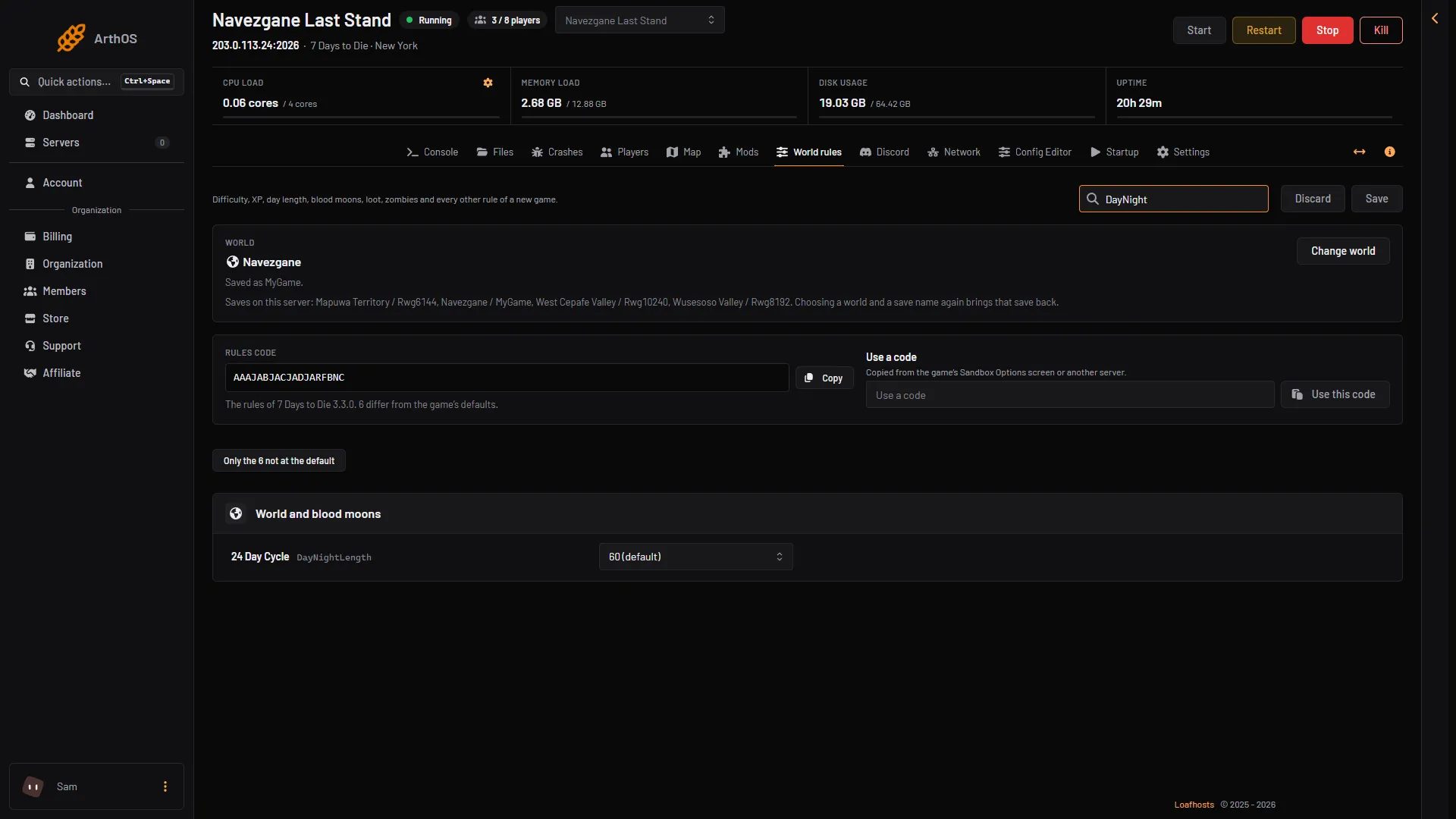
- 24 Day Cycle
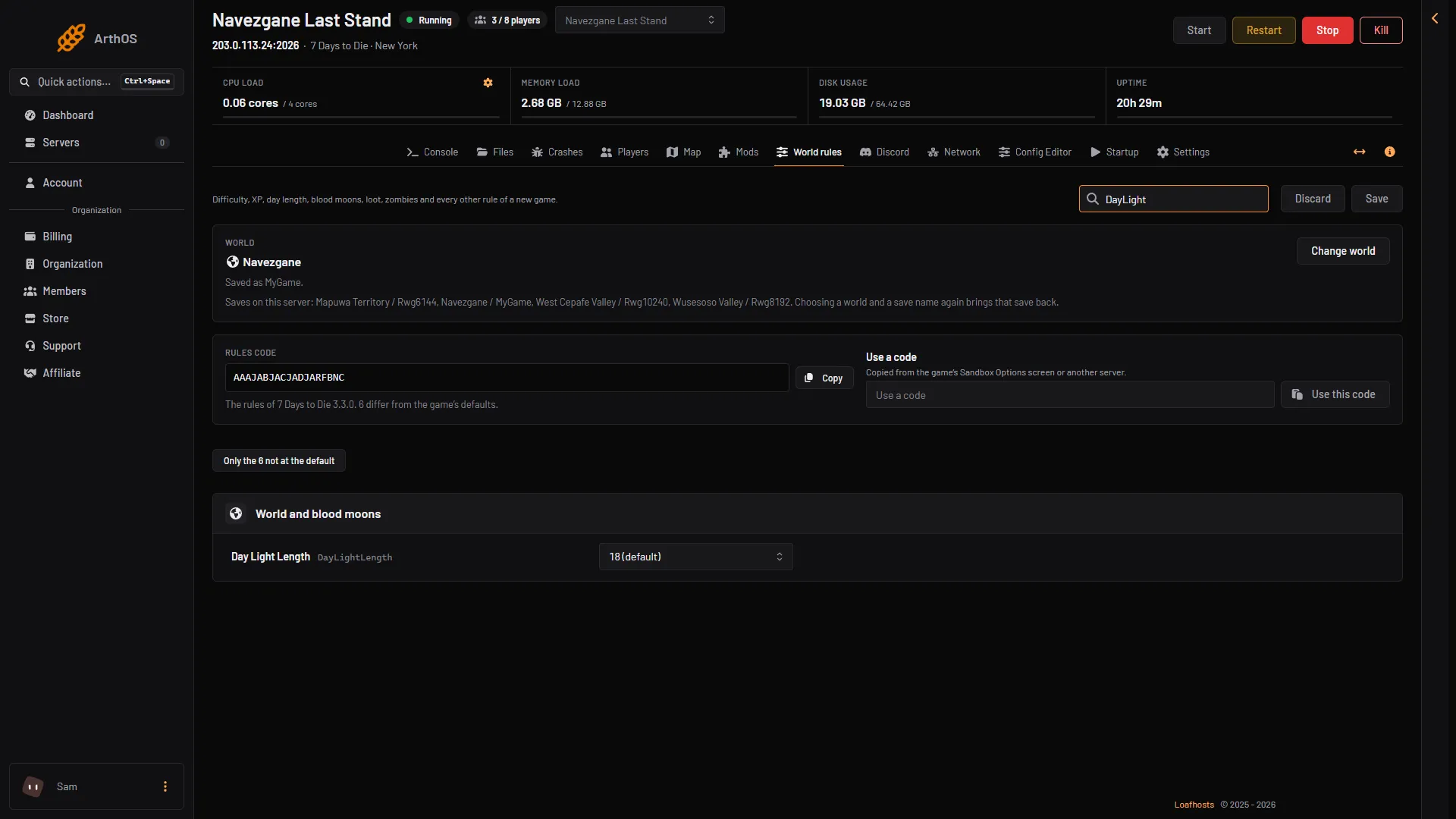
- Day Light Length
A restart drops every player. Tell them first with Message to everyone on the Players page.
See the time in game
The Players page shows the clock in the stat In game, for example Day 12, 14:30.
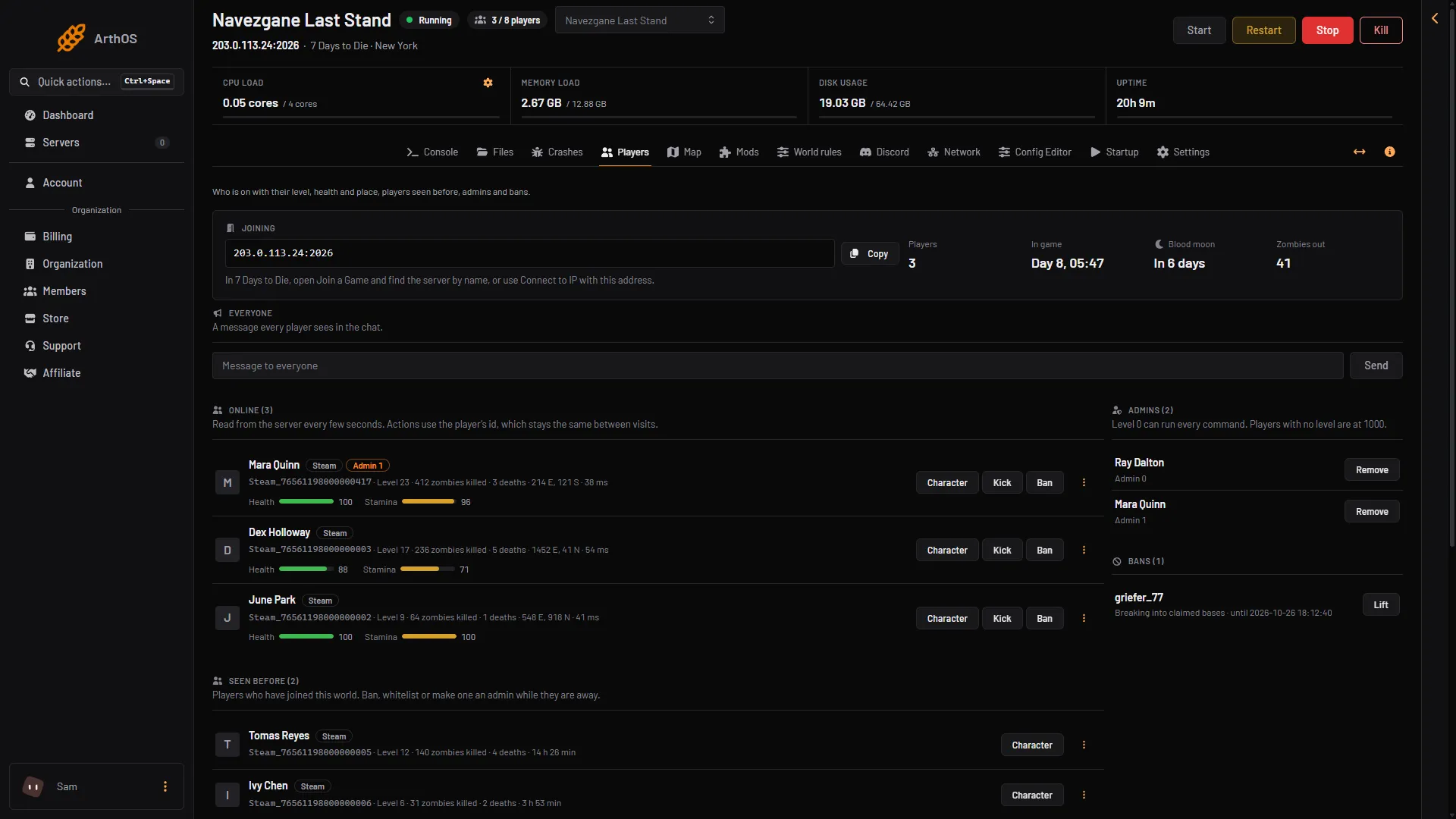
- In game
The stat shows only while the server runs.
Set the time now
The console command settime changes the clock at once, with no restart. Open the Console page and type one of these:
settime day: the game’s help says this sets the time to day 1, 12:00 pm.settime night: day 2, 12:00 am.settime <time>: sets the time to the number you give. 1000 is one hour.settime <day> <hour> <minute>: sets the day, hour and minute. Example:settime 14 6 0.
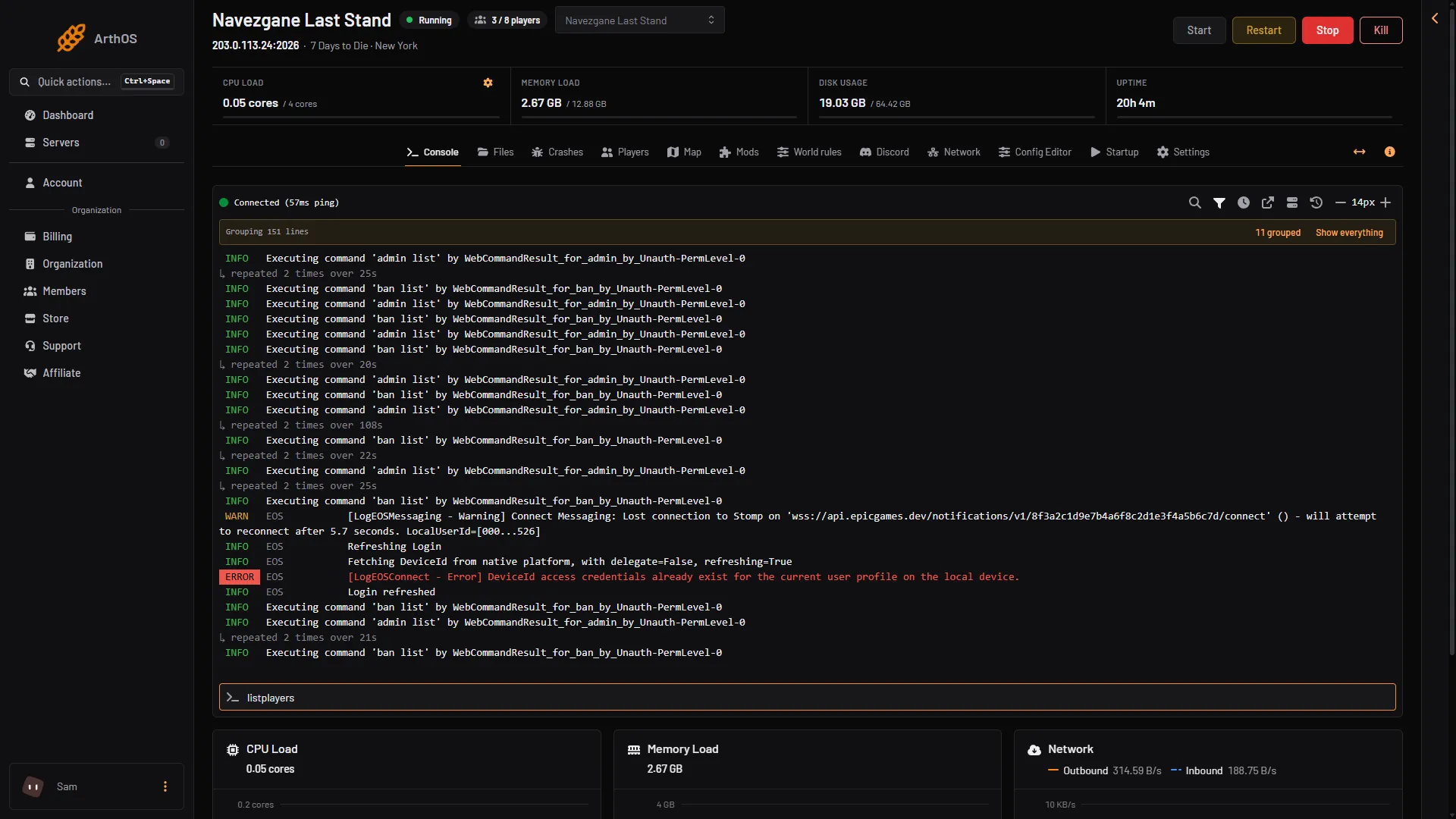
- Command box
Type the command in the box (1) without a slash.
Not checked on V3.3.0 as of 19 October 2026: how settime changes the day of the next blood moon.
If it does not work
- Nothing changed after Save. The rules are read at the next start. Restart the server.
- The time did not move. The server must be running to take a console command.
- The clock shows nothing. The Players page reads it from the running game. Start the server and wait until it has loaded.
More about the game: 7 Days to Die servers.
Sources: 7daystodie.wiki.gg: Game Settings