
















To lift a ban, start the server, open the Players page, find the player in Bans and choose Lift. The player can join again.
The game keeps bans in its own list. The panel only asks the game to remove one, so the server must be running when you do it.
Lift a ban
- Start the server and wait until it is up. The game answers the Players page about half a minute after the start.
- Open the Players page.
- Find the card Bans (1). Each banned player is a row.
- Choose Lift (2) on the row.
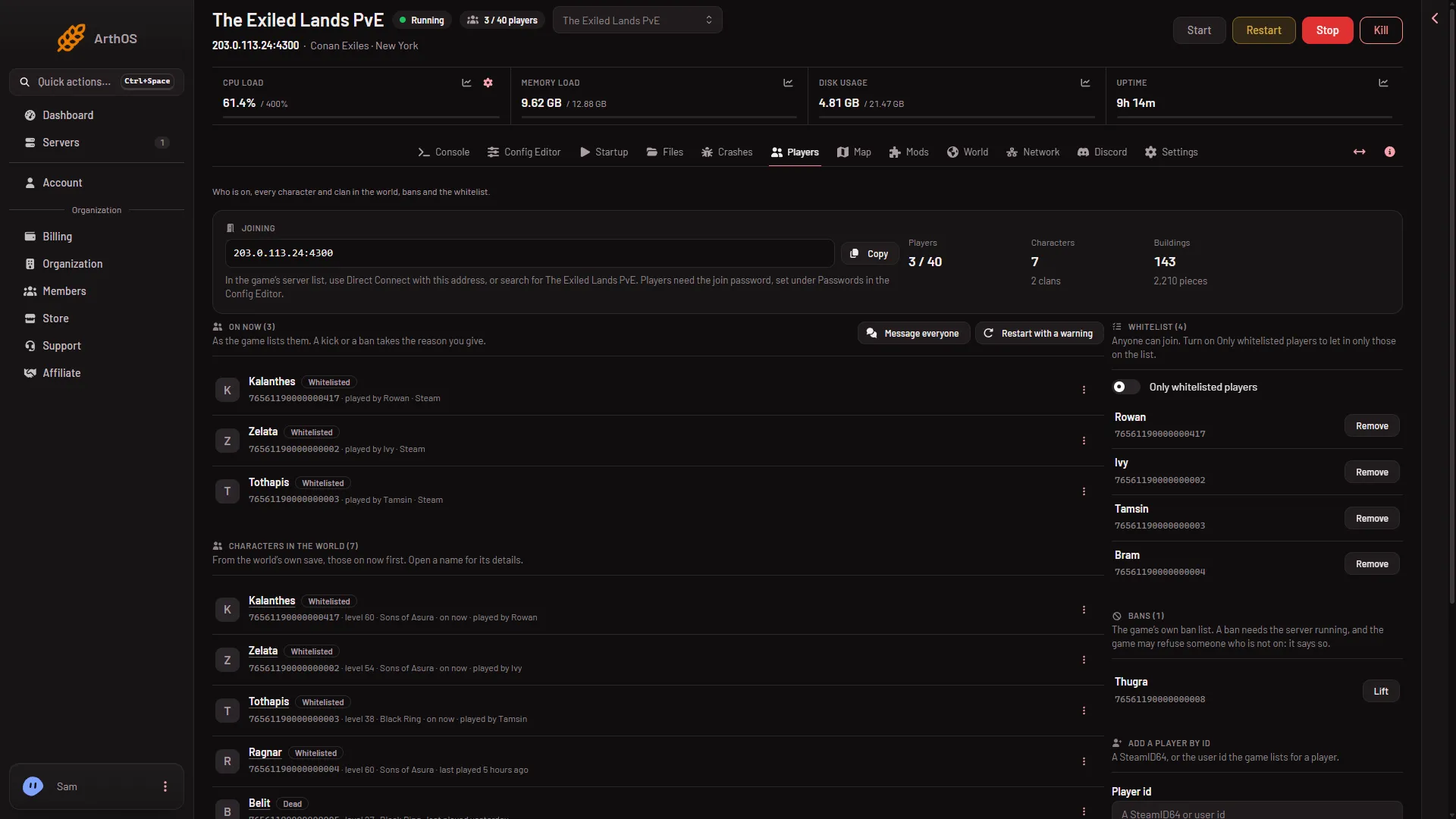
- The Bans card
- Lift the ban
The page shows the game’s own answer, and the row leaves the list.
If Bans says “Nobody is banned.”, there is nothing to lift.
The server must be running
While the server is offline, Bans still lists the names the game kept in its ban file, but Lift is greyed out and a note says “Lifting a ban needs the server running.” Start the server, then lift the ban.
Other messages you may see:
- The server is starting or stopping: wait until it is up, then try again.
- The server is not answering yet: the world is still loading. Try again once it has finished starting.
Who can do it
A role that allows moderating players. If you cannot see Lift, ask the owner of the server to give your role that. The owner sets it on the organization page.
If it does not work
- The game said something. The panel shows “the game said:” and the game’s own answer. Read it, then try again.
- The game says the player “was not banned”. The game answers
Failed to ban player (id), was not banned.for an id that is not on its list. The wording is the game’s own. Check the id in Bans. - The Players page says the game is not answering. Wait a minute. If the remote console password was refused, restart the server. The panel writes it into the game’s settings at every start.
- The player is still turned away. Check Bans again to see whether the row is gone. See ban list and the blacklist file for where the game keeps the list.
More about the game: Conan Exiles servers.