






Cars and boats spawn from events in events.xml, in your mission folder under db. Change the numbers in an event whose name starts with Vehicle, or set its active line to 0 to turn that event off. The Config Editor does not edit this file, so you edit it in Files. Checked on DayZ 1.29. Update 1.30 is due on 15 October 2026.
Where vehicles are defined
Bohemia’s pages say two things about this:
db/events.xmlis the “dynamic events configuration file”, used for events such as helicopter crashes and cars.cfgeventspawns.xmlholds the positions and rotations for events tied to a place, such as car spawns.
On Chernarus, Bohemia’s files have these vehicle events: VehicleBoat, VehicleCivilianSedan, VehicleHatchback02, VehicleOffroad02, VehicleOffroadHatchback, VehicleSedan02 and VehicleTruck01. Each event lists the vehicle classes it can create. One event looks like this:
<event name="VehicleCivilianSedan">
    <nominal>8</nominal>
    <min>5</min>
    <max>11</max>
    <lifetime>300</lifetime>
    <restock>0</restock>
    <saferadius>500</saferadius>
    <distanceradius>500</distanceradius>
    <cleanupradius>200</cleanupradius>
    <flags deletable="0" init_random="0" remove_damaged="1"/>
    <position>fixed</position>
    <limit>mixed</limit>
    <active>1</active>
    <children>
        <child lootmax="0" lootmin="0" max="5" min="3" type="CivilianSedan"/>
        <child lootmax="0" lootmin="0" max="5" min="3" type="CivilianSedan_Black"/>
        <child lootmax="0" lootmin="0" max="5" min="3" type="CivilianSedan_Wine"/>
    </children>
</event>
These events use <position>fixed</position>, and Bohemia’s cfgeventspawns.xml has a list of <pos> lines under each event name. Vehicles come from those places.
Bohemia does not explain nominal, min and max. In its shipped file they go together: nominal sits between min and max, and a smaller event, VehicleOffroad02, uses nominal 3, min 2 and max 3.
Change the number of vehicles
- In Console, choose Stop and wait until the server is off.
- Open Files, then your mission folder, for example
mpmissions/dayzOffline.chernarusplus, thendb/events.xml. - Find the event you want. To get more of that vehicle, raise
nominalandmaxtogether and keepminbelownominal. To get fewer, lower them. - To turn an event off, change its
<active>1</active>to<active>0</active>. Bohemia uses this to switch events off. - Save the file and start the server.
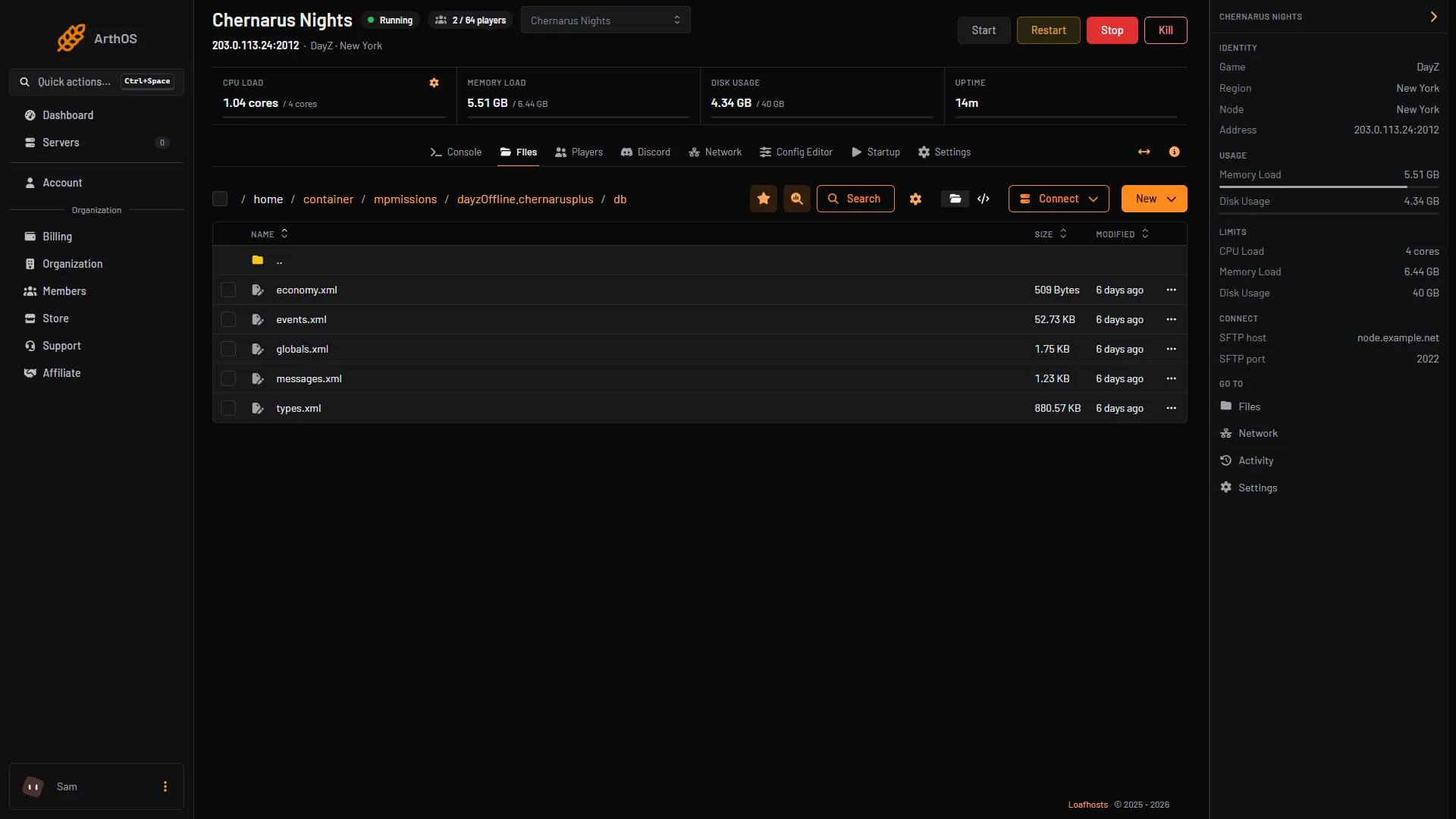
- events.xml
Open events.xml (1) from the db folder.
Add a vehicle your server does not have
A vehicle spawn in Bohemia’s files has two parts: an event in events.xml, and positions for the same event name in cfgeventspawns.xml. The positions are x and z map coordinates and a rotation a:
<event name="VehicleCivilianSedan">
    <pos x="12071.933594" z="9129.989258" a="317.953339" />
</event>
Bohemia lets you keep changes in separate files: add a ce folder in cfgeconomycore.xml with a file of type="events". In such a file the children of the original event always stay, and you may add children.
If the change does not show up
Bohemia says that changes to the mission files “in most cases” are not applied unless the storage_ folder is removed. Restart the server first and look for a few minutes. Bohemia does not say how quickly a changed vehicle count shows up on a server that already has a saved world.
If it does not work
- No vehicles of one kind. The event is set to
<active>0</active>, or it has no<pos>lines incfgeventspawns.xml. - The server misbehaves after an edit. The XML may have a typo, such as a tag that is not closed. Put your copy back and edit again in small steps.
- Vehicles are in the wrong place. Positions come from
cfgeventspawns.xml. Move or remove the<pos>lines for that event name.
More about the game: DayZ servers.
Sources: github.com: DayZ Central Economy, Bohemia wiki: Central Economy setup for custom terrains, Bohemia wiki: Central Economy mission files modding, store.steampowered.com: 221100