









Open the Config Editor, group Saving and backups, and set Save the world every (minutes) (SaveWorldEveryMinutes). The game then saves the parts of the map that are loaded after that many real minutes. New Loafhosts servers start at 10.
What the setting does
The game’s own note says the loaded parts of the map are saved after this many real-world minutes. It adds that the map is usually saved only after players leave a loaded area. The game’s default is 0, which means only that.
At 0, a long session in one place may not be saved for a long time. If the server crashes, everything since the last save is lost. A number such as 10 saves on a clock, so a crash loses less.
The value can be any whole number from 0 up to 2147483647.
Change it
- Open the Config Editor.
- Find the group Saving and backups.
- Set Save the world every (minutes) to the number you want.
- Save.
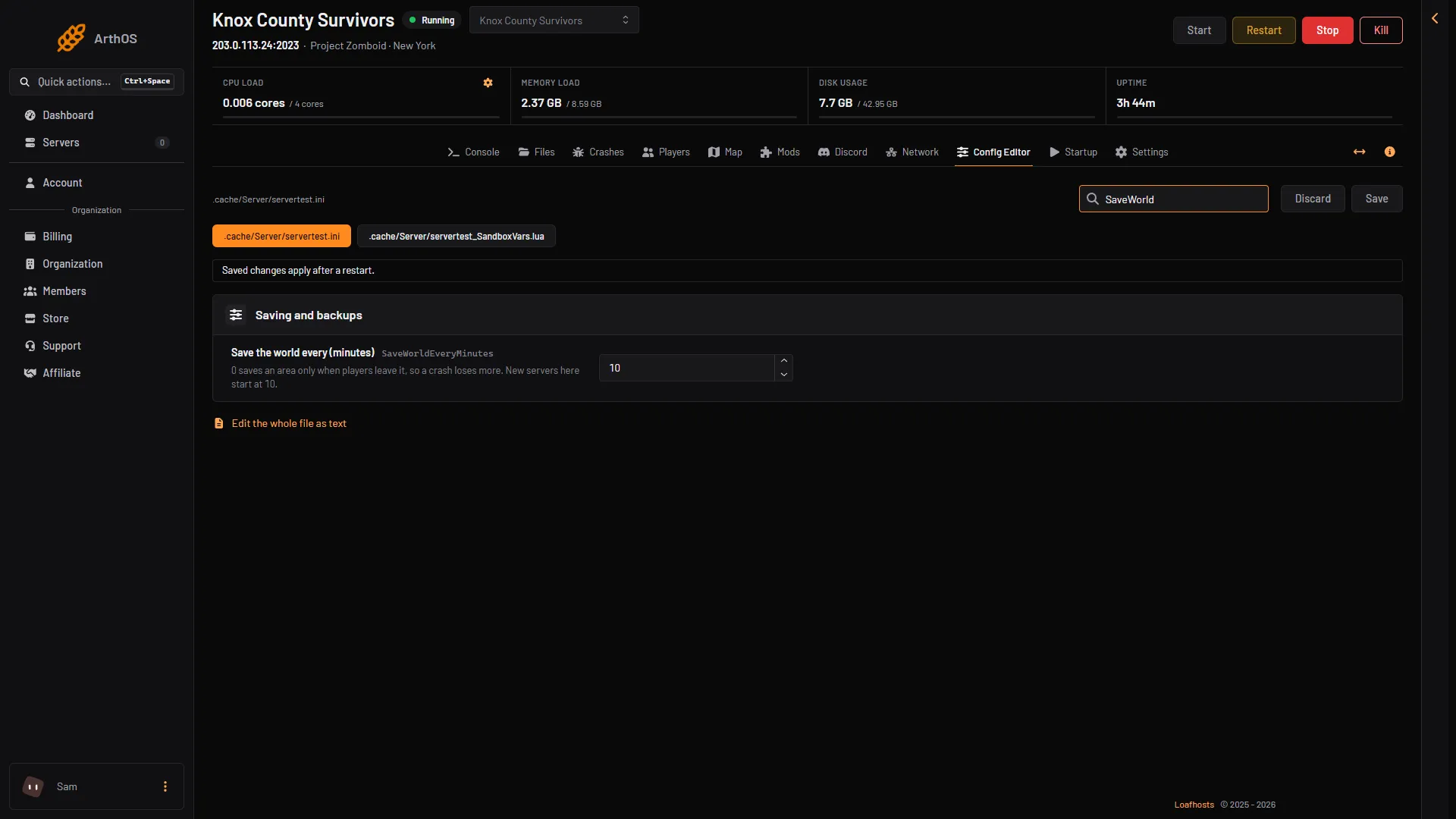
- Save the world every (minutes)
The change applies after the next restart. Saving while the server runs shows that the changes wait for a restart.
By hand
On a server you run yourself, open the server’s settings file (servertest.ini for the default name) and set this line, then restart:
SaveWorldEveryMinutes=10Save by hand
You can also save at any moment from the Console:
saveThe game saves the world and answers “World saved”. Inside the game, an admin types /save in chat.
The quit command also saves the world before it stops the server.
Not checked on Build 42.21 as of 18 October 2026: how much a very small interval, such as 1 minute, slows a busy server.
Autosave is not a backup
Autosave keeps one current copy of the world. If something goes wrong with that copy, there is nothing older to return to. For that, use backups:
- The panel’s backups are on Settings, then Backups.
- The game keeps its own too. In the same group, Back up at every start (
BackupsOnStart), Back up when the game updates (BackupsOnVersionChange), Game backup every (minutes) (BackupsPeriod) and Game backups kept (BackupsCount) control them. They use disk space.
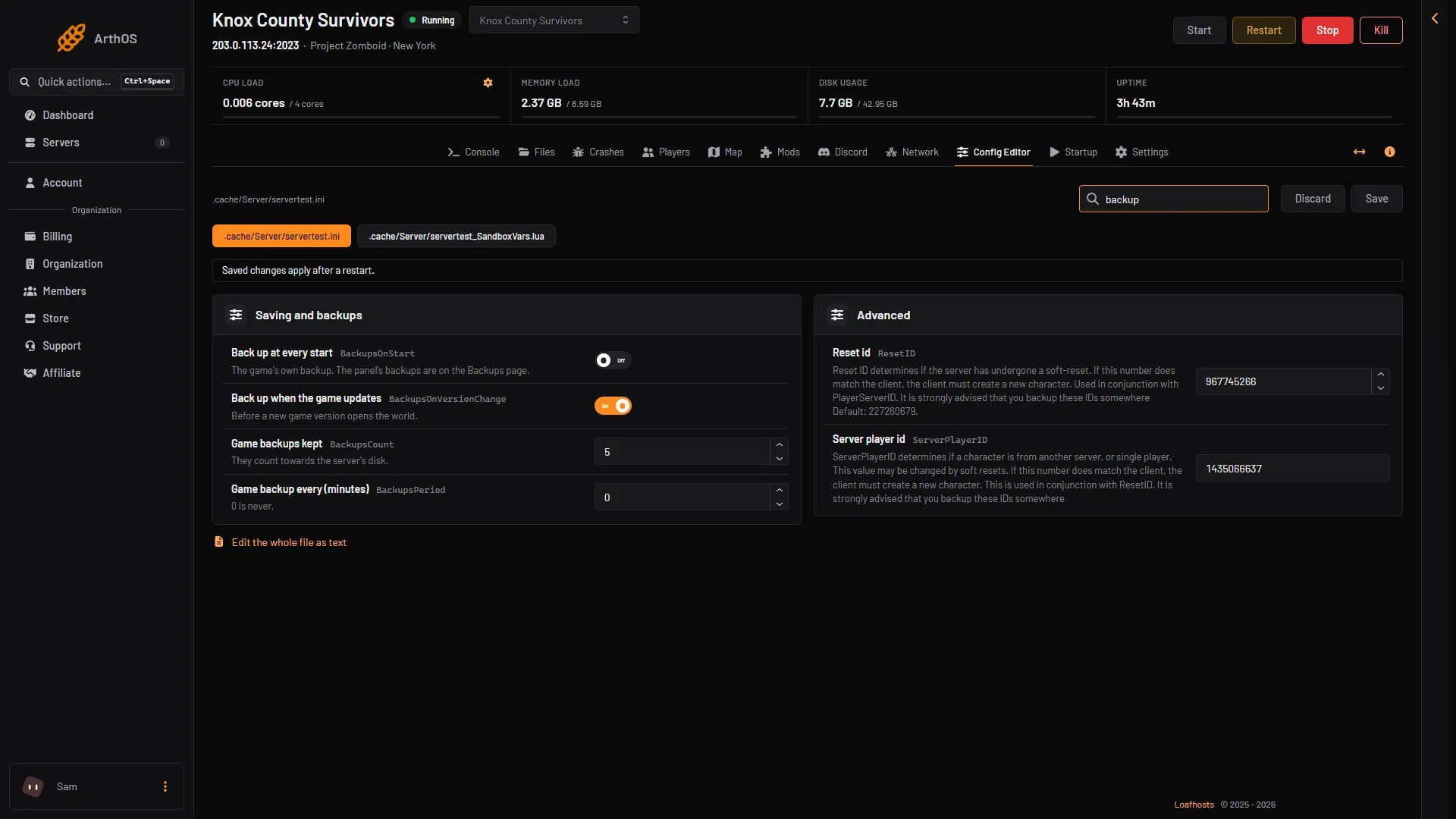
- Game backups kept
- Game backup every (minutes)
See back up and restore a Project Zomboid server.
If it does not work
- The old value is still there. Restart the server. Check the row after the restart.
- A crash still lost a lot. Check the value is not
0, and that the server was saving when it crashed. Read the Crashes page for the reason. savedoes nothing. The server must be running. Start it and wait for*** SERVER STARTED ****in the console.
More about the game: Project Zomboid servers.
Sources: pzwiki.net: Server settings, pzwiki.net: Admin commands