






Squad has three exclusion files. The panel edits one of them, ExcludedLayers.cfg, as the Hidden from admins list. The other two you edit by hand.
| What | File | In the panel |
|---|---|---|
| Layers | ExcludedLayers.cfg | Hidden from admins on the Layers page |
| Factions | ExcludedFactions.cfg | By hand in Files |
| Maps (levels) | ExcludedLevels.cfg | By hand in Files |
Hide a layer
Offworld’s wiki says a layer in ExcludedLayers.cfg is hidden from AdminChangeLayer and AdminSetNextLayer, and does not show in AdminListLayer. In the panel, hidden layers are ones “admins cannot pick when they change or set the next layer”.
- Open your server and choose Layers.
- Choose Hidden from admins in the list on the left.
- Find a layer in Layers on this server and press Hide, or type its ID in Add by ID. Press Save.
A new server’s Hidden from admins list holds 60 entries already.
The wiki’s own stock file also lists test layers, such as the tutorials, this way. Saving a list reloads the server’s config if it is running. Otherwise it is read at the next start.
Hide a faction or a map by hand
Open Files, then SquadGame/ServerConfig/.
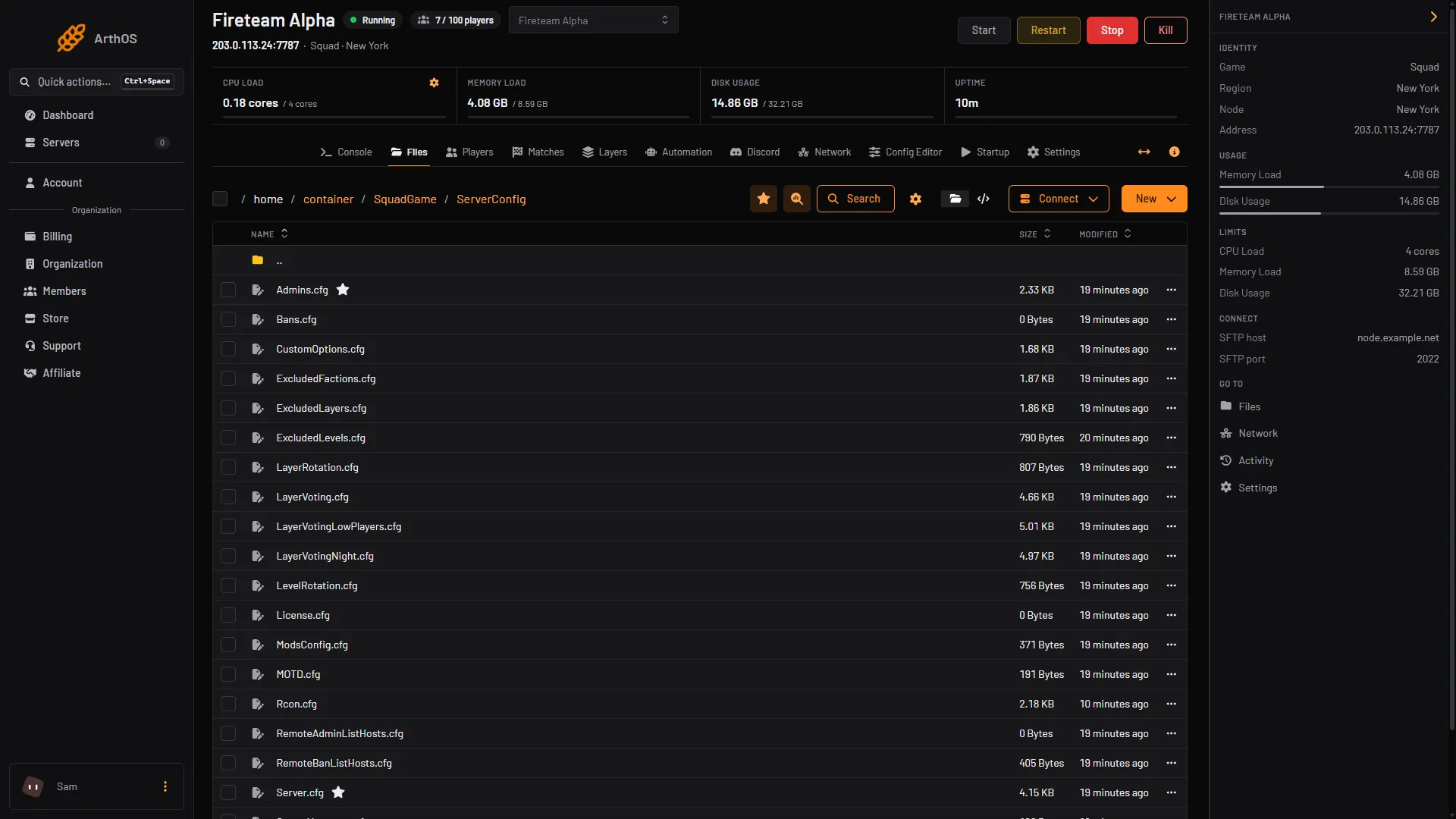
- ExcludedFactions.cfg
ExcludedFactions.cfg(1) lists factions by faction ID, which differs from the name players see. Offworld’s wiki says a layer with an excluded faction cannot run, and for layers with no set factions an excluded faction is not loaded. In the stock file every faction ships with//in front, so none is excluded. The file’s own header says “To exclude any faction just remove ’//’ before faction/type name”. Removing the//excludes that faction. The stock IDs are ADF, AFU, BAF, CAF, CRF, IMF, MEI, GFI, PLA, PLAAGF, PLANMC, RGF, VDV, USA, USMC, TLF and WPMC.
Before and after, for RGF:
//RGF
RGF
The first line leaves RGF in the game. The second excludes it.
ExcludedLevels.cfglists map names, one per line, such asFallujah. Excluded maps never load in any rotation, and do not show inAdminListLevels.
Restart the server after editing, so the game reads the files again.
Leave factions out of one vote entry
You can also leave a faction out for a single layer in the vote pool, without hiding it everywhere. Add the factions after the layer ID with a bar:
AlBasrah_AAS_v1|CAF|RGFIn the panel, such a row reads “Vote without CAF, RGF”. Offworld’s wiki gives the rules:
- A faction name is excluded.
- A faction name plus a unit, like
BAF+Mechanized, excludes only that unit. +Mechanizedalone excludes that unit type for every faction.- With only one entry after the ID, it applies to both teams.
Type the whole line in Add by ID on the Vote pool list. See layer voting.
If it does not work
- Admins still see a layer. Save the list, and check the ID matches exactly.
- Every layer disappeared. A file now excludes too much. Put the file back and read its header.
- The panel refuses a row. An ID may have letters, digits, underscores and hyphens, and a vote row at most two factions.
More about the game: Squad servers.
Sources: squad.fandom.com: Server Configuration, store.steampowered.com: 393380