
















Many tModLoader mods have their own settings. The panel lists each mod’s config as a file in the Config Editor, named like Mod name: Config name. Open one, change a value, save, and restart the server. A restart disconnects everyone who is on, so use Message everyone first.
This works on a server that runs tModLoader. See the Terraria server page for the three server programs.
Find the files
- Open the Config Editor for the server.
- Look at the file list at the top. It holds Passwords and Server settings (1), then one entry per mod config.
- Choose the one you want.
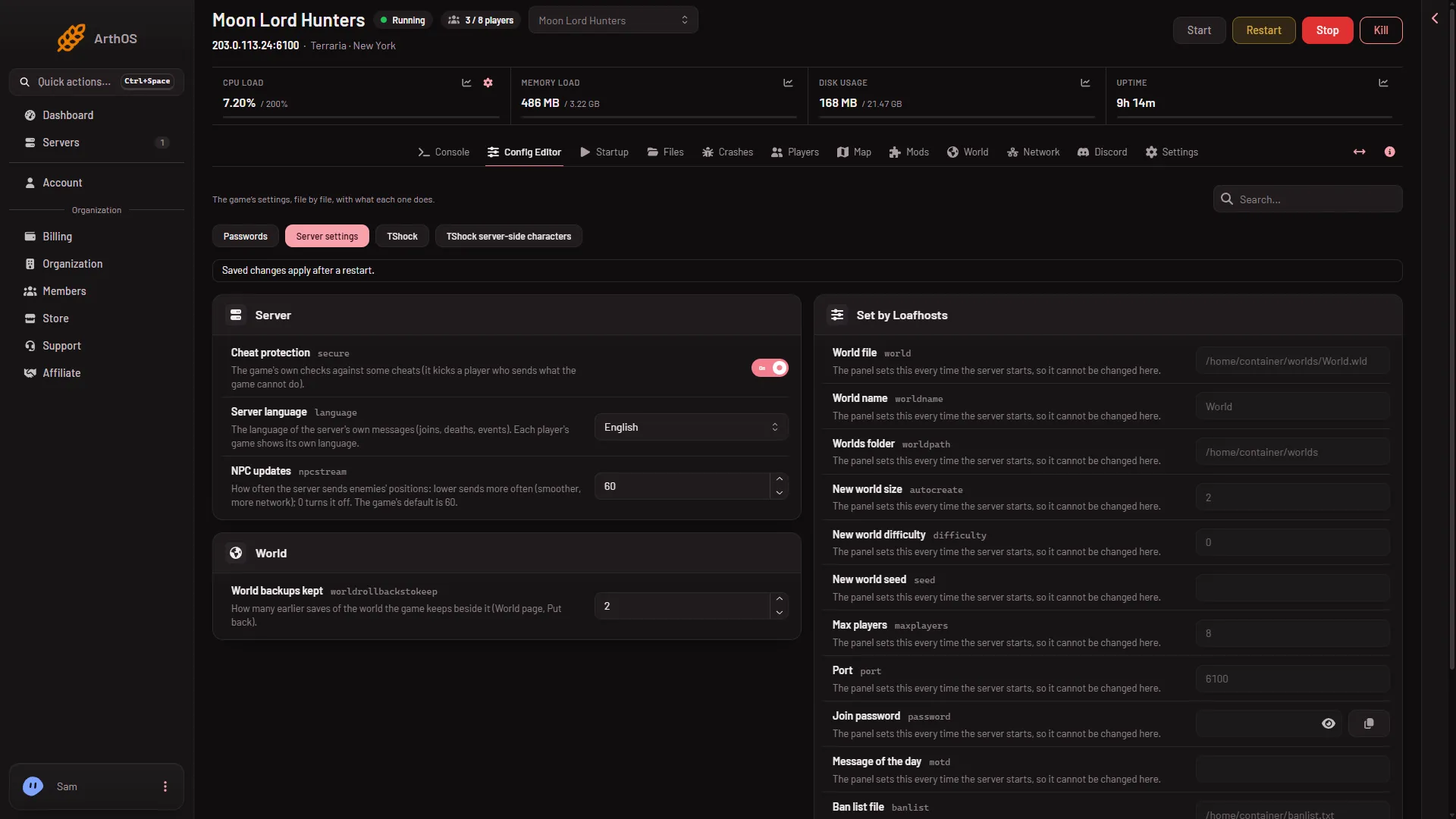
- Server settings
The picture is from a TShock server, so it lists the TShock files. On tModLoader the mod configs take their place after Server settings.
Each entry is a .json file in tModLoader/ModConfigs, inside the tModLoader save folder. The panel shows the file name with its first underscore written as a colon and a space. So a file named ExampleMod_ExampleConfig.json shows as ExampleMod: ExampleConfig.
The list is sorted by name, small files only, and stops at 60 files.
Edit a config
- Open the file in the Config Editor.
- Change the values you want. What each value does is up to the mod, so read the mod’s own page on the Steam Workshop.
- Save.
- Restart the server.
By hand
Open Files, go to tModLoader/ModConfigs (on a server you run yourself, ModConfigs in the tModLoader save folder), and edit the .json file there. Keep it valid JSON. The same rule applies: restart the server after.
If it does not work
- A mod has no config file in the list. The list shows only files that are in
tModLoader/ModConfigs. A mod with no file there has none to edit yet. Apply the mod on the Mods page, start the server, and look again. - The list stops short. The panel shows 60 files at most, and skips big files. Use Files for the rest.
- A setting seems to do nothing. Some mod settings only matter in the player’s own game, not on the server. Check the mod’s Workshop page for which side uses it.
- You broke the file. Put the old values back. Keep a copy of a config before you change it.