
















Guides / Terraria
Terraria server guides.
One task per guide: how to do it in the ArthOS panel, and by hand where there is a way.
Basics
23 guides-
 Basics
Change the Terraria server player limit
Set the Terraria max players on the Startup page, from 1 to 255. A new server starts at its plan's size of 8, 16 or 32. The change applies at the next start. -
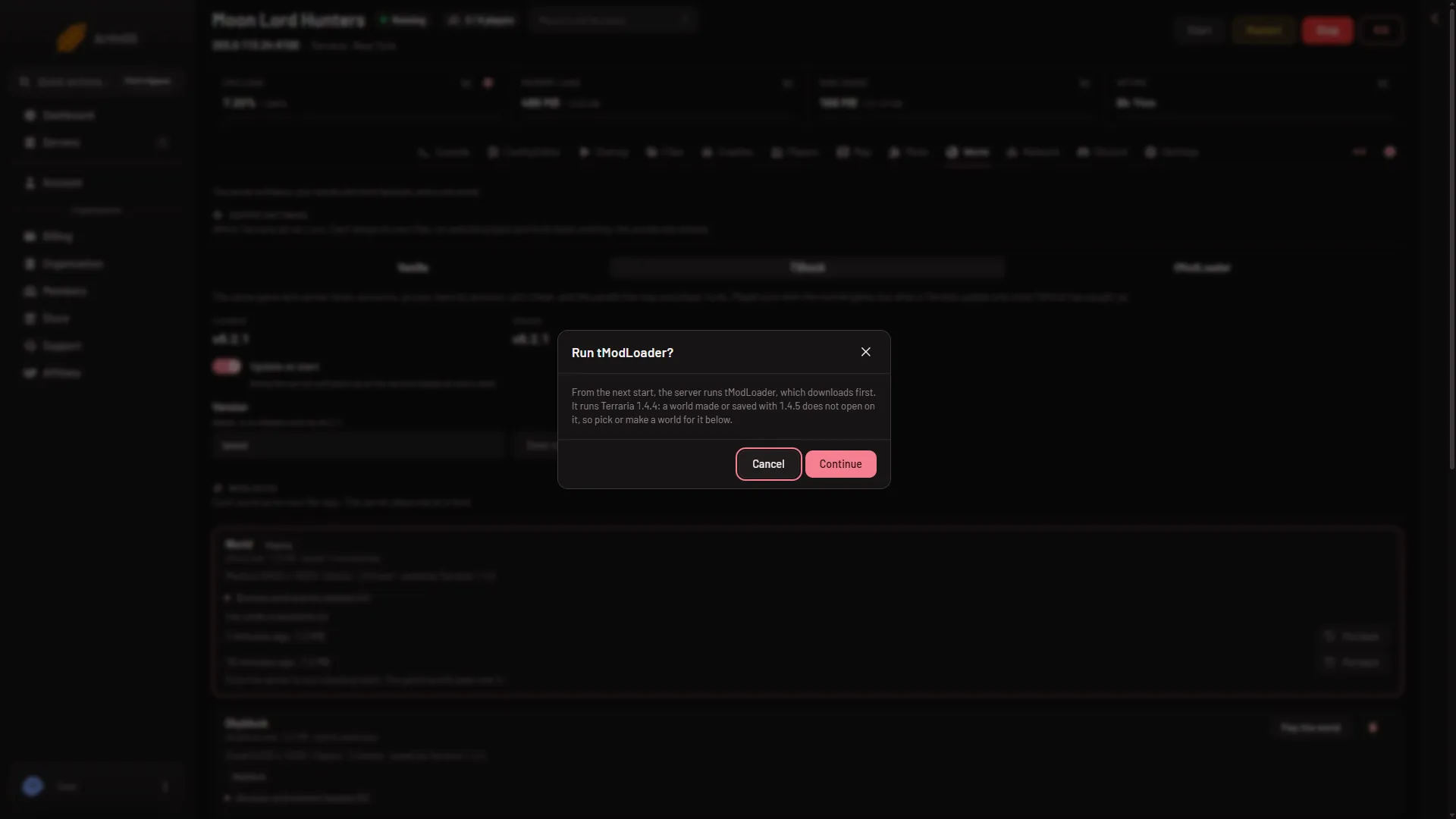
How to host a tModLoader server with Workshop mods
Switch a Terraria server to tModLoader on the World page, pick a 1.4.4 world, add Steam Workshop mods, and have players join with tModLoader. Step by step. - Basics
How to join a Terraria server
Join a Terraria server with Multiplayer, Join via IP, the address and port from the Players page, then the password if asked. tModLoader needs tModLoader. - Basics
Set or remove a Terraria server password
Set, change or remove the Terraria join password under Passwords in the Config Editor, not on Startup. Up to 40 characters. It applies at the next start. - Basics
Set up a Terraria server, from order to first join
A new Terraria server runs the game's own server and makes a world at its first start. Find the address on Players, then join with Multiplayer and Join via IP. - Basics
Set up a TShock server and make yourself owner
Switch a Terraria server to TShock on the World page, start it, copy the one-time setup code from Players, join, type /setup and make your owner account. -
Start, stop or restart a Terraria server
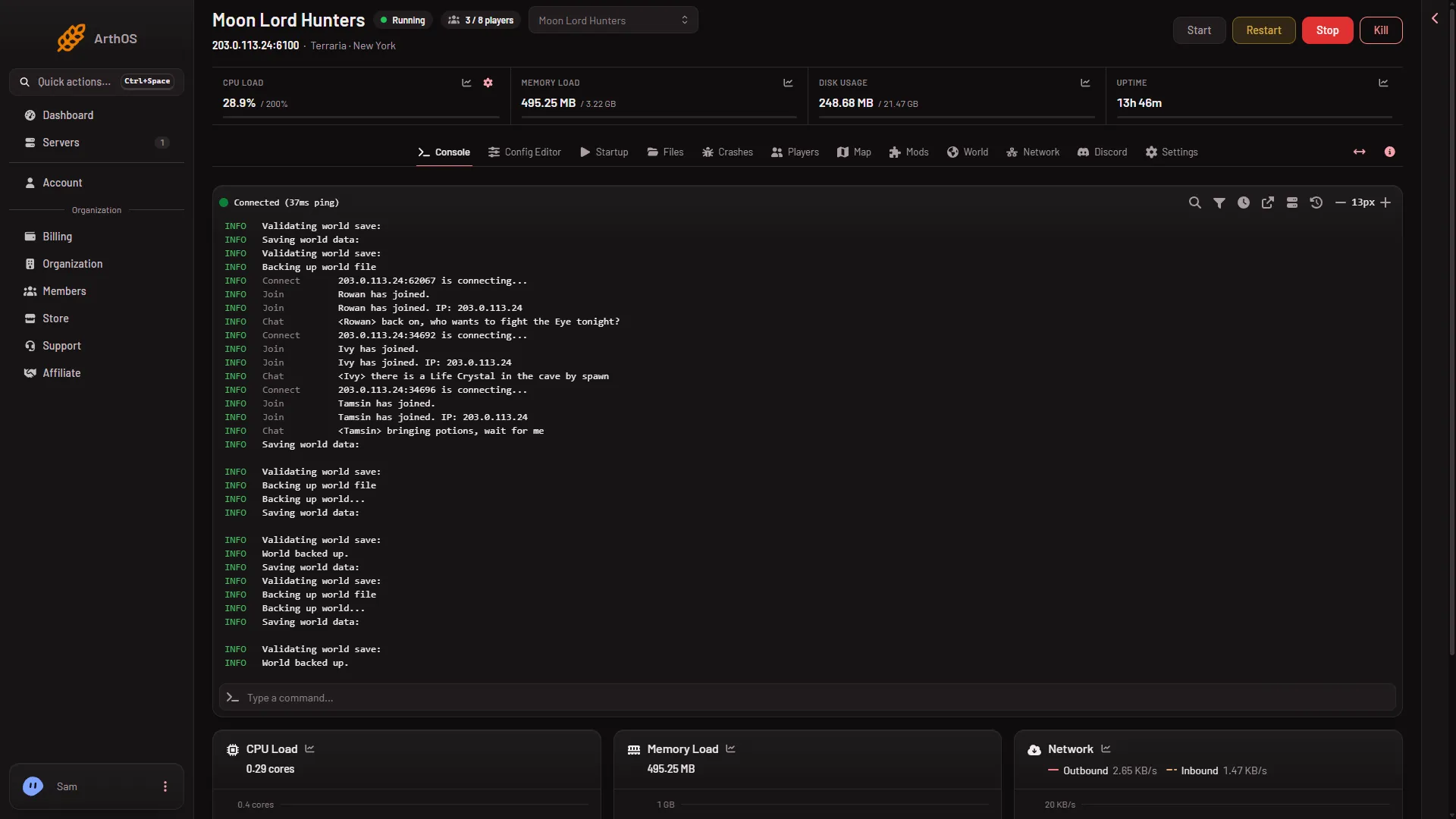
Start, stop and restart a Terraria server from the panel. Stop saves the world with exit, a restart disconnects players, and Kill skips the save. -
Switch Terraria to TShock or tModLoader
Change a Terraria server between Vanilla, TShock and tModLoader on the World page. It applies at the next start, and your worlds stay where they are. - Basics
Terraria backups: panel, game and TShock compared
A Terraria server has three kinds of backup: the panel's Backups, the game's own world backups and TShock's. Learn what each holds and when to use it. -
Terraria server address and port: where to find them
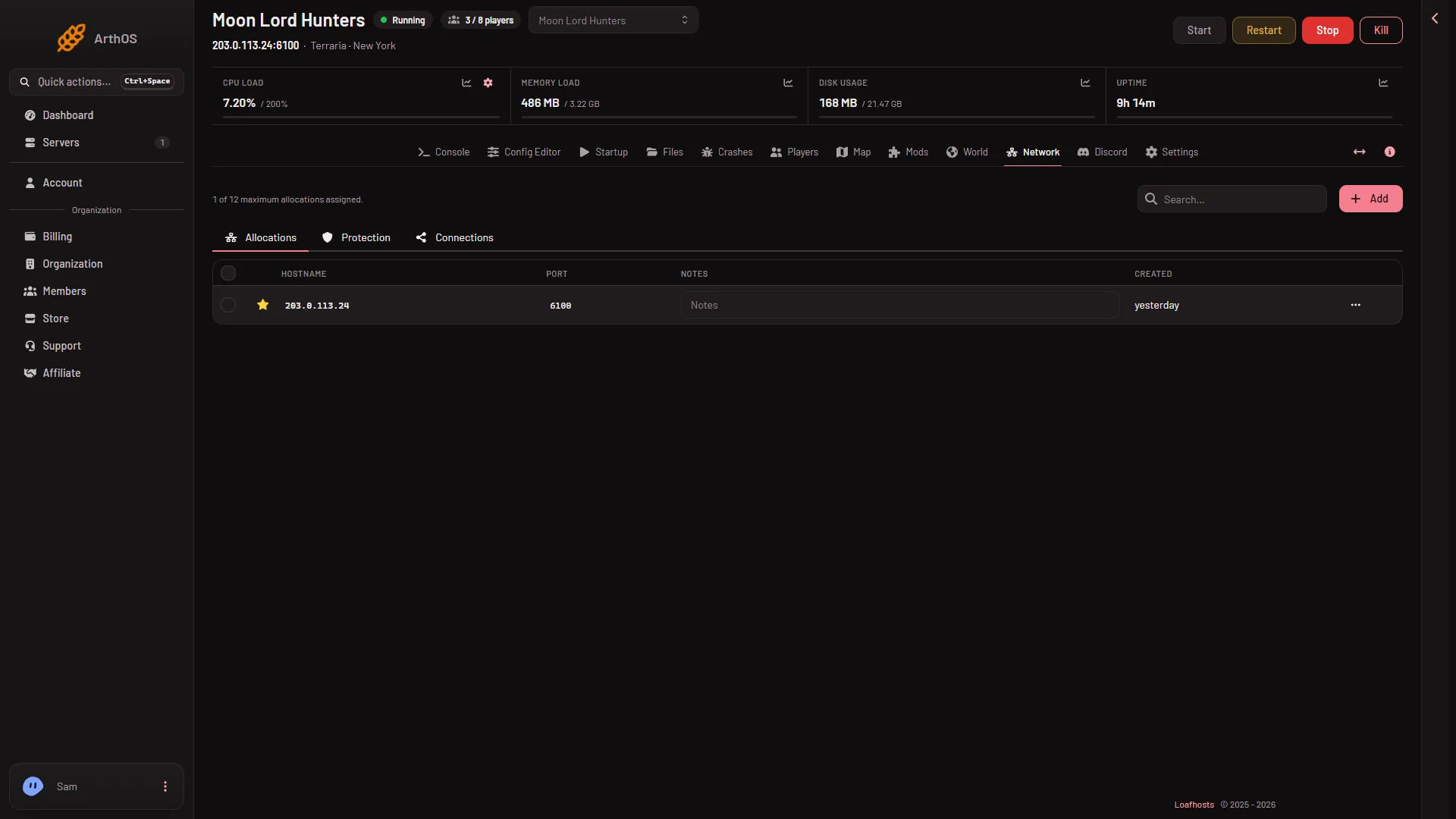
Find your Terraria server's address and port on the Players page or the Network page. It is not 7777, and it uses TCP only. Players type both in Join via IP. - Basics
Terraria server Startup settings explained
Every Terraria Startup setting by its panel label: what it does, which ones only matter for a new world, and that all of them apply at the next start. - Basics
Update a Terraria server to the newest version
Update a Terraria server with Update at start, or keep one version with the Version field. Players need the same version as the server. Restart to apply. - Basics
Vanilla, TShock or tModLoader: which Terraria server
Compare the three Terraria servers on Loafhosts: who can join, which game version, mods, accounts and the panel's tools. Pick one on the World page. -
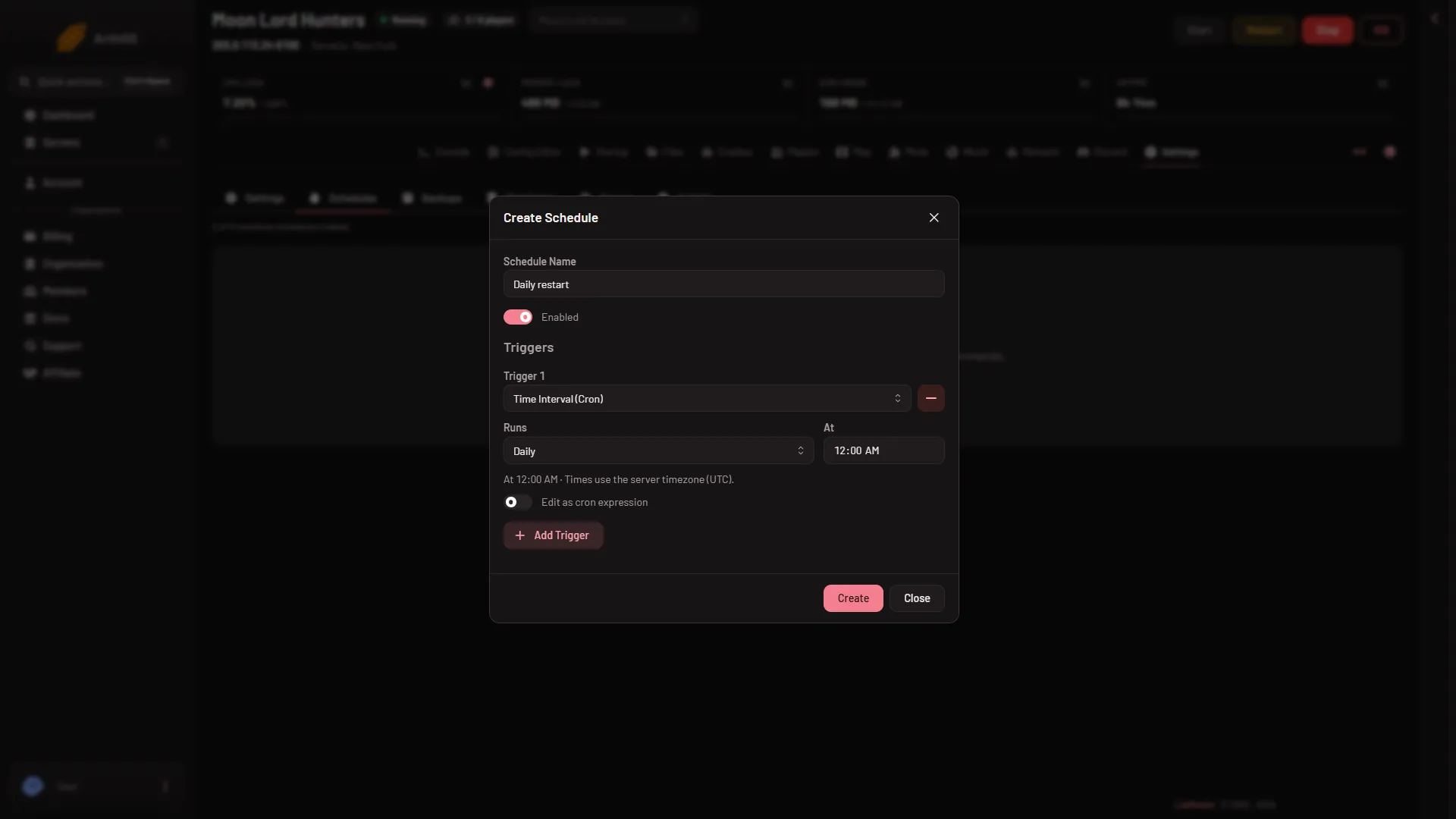
Schedule Terraria server restarts and saves
Restart a Terraria server every day, or save its world on a timer, from the Schedules tab. A stop saves the world first. Times use the server time zone. - Basics
Set a Terraria message of the day
Set the Terraria message of the day with the Message of the day field on Startup: one line, up to 120 characters, shown to each player who joins. - Basics
Show a Terraria server in Discord
Link a Discord channel and the bot keeps one message up to date with your Terraria world, program, who is on, Hardmode, bosses beaten and mods. -
Terraria server console: ready line and commands
Use the Terraria server Console tab: when the server is ready, the help, save and exit commands, and which lines the launcher hides or shortens. - Basics
Terraria server files and folders explained
What is in the Terraria server's worlds, logs, tshock and tModLoader folders, what serverconfig.txt and banlist.txt do, and which files to leave alone. - Basics
Terraria server logs: where they are and how to read them
A Terraria server writes one log per start and keeps about ten, stamped in UTC. Learn to read joins, leaves and chat, and how the Crashes tab reads them. -
Terraria server memory and plan sizes
What the Small, Standard and Large Terraria plans hold: cores, memory, disk and players. How to read your memory use and what to do when the server runs out. - Basics
Terraria server roles and permissions
Which role may see players, kick and ban, give items, see IPs, open private map data, change startup, restart or delete a world on a Terraria server. - Basics
Terraria server standby: stop it when nobody plays
Standby stops a Terraria server by itself when nobody has played for a while, and a wake link lets players start it again. Nothing is deleted. - Basics
Terraria Vanilla server: what you get and what you do not
Vanilla is the game's own Terraria server. Players join with the normal game. Kicks, bans, time and messages work. Items and the live map need TShock.
Players and the map
24 guides-
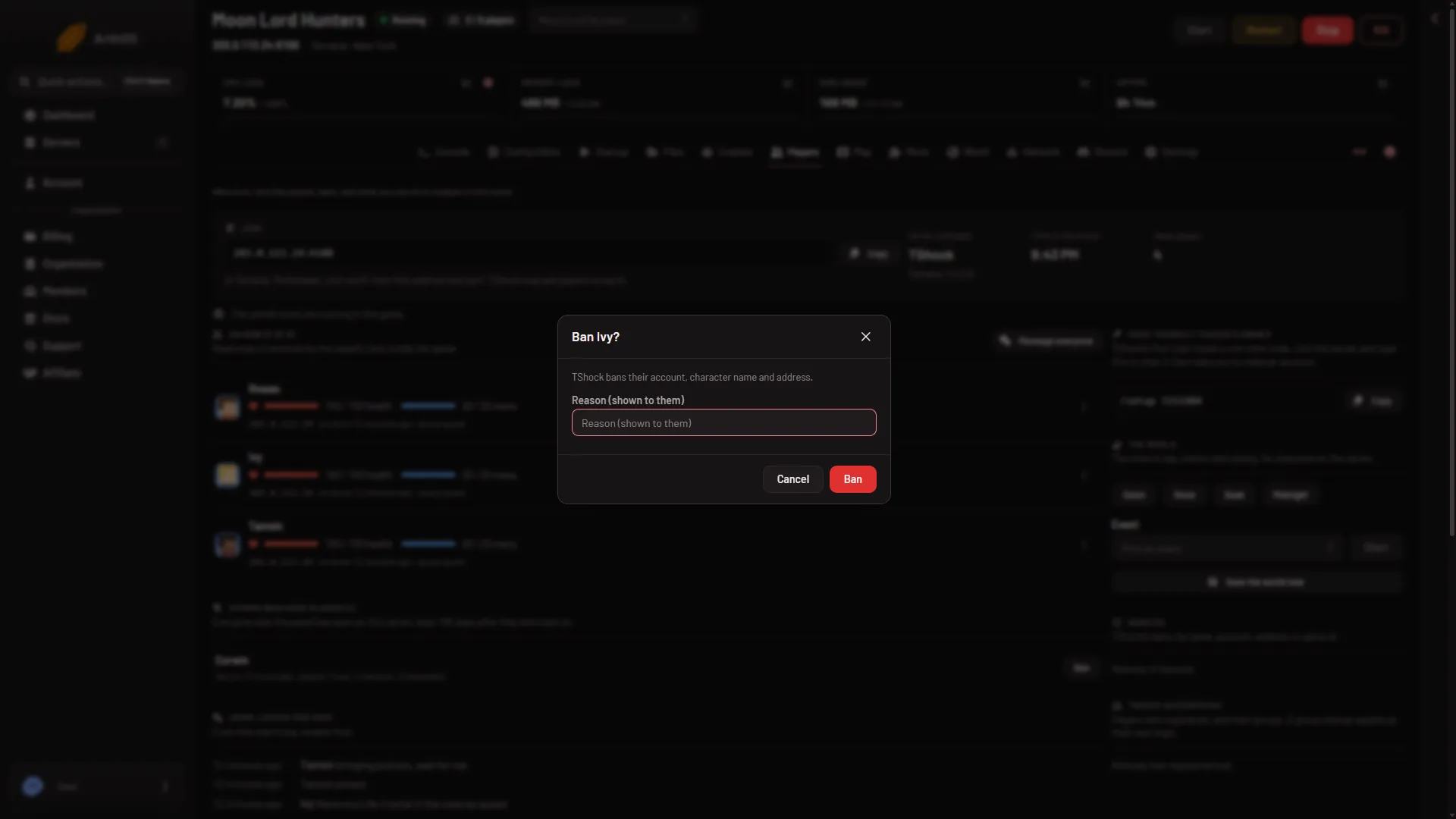
Ban a player on your Terraria server
Ban a Terraria player from the Players page: Vanilla and tModLoader ban the name and address; TShock bans by account, game id and address. -
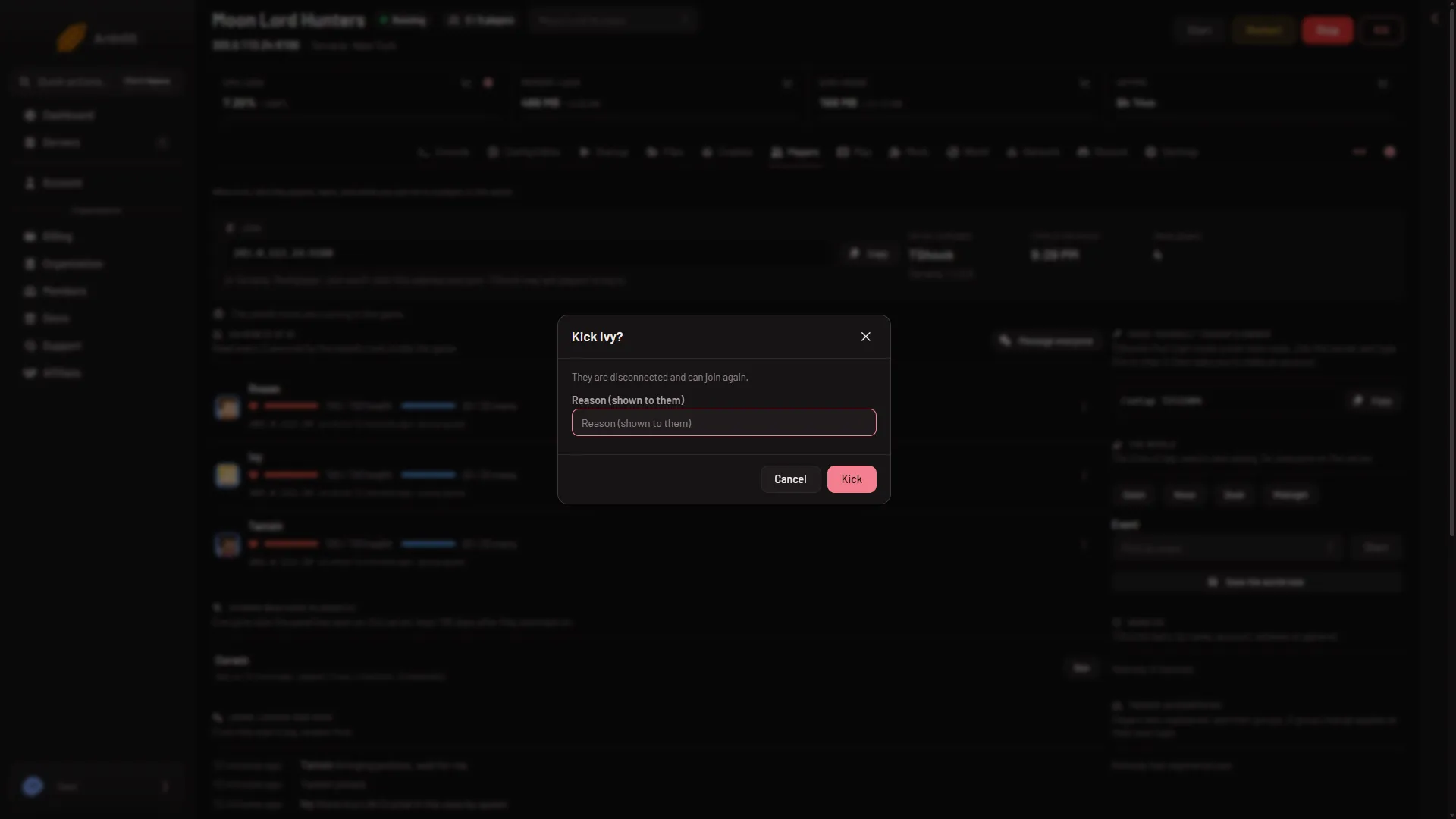
Kick a player from your Terraria server
Kick a Terraria player from the Players page: open their row menu, choose Kick and confirm. They are disconnected and can join again. Reasons work on TShock. -
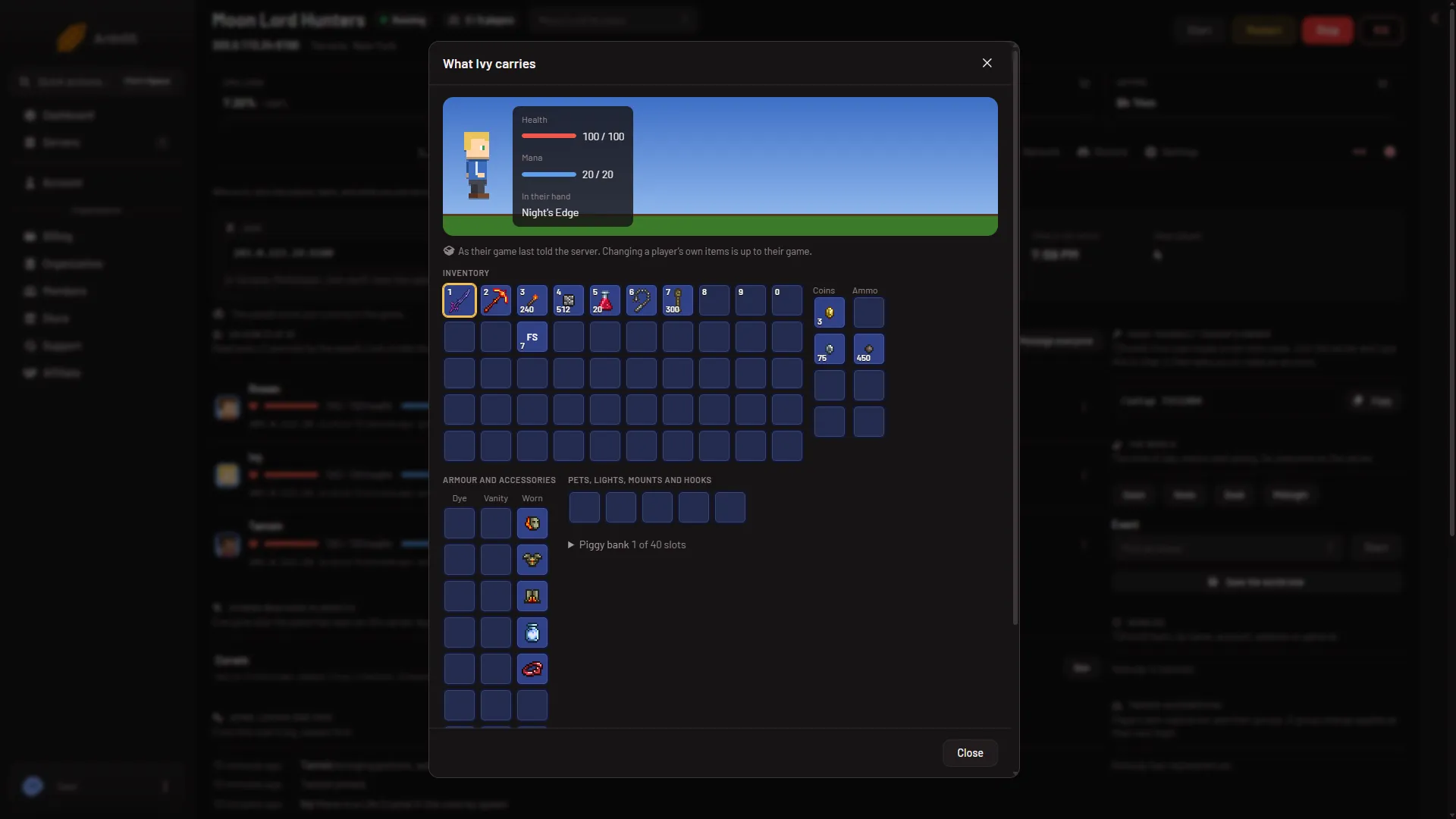
See what a player carries on a Terraria server
Open What they carry in a player's row menu to see their hotbar, armour, coins and piggy bank, with item pictures. It is read only. Needs TShock or tModLoader. - Players and the map
See who is online on a Terraria server
Open the Players tab to see who is on your Terraria server. Learn how the list is read on each program, and why an empty server is paused. -
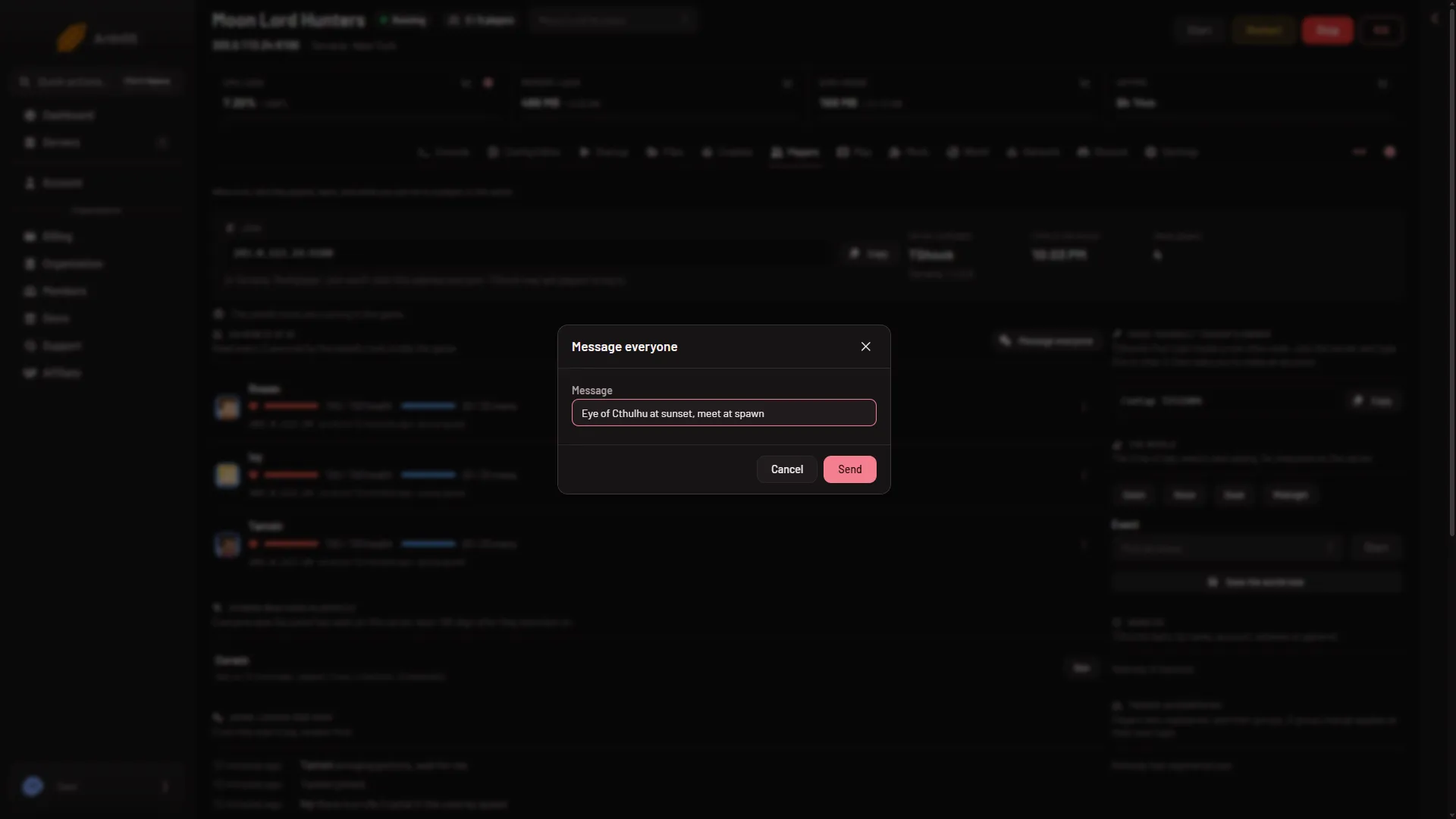
Send a message to players on your Terraria server
Message everyone on your Terraria server from the Players page, 1 to 200 characters. Messaging one player needs TShock or tModLoader and the panel's tools. - Players and the map
Terraria Players page: what each part does
A tour of the Players tab on a Terraria server: who is on now, what you can do to a player, world actions, past players, joins and chat, and bans. -
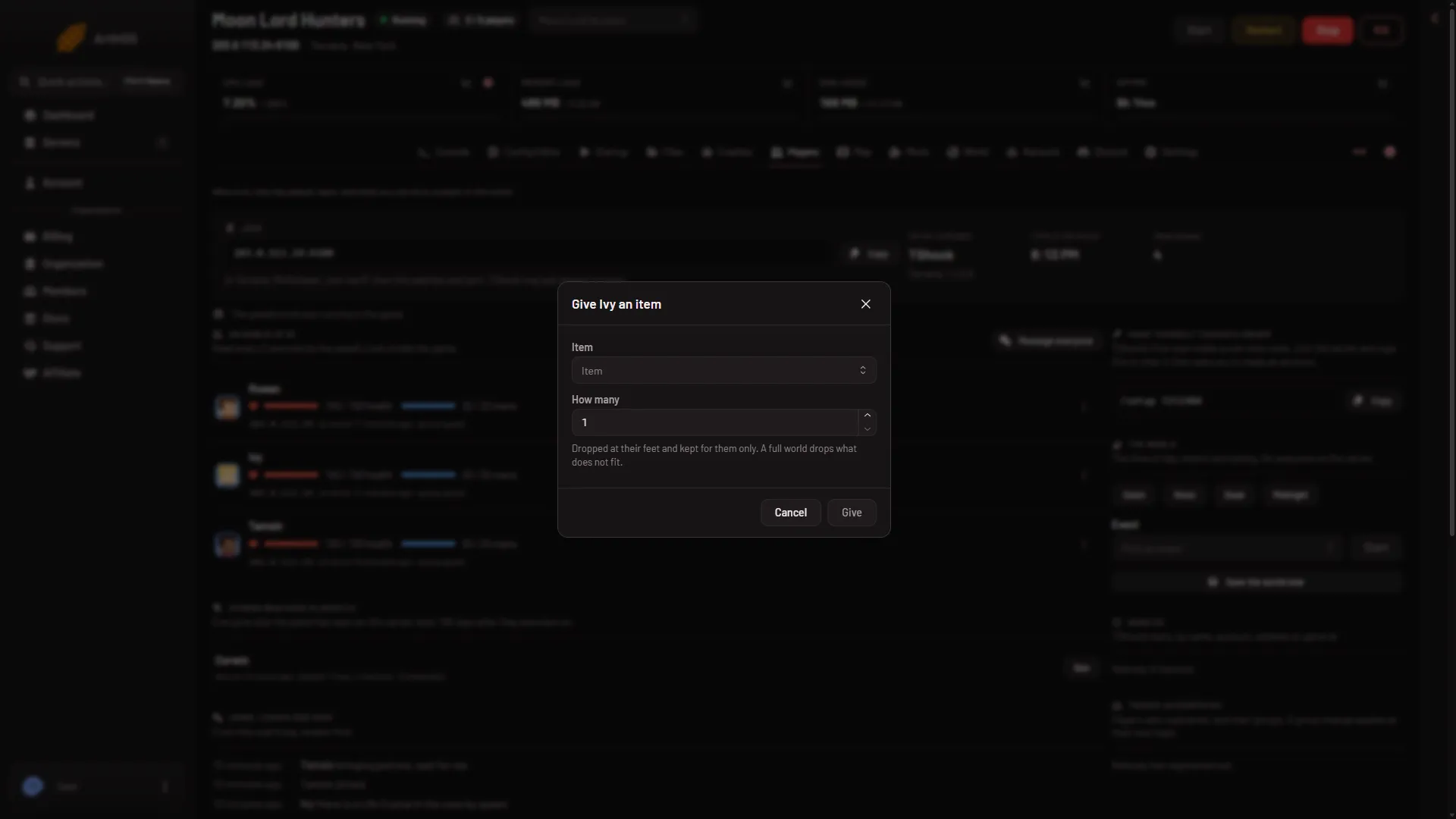
Terraria: give an item to a player on your server
Give a Terraria player any item, 1 to 9,999 at a time, from the Players page. It drops at their feet for them only. Needs TShock or tModLoader and a player on. - Players and the map
TShock accounts and groups: change a player's group
See who has registered on your TShock server and change their group from the Players page. A new group applies the next time they log in. -
TShock bans: name, account, address and game id
A TShock ban can hold a name, account, address and game id, and last for good or until a date. Read the Bans list on the Players page and lift a ban. - Players and the map
TShock first start: the /setup code and owner account
TShock prints a one-time /setup code at its first start. Find it on the Players page, type it in chat, and make your owner account. - Players and the map
Unban a player on your Terraria server
Lift a Terraria ban from the Bans list on the Players page. TShock needs the server running; the panel says Vanilla and tModLoader apply it at the next start. -
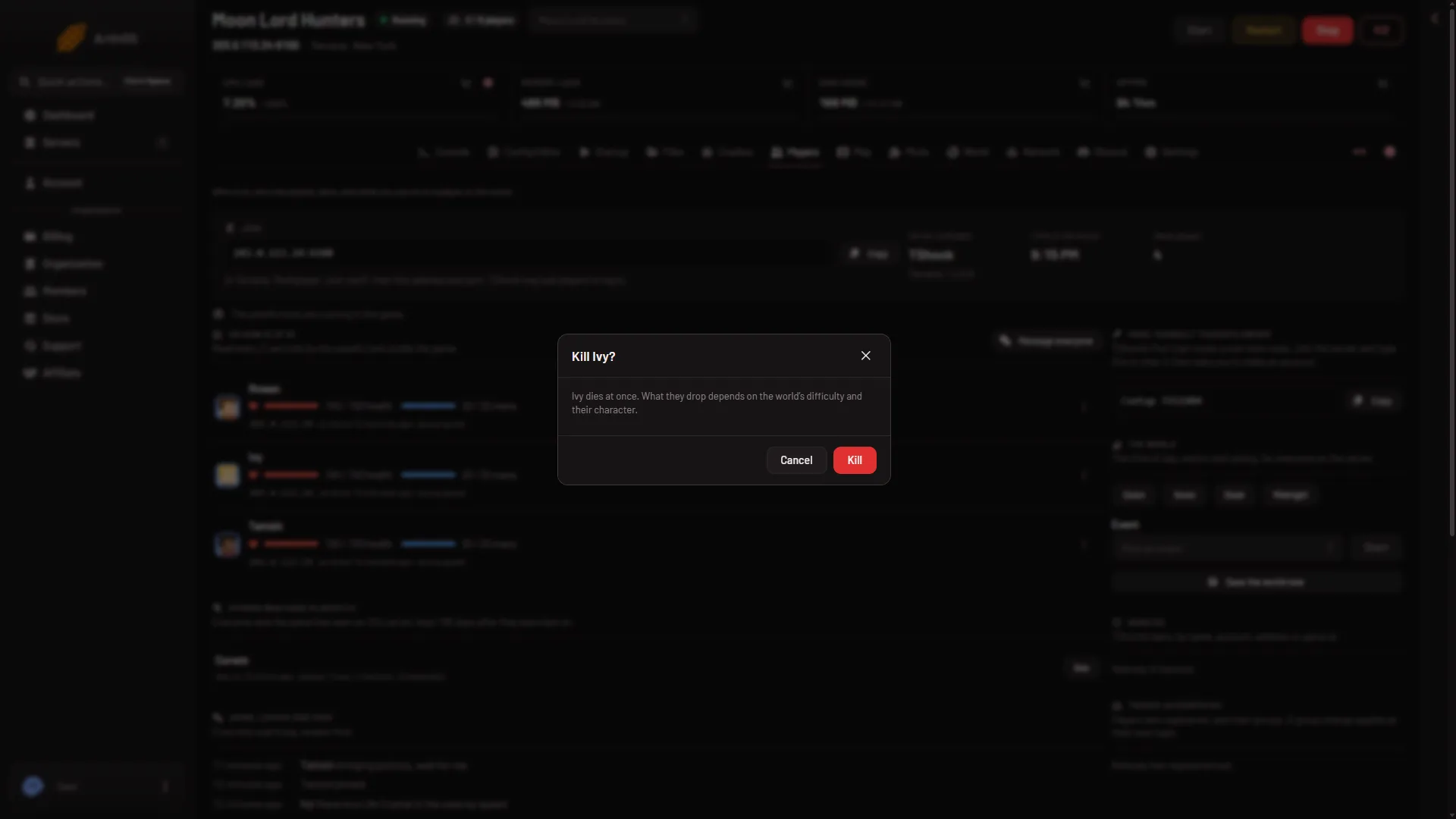
Kill a player on a Terraria server from the panel
Use Kill in the player's row menu to end a character at once. What they drop depends on the world's difficulty and their character. Needs TShock or tModLoader. - Players and the map
Make players log in on a TShock server
Turn on Account needed to play in the Config Editor so TShock players must register and log in. Plus four related login settings explained. - Players and the map
Read the join, leave and chat log on Terraria
The Players page lists joins, leaves, chat and refused or kicked lines for this start, newest first. See what each line means and where the raw log is. - Players and the map
See player IP addresses on a Terraria server
A player's address shows on the Players page only to a role that allows it. Learn where it comes from, who sees it, and how to keep addresses private. - Players and the map
See who has played on your Terraria server
Others who have played lists players seen in the last 180 days, with last on, time played and sessions. A name is only a name, not proof of who someone is. - Players and the map
Set PvP mode on a TShock Terraria server
Choose how PvP works on a TShock server: Players choose, Always on, Always off, or On, teams not allowed. Set it in the Config Editor. -
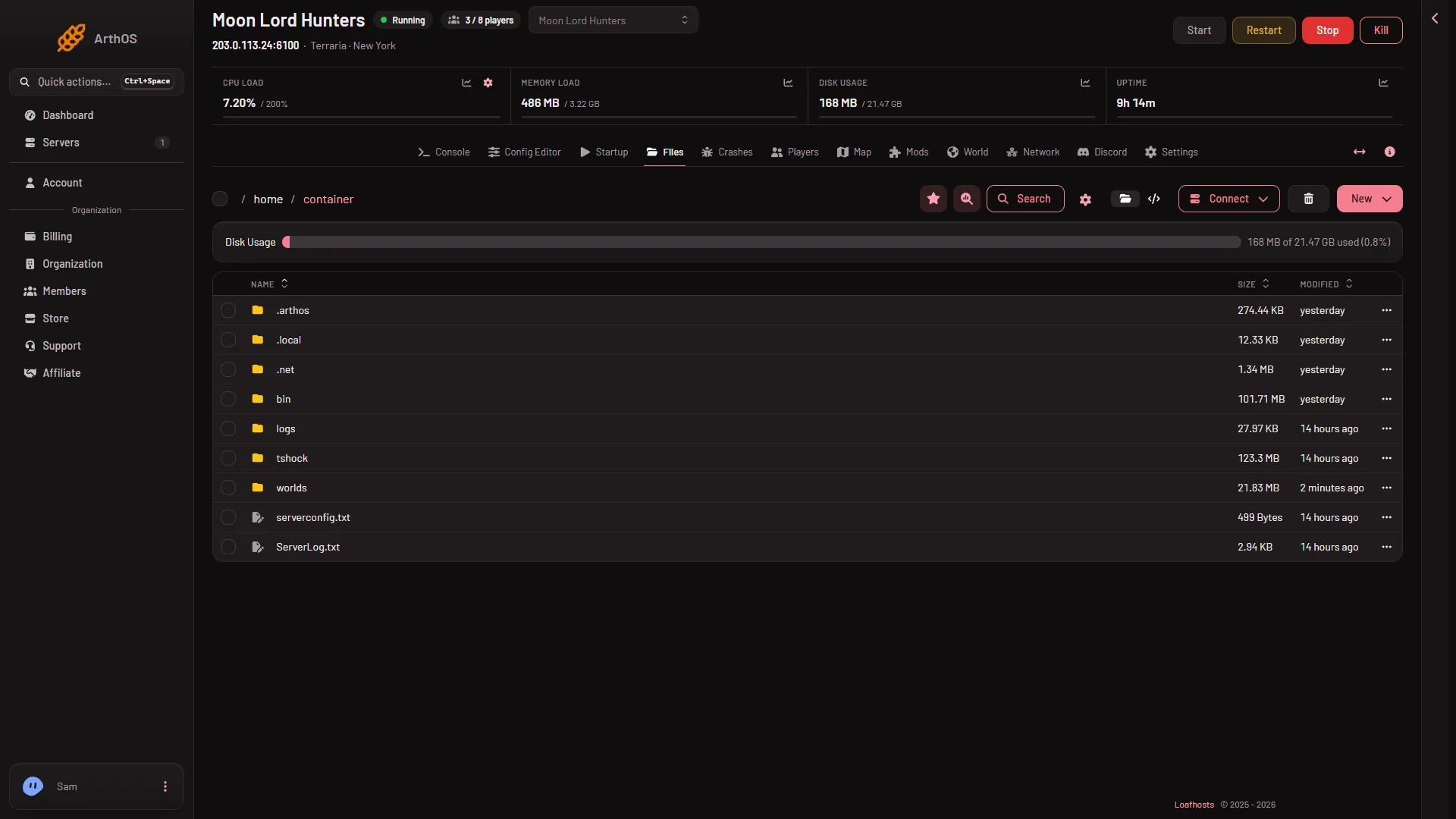
Terraria banlist.txt: format and editing by hand
Terraria's banlist.txt holds each ban as a //name line and an address line. Edit it in Files on Vanilla or tModLoader, then restart the server. -
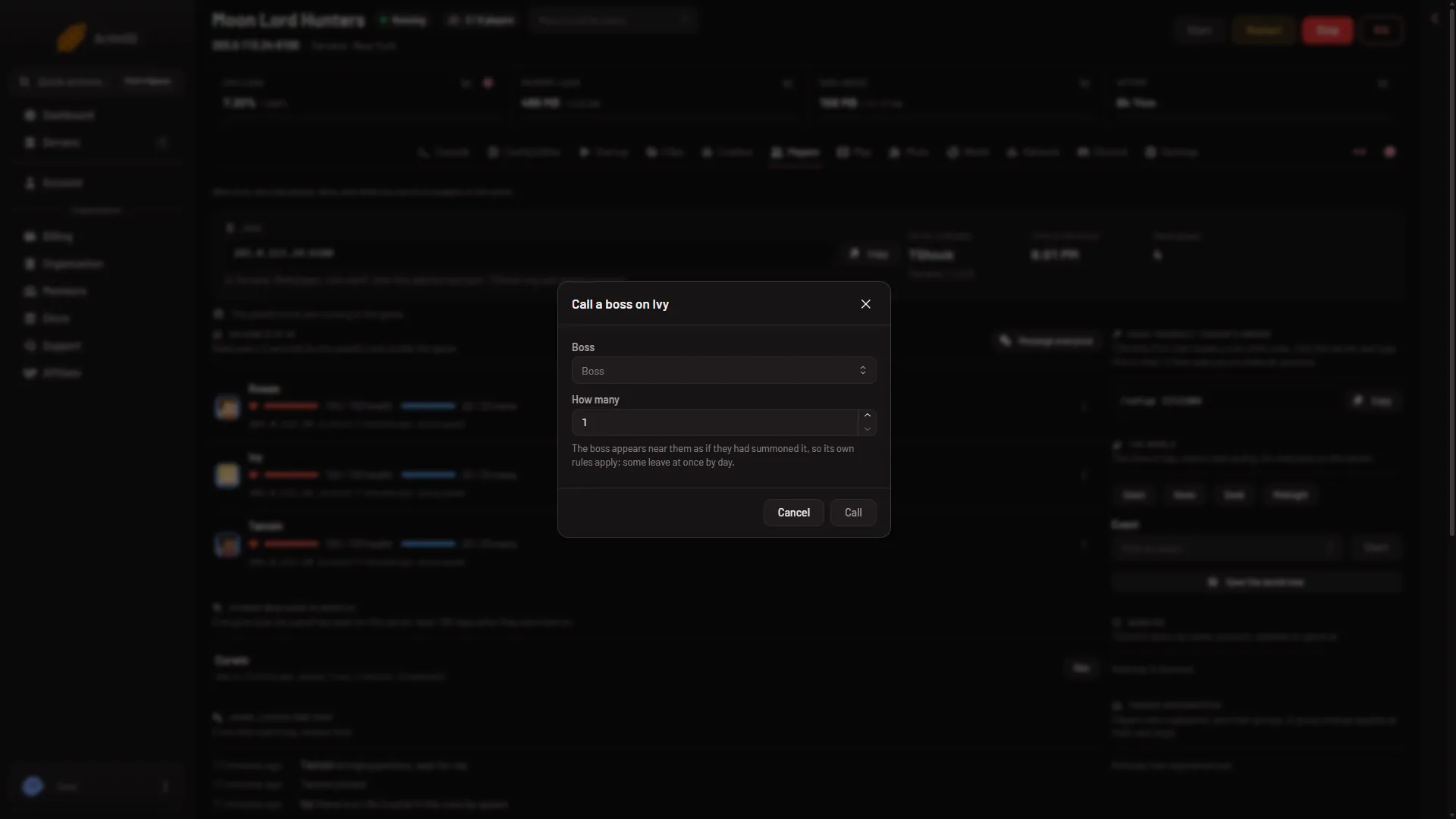
Terraria: call a boss on a player from the panel
Call a Terraria boss near a player from the Players page, 1 to 5 at a time. The boss follows its own rules, so some leave by day. Needs TShock or tModLoader. -
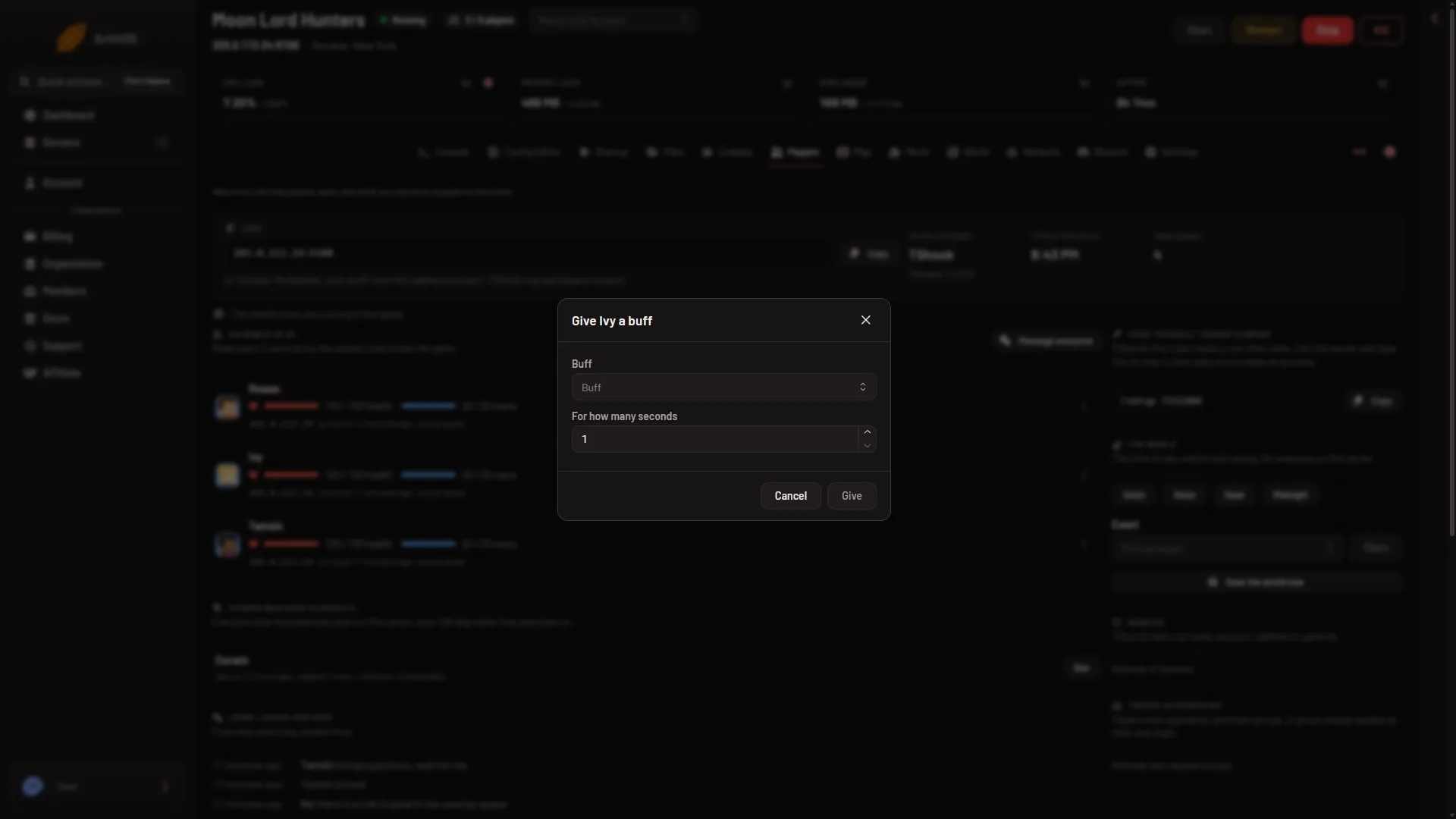
Terraria: give a buff to a player for a set time
Give a Terraria player a buff for 1 second up to 10 hours from the Players page. Needs TShock or tModLoader, a player on the server and a role that allows it. -
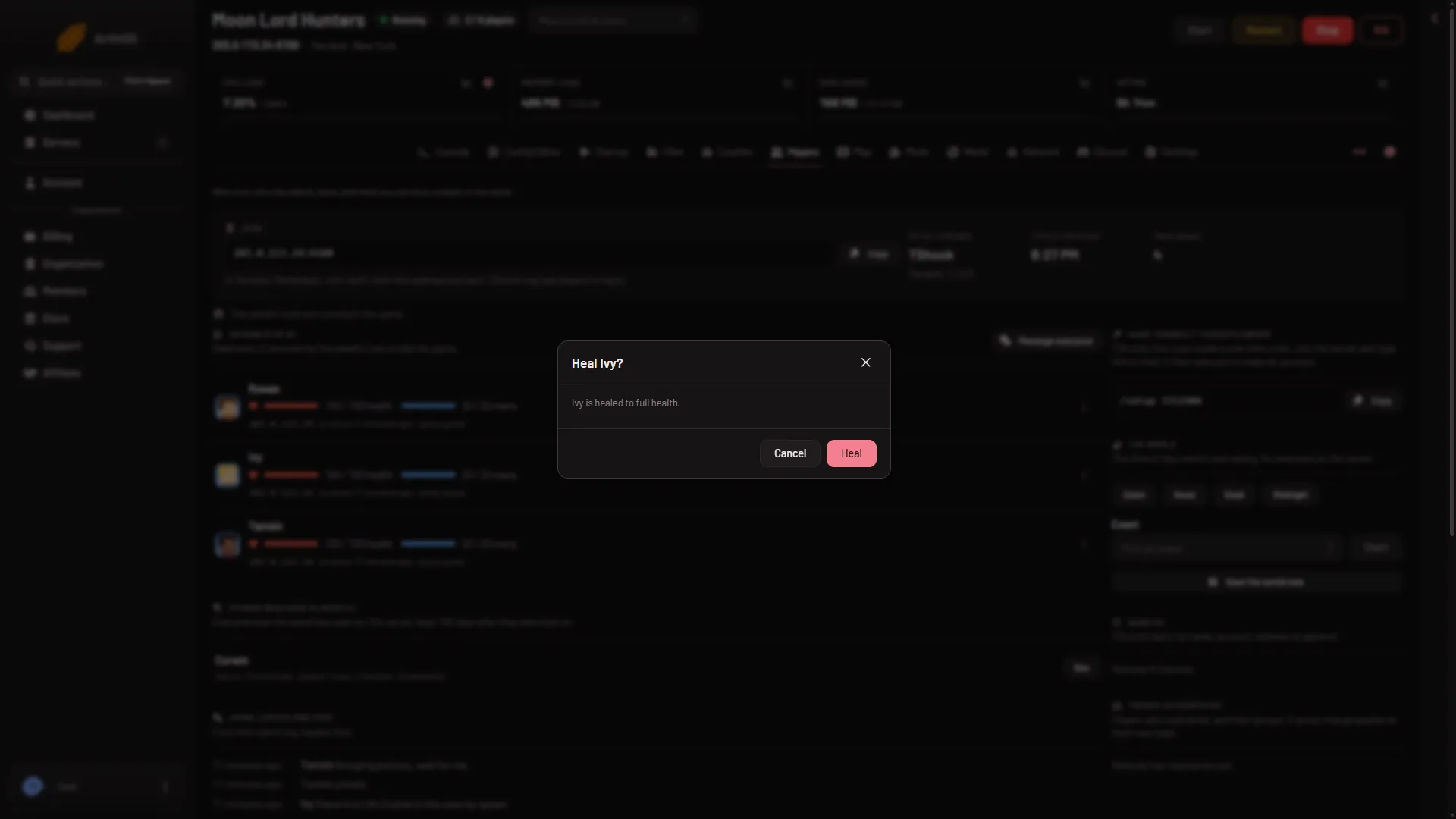
Terraria: heal a player to full health from the panel
Heal a Terraria player to full health from the Players page row menu or the Map card. Needs TShock or tModLoader, a player on and a role that allows it. -
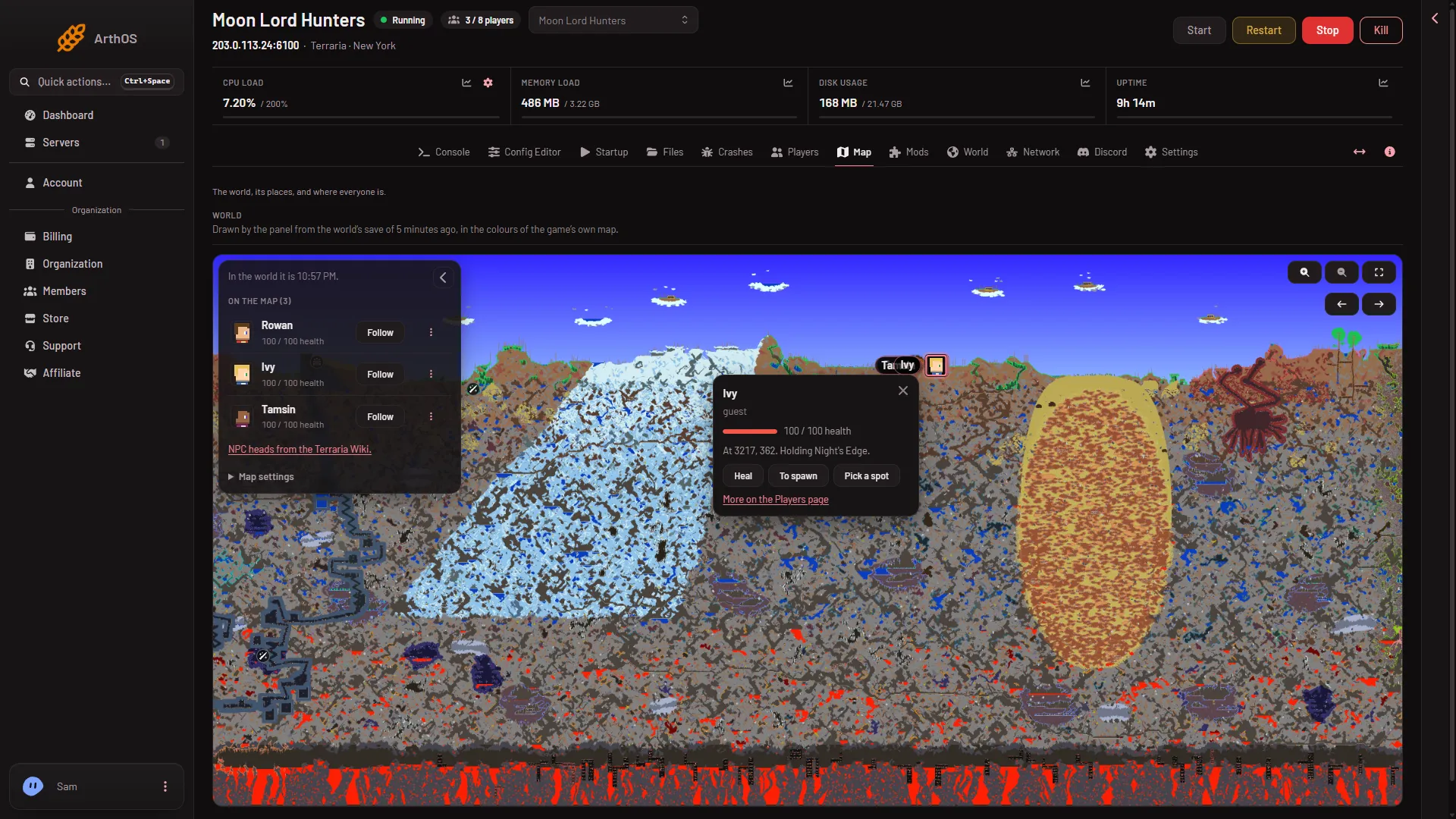
Terraria: teleport a player to spawn, a player or a spot
Send a Terraria player to the world's spawn, to another player or to a spot you click on the Map. Needs TShock or tModLoader and a player on the server. -
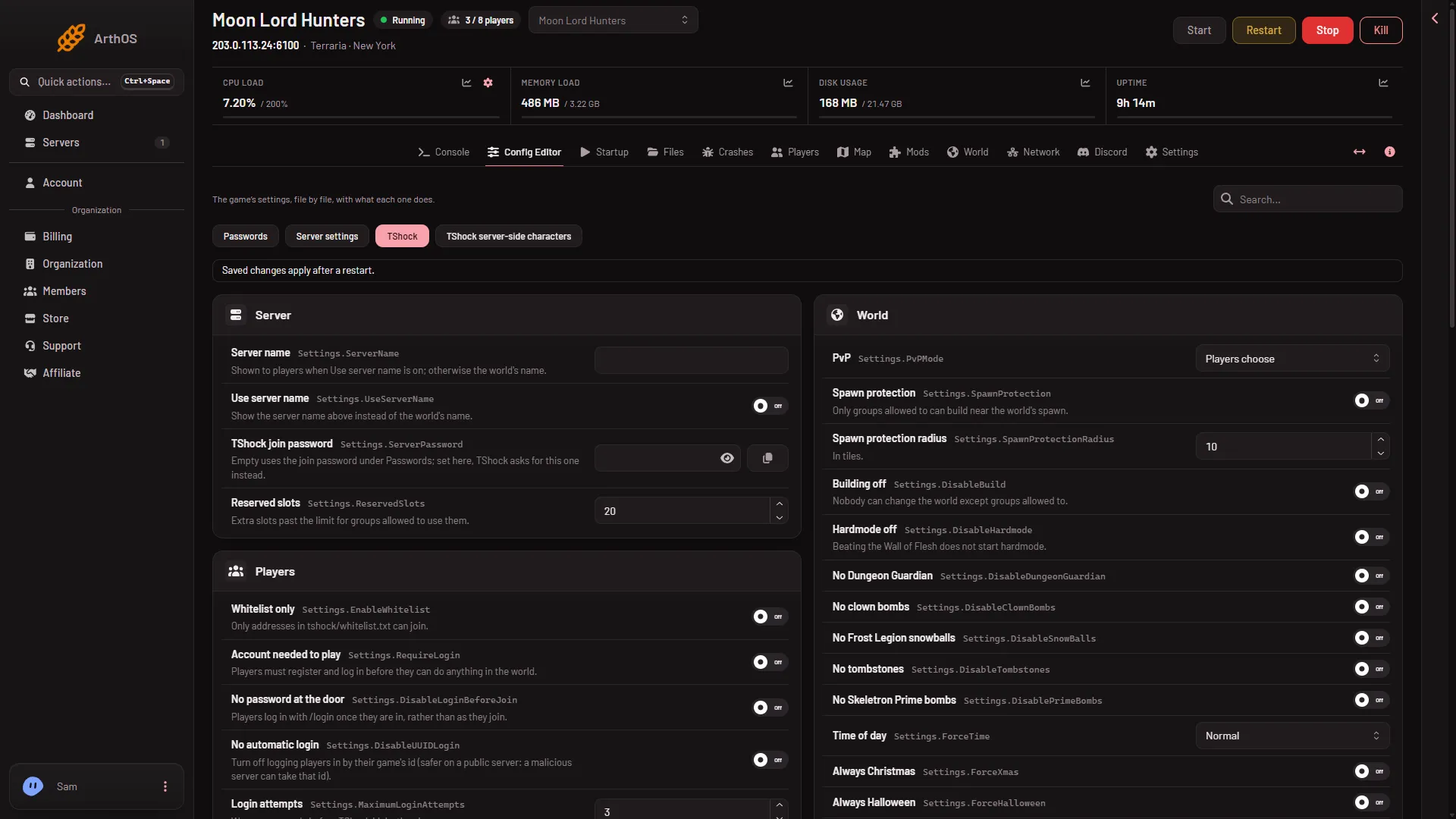
TShock server-side characters: open the settings file
Find TShock's server-side characters file in the Config Editor, see where Enabled and starting health and mana live, and apply a change. - Players and the map
TShock whitelist: let only some addresses join
Turn on Whitelist only in the TShock Config Editor and list the allowed addresses in tshock/whitelist.txt. Everyone else is refused.
Worlds and server software
24 guides- Worlds and server software
Make a new Terraria world on your server
Fill in Name, Size, Difficulty, World evil and Seed on the World page, then press Make this world. The server makes it at its next start. - Worlds and server software
Play another world on your Terraria server
Pick which Terraria world your server plays. Choose Play this world on the World page, then restart: the server plays one world at a time. - Worlds and server software
Restore a Terraria world backup on your server
Put back one of the game's own world backups from the World page. Stop the server first. The world as it is now is kept beside the backup. - Worlds and server software
Set the time of day on a Terraria server
Change a Terraria server's time to dawn, noon, dusk or midnight with a button on the Players page, on Vanilla, TShock or tModLoader. -
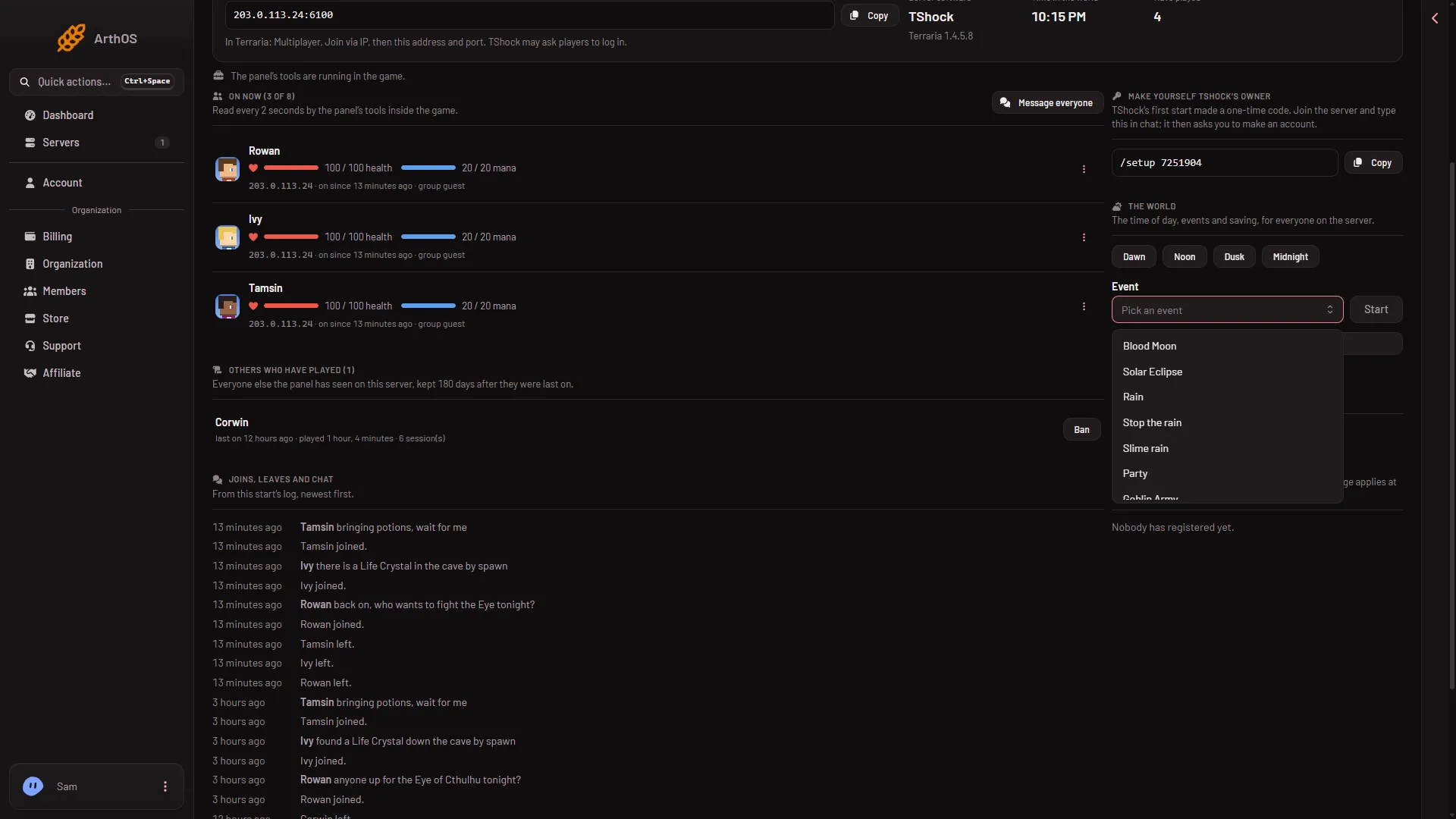
Start a Blood Moon or invasion on a Terraria server
Start a Blood Moon, Eclipse, rain, party or invasion from the Players page, or stop one. It needs TShock or tModLoader and at least one player online. - Worlds and server software
Terraria server paused with nobody on: why
An empty Terraria server pauses its world. Time stops and panel actions like Heal or events wait until a player fully connects. How to tell and what to do. - Worlds and server software
Terraria special seeds on a server: seed words and numbers
Type notthebees, fortheworthy, celebrationmk10, theconstant, notraps, dontdigup or getfixedboi in the Seed field, or 5162020 for Drunk, for a special world. - Worlds and server software
Terraria world seed: what to type in the Seed field
Leave the Terraria Seed field empty for a random world, or type a seed of up to 40 characters. It only applies to a new world, made at the next start. -
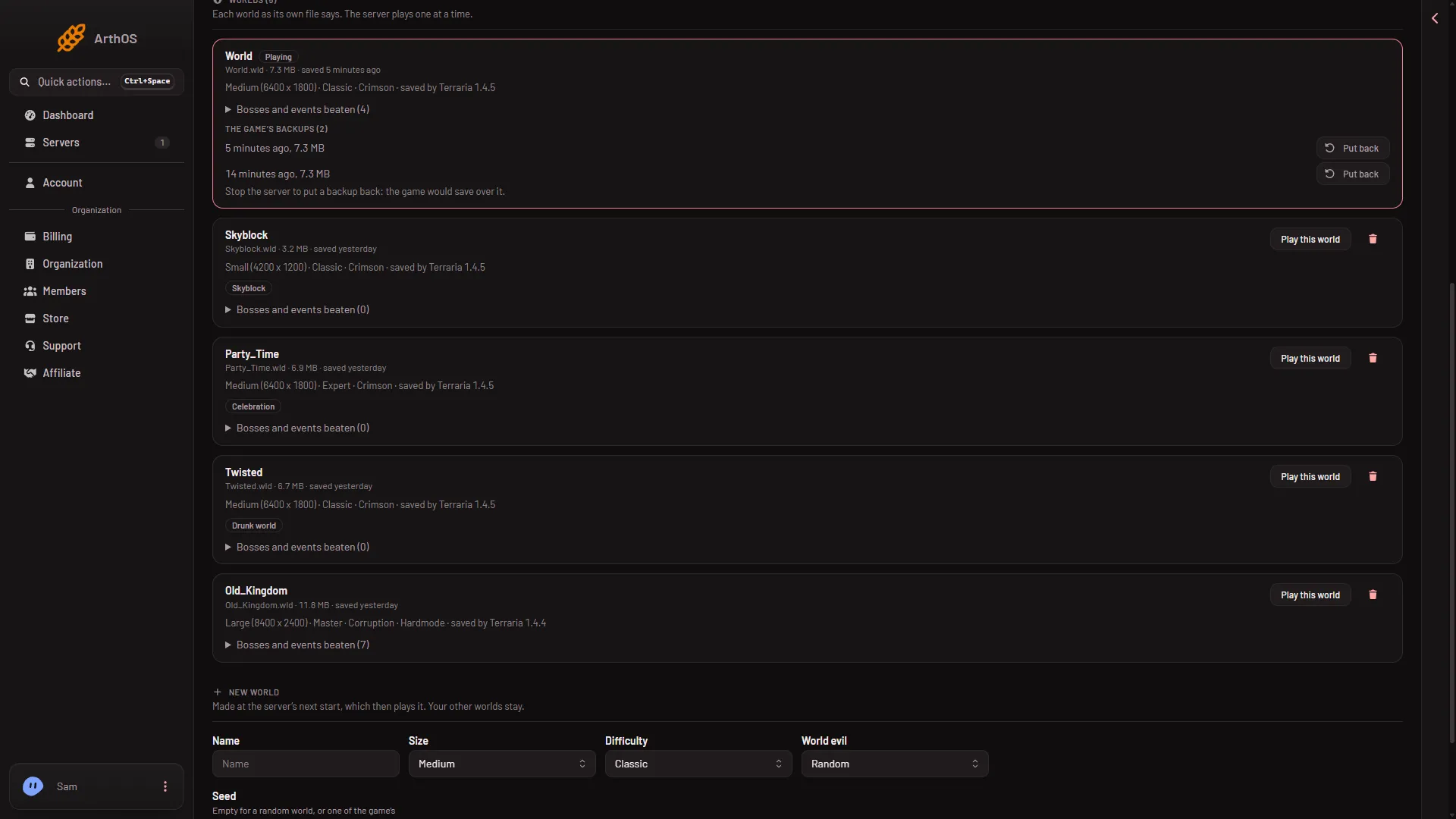
Terraria world sizes: Small, Medium and Large
Terraria worlds come in Small, Medium and Large. See their size in tiles, what a big world asks of the server, and why a size cannot be changed later. - Worlds and server software
The Terraria World page: software, worlds, backups
A tour of the World tab on a Terraria server: pick Vanilla, TShock or tModLoader, play or delete a world, put back a backup, and make a new world. -
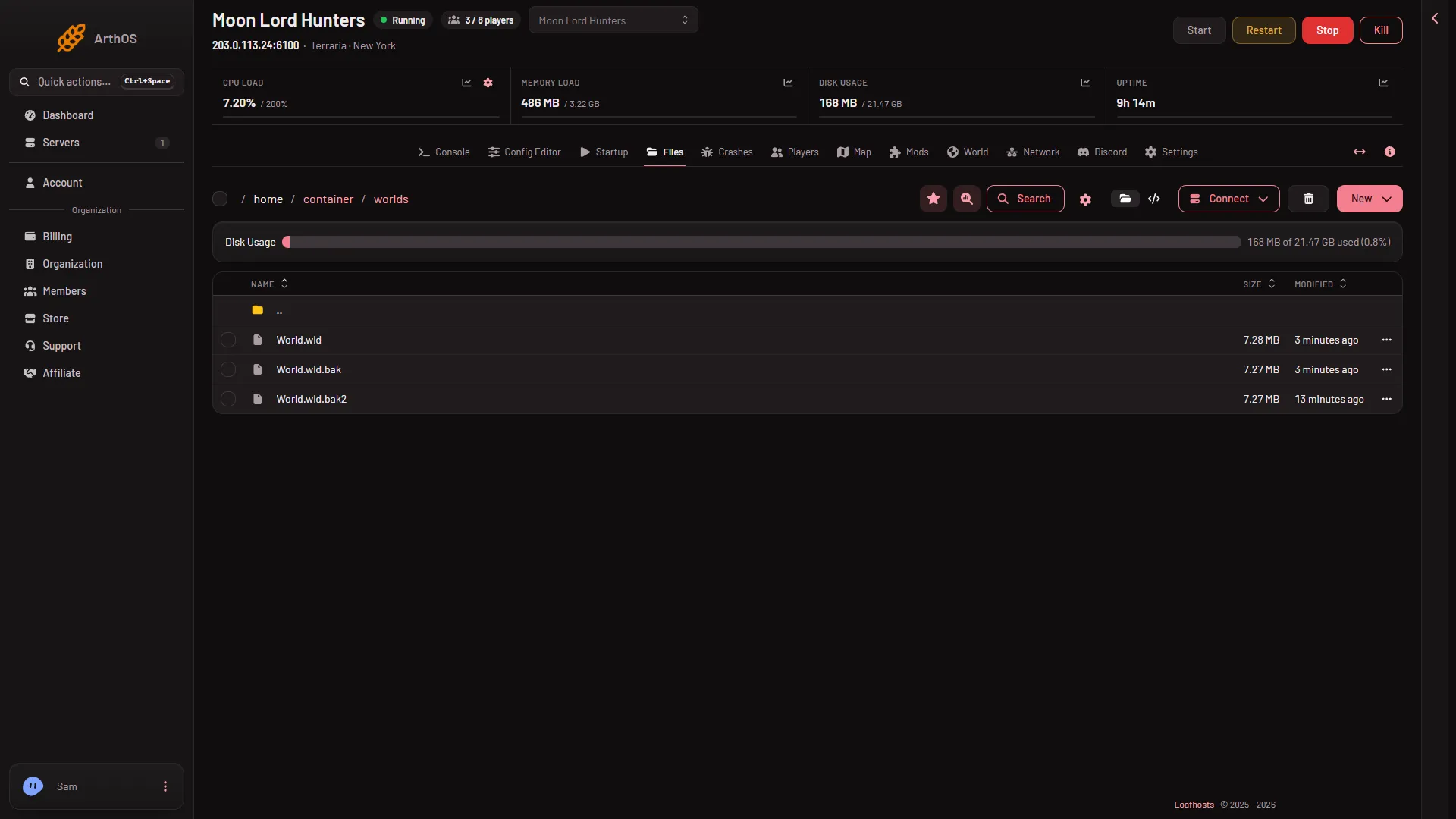
Upload an existing Terraria world to your server
Put a .wld file in the worlds folder with Files, then choose Play this world on the World page. A 1.4.5 world will not open on tModLoader. - Worlds and server software
Use the Terraria map page on your server
The Map tab draws your Terraria world from its save in the game's map colours, opens on spawn, and redraws after the game saves. Drag, use arrows, zoom. - Worlds and server software
Choose Corruption or Crimson for a Terraria server world
Only TShock obeys the World evil choice when a Terraria server makes a world. Vanilla and tModLoader pick Corruption or Crimson at random. -
Delete a world on your Terraria server
Delete a Terraria world you no longer play from the World page. It removes the world, its game backups and its tModLoader data, for good. - Worlds and server software
Save a Terraria server world now
Press Save the world now on the Players page to save a Terraria world at once. Also how autosaves, a clean stop and the last player leaving save it. - Worlds and server software
See chests and signs on the Terraria map
Chests and signs show on the Terraria map only to a role that allows the private map. Turn on Chests or Signs to read what is in them. Views are logged. - Worlds and server software
See which bosses a Terraria world has beaten
The World page lists the bosses and events a world has beaten and shows Hardmode on its row. It reads the world's own file, so the server need not run. - Worlds and server software
Show spawn, Dungeon and other places on the Terraria map
Turn the map's place filters on or off: Spawn, Dungeon, Pylons, altars, Shadow Orbs, Life Crystals, Life Fruit, Plantera's bulbs and more. - Worlds and server software
Terraria difficulty modes: Classic, Expert, Master
Pick Classic, Expert, Master or Journey when you make a Terraria world on your server. The mode is fixed for that world, so a new mode needs a new world. - Worlds and server software
Terraria drunk world seed: how to tell it on the server
The Terraria drunk world seed is the number 5162020 (from the game wiki). Type it in Seed on a new world, and see how the World page marks a drunk world. - Worlds and server software
Terraria Journey mode on a server and its powers
Run a Journey world on your Terraria server and decide who may use Journey powers like freeze time or godmode: Nobody, Nobody (host only) or Every player. -
Terraria server map: live players and bosses
On TShock and tModLoader the Map shows players and bosses with their health, and a card to heal or send a player. Vanilla shows none. Here is how it works. - Worlds and server software
Terraria server map: Town NPCs and their homes
The Map page marks every Town NPC in your Terraria world with its own map head. An NPC with no house reads Has no home. Here is how to show and read them. - Worlds and server software
Terraria Skyblock seed on a server: Vanilla or TShock
Make a Skyblock world on your Terraria server with the seed word skyblock. It needs Terraria 1.4.5, so run Vanilla or TShock, not tModLoader stable.
tModLoader mods
21 guides- tModLoader mods
A 1.4.5 world will not open on tModLoader: the fix
A world saved by Terraria 1.4.5 cannot open on tModLoader stable, which runs 1.4.4. Make a new world for it, or play the world on Vanilla or TShock. -
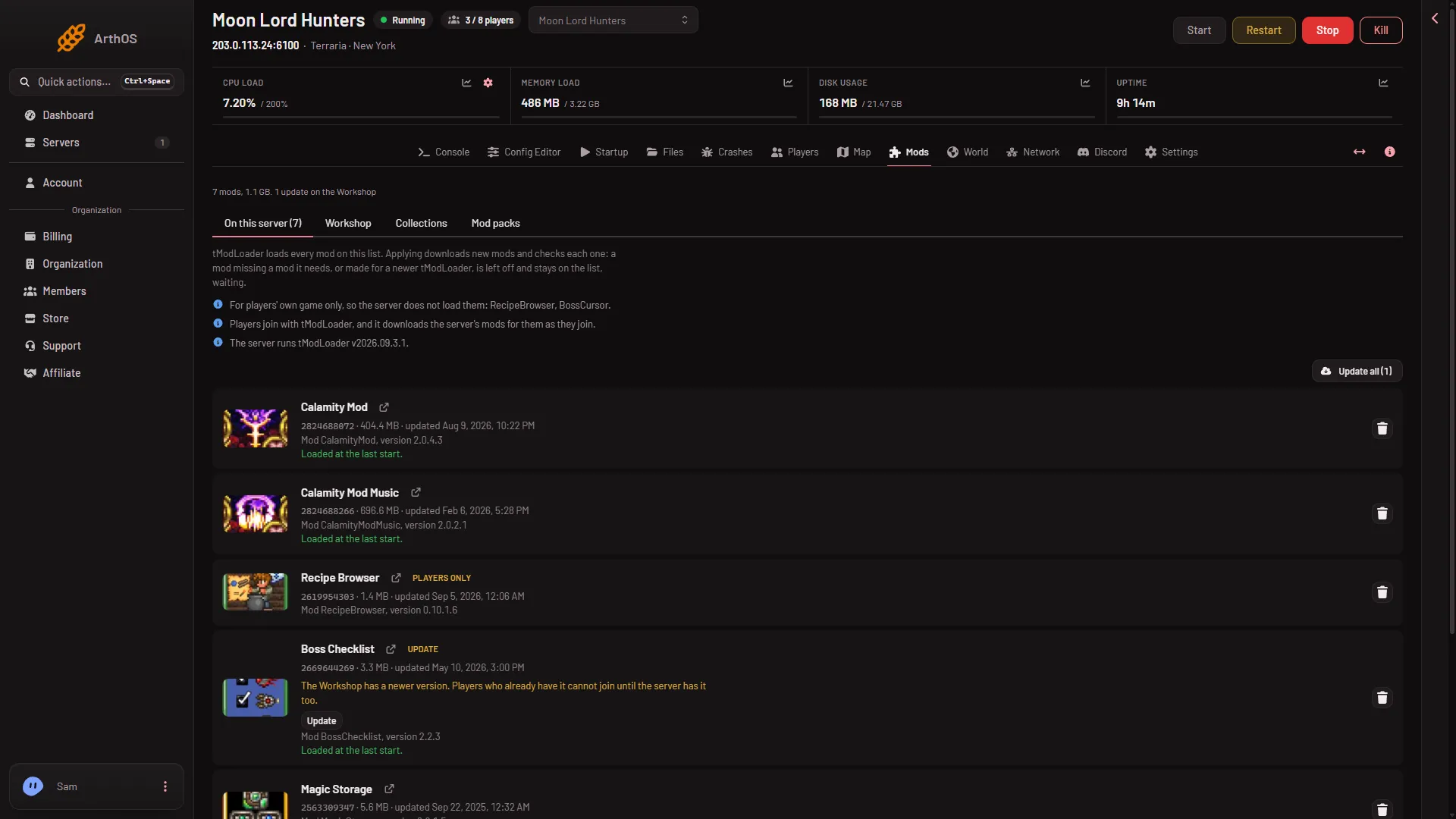
How players get the mods on a tModLoader server
Players join a tModLoader server with tModLoader, and it downloads the server's mods as they join. Here is what to tell them and what to check first. -
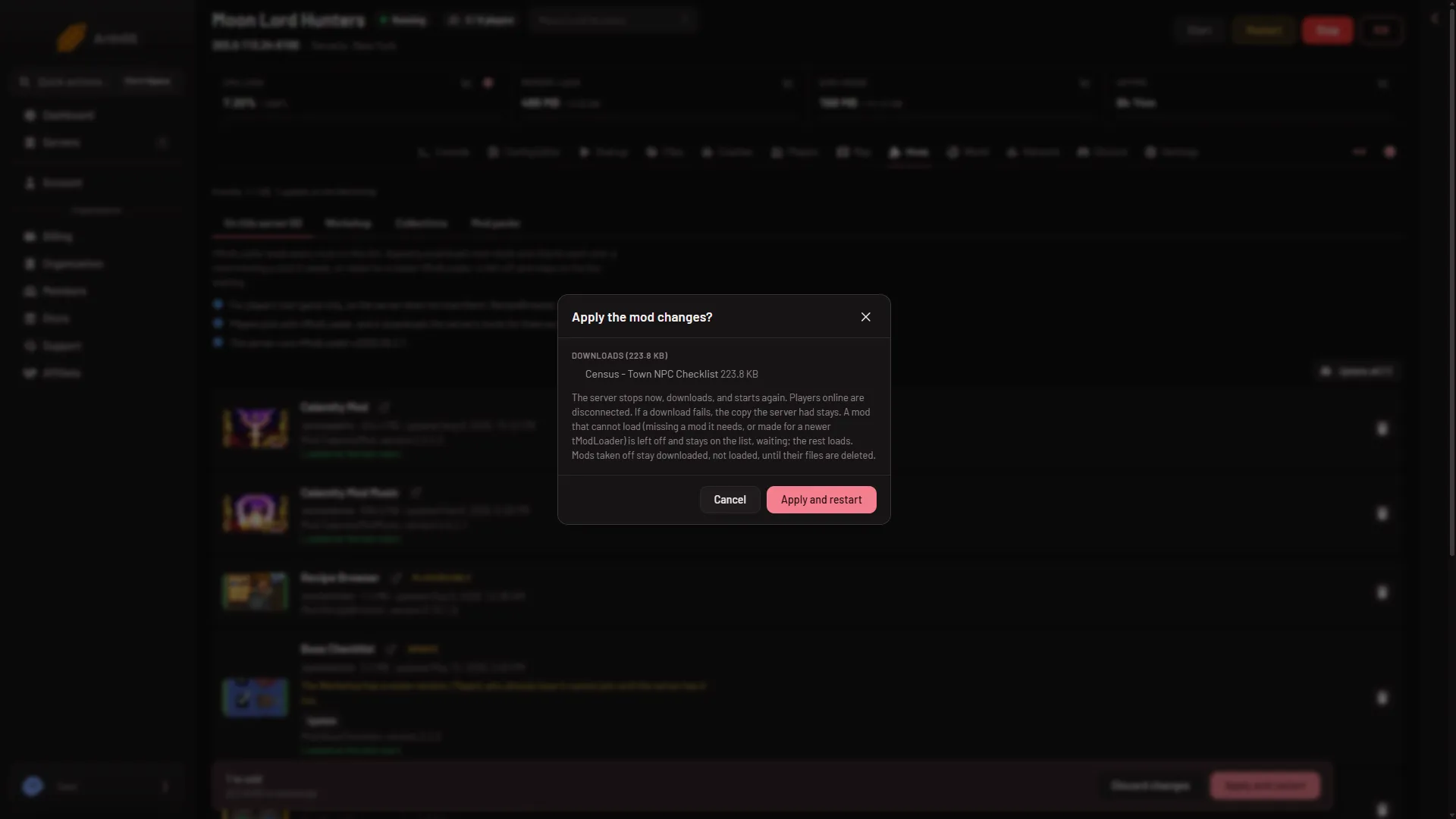
Install tModLoader mods on your server
Add Steam Workshop mods to a tModLoader server, check the bar of waiting changes, then Apply or Apply and restart. What downloads and what cannot load. -
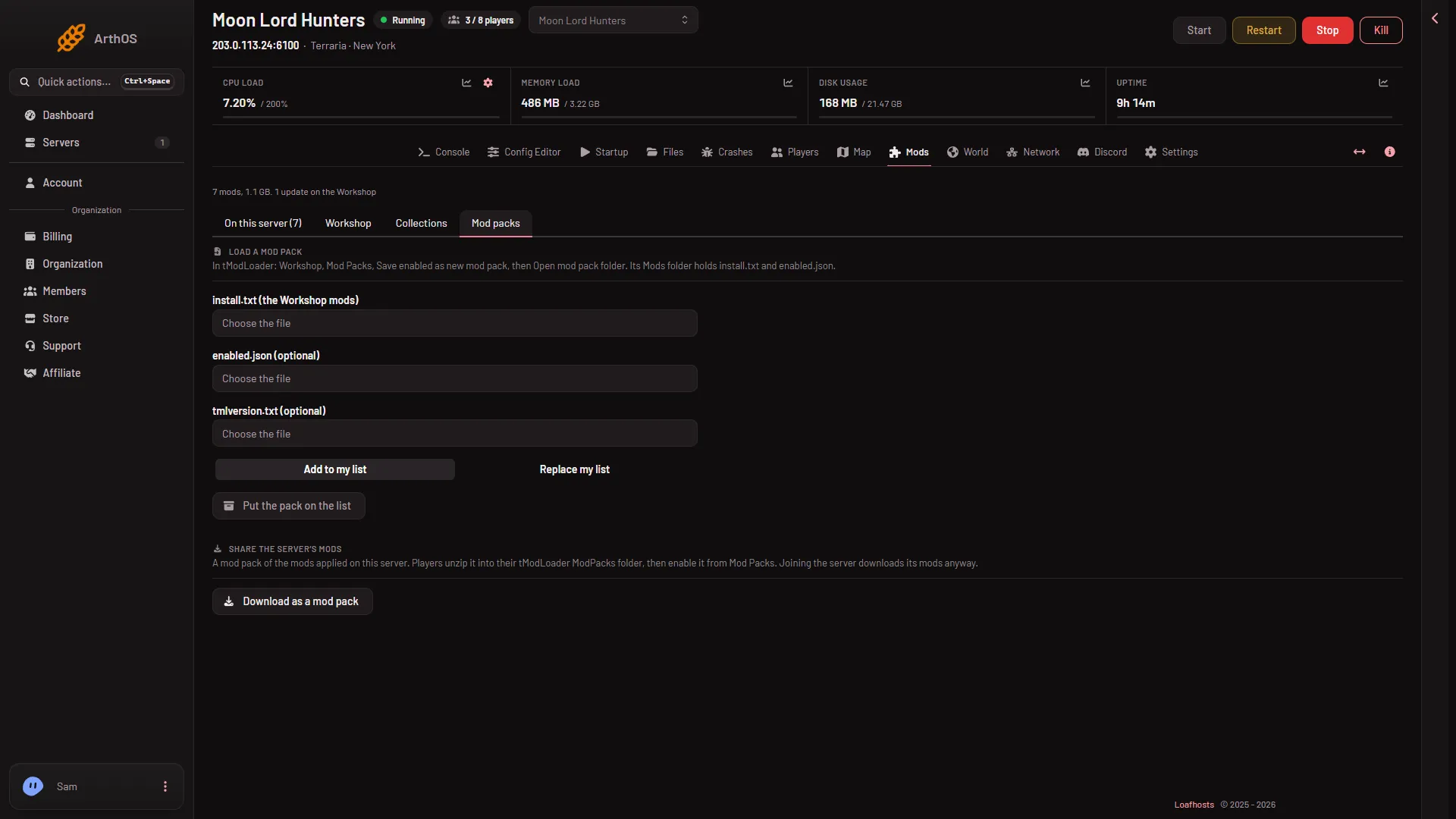
Load a tModLoader mod pack onto the server
Load a mod pack saved in tModLoader onto your Terraria server: upload install.txt and enabled.json, add or replace the list, then press Apply. - tModLoader mods
Search the tModLoader Workshop for server mods
Use the Workshop tab on the Mods page to search tModLoader mods, sort by Most subscribed or Trending, and add results to your Terraria server's list. -
Switch a Terraria server from Vanilla to tModLoader
Switch a Vanilla Terraria server to tModLoader on the World page. Pick a 1.4.4 world, expect 1.4.5 worlds to be blocked, and switch back any time. - tModLoader mods
tModLoader mod did not load: find out why
The game can turn a mod off at start. The Mods page shows which mod and why: a missing mod it needs, a newer tModLoader, or a file it cannot read. - tModLoader mods
tModLoader mod needs another mod: add it
A tModLoader mod that says Needs another mod stays off until you add that mod. Press Add on its row, then Apply, and both load at the next start. - tModLoader mods
tModLoader Mods page: what each tab does
A tour of the Mods page for a tModLoader server: the list, Workshop, Collections and Mod packs tabs, and why Vanilla and TShock servers show a notice instead. -
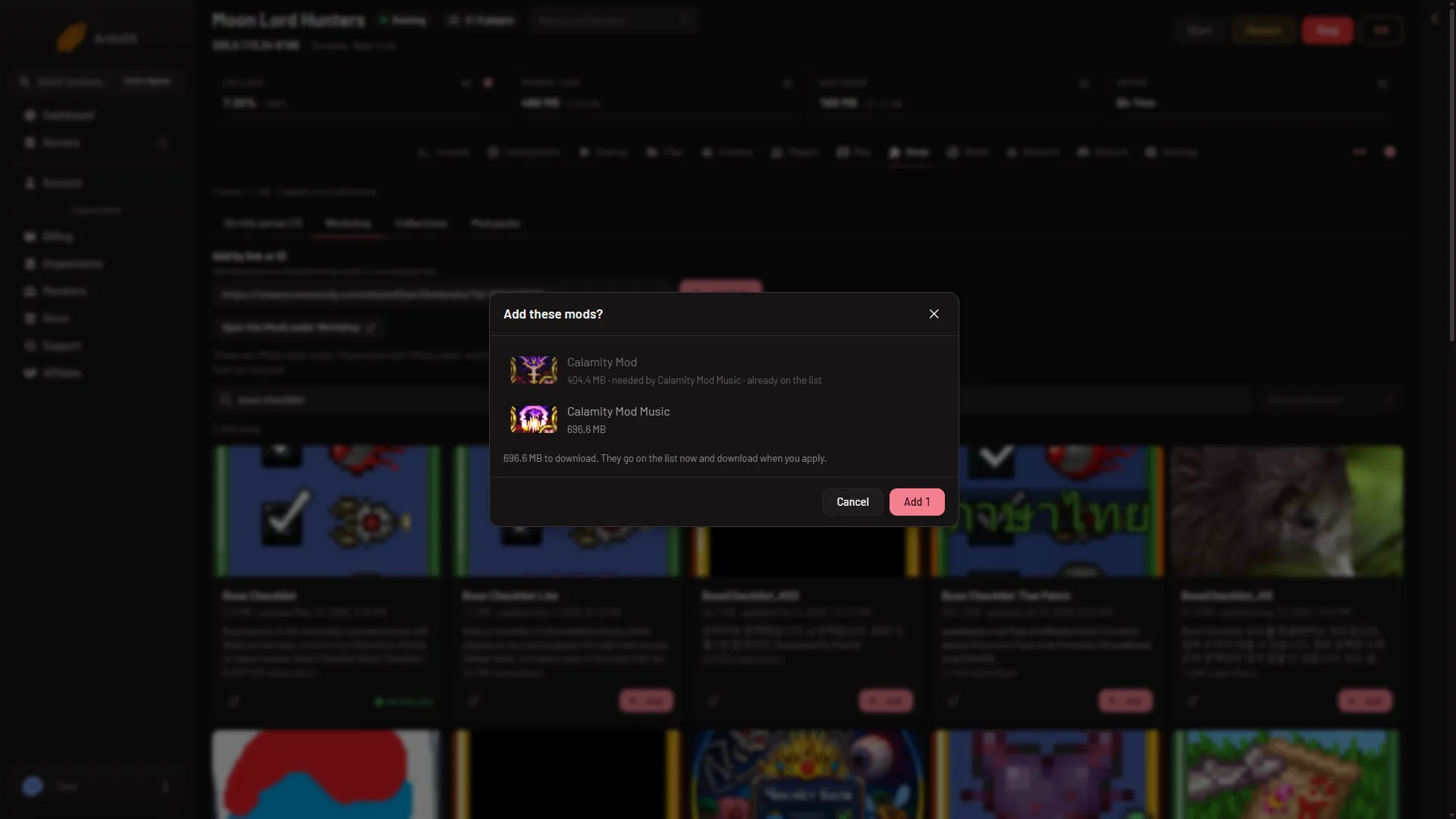
Add a tModLoader mod by Workshop link or ID
Paste a tModLoader Workshop link or ID into Add by link or ID, choose Look up, and read the Add these mods? box that shows what each mod needs. -
Download your tModLoader server's mods as a mod pack
Download the mods applied on your Terraria server as a mod pack for your players, then show them where to unzip it and how to turn it on. - tModLoader mods
Put a .tmod file on a tModLoader server by hand
Upload a .tmod file into tModLoader/Mods with Files. The Mods page lists it as Local folder, and the panel never changes it. Here is how. - tModLoader mods
Remove a mod from a tModLoader server
Take a mod off the list on the Mods page and choose Apply. The server stops loading it at the next start, and its files stay until you delete them. -
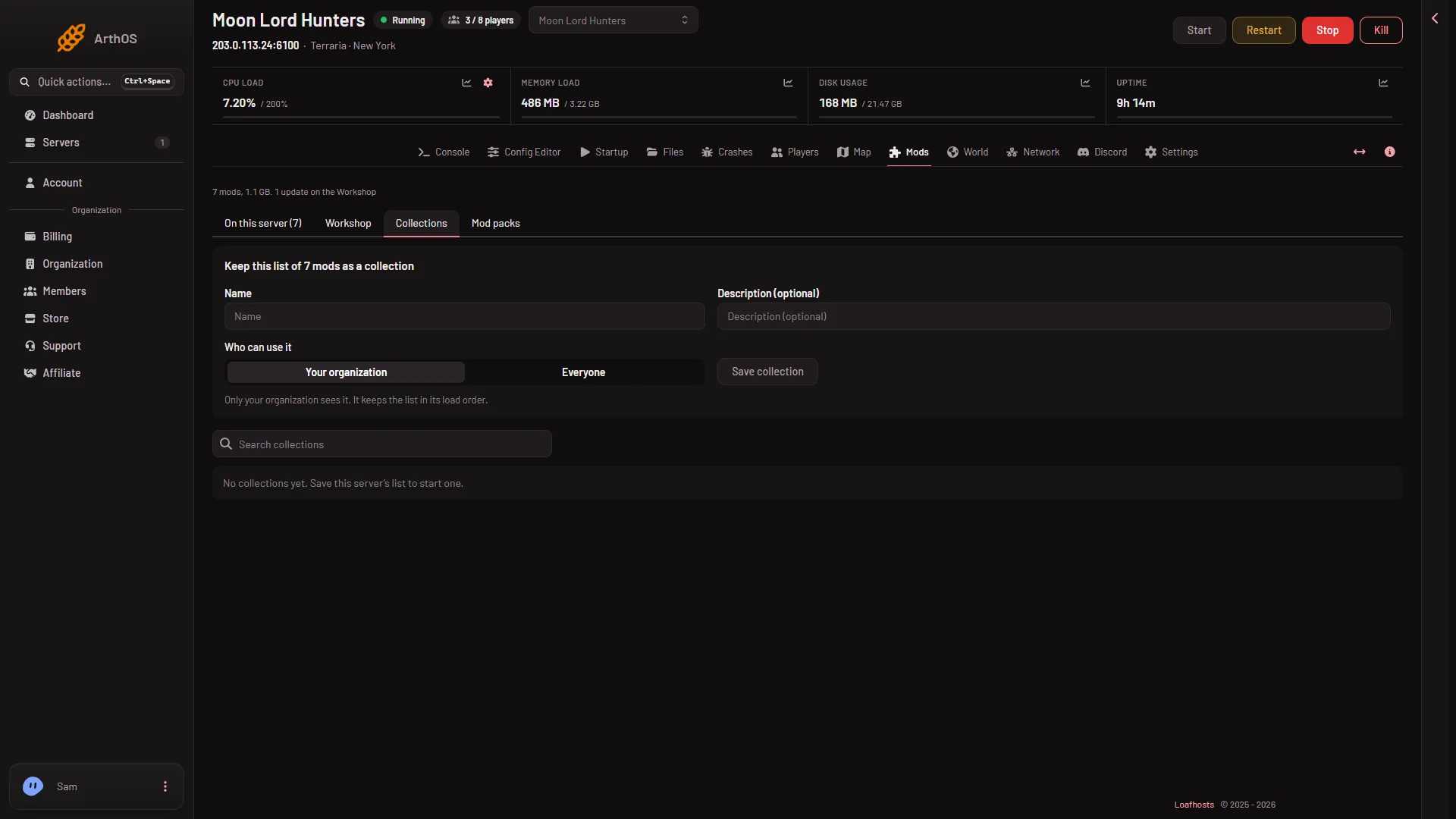
Save a tModLoader mod list as a collection
Save your server's tModLoader mod list as a private or public collection, then add it to or replace the list on another Terraria server. -
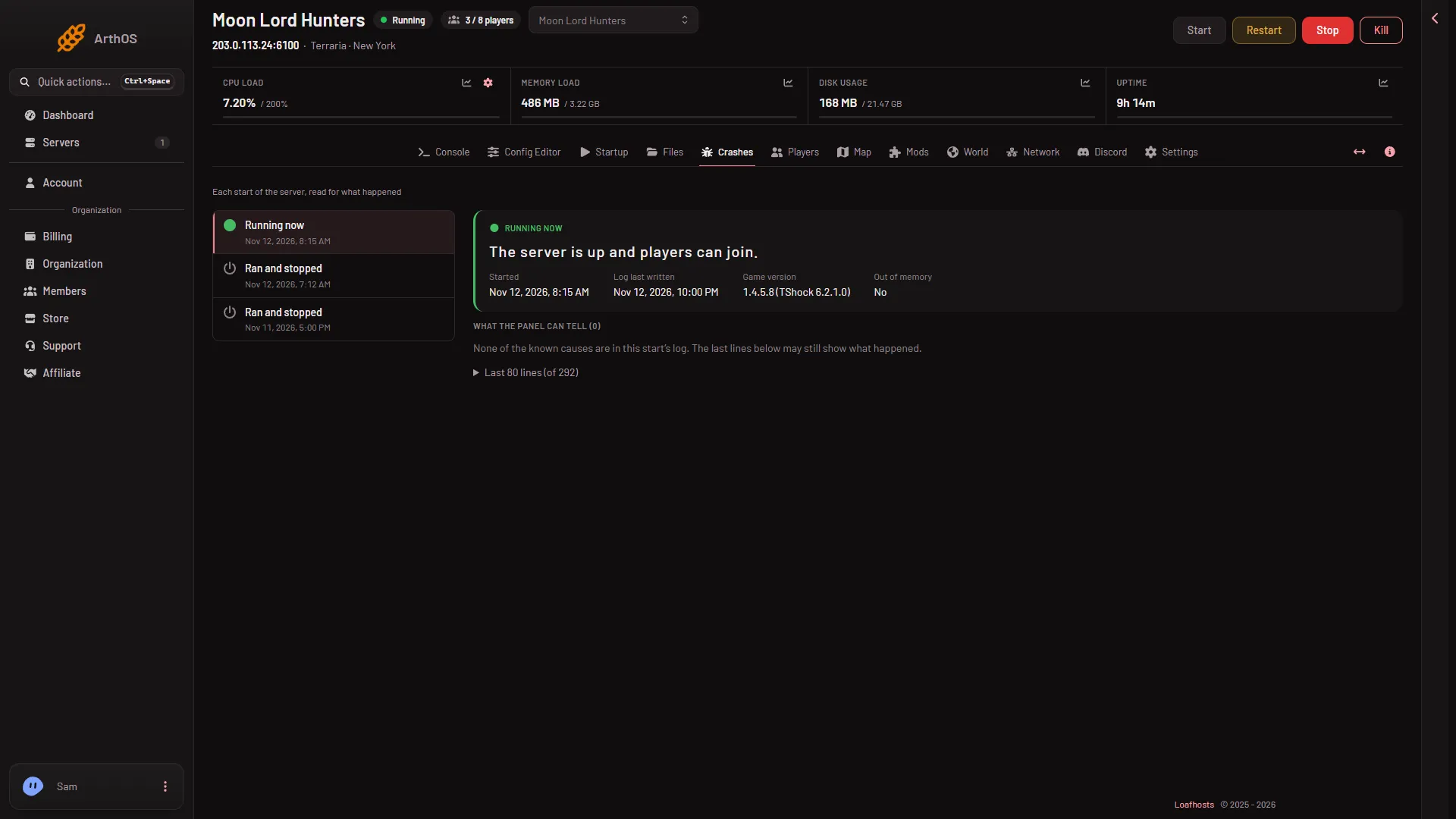
tModLoader big mod list: out of memory, 200 mod limit
A big tModLoader mod list can run the server out of memory. See how Crashes shows it, the 200 mod limit, and when to take off mods or use a bigger plan. - tModLoader mods
tModLoader client-only mods: players only
A mod marked Players only changes the player's own game, so a tModLoader server does not load it. Here is what the chip and the note on the Mods page mean. - tModLoader mods
tModLoader enabled.json: what it is and who writes it
enabled.json is the list of mods tModLoader loads. The game drops unknown or broken mods from it at every start, and the panel writes it for you. - tModLoader mods
tModLoader mod config files in the Config Editor
Edit a tModLoader mod's own settings in the Config Editor. Each config file under ModConfigs shows as Mod: Config. Restart the server to load a change. - tModLoader mods
TShock plugins: where they go and what survives an update
Put TShock plugins in the server's ServerPlugins folder in Files. Your plugins stay when TShock updates, and the panel's own tools plugin should stay too. - tModLoader mods
Update tModLoader mods on your server
A mod with the Update chip has a newer Workshop version. Choose Update or Update all, then Apply. Players with the new version cannot join until you do. -
Update tModLoader on a server: latest or pinned
Set the tModLoader version on the World page: latest is the monthly stable release, or pin a release such as v2026.09.3.1. Players must match it.
Server settings
14 guides- Server settings
Terraria Config Editor: server settings and locked rows
A tour of the Terraria Config Editor: the Server settings file, TShock and mod files, the Passwords source, and the locked rows in Set by Loafhosts. - Server settings
tModLoader Config Editor: serverconfig.txt and mod configs
On a tModLoader server the Config Editor edits serverconfig.txt and each mod's config file. See what you can change, what is locked, and when it applies. -
TShock settings in the Config Editor, group by group
All 52 TShock settings in the Loafhosts Config Editor by group: Server, Players, Characters, World, Saving, Chat, Database and Advanced, and what each one does. - Server settings
Change enemy spawns on a TShock Terraria server
Set how many enemies spawn near each player and how often on a TShock server, with Most enemies near a player and Enemy spawn rate in the Config Editor. - Server settings
Change the Terraria server language
Server language sets the language of a Terraria server's own messages, such as joins, deaths and events. Players keep their own language. Pick one and restart. - Server settings
Edit the TShock message of the day and rules
Change the welcome text and rules on a TShock server: edit motd.txt and rules.txt in Files, with placeholders for the map and players. - Server settings
Set always day or always night on a TShock server
Hold a TShock Terraria world in daytime or at night with the Time of day setting, and turn on Always Christmas or Always Halloween in the Config Editor. - Server settings
Terraria cheat protection (secure): turn it on or off
Cheat protection is on in a new Terraria server and kicks a player who sends what the game cannot do. Turn it on or off in the Config Editor, then restart. - Server settings
Terraria Journey powers: who can use each one
Set who may use each Journey power on a Terraria server: Nobody, Nobody (host only) or Every player. All 15 powers are in the Config Editor, applied at restart. - Server settings
Terraria NPC updates (npcstream): fix enemy skipping
NPC updates sets how often a Terraria server sends enemy positions, from 0 to 60. A lower number is smoother but sends more data. 0 is off. The default is 60. - Server settings
Terraria server passwords: where they are kept
A Terraria server's join password is under Passwords in the Config Editor, not Startup. See which passwords exist and when a change applies. - Server settings
TShock autosave and backup settings for Terraria
Set how a TShock server saves its world: autosave, save messages, how often it backs up, how long backups last and saving when the last player leaves. - Server settings
TShock spawn protection: set the radius in tiles
TShock spawn protection stops most players building near spawn. Turn it on and set its radius in tiles in the Config Editor, then restart the server. - Server settings
Turn off hardmode on a TShock Terraria server
Stop the Wall of Flesh from starting hardmode on a TShock Terraria server with the Hardmode off setting in the Config Editor. Restart to apply it.
Fixes
21 guides- Fixes
Cannot connect to my Terraria server: a checklist
Cannot join your Terraria server? Check that it runs, then the address and port on the Players page, the password, the version, and tModLoader for a modded one. - Fixes
Terraria Give, heal and events refused: nobody is on
Why the panel says nobody is on and the world is paused when you use Give, Heal or an event, and how to run them: join the server, then try again. - Fixes
Terraria panel tools not running: what each message means
The Players page shows a line about the panel's tools. Here is what each one means: load at next start, key at next restart, older tools, paused. - Fixes
Terraria Players page empty or launcher message
The Players page is empty, or says the server has not started with the panel's launcher. Restart the server once. The panel's tools load at the next start. - Fixes
Terraria server crashed: restart and find the cause
The Crashes page says The server crashed. Restart it first. If it fails at the same moment again, take off the last mod or plugin you added. - Fixes
Terraria server lag: causes and fixes
Fix Terraria server lag. An empty server pausing is normal. For real lag, read the load on the server page, then check your mods, memory and the world size. - Fixes
Terraria server ran out of memory: how to fix it
Crashes says the server ran out of memory or used all its memory. Take off mods, move to a plan with more memory, or make a smaller world. Here is the order. -
Terraria server won't start: read the Crashes page
A Terraria server that never starts leaves a reason in its start log. Open Crashes, read the finding, and fix the download, .NET, world, port, disk or memory. - Fixes
Terraria world could not be loaded: put a backup back
The server stops with The world could not be loaded. The game will not make a new world over yours. Stop the server and put a backup back on the World page. - Fixes
Terraria: You are not using the same version
Fix "You are not using the same version as this server" on a Terraria server: match the Vanilla version, let TShock catch up, or match tModLoader's version. - Fixes
TShock will not let players join after a Terraria update
After a Terraria update, players cannot join TShock until it has a version for the new game. Check Newest on the World page, then restart or run Vanilla. - Fixes
Terraria incorrect password: find or reset it
Players get a wrong password on your Terraria server? Read or reset the join password under Passwords in the Config Editor. TShock can have its own second one. - Fixes
Terraria map not showing: no world, drawing or too large
What each state of the Terraria Map page means: no world yet, drawing, could not be drawn and tried again in 10 minutes, or a world file that is too large. - Fixes
Terraria map shows no players on Vanilla: how to get them
On Vanilla the Map page draws the world but cannot show where players are. Switch the server to TShock or tModLoader on the World page to see them live. - Fixes
Terraria players cannot join or miss a tModLoader mod
Player cannot join your tModLoader server or lacks a mod? They need tModLoader, mods download as they join, and a mod left off or out of date blocks them. - Fixes
Terraria server port was in use: what to do
Crashes says The server's port was in use. Restart the server once. If it happens again, ask support to check the server's port. You open no ports yourself. - Fixes
Terraria server software could not be downloaded
The Crashes page says the server software could not be downloaded. Start the server again in a few minutes, or set the version back to latest on the World page. -
Terraria server stuck on starting: what is normal
A Terraria server can take a while to start: downloads, tModLoader's setup, a large new world. Wait for the ready line in the Console, or read the log. - Fixes
Terraria server went offline by itself: standby
Your Terraria server stopped on its own? Standby stops an empty server after a wait. Nothing was deleted. Start it with the Start button or its wake link. - Fixes
Terraria world went back: why it looks older, and the fix
Your Terraria world looks older than it should. See when it last saved, how the game saves, how a Put back works, and where the newer copy is kept. -
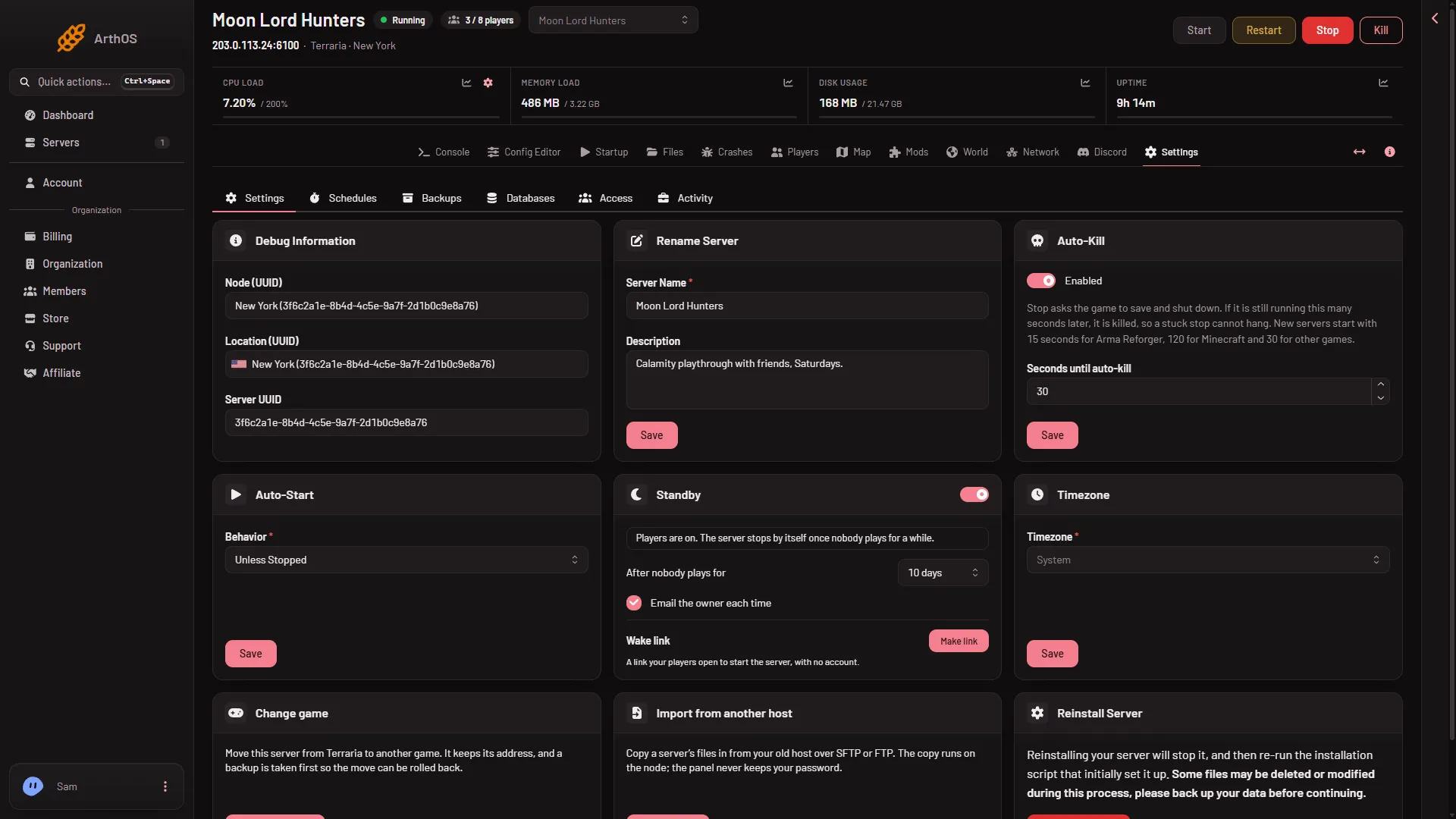
tModLoader .NET could not be set up: how to fix it
The Crashes page says tModLoader's .NET could not be set up. Start the server again. If it keeps failing, reinstall the server from Settings; your worlds stay.
- A 1.4.5 world will not open on tModLoader: the fix A world saved by Terraria 1.4.5 cannot open on tModLoader stable, which runs 1.4.4. Make a new world for it, or play the world on Vanilla or TShock.
- Ban a player on your Terraria server Ban a Terraria player from the Players page: Vanilla and tModLoader ban the name and address; TShock bans by account, game id and address.
- Cannot connect to my Terraria server: a checklist Cannot join your Terraria server? Check that it runs, then the address and port on the Players page, the password, the version, and tModLoader for a modded one.
- Change the Terraria server player limit Set the Terraria max players on the Startup page, from 1 to 255. A new server starts at its plan's size of 8, 16 or 32. The change applies at the next start.
- How players get the mods on a tModLoader server Players join a tModLoader server with tModLoader, and it downloads the server's mods as they join. Here is what to tell them and what to check first.
- How to host a tModLoader server with Workshop mods Switch a Terraria server to tModLoader on the World page, pick a 1.4.4 world, add Steam Workshop mods, and have players join with tModLoader. Step by step.
- How to join a Terraria server Join a Terraria server with Multiplayer, Join via IP, the address and port from the Players page, then the password if asked. tModLoader needs tModLoader.
- Install tModLoader mods on your server Add Steam Workshop mods to a tModLoader server, check the bar of waiting changes, then Apply or Apply and restart. What downloads and what cannot load.
- Kick a player from your Terraria server Kick a Terraria player from the Players page: open their row menu, choose Kick and confirm. They are disconnected and can join again. Reasons work on TShock.
- Load a tModLoader mod pack onto the server Load a mod pack saved in tModLoader onto your Terraria server: upload install.txt and enabled.json, add or replace the list, then press Apply.
- Make a new Terraria world on your server Fill in Name, Size, Difficulty, World evil and Seed on the World page, then press Make this world. The server makes it at its next start.
- Play another world on your Terraria server Pick which Terraria world your server plays. Choose Play this world on the World page, then restart: the server plays one world at a time.
- Restore a Terraria world backup on your server Put back one of the game's own world backups from the World page. Stop the server first. The world as it is now is kept beside the backup.
- Search the tModLoader Workshop for server mods Use the Workshop tab on the Mods page to search tModLoader mods, sort by Most subscribed or Trending, and add results to your Terraria server's list.
- See what a player carries on a Terraria server Open What they carry in a player's row menu to see their hotbar, armour, coins and piggy bank, with item pictures. It is read only. Needs TShock or tModLoader.
- See who is online on a Terraria server Open the Players tab to see who is on your Terraria server. Learn how the list is read on each program, and why an empty server is paused.
- Send a message to players on your Terraria server Message everyone on your Terraria server from the Players page, 1 to 200 characters. Messaging one player needs TShock or tModLoader and the panel's tools.
- Set or remove a Terraria server password Set, change or remove the Terraria join password under Passwords in the Config Editor, not on Startup. Up to 40 characters. It applies at the next start.
- Set the time of day on a Terraria server Change a Terraria server's time to dawn, noon, dusk or midnight with a button on the Players page, on Vanilla, TShock or tModLoader.
- Set up a Terraria server, from order to first join A new Terraria server runs the game's own server and makes a world at its first start. Find the address on Players, then join with Multiplayer and Join via IP.
- Set up a TShock server and make yourself owner Switch a Terraria server to TShock on the World page, start it, copy the one-time setup code from Players, join, type /setup and make your owner account.
- Start a Blood Moon or invasion on a Terraria server Start a Blood Moon, Eclipse, rain, party or invasion from the Players page, or stop one. It needs TShock or tModLoader and at least one player online.
- Start, stop or restart a Terraria server Start, stop and restart a Terraria server from the panel. Stop saves the world with exit, a restart disconnects players, and Kill skips the save.
- Switch a Terraria server from Vanilla to tModLoader Switch a Vanilla Terraria server to tModLoader on the World page. Pick a 1.4.4 world, expect 1.4.5 worlds to be blocked, and switch back any time.
- Switch Terraria to TShock or tModLoader Change a Terraria server between Vanilla, TShock and tModLoader on the World page. It applies at the next start, and your worlds stay where they are.
- Terraria backups: panel, game and TShock compared A Terraria server has three kinds of backup: the panel's Backups, the game's own world backups and TShock's. Learn what each holds and when to use it.
- Terraria Config Editor: server settings and locked rows A tour of the Terraria Config Editor: the Server settings file, TShock and mod files, the Passwords source, and the locked rows in Set by Loafhosts.
- Terraria Give, heal and events refused: nobody is on Why the panel says nobody is on and the world is paused when you use Give, Heal or an event, and how to run them: join the server, then try again.
- Terraria panel tools not running: what each message means The Players page shows a line about the panel's tools. Here is what each one means: load at next start, key at next restart, older tools, paused.
- Terraria Players page empty or launcher message The Players page is empty, or says the server has not started with the panel's launcher. Restart the server once. The panel's tools load at the next start.
- Terraria Players page: what each part does A tour of the Players tab on a Terraria server: who is on now, what you can do to a player, world actions, past players, joins and chat, and bans.
- Terraria server address and port: where to find them Find your Terraria server's address and port on the Players page or the Network page. It is not 7777, and it uses TCP only. Players type both in Join via IP.
- Terraria server crashed: restart and find the cause The Crashes page says The server crashed. Restart it first. If it fails at the same moment again, take off the last mod or plugin you added.
- Terraria server lag: causes and fixes Fix Terraria server lag. An empty server pausing is normal. For real lag, read the load on the server page, then check your mods, memory and the world size.
- Terraria server paused with nobody on: why An empty Terraria server pauses its world. Time stops and panel actions like Heal or events wait until a player fully connects. How to tell and what to do.
- Terraria server ran out of memory: how to fix it Crashes says the server ran out of memory or used all its memory. Take off mods, move to a plan with more memory, or make a smaller world. Here is the order.
- Terraria server Startup settings explained Every Terraria Startup setting by its panel label: what it does, which ones only matter for a new world, and that all of them apply at the next start.
- Terraria server won't start: read the Crashes page A Terraria server that never starts leaves a reason in its start log. Open Crashes, read the finding, and fix the download, .NET, world, port, disk or memory.
- Terraria special seeds on a server: seed words and numbers Type notthebees, fortheworthy, celebrationmk10, theconstant, notraps, dontdigup or getfixedboi in the Seed field, or 5162020 for Drunk, for a special world.
- Terraria world could not be loaded: put a backup back The server stops with The world could not be loaded. The game will not make a new world over yours. Stop the server and put a backup back on the World page.
- Terraria world seed: what to type in the Seed field Leave the Terraria Seed field empty for a random world, or type a seed of up to 40 characters. It only applies to a new world, made at the next start.
- Terraria world sizes: Small, Medium and Large Terraria worlds come in Small, Medium and Large. See their size in tiles, what a big world asks of the server, and why a size cannot be changed later.
- Terraria: give an item to a player on your server Give a Terraria player any item, 1 to 9,999 at a time, from the Players page. It drops at their feet for them only. Needs TShock or tModLoader and a player on.
- Terraria: You are not using the same version Fix "You are not using the same version as this server" on a Terraria server: match the Vanilla version, let TShock catch up, or match tModLoader's version.
- The Terraria World page: software, worlds, backups A tour of the World tab on a Terraria server: pick Vanilla, TShock or tModLoader, play or delete a world, put back a backup, and make a new world.
- tModLoader Config Editor: serverconfig.txt and mod configs On a tModLoader server the Config Editor edits serverconfig.txt and each mod's config file. See what you can change, what is locked, and when it applies.
- tModLoader mod did not load: find out why The game can turn a mod off at start. The Mods page shows which mod and why: a missing mod it needs, a newer tModLoader, or a file it cannot read.
- tModLoader mod needs another mod: add it A tModLoader mod that says Needs another mod stays off until you add that mod. Press Add on its row, then Apply, and both load at the next start.
- tModLoader Mods page: what each tab does A tour of the Mods page for a tModLoader server: the list, Workshop, Collections and Mod packs tabs, and why Vanilla and TShock servers show a notice instead.
- TShock accounts and groups: change a player's group See who has registered on your TShock server and change their group from the Players page. A new group applies the next time they log in.
- TShock bans: name, account, address and game id A TShock ban can hold a name, account, address and game id, and last for good or until a date. Read the Bans list on the Players page and lift a ban.
- TShock first start: the /setup code and owner account TShock prints a one-time /setup code at its first start. Find it on the Players page, type it in chat, and make your owner account.
- TShock settings in the Config Editor, group by group All 52 TShock settings in the Loafhosts Config Editor by group: Server, Players, Characters, World, Saving, Chat, Database and Advanced, and what each one does.
- TShock will not let players join after a Terraria update After a Terraria update, players cannot join TShock until it has a version for the new game. Check Newest on the World page, then restart or run Vanilla.
- Unban a player on your Terraria server Lift a Terraria ban from the Bans list on the Players page. TShock needs the server running; the panel says Vanilla and tModLoader apply it at the next start.
- Update a Terraria server to the newest version Update a Terraria server with Update at start, or keep one version with the Version field. Players need the same version as the server. Restart to apply.
- Upload an existing Terraria world to your server Put a .wld file in the worlds folder with Files, then choose Play this world on the World page. A 1.4.5 world will not open on tModLoader.
- Use the Terraria map page on your server The Map tab draws your Terraria world from its save in the game's map colours, opens on spawn, and redraws after the game saves. Drag, use arrows, zoom.
- Vanilla, TShock or tModLoader: which Terraria server Compare the three Terraria servers on Loafhosts: who can join, which game version, mods, accounts and the panel's tools. Pick one on the World page.
- Add a tModLoader mod by Workshop link or ID Paste a tModLoader Workshop link or ID into Add by link or ID, choose Look up, and read the Add these mods? box that shows what each mod needs.
- Change enemy spawns on a TShock Terraria server Set how many enemies spawn near each player and how often on a TShock server, with Most enemies near a player and Enemy spawn rate in the Config Editor.
- Change the Terraria server language Server language sets the language of a Terraria server's own messages, such as joins, deaths and events. Players keep their own language. Pick one and restart.
- Choose Corruption or Crimson for a Terraria server world Only TShock obeys the World evil choice when a Terraria server makes a world. Vanilla and tModLoader pick Corruption or Crimson at random.
- Delete a world on your Terraria server Delete a Terraria world you no longer play from the World page. It removes the world, its game backups and its tModLoader data, for good.
- Download your tModLoader server's mods as a mod pack Download the mods applied on your Terraria server as a mod pack for your players, then show them where to unzip it and how to turn it on.
- Edit the TShock message of the day and rules Change the welcome text and rules on a TShock server: edit motd.txt and rules.txt in Files, with placeholders for the map and players.
- Kill a player on a Terraria server from the panel Use Kill in the player's row menu to end a character at once. What they drop depends on the world's difficulty and their character. Needs TShock or tModLoader.
- Make players log in on a TShock server Turn on Account needed to play in the Config Editor so TShock players must register and log in. Plus four related login settings explained.
- Put a .tmod file on a tModLoader server by hand Upload a .tmod file into tModLoader/Mods with Files. The Mods page lists it as Local folder, and the panel never changes it. Here is how.
- Read the join, leave and chat log on Terraria The Players page lists joins, leaves, chat and refused or kicked lines for this start, newest first. See what each line means and where the raw log is.
- Remove a mod from a tModLoader server Take a mod off the list on the Mods page and choose Apply. The server stops loading it at the next start, and its files stay until you delete them.
- Save a Terraria server world now Press Save the world now on the Players page to save a Terraria world at once. Also how autosaves, a clean stop and the last player leaving save it.
- Save a tModLoader mod list as a collection Save your server's tModLoader mod list as a private or public collection, then add it to or replace the list on another Terraria server.
- Schedule Terraria server restarts and saves Restart a Terraria server every day, or save its world on a timer, from the Schedules tab. A stop saves the world first. Times use the server time zone.
- See chests and signs on the Terraria map Chests and signs show on the Terraria map only to a role that allows the private map. Turn on Chests or Signs to read what is in them. Views are logged.
- See player IP addresses on a Terraria server A player's address shows on the Players page only to a role that allows it. Learn where it comes from, who sees it, and how to keep addresses private.
- See which bosses a Terraria world has beaten The World page lists the bosses and events a world has beaten and shows Hardmode on its row. It reads the world's own file, so the server need not run.
- See who has played on your Terraria server Others who have played lists players seen in the last 180 days, with last on, time played and sessions. A name is only a name, not proof of who someone is.
- Set a Terraria message of the day Set the Terraria message of the day with the Message of the day field on Startup: one line, up to 120 characters, shown to each player who joins.
- Set always day or always night on a TShock server Hold a TShock Terraria world in daytime or at night with the Time of day setting, and turn on Always Christmas or Always Halloween in the Config Editor.
- Set PvP mode on a TShock Terraria server Choose how PvP works on a TShock server: Players choose, Always on, Always off, or On, teams not allowed. Set it in the Config Editor.
- Show a Terraria server in Discord Link a Discord channel and the bot keeps one message up to date with your Terraria world, program, who is on, Hardmode, bosses beaten and mods.
- Show spawn, Dungeon and other places on the Terraria map Turn the map's place filters on or off: Spawn, Dungeon, Pylons, altars, Shadow Orbs, Life Crystals, Life Fruit, Plantera's bulbs and more.
- Terraria banlist.txt: format and editing by hand Terraria's banlist.txt holds each ban as a //name line and an address line. Edit it in Files on Vanilla or tModLoader, then restart the server.
- Terraria cheat protection (secure): turn it on or off Cheat protection is on in a new Terraria server and kicks a player who sends what the game cannot do. Turn it on or off in the Config Editor, then restart.
- Terraria difficulty modes: Classic, Expert, Master Pick Classic, Expert, Master or Journey when you make a Terraria world on your server. The mode is fixed for that world, so a new mode needs a new world.
- Terraria drunk world seed: how to tell it on the server The Terraria drunk world seed is the number 5162020 (from the game wiki). Type it in Seed on a new world, and see how the World page marks a drunk world.
- Terraria incorrect password: find or reset it Players get a wrong password on your Terraria server? Read or reset the join password under Passwords in the Config Editor. TShock can have its own second one.
- Terraria Journey mode on a server and its powers Run a Journey world on your Terraria server and decide who may use Journey powers like freeze time or godmode: Nobody, Nobody (host only) or Every player.
- Terraria Journey powers: who can use each one Set who may use each Journey power on a Terraria server: Nobody, Nobody (host only) or Every player. All 15 powers are in the Config Editor, applied at restart.
- Terraria map not showing: no world, drawing or too large What each state of the Terraria Map page means: no world yet, drawing, could not be drawn and tried again in 10 minutes, or a world file that is too large.
- Terraria map shows no players on Vanilla: how to get them On Vanilla the Map page draws the world but cannot show where players are. Switch the server to TShock or tModLoader on the World page to see them live.
- Terraria NPC updates (npcstream): fix enemy skipping NPC updates sets how often a Terraria server sends enemy positions, from 0 to 60. A lower number is smoother but sends more data. 0 is off. The default is 60.
- Terraria players cannot join or miss a tModLoader mod Player cannot join your tModLoader server or lacks a mod? They need tModLoader, mods download as they join, and a mod left off or out of date blocks them.
- Terraria server console: ready line and commands Use the Terraria server Console tab: when the server is ready, the help, save and exit commands, and which lines the launcher hides or shortens.
- Terraria server files and folders explained What is in the Terraria server's worlds, logs, tshock and tModLoader folders, what serverconfig.txt and banlist.txt do, and which files to leave alone.
- Terraria server logs: where they are and how to read them A Terraria server writes one log per start and keeps about ten, stamped in UTC. Learn to read joins, leaves and chat, and how the Crashes tab reads them.
- Terraria server map: live players and bosses On TShock and tModLoader the Map shows players and bosses with their health, and a card to heal or send a player. Vanilla shows none. Here is how it works.
- Terraria server map: Town NPCs and their homes The Map page marks every Town NPC in your Terraria world with its own map head. An NPC with no house reads Has no home. Here is how to show and read them.
- Terraria server memory and plan sizes What the Small, Standard and Large Terraria plans hold: cores, memory, disk and players. How to read your memory use and what to do when the server runs out.
- Terraria server passwords: where they are kept A Terraria server's join password is under Passwords in the Config Editor, not Startup. See which passwords exist and when a change applies.
- Terraria server port was in use: what to do Crashes says The server's port was in use. Restart the server once. If it happens again, ask support to check the server's port. You open no ports yourself.
- Terraria server roles and permissions Which role may see players, kick and ban, give items, see IPs, open private map data, change startup, restart or delete a world on a Terraria server.
- Terraria server software could not be downloaded The Crashes page says the server software could not be downloaded. Start the server again in a few minutes, or set the version back to latest on the World page.
- Terraria server standby: stop it when nobody plays Standby stops a Terraria server by itself when nobody has played for a while, and a wake link lets players start it again. Nothing is deleted.
- Terraria server stuck on starting: what is normal A Terraria server can take a while to start: downloads, tModLoader's setup, a large new world. Wait for the ready line in the Console, or read the log.
- Terraria server went offline by itself: standby Your Terraria server stopped on its own? Standby stops an empty server after a wait. Nothing was deleted. Start it with the Start button or its wake link.
- Terraria Skyblock seed on a server: Vanilla or TShock Make a Skyblock world on your Terraria server with the seed word skyblock. It needs Terraria 1.4.5, so run Vanilla or TShock, not tModLoader stable.
- Terraria Vanilla server: what you get and what you do not Vanilla is the game's own Terraria server. Players join with the normal game. Kicks, bans, time and messages work. Items and the live map need TShock.
- Terraria world went back: why it looks older, and the fix Your Terraria world looks older than it should. See when it last saved, how the game saves, how a Put back works, and where the newer copy is kept.
- Terraria: call a boss on a player from the panel Call a Terraria boss near a player from the Players page, 1 to 5 at a time. The boss follows its own rules, so some leave by day. Needs TShock or tModLoader.
- Terraria: give a buff to a player for a set time Give a Terraria player a buff for 1 second up to 10 hours from the Players page. Needs TShock or tModLoader, a player on the server and a role that allows it.
- Terraria: heal a player to full health from the panel Heal a Terraria player to full health from the Players page row menu or the Map card. Needs TShock or tModLoader, a player on and a role that allows it.
- Terraria: teleport a player to spawn, a player or a spot Send a Terraria player to the world's spawn, to another player or to a spot you click on the Map. Needs TShock or tModLoader and a player on the server.
- tModLoader .NET could not be set up: how to fix it The Crashes page says tModLoader's .NET could not be set up. Start the server again. If it keeps failing, reinstall the server from Settings; your worlds stay.
- tModLoader big mod list: out of memory, 200 mod limit A big tModLoader mod list can run the server out of memory. See how Crashes shows it, the 200 mod limit, and when to take off mods or use a bigger plan.
- tModLoader client-only mods: players only A mod marked Players only changes the player's own game, so a tModLoader server does not load it. Here is what the chip and the note on the Mods page mean.
- tModLoader enabled.json: what it is and who writes it enabled.json is the list of mods tModLoader loads. The game drops unknown or broken mods from it at every start, and the panel writes it for you.
- tModLoader mod config files in the Config Editor Edit a tModLoader mod's own settings in the Config Editor. Each config file under ModConfigs shows as Mod: Config. Restart the server to load a change.
- TShock autosave and backup settings for Terraria Set how a TShock server saves its world: autosave, save messages, how often it backs up, how long backups last and saving when the last player leaves.
- TShock plugins: where they go and what survives an update Put TShock plugins in the server's ServerPlugins folder in Files. Your plugins stay when TShock updates, and the panel's own tools plugin should stay too.
- TShock server-side characters: open the settings file Find TShock's server-side characters file in the Config Editor, see where Enabled and starting health and mana live, and apply a change.
- TShock spawn protection: set the radius in tiles TShock spawn protection stops most players building near spawn. Turn it on and set its radius in tiles in the Config Editor, then restart the server.
- TShock whitelist: let only some addresses join Turn on Whitelist only in the TShock Config Editor and list the allowed addresses in tshock/whitelist.txt. Everyone else is refused.
- Turn off hardmode on a TShock Terraria server Stop the Wall of Flesh from starting hardmode on a TShock Terraria server with the Hardmode off setting in the Config Editor. Restart to apply it.
- Update tModLoader mods on your server A mod with the Update chip has a newer Workshop version. Choose Update or Update all, then Apply. Players with the new version cannot join until you do.
- Update tModLoader on a server: latest or pinned Set the tModLoader version on the World page: latest is the monthly stable release, or pin a release such as v2026.09.3.1. Players must match it.