









When a mod has a newer version, the Mods page shows a chip like “1.2.3 out” next to it. Update one mod from its menu, or press Update all. The server stops, updates and starts again.
In the panel
- Open the Mods page, on the Installed tab (1).
- Look for the version chip next to a mod’s name. When any mod has a newer version, a line at the top says so, with an Update all button.
- To update one mod, open the menu (three dots, 2) on its row and choose Update to (version). To update every mod, press Update all.
- A box lists the packages it will install, with their versions and sizes. A package marked “needed” is one the newer version asks for. Read it, then press Install.
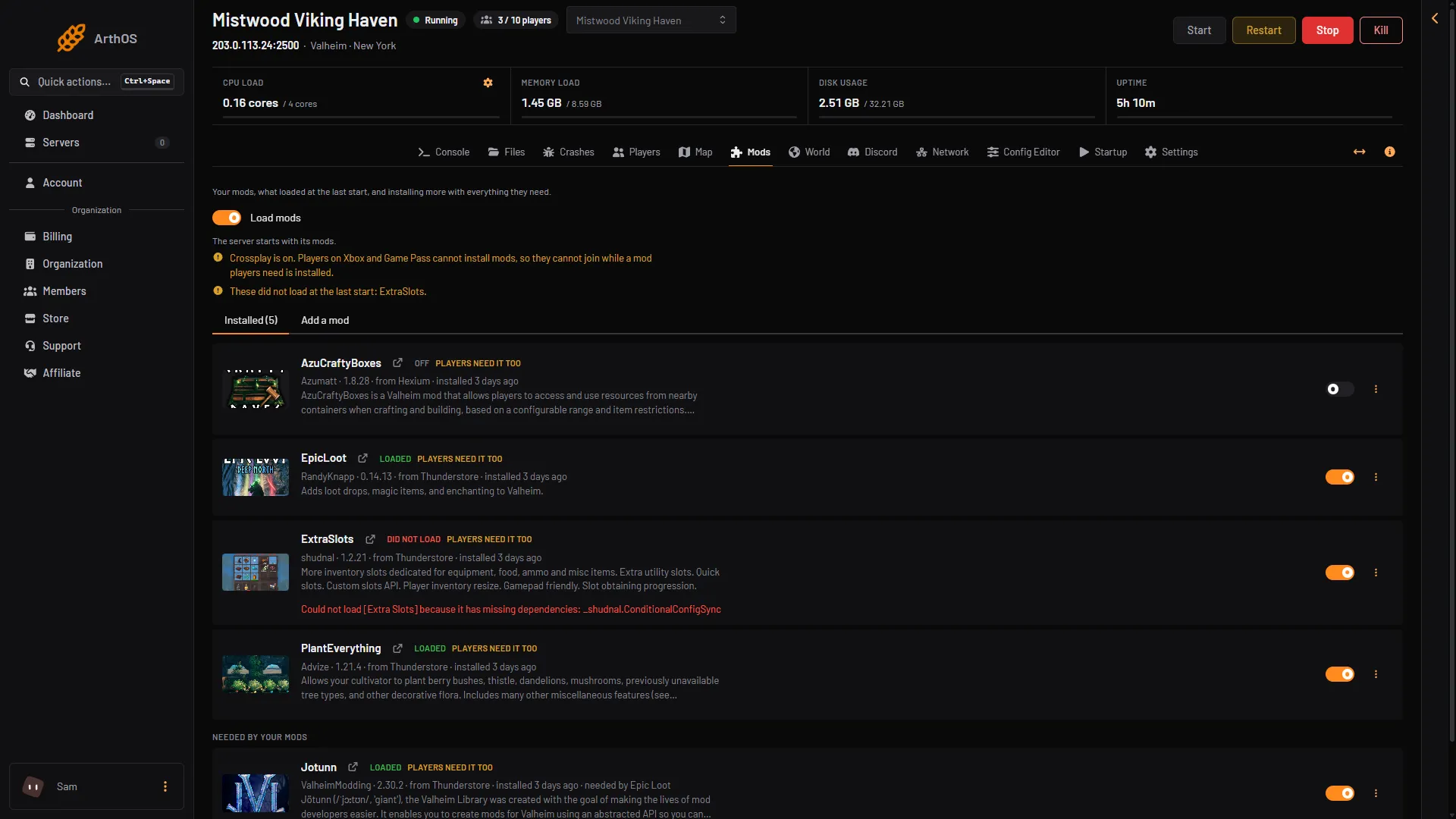
- Installed
- Mod menu
If crossplay is on, the box also asks you to tick that console players cannot join while a mod they need is installed. See server-side mods.
What happens
The server stops. The panel downloads the new version and puts it in place. The server starts again if it was running. A banner at the top of the page shows how it goes, and the Mods page then says “Installed (names).”
Settings files you already have are kept. The update does not replace them. An update installs the new copy, and a mod you had turned off turns on again. Turn off, Remove and Load mods do not restart the server, but an update does.
Updates uploaded by hand
A mod you uploaded as a zip has no update chip. The panel does not know where to look for a newer version. Upload the new zip instead.
After a game update
Players must run the same game version as the server. A mod made for an older game build can fail to load after the game updates. The Mods page then shows Did not load next to the mod, and a note says which mods failed at the last start. The server’s Crashes page may show the finding “A mod did not load”, and shows the Game version the server runs.
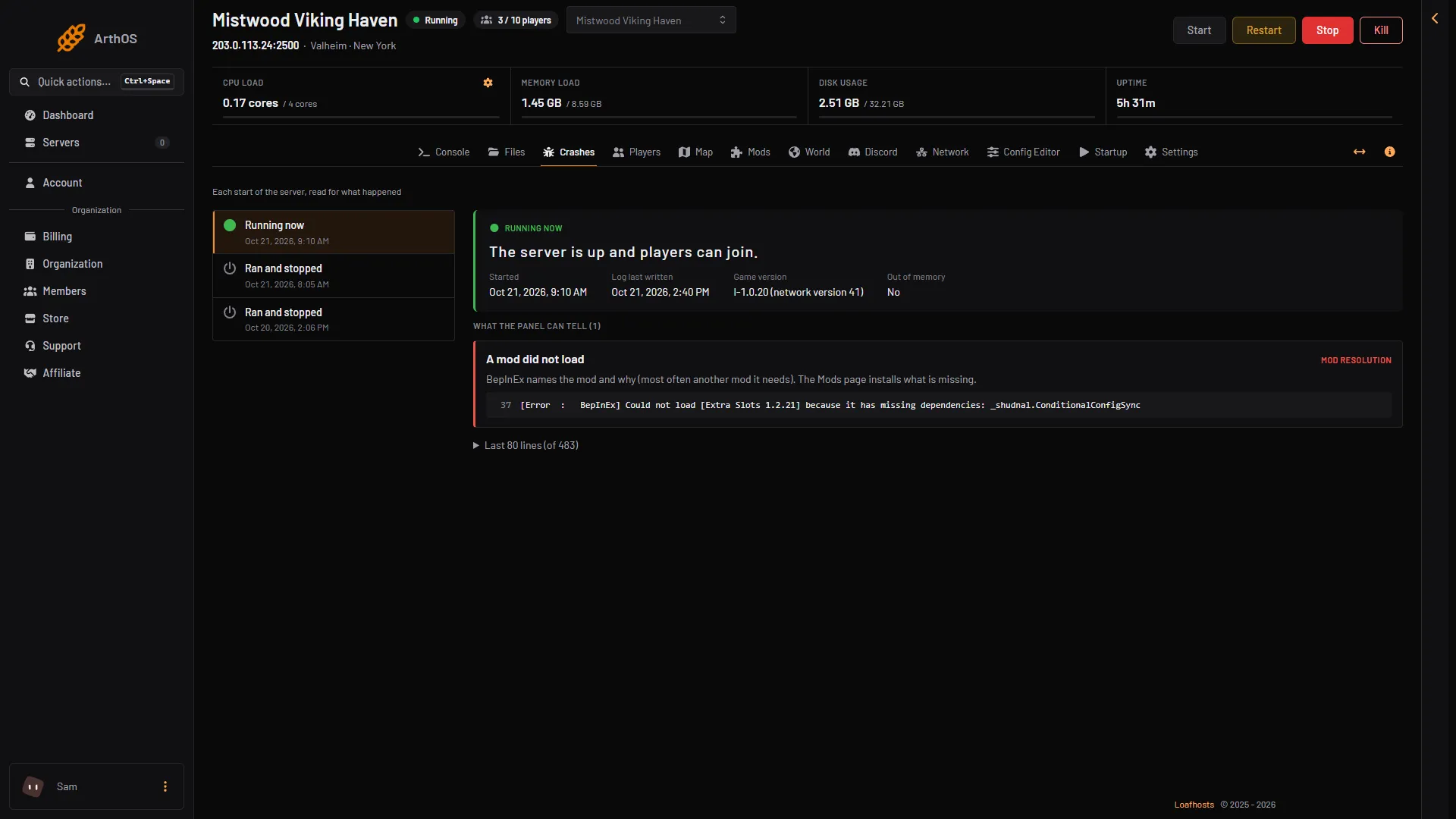
- Game version
- A mod did not load
Update the mod first. If the mod’s page does not offer a version for the new game yet, turn the mod off until it does. See mods not loading. Whether your server updates the game by itself is in update the Valheim server.
Players
When a mod shows Players need it too, players should install the same version on their own game. The mod’s page says which versions work together.
If it does not work
- No update button. The mod was uploaded, or you cannot restart the server with your role.
- The panel says every mod is on its newest version. There is nothing to update.
- A mod says Did not load after an update. Read the problem shown under it. Most often it needs another mod. The Mods page installs what is missing.
More about the game: Valheim servers.
Sources: thunderstore.io: BepInExPack Valheim