









Valheim keeps its worlds and player lists in one save folder. By default that is ~/.config/unity3d/IronGate/Valheim on Linux and %USERPROFILE%\AppData\LocalLow\IronGate\Valheim on Windows, and the start option -savedir (path) changes it (the game’s manual). Worlds are in worlds_local under it. In 1.0 a world is a folder; older answers on the web show .db and .fwl files.
On a Loafhosts server it is all in the Files page: the save folder is .config/unity3d/IronGate/Valheim, the logs have their own folder and the mod files are in BepInEx. More about the game: Valheim servers.
The top level
Open Files. The top level of a Valheim server holds these:
.config: the save folder (1).BepInEx: the mod loader and the mod files (2).logs: one log for every start (3).steamapps,steamcmd,Steam,.steamandvalheim_server_Data: the game and its installer.linux64,doorstop_libsanddocker: support files for the game and the mod loader..arthos: files the panel keeps.- Loose files, such as
changelog.txtanddocker_start_server.sh.
Do not edit the support files. Change the server’s values on Startup or in the Config Editor instead.
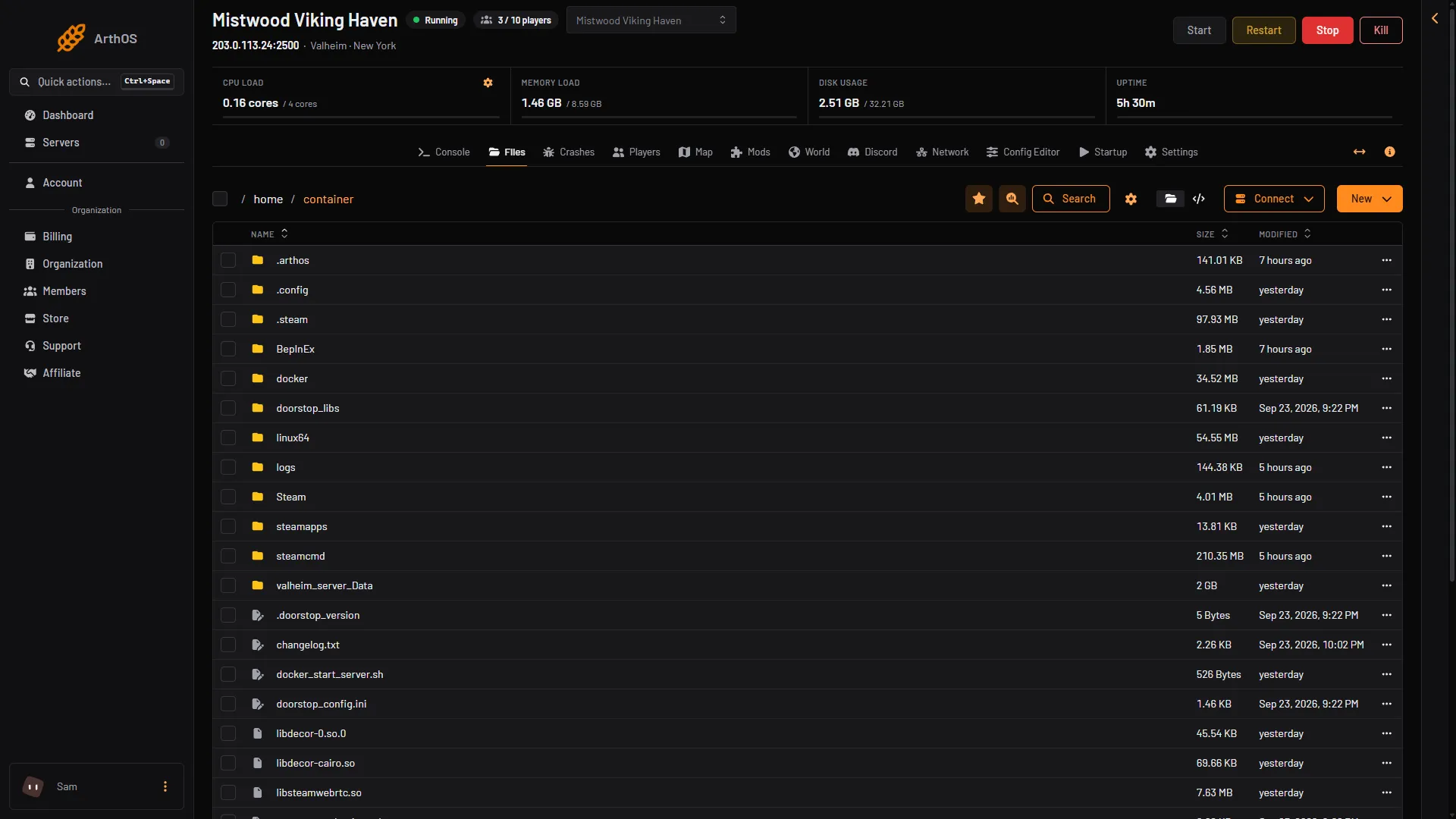
- The save folder
- Mod files
- Logs
The save folder
Open .config/unity3d/IronGate/Valheim. It holds:
worlds_local: your worlds. In Valheim 1.0 a world is a folder, likeDedicated. The game’s own backups are folders beside it, named likeDedicated_backup_auto-20261021-171022. An older world saved as two files,.dband.fwl, is still read by the game.adminlist.txt,bannedlist.txt,permittedlist.txt: one player id per line, in the form[Platform]_[User ID], likeSteam_76561190000000000. The ids are case sensitive. Not checked on 1.0.20 as of 21 October 2026: a bare number without the platform. See the permitted list.prefs: the game’s own settings file.
Players’ characters are not here. A character lives in the player’s own game.
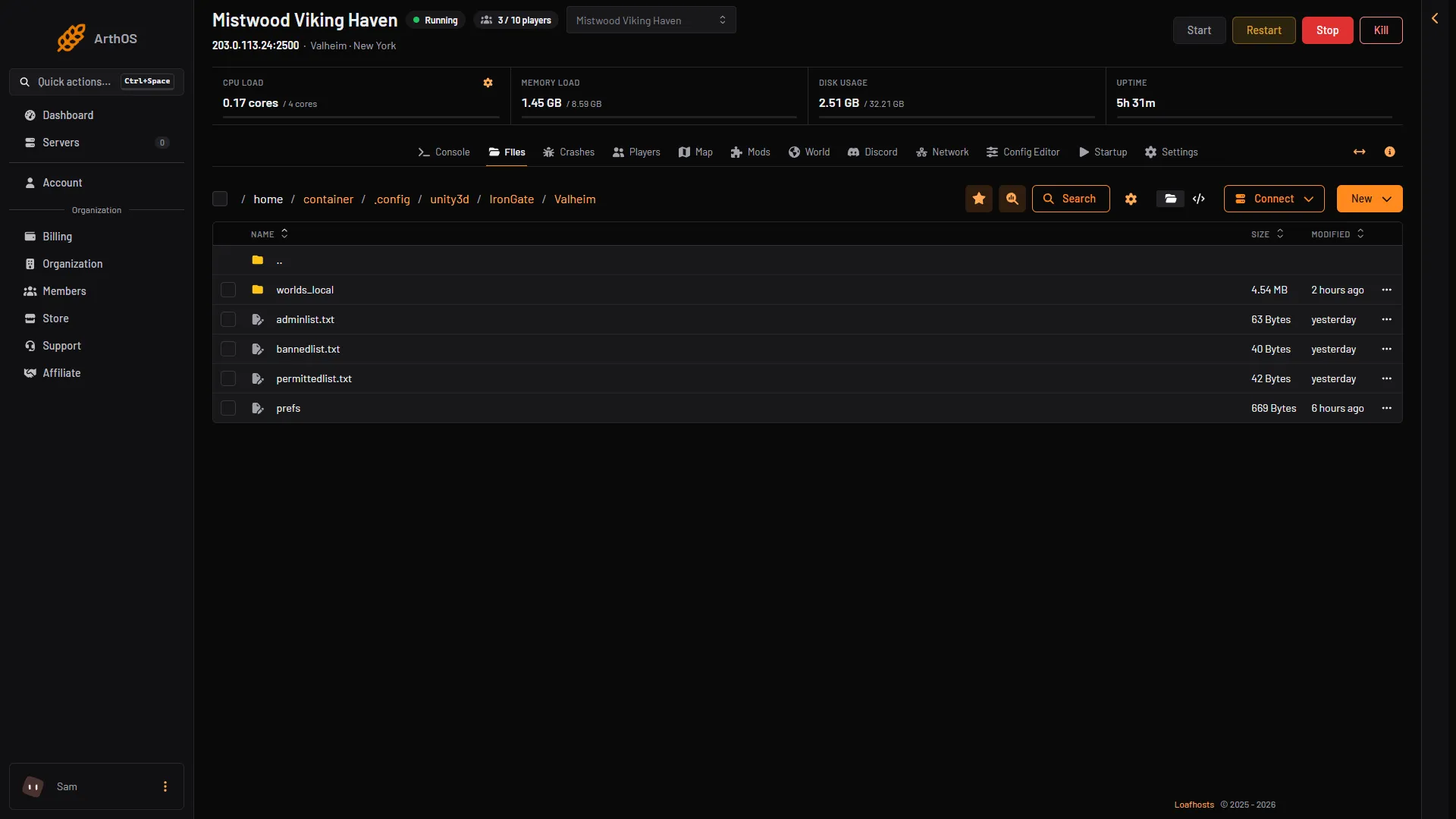
- Worlds
- Admins
- Bans
- Permitted list
The logs
Open logs. Every start writes a file named valheim_ followed by the date and time of that start. The ten newest are kept. The ready line is Game server connected. See Valheim server logs.
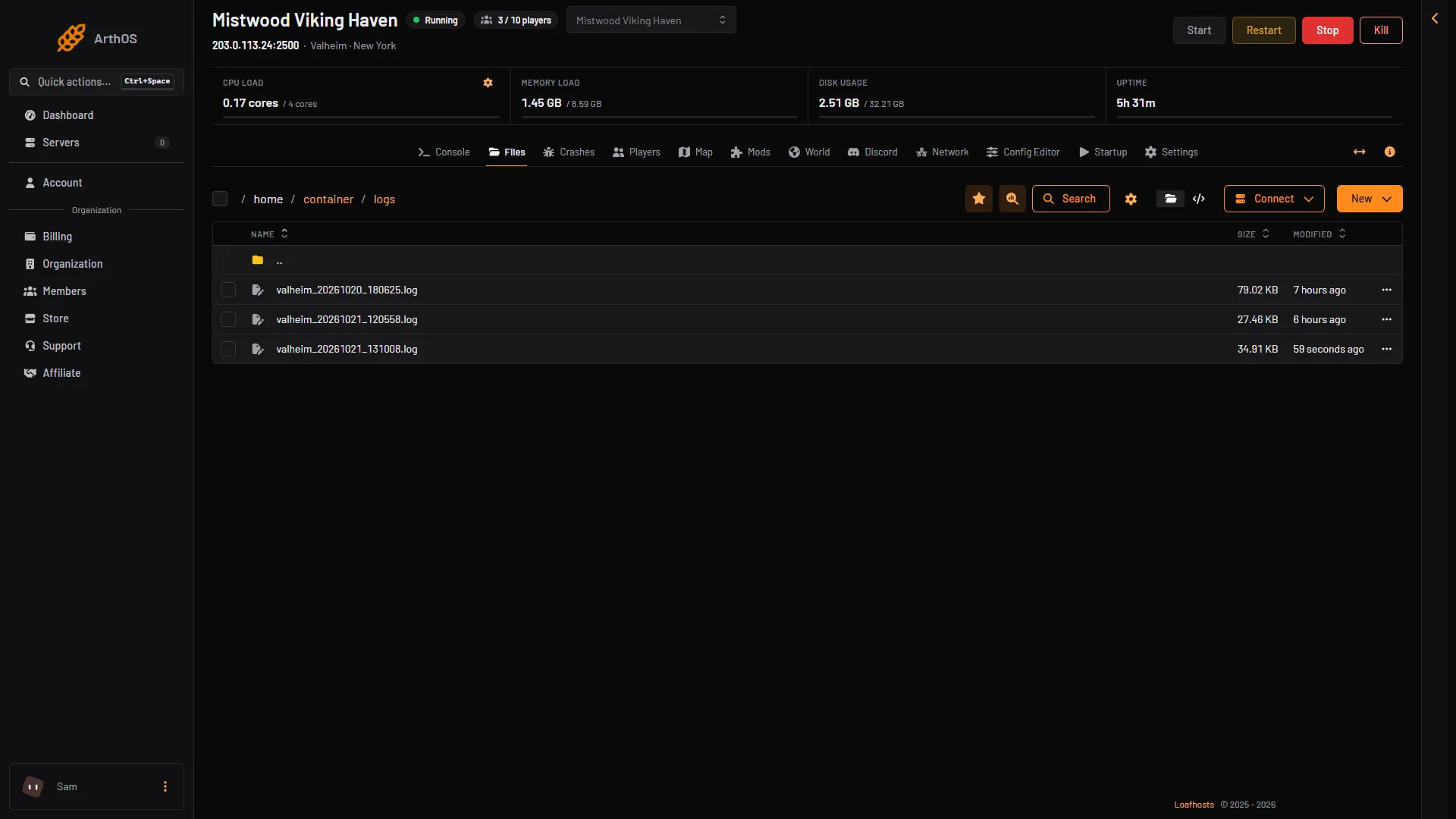
- A start log
The mod files
The BepInEx folder holds cache, config (one settings file per mod), core, patchers, plugins (the mods) and LogOutput.log (what loaded at the last start). Use the Mods page to add or remove mods rather than copying files. See BepInEx on a Valheim server.
Edit with Files or SFTP
In Files, open a text file to edit it. To move big files, such as a world, use SFTP: press Connect and choose via SFTP. The panel shows the host, the port and the username. Use any SFTP program.
What never to edit while the server runs
- The world. The game keeps the world in memory and writes it back at every save and at the stop. A change you make in
worlds_localis overwritten, or the world can break. Stop the server first. - A backup you want to keep. Copy it elsewhere before you edit.
The three player lists are different. The running game reads them again within 10 seconds of a change, so a change needs no restart. Only the panel’s Players page and a text editor should write them.
If it does not work
- You cannot find the world. It is not at the top. Open
.config, thenunity3d,IronGate,Valheimandworlds_local. - Your edit to a list does nothing. The id must be on its own line, with no spaces, and in the exact case. Each file ships with one
//comment line, for example// List admin players ID ONE per line. Leaving it is fine. - Your edit to a script or a support file does nothing. Change the value on Startup or in the Config Editor.