
















Your server’s address is on the Players page. Open it and look at the Joining band at the top. The address sits in a box, and the Copy button next to it copies it.
Find and copy it
- Open your server and choose the Players tab.
- In the Joining band, find the address box.
- Choose Copy (1), and paste the address where your players can read it.
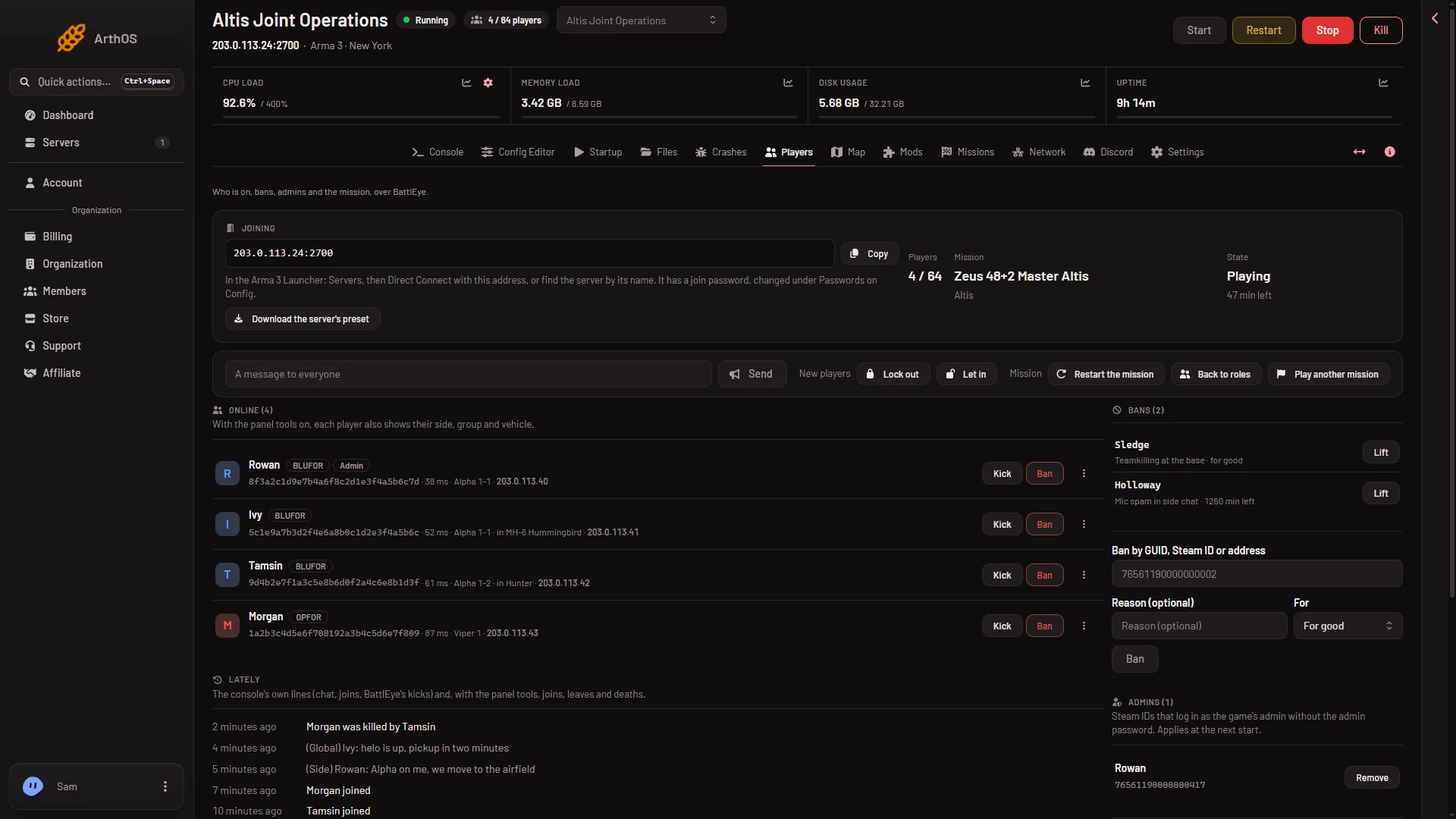
- Copy the address
If the band says “This server has no address yet.”, the server has no network address assigned to it yet. Open the Network tab to see its ports.
What the address is made of
The address has two parts: the server’s IP address and a port, joined with a colon. For example 203.0.113.24:2700.
The port is the game port. It is the first port of your server’s block of ten, and the one players connect to. On the Network tab it is the port with a star. It is not the same for every server, so always copy yours instead of typing a number you have seen elsewhere. The game’s own default is 2302, but a Loafhosts server has its own. The other ports in the block do other jobs, such as the Steam query at the game port plus one. See the ten-port block.
Use it
Players type the address into Direct Connect in the Arma 3 Launcher. The steps are in how to join your server.
If it does not work
- The band does not show a join password line. The server is stopped or still starting. The line shows only while the server answers.
- Players cannot connect. Check the server is running and the Console shows
Host identity created.ManyBattlEye Server: RCon admin #0 (...) logged inlines there are normal. - Players type only the IP. The game port is part of the address. Send the whole copied text.
Sources: Bohemia wiki: Dedicated Server