
















With kickDuplicate on, the server does not allow duplicate game IDs. When a second player joins with an ID that is already in the game, that second player is kicked automatically. In the panel the setting is called Kick a second player with the same ID. A new server’s server.cfg starts with it on. The game’s own default is off.
What it does
The game’s own description is short: “Do not allow duplicate game IDs. Second player with an existing ID will be kicked automatically.” The value 1 means on. The value 0 means off, and 0 is the game’s default.
The player who was already in the game stays. Only the second one is removed. The setting does nothing to players with different IDs.
Check or change it in the panel
- Open the Config Editor page of your server.
- Choose server.cfg in the list of settings files.
- Find the Joining card and the field Kick a second player with the same ID (1). On a new server it is already on.
- Leave it on, or switch it off if you do not want it.
- Choose Save.
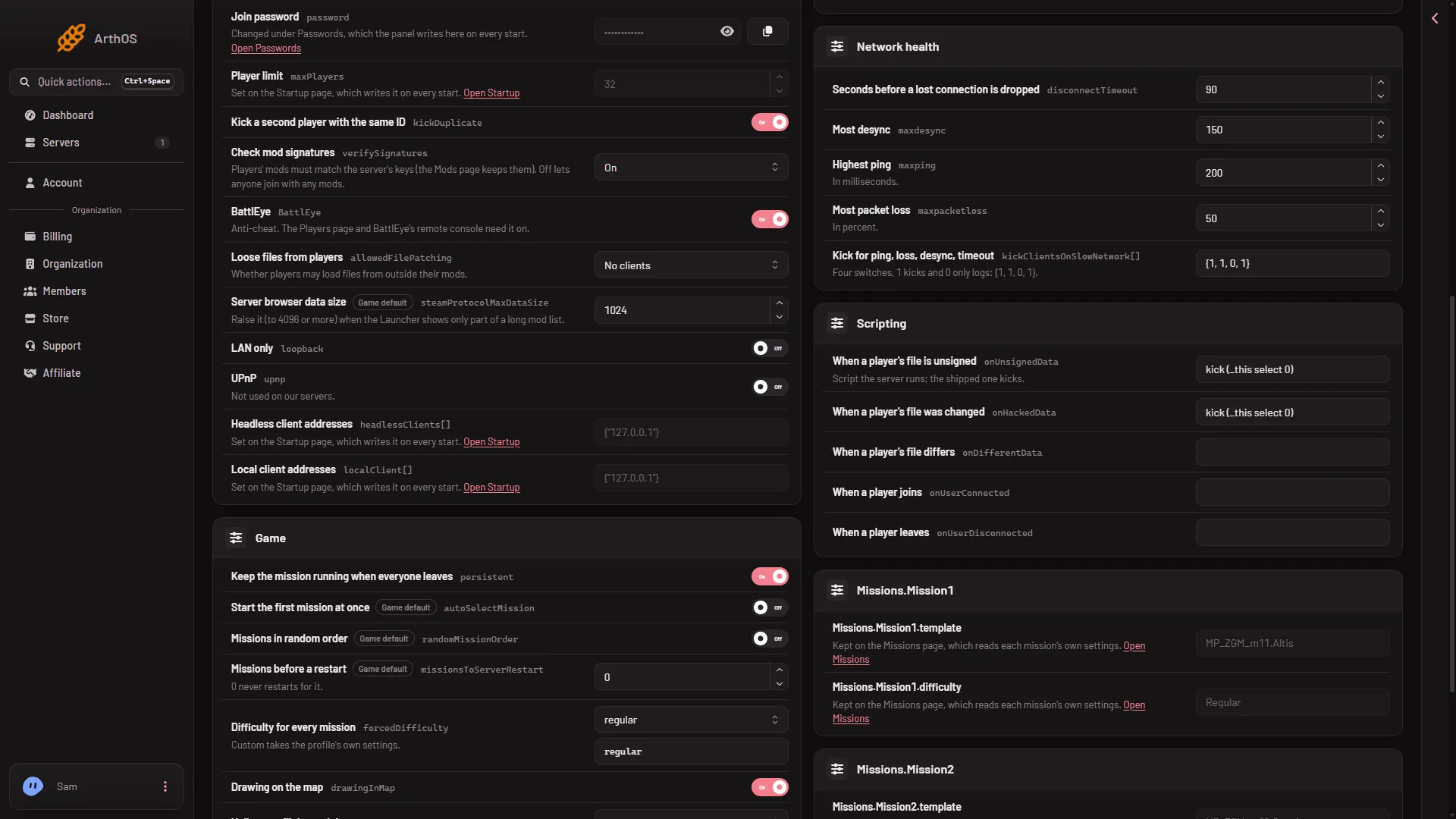
- Kick a second player with the same ID
When the server is running, the page says “Saved. Restart the server to apply the changes.” and shows Restart now. The game reads server.cfg once, at the start, so the setting works only after a restart. A restart drops everyone who is on. Warn them first with A message to everyone on the Players page (type the text, then choose Send).
The field also shows a Game default. If the file does not carry the setting, the Config Editor offers it at the game default, which is off.
By hand
Open Files, open server.cfg and find or add this line:
kickDuplicate = 1;Use 0 for off and 1 for on. Keep the semicolon. Save, then restart the server.
Check that it works
The panel gives you no special report for this setting. Not checked on 2.22.154089 as of 13 November 2026: whether a duplicate-ID kick shows in the Lately list on the Players page. A player who was removed can try to join again. If their ID is still in use by the first player, they will be kicked again.
To remove someone yourself, see kick a player. That works on any player, whatever their ID.
If it does not work
- Nothing changed. The server was not restarted after the save. Restart it.
- Two players with different IDs are both in. That is normal. The setting only looks at identical IDs.
- The field is missing. It is in the Joining card of
server.cfg. - The save is refused. Your role may not allow changing files. Ask the owner of the server.
All the settings of this file are listed in server.cfg explained. The editor itself is described in the Config Editor. More about the game: Arma 3 servers.
Sources: Bohemia wiki: Server Config File