
















The Console tab shows what your Conan Exiles server prints while it runs: its start, its warnings and its stop. It is for reading. It hides some noisy lines on purpose, and the full log is saved as a file in Files.
What you see
Open the Console tab of your server. You see the game’s own output, line by line, newest at the bottom.
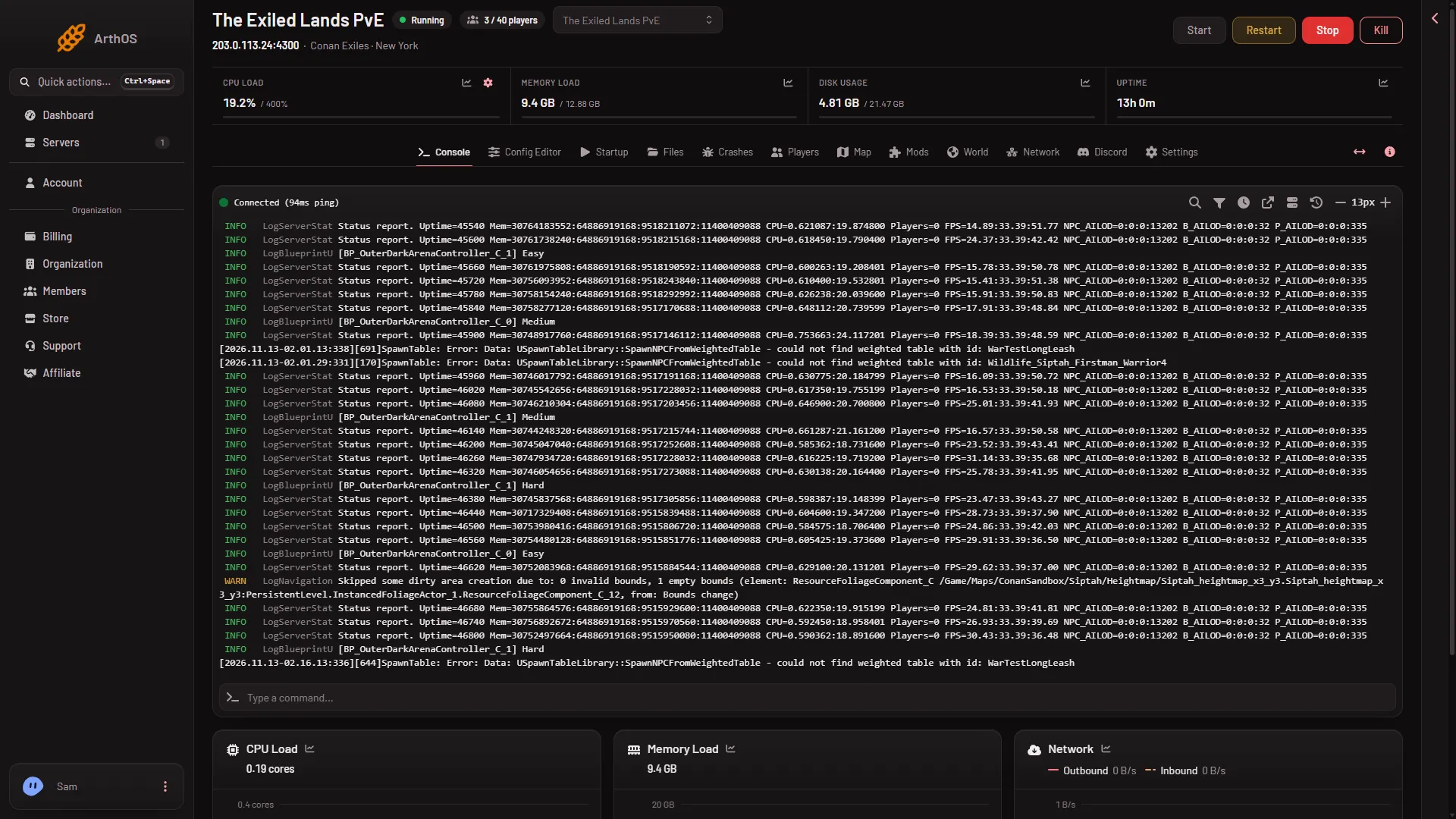
- A start. The panel marks the server as starting, then the game loads its files. When the game is ready to take players, the console shows
Started SourceServerQueries. That is the ready line. It comes about 16 to 25 seconds after the files load. The first start of a new server takes longer. - Warnings and errors. A mod that fails to load, a world file problem or a missing setting shows up here as the game prints it.
- A stop. When you stop the server, the panel prints a line such as “If it has not stopped in (seconds) seconds, it is killed. Change this under Settings, Auto-Kill.” Conan can take a long time to save and stop. See Auto-Kill and the stop timeout.
Lines the console hides
A Conan server prints a lot of lines nobody needs. The panel filters the most repetitive ones out of the Console so that the lines that matter are easy to find. The hidden lines are:
- The panel’s own queries to the game, which it sends to read who is online.
- Missing data table rows, such as
UDataTable::FindRow. - Title screen movie lines and icon mismatch errors.
- Script warnings that say
Attempted to access index. - Blank lines.
The filter only changes what the Console shows. It does not change what the game writes to its log. You cannot turn the filter off from the panel.
The full log is in Files
Every line the game writes goes to a log file. Open Files, then go to ConanSandbox/Saved/Logs.
ConanSandbox.logis the log of this start.ConanSandbox-backup-followed by a date and time is the log of an older start. The game keeps the newest ten.RconCommandLog.loglists every command sent to the game through its remote console, including the panel’s own. Funcom’s remote console page says all such commands are written to this file.
To read one, open it in Files. To keep a copy, choose Download on the file.
Do things from the pages, not the console
The Console tab has a box for typing. For Conan Exiles, use the panel’s pages instead of typing game commands there:
- Kick, ban, the whitelist, messages to everyone and Restart with a warning are on the Players page. Start, Restart, Stop and Kill are at the top of the server page.
- Server settings are in the Config Editor.
- A world backup or a new world is on the World page.
These pages talk to the game for you, one command at a time, and keep within the limit the game puts on commands.
If it does not work
- The Console is empty. The server is offline, or it has only just started. Start it and wait a few seconds.
- A line you saw in an article is missing. It may be one of the hidden lines. Read
ConanSandbox.login Files. - The console stops at a line and nothing follows. If the ready line never comes, check Crashes for what the start found.
- You need to know why a start failed. Open
ConanSandbox.logand look near the end for the first error.
More about the game: Conan Exiles servers.
Sources: conanexiles.fandom.com: Rcon