
















PvE-Conflict, written PvE-C, is switched on with one number. In the Config Editor, open Server settings, find the row Set to 1 for PVE-C, type 1 and save. The row is in the group PvP and raiding, and it starts at 0. In the file the setting is CombatModeModifier.
Funcom lists it as relying on PVP Enabled. Turn that on first. See turn on PvP.
What Funcom says
Funcom’s server settings page gives it one line of help: “Set to 1 for PVE-C”. It does not explain the mode further. Do not promise players a rule set from this guide. Not checked on Enhanced, server build 25792439 as of 13 November 2026: what PvE-C changes in play.
Set it
- Open the Config Editor and choose Server settings.
- Set PVP Enabled (1) in the group PvP and raiding to On, if it is not on yet. It applies at the next start.
- Find Set to 1 for PVE-C in the same group. Or type
PVEin the search box. - Type
1. - A bar reads “Unsaved changes: (n)”. Choose Save.
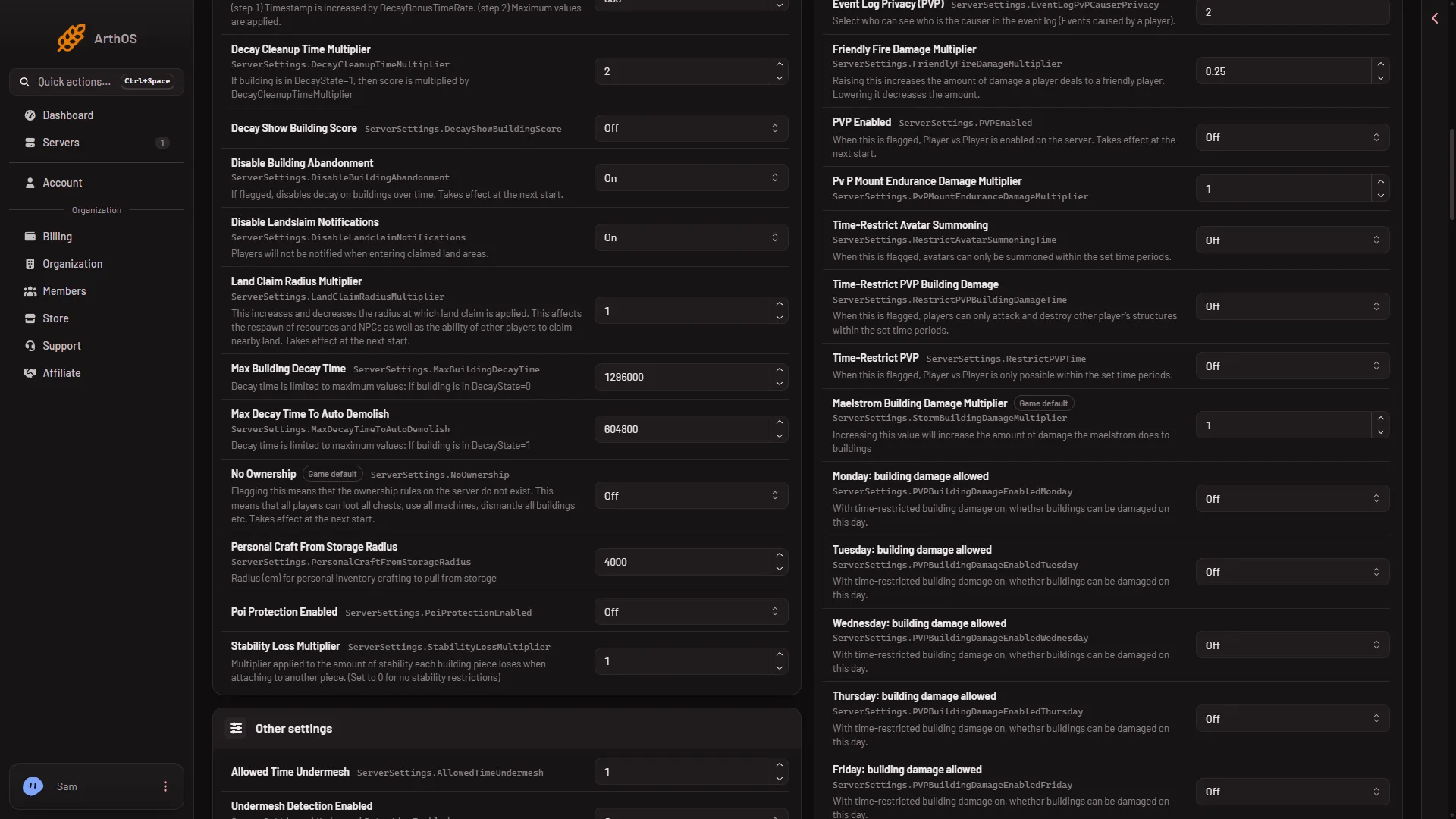
- PVP Enabled
When it takes effect
This row is not one of the six settings Funcom marks as needing a start. While the server runs, the panel saves it to the running game and the page says “Saved and in use now.” or “Saved and in use now, except (names): those apply at the next start.” PVP Enabled applies at the next start, so restart after changing it. A restart drops everyone who is on: on the Players page, Restart with a warning tells them first, while the game answers the panel.
Turn it off
Type 0, the game’s own value, and save. The row shows Game default when it is back at 0.
If it does not work
- Nothing changes in game. Check that PVP Enabled is On and that the server has been restarted since you turned it on.
- The save was refused. Wait until the server has finished starting, or stop it and save. If the page says the file changed, reload and try again.
- The row is not where you looked. Search for
PVE-C. The row’s label is the text “Set to 1 for PVE-C”, not a name with the word mode in it.