
















Change how fast players level with the Player XP multipliers, and how much they gather with Harvest Amount Multiplier. Both are in the Config Editor, under Server settings. Every one starts at 1, which is the game’s normal speed. 2 doubles it, and 0.5 halves it.
In ServerSettings.ini, under [ServerSettings], the keys are PlayerXPRateMultiplier and HarvestAmountMultiplier. Edit the file by hand only while the server is stopped: the game writes it again when it stops. The other three XP rows are listed below by their labels.
None of them is one of the six settings Funcom marks as needing a start. While the server runs, the panel saves the change to the running game and the page says “Saved and in use now.” Not checked on Enhanced, server build 25792439 as of 13 November 2026: whether the game re-reads each of them live.
The XP settings
These five rows are in the group Players:
- Player XP Rate Multiplier. “This multiplier affects all types of XP that players receive. You can use this to speed up player progression in all activities.” This is the one to change if you want just one dial.
- Player XP Harvest Multiplier. XP for harvesting.
- Player XP Kill Multiplier. XP for killing monsters and players.
- Player XP Craft Multiplier. XP for crafting.
- Player XP Time Multiplier. “In Conan Exiles, players receive XP passively over time, simply for surviving. This multiplies the speed at which players receive this XP.”
Funcom does not say how the first one combines with the other four. If you change several, change one at a time and watch the result.
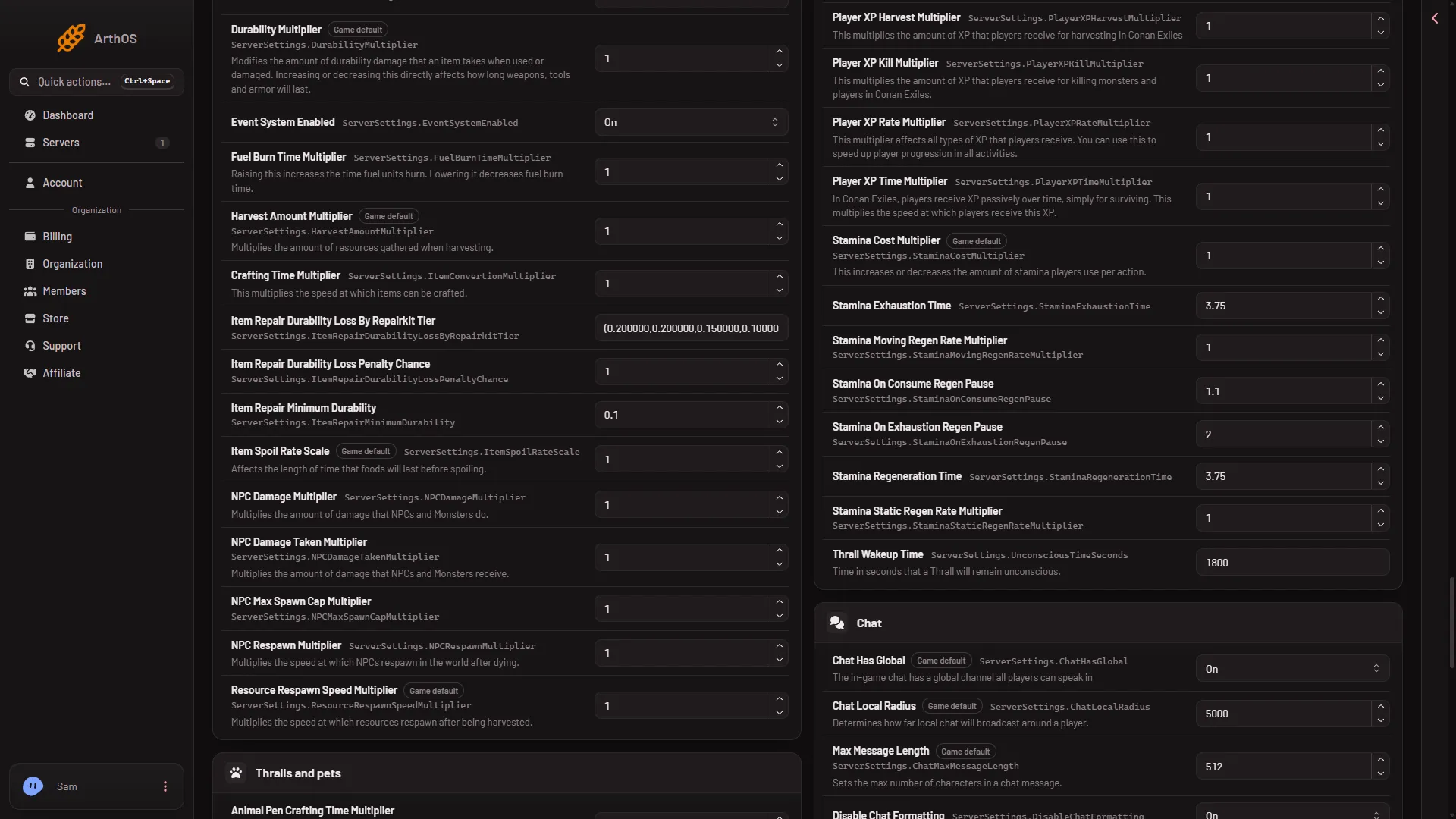
- Player XP Rate Multiplier
- Player XP Harvest Multiplier
The harvest setting
Harvest Amount Multiplier is in the group World and NPCs. Funcom: “Multiplies the amount of resources gathered when harvesting.” At 2, each harvest gives twice as much.
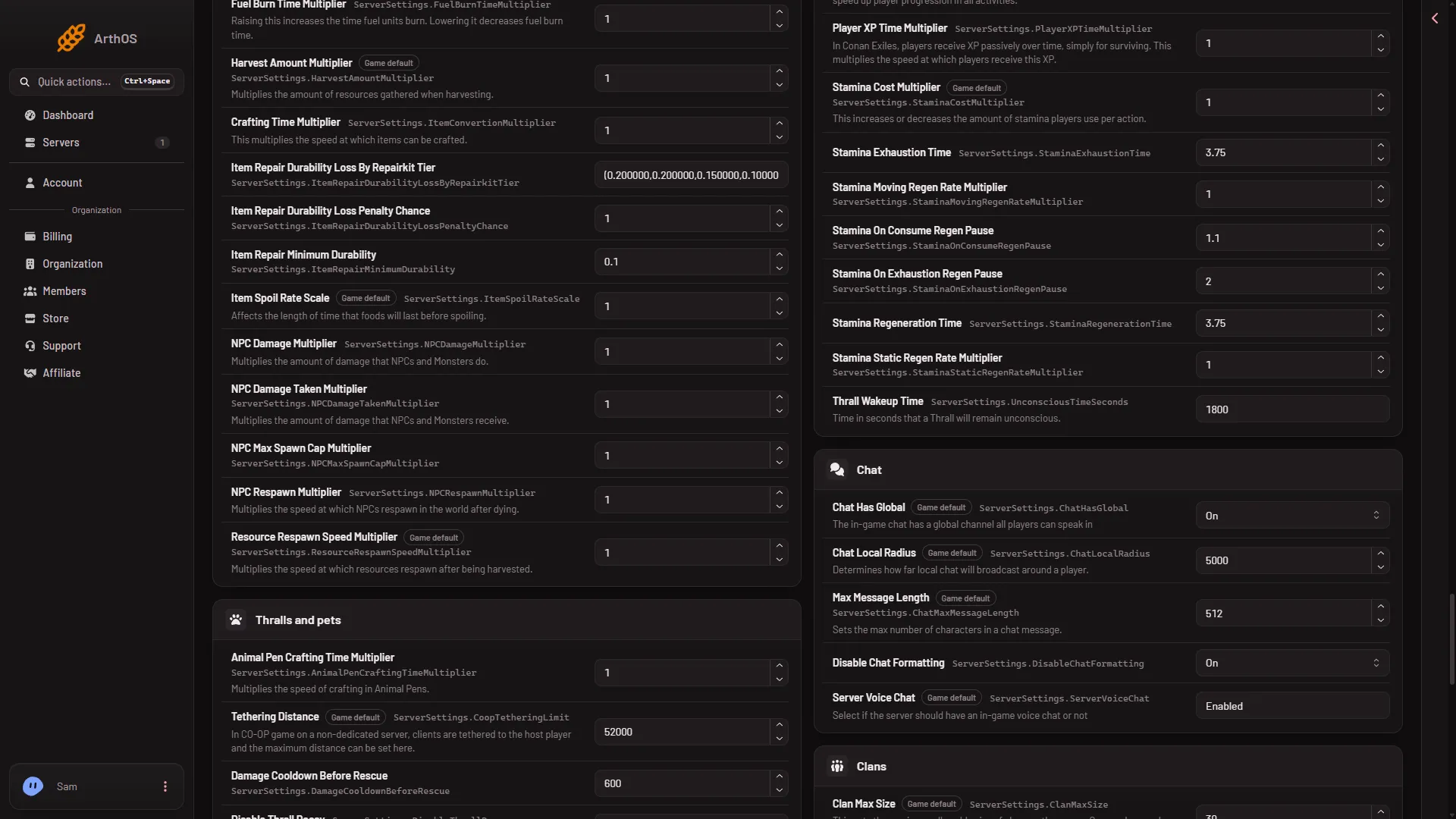
- Harvest Amount Multiplier
Change them
- Open the Config Editor and choose Server settings. These are the settings of your Conan Exiles server.
- Type
Multiplierin the search box, or open the groups above. - Type a new number in the row. Decimals work, such as
1.5. - A bar reads “Unsaved changes: (n)” with Discard and Save. Choose Save.
A row shows Changed until you save, and Game default when it is back at 1. If you leave the page with unsaved changes, the panel asks “Leave without saving?”.
Who it reaches
The setting is for the whole server, so every player gets it. Funcom’s text does not say what happens to levels players already have.
Not checked on Enhanced, server build 25792439 as of 13 November 2026: how large a multiplier the game takes before it misbehaves. Start with small steps.
If it does not work
- The save was refused. Wait until the server has finished starting, or stop it and save. If the page says the file changed, reload and try again.
- The number is refused. Use digits and a point, such as
2or1.5. - You cannot find a row. Use the search box.
- You see no Save button. It appears in the bar after you change a row. If no row can be changed, your role on the organization may not allow changing files.
- Players see no change. Check that the row shows your new number after you reload the page.