









Open Join a Game in 7 Days to Die and search for the server by name. If the server is not in the list, use Connect to IP and type the address from the panel. The server must be running, and your game must be the same version as the server.
Find the address
- Open your server in the panel and open the Players page.
- Find the Joining card (1). It shows the address of the server with its port.
- Choose Copy (2).
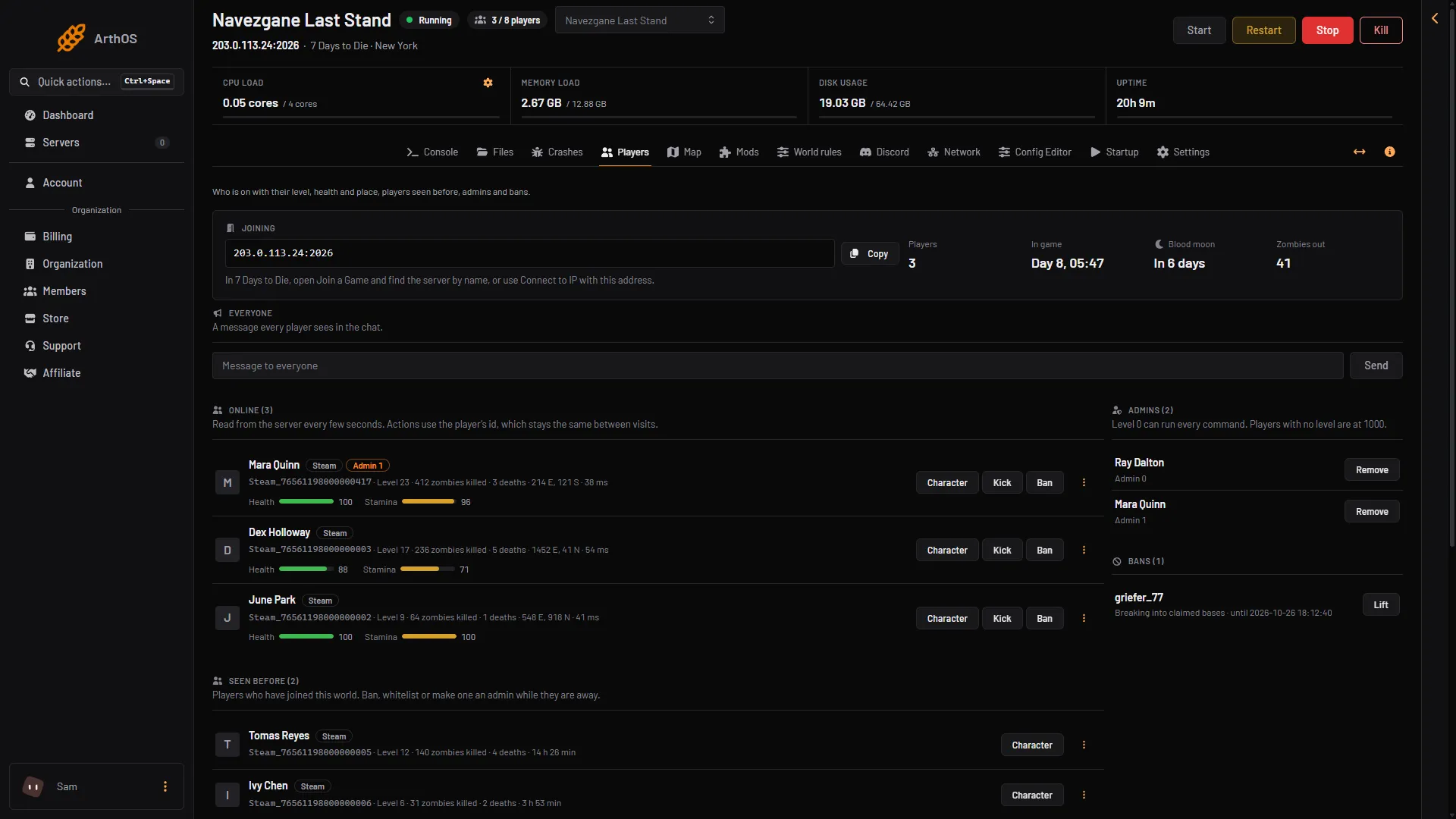
- Joining
- Copy
The card says: in 7 Days to Die, open Join a Game and find the server by name, or use Connect to IP with this address. The page shows the card and the player lists only while the server runs.
Join from the game
- Start 7 Days to Die.
- Choose Join a Game.
- Type the server name in the search box and pick it from the list.
- Or use Connect to IP. The address always ends in a port after a colon. Put the part before the colon in the address box and the number after it in the port box.
- If the server has a join password, type it when the game asks. See set a password.
A new server is listed in the server browser. If Listed is set to Not listed in the Config Editor, it is not in the list. Players must use Connect to IP.
Before you join
- Same version. The server runs V3.3.0. Players need exactly the same version. A different version cannot join.
- Anti-cheat. Easy Anti-Cheat (EAC) is on for a new server. A new server has Anti-cheat on, so start the game with Easy Anti-Cheat. If the owner turned Anti-cheat off for a mod, the game must be started without it.
- Console players. Crossplay is off for a new server, so console players cannot join. It can be turned on in the Config Editor. It needs EAC on, 8 players at most and no mods.
- Mods. Some mods must be installed by every player too. The Mods page marks them Players need it too. A mod that only changes XML files (the game’s settings files for items, loot and so on) is sent to you when you join. A mod with its own pictures, models, interface or code you must install yourself first. See which mods players need.
If it does not work
- The server is not in the list. Check it is running and not set to Not listed. Use Connect to IP.
- The game asks for a password. Ask the owner for the Join password.
- The game says the version is wrong. Update your game, or ask the owner which version the server runs.
- You cannot join because a mod is missing or has another version. Install the mods the owner lists, with the versions they name, then try again.
More about the game: 7 Days to Die servers.
Sources: 7daystodie.wiki.gg: Server