






Join a Squad server from the Server Browser in the game. Search for its name. If the server has no Offworld licence, look on the Custom tab.
Ask the server owner for three things to send your clan:
- The exact server name.
- The password, if there is one.
- That the server is on the Custom tab, if it has no licence.
The game calls it the Custom tab. The panel calls the same thing Custom browser on a badge. They mean the same.
Join from the server browser
- Start Squad and open the Server Browser.
- If the server is licensed, search for its name on the main list.
- If it is not licensed, choose the Custom tab and search for the name there. Offworld lists servers without a licence on that second tab.
- Select the server and choose to join. If it has a password, the game asks for it. Type the password the owner gave you.
Which tab is it on
Ask the owner, or look in the panel. On the Players page, the How players find it card says Licensed or Custom browser. It also shows a Password tag if a password is set.
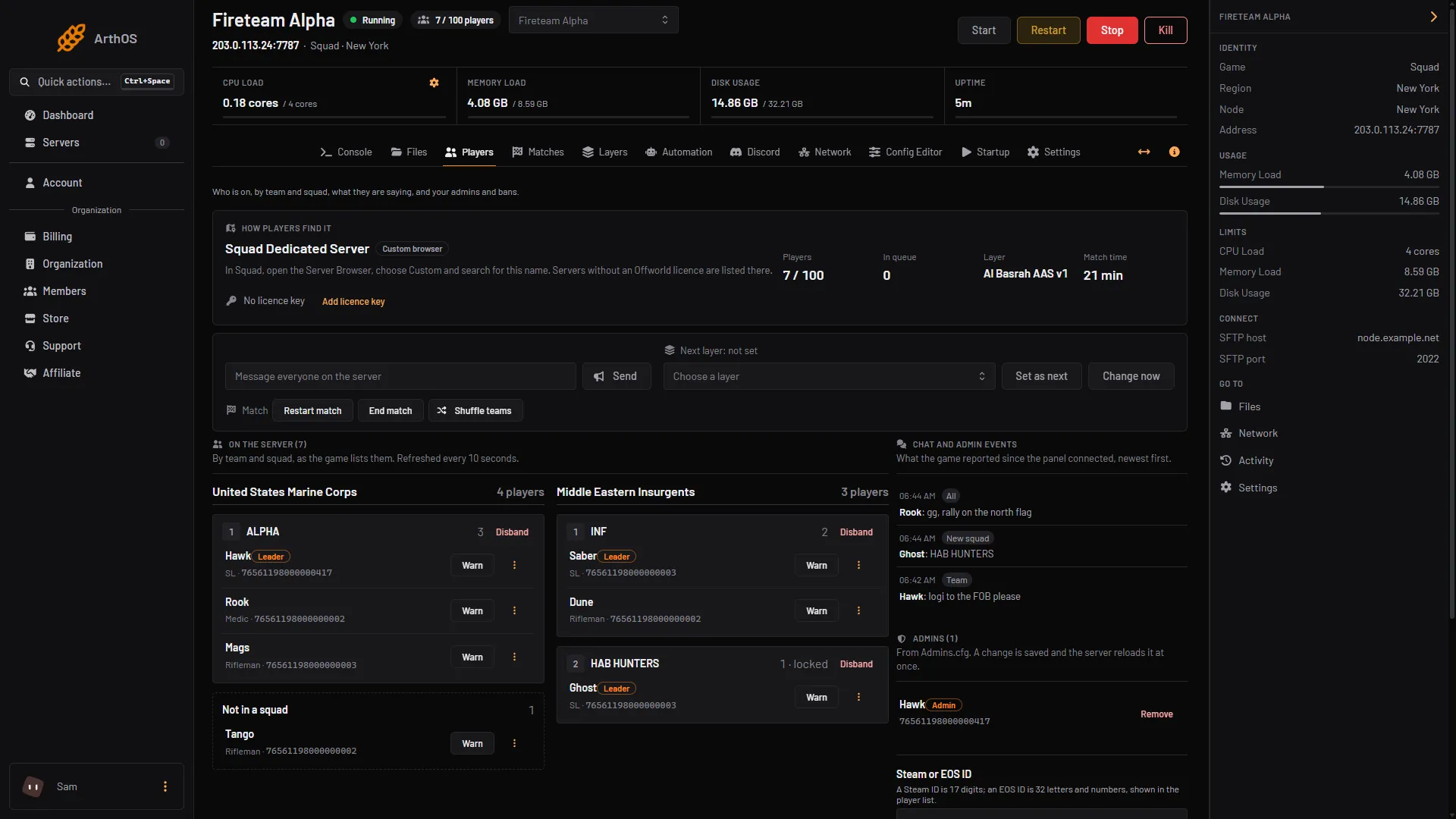
- How players find it
The card (box 1) shows the name to search for. A new server is “Squad Dedicated Server” until its owner renames it, and on an unlicensed one the card says: “In Squad, open the Server Browser, choose Custom and search for this name.”
Why Find Match does not show it
The Find Match button is not the server browser.
Squad’s wiki says Find Match shows modded servers only to players who have those mods installed.
It does not show full servers.
It also picks by the active game mode instead of by the server’s tags.
To join a particular server, use the Server Browser and search by name.
If it does not work
- The server is not in the list. Check the Custom tab. Search for part of the name. See Squad server not listed.
- The game asks for a password you do not have. Ask the server owner. The owner sets it in the panel, see set a Squad server password.
- The server is full. Squad has a queue. The owner chooses the queue size, see players and queue.
Squad’s own pages do not describe joining by a typed address, so this guide covers the Server Browser only.
Own a server? See set up a Squad server and Squad servers.
Sources: squad.fandom.com: Server licensing, squad.fandom.com: Server Configuration