











On the Saves page, open the menu on a save row and choose Delete to remove one save. Open the menu on a session and choose Delete the session to remove the session and all its saves. Both ask you to confirm. Neither can be undone from the panel.
Why delete
Every save is a file on the server’s disk and counts toward its disk space. A session is one factory and all the saves made of it. An old session you no longer play, or many old autosaves, takes room that new saves and backups need.
Delete one save
- Open the Saves page. The server can be running or stopped.
- Find the save. A session shows its four newest saves. Choose All N saves to see older ones.
- On the right of the row, open the menu with the three dots.
- Choose Delete.
- A box asks “Delete (name)?”. It says: “The save file is deleted. A backup of the server may still have it.” Choose Delete.
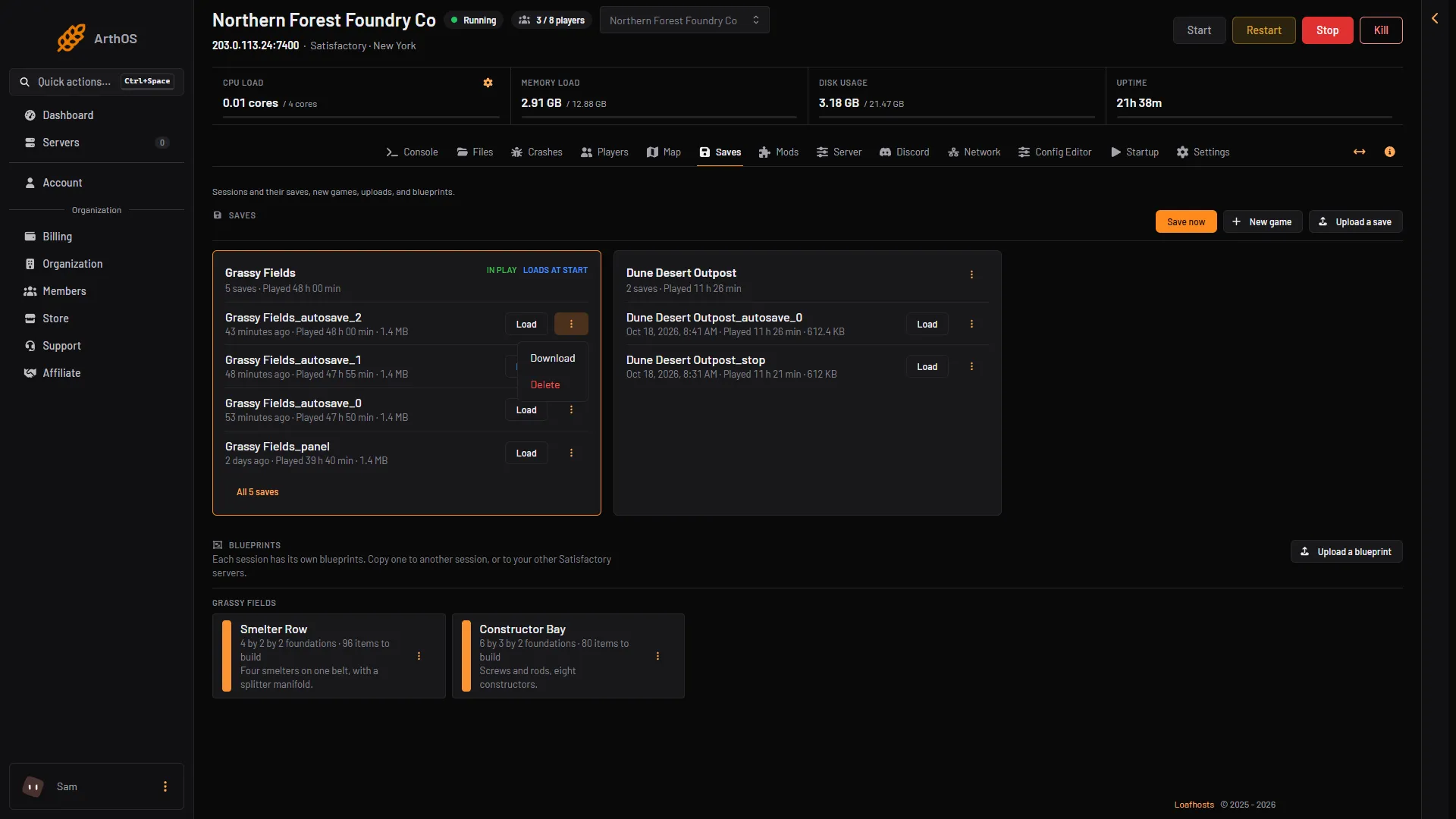
- Download
- Delete
To keep a copy first, choose Download in the same menu. See download a save.
Do not delete the newest save of a session that Loads at start unless you mean to: the server will load the next newest one instead. See loads at start.
Delete a whole session
- On the Saves page, find the session.
- Open the menu with the three dots at the top of the session.
- Choose Delete the session.
- A box asks “Delete the session (name)?”. It says: “All N of its saves are deleted.” Choose Delete.
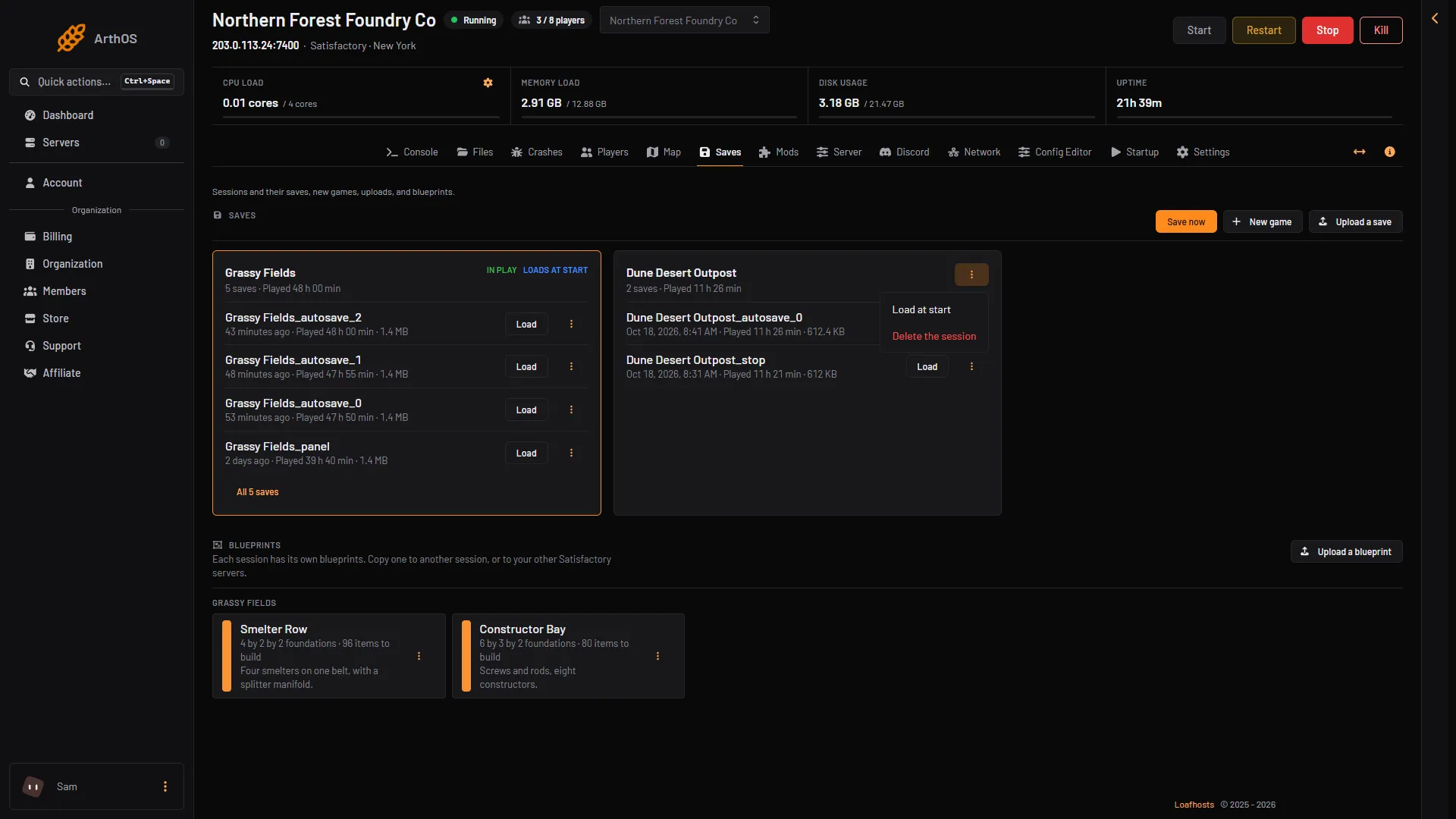
- Delete the session
The session in play cannot be deleted. The menu does not show the item for it, and the panel refuses with “that session is in play; load another one first”. Load a save of another session, or start a new game, and then delete it.
Backups
A backup of the server holds the save files as they were when it was taken. Deleting a save here does not touch backups, so a backup may still have it. This is how you can get back a save you deleted by mistake. It also means disk space is not fully freed until the backups that hold it are deleted. See back up a Satisfactory server.
If it does not work
- There is no Delete in the menu. Your role cannot delete files on this server. For a session: it is the session in play.
- The panel says the session is in play. Load a save of another session first.
- The disk is still full. Backups and other files take space as well. Check Files, and the backups under Settings.
More about the game: Satisfactory servers.