











A session is one factory and all the saves made of it. To choose the session the server loads when it starts, open the menu on that session on the Saves page and choose Load at start. From then on, every start loads the newest save of that session.
What a session is
The game’s wiki says a save file holds the data of one game session. All the saves of one factory share the session name you gave when you started the game. The Saves page puts them together under that name. Autosaves, saves from Save now and the save made at every stop all belong to the session, so the newest of them is the one that loads.
A session in play has the tag In play. A session the server loads at start has the tag Loads at start. It can be the same session or another one.
Set the session
- The server must be running and the game must answer. If it is not, choose Start at the top right of the server page and wait until the game answers.
- Open the Saves page.
- On the session you want, open the menu with the three dots. Its label for screen readers is “More for (session name)”.
- Choose Load at start.
- A message says “(session) loads when the server starts.” The session now has the tag Loads at start.
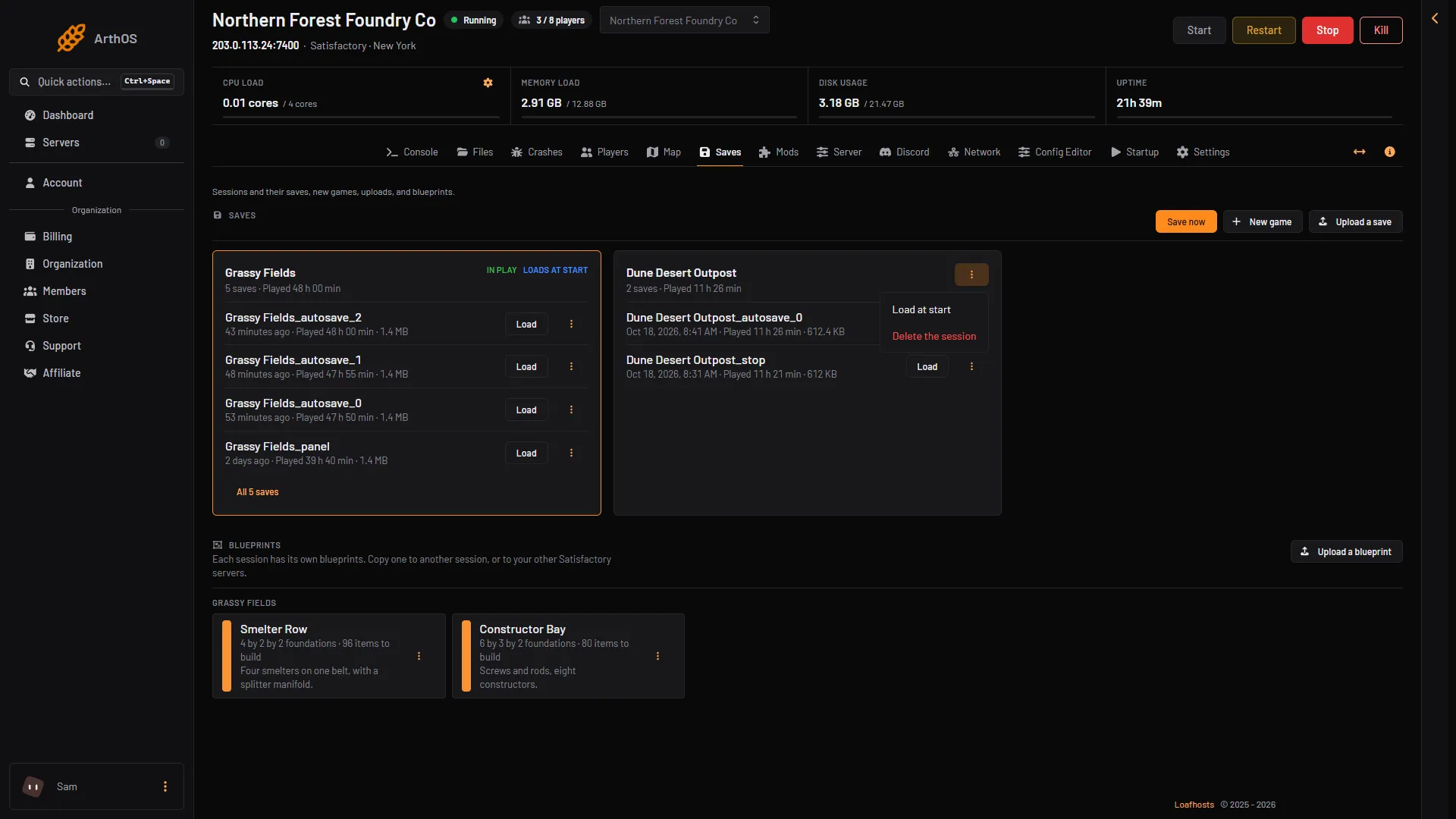
- Load at start
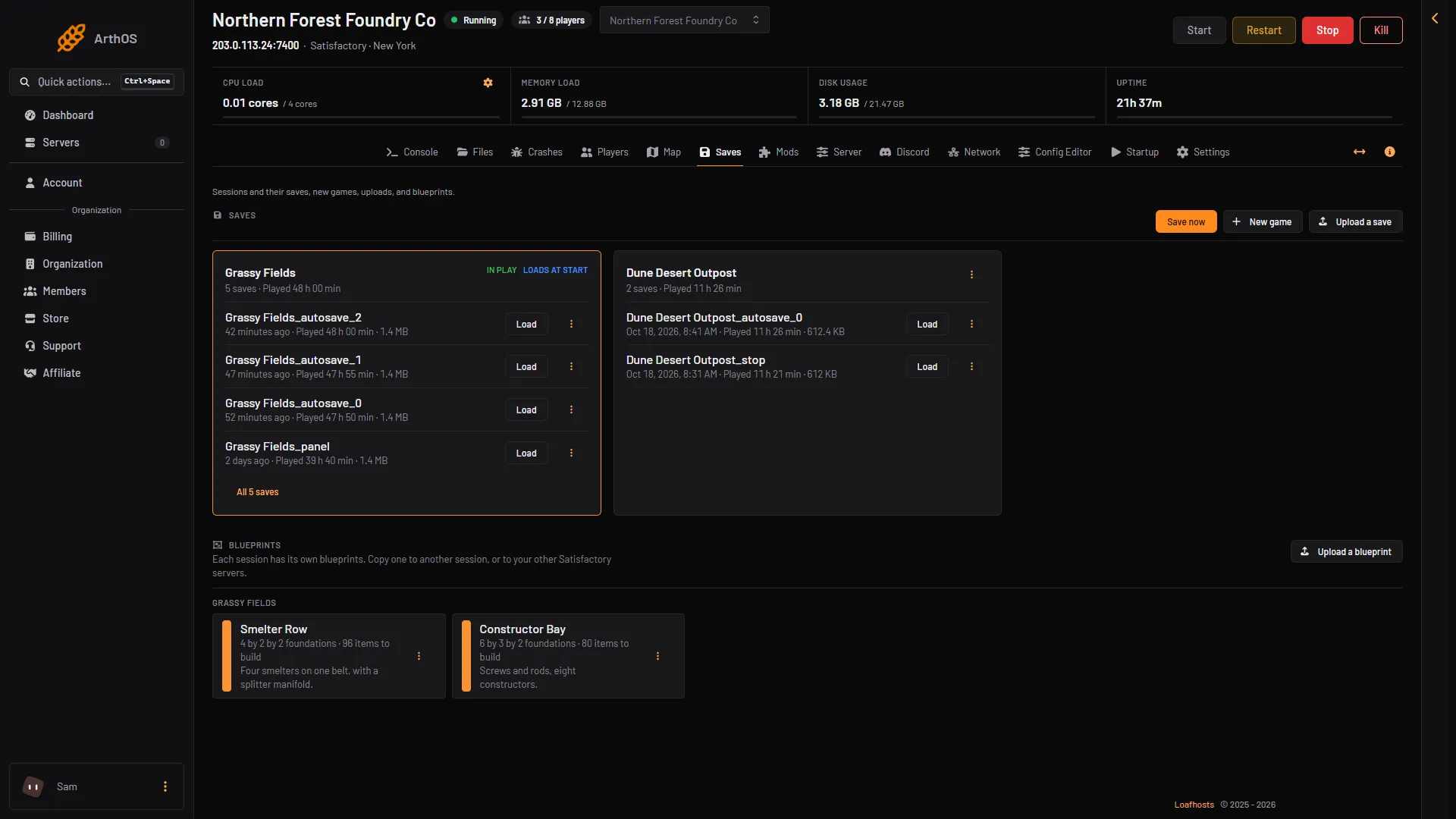
- Loads at start
The menu item is not shown on a session that already has the tag. You need the permission to restart the server.
This does not load the session now. To load a save now, see load a save.
What happens at the next start
The server starts, and the game loads the most recent save of that session. Players join through the Server Manager in the game (the screen where a player adds and joins servers) as usual. If you have saved the game since, the newest save is the one that loads, so a restart picks up where you were. Every stop from the panel saves first.
After a new game, an upload with load, or a load, check that the session shows Loads at start on the Saves page. If it does not, open the session’s menu and choose Load at start.
Not checked on 1.2 as of 27 October 2026: which save the next start loads after you load an older one. Do not delete saves to force a choice. If an older state matters, download it first. See download a save.
Take the choice away
The panel has no button that clears it. Reset the claim on the Server page clears it, together with other things. Stop the server first. The box says:
“The game forgets its claim, its join and admin passwords, its options and the session it loads at start. At its next start the server claims itself again with the admin password on this page, then waits for a save to be loaded on the Saves page. Saves are kept.”
After a reset the join password is gone, and your options are back to the game’s own. Use it only when you mean all of that. Setting Load at start on another session changes the choice without any of this.
If it does not work
- Load at start is not in the menu. The session already has the tag, the server is stopped or still starting, or your role cannot restart the server.
- The server starts with no game loaded. No session was chosen, or the choice was reset. Set Load at start on a session again, or load a save by hand.
- A different save loads than you expected. The server loads a save of the session that Loads at start. Check which session has the tag, and set the other one if needed.
More about the game: Satisfactory servers.
Sources: satisfactory.wiki.gg: Dedicated servers, satisfactory.wiki.gg: Save files