











Open the Saves page, open the three dots on the save’s row and choose Download. For a copy that has everything up to now, run Save now first and download that save.
Get an up-to-date copy
The game autosaves every 300 seconds by default, so the newest autosave can be minutes old. To get the latest state:
- Open the Saves page with the server running.
- Choose Save now.
- In Save name, type a name such as
before-trip. Leave it empty to save as(session)_panel, which is replaced each time (by Refresh now on the Map page and by the save before a load, a new game or an upload as well). For a copy you want to keep, use a name of your own. - Choose Save.
Download it
- Find the session on the Saves page. A session is one factory and all its saves. Each session lists its saves, newest first.
- On the save’s row, open the three dots menu and choose Download.
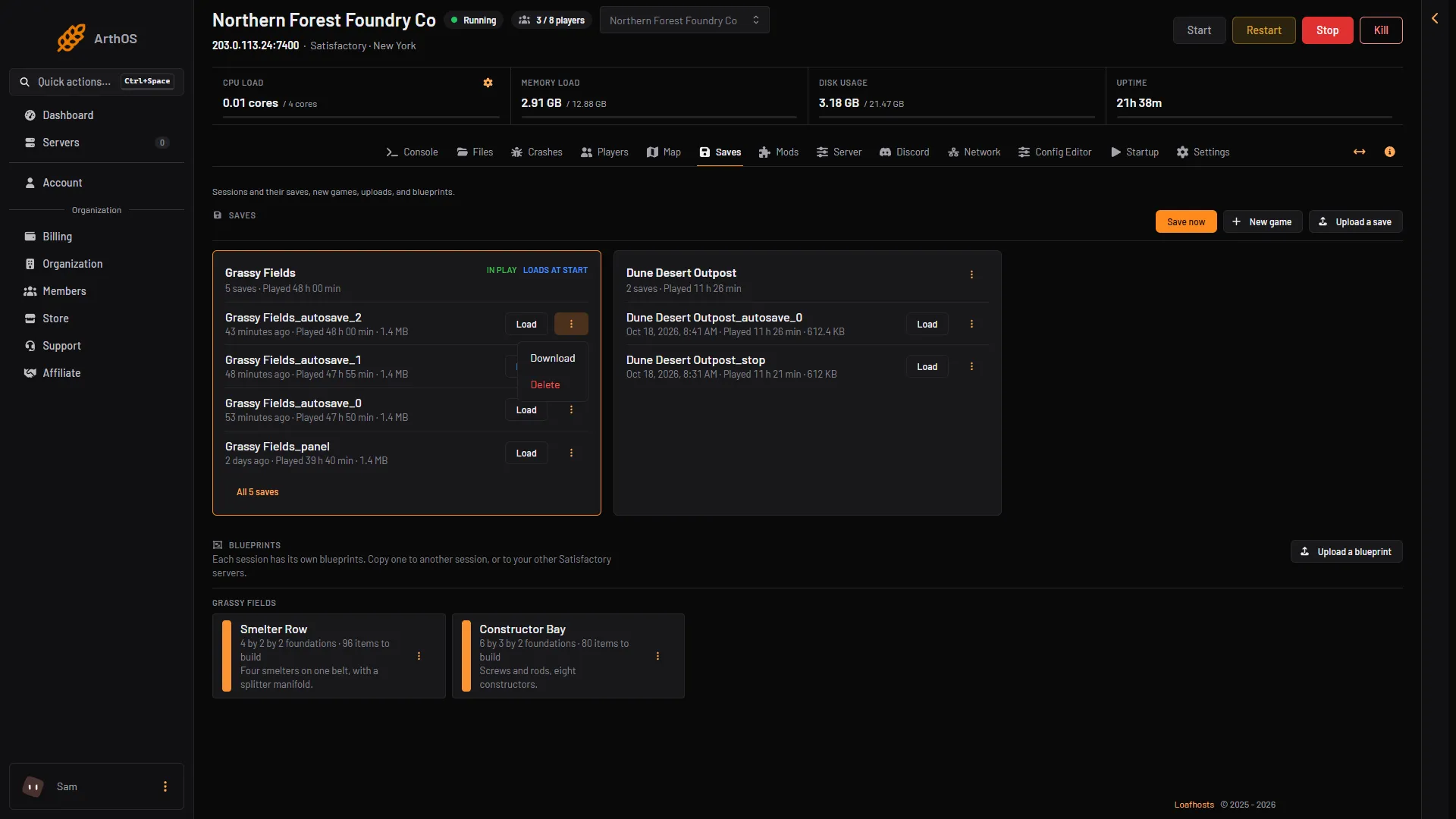
- Download
Choose Download (box 1). Do not choose Delete: it removes the save.
You can download while the server is stopped. The saves are files on the server, so you do not need the game to be running. You need the permission to read file contents on the server.
Download from Files
The saves are in the Files page, in the folder .config/Epic/FactoryGame/Saved/SaveGames/server. Each save is a .sav file named after its session, for example MyFactory_autosave_0.sav. Select the file and use the download button there.
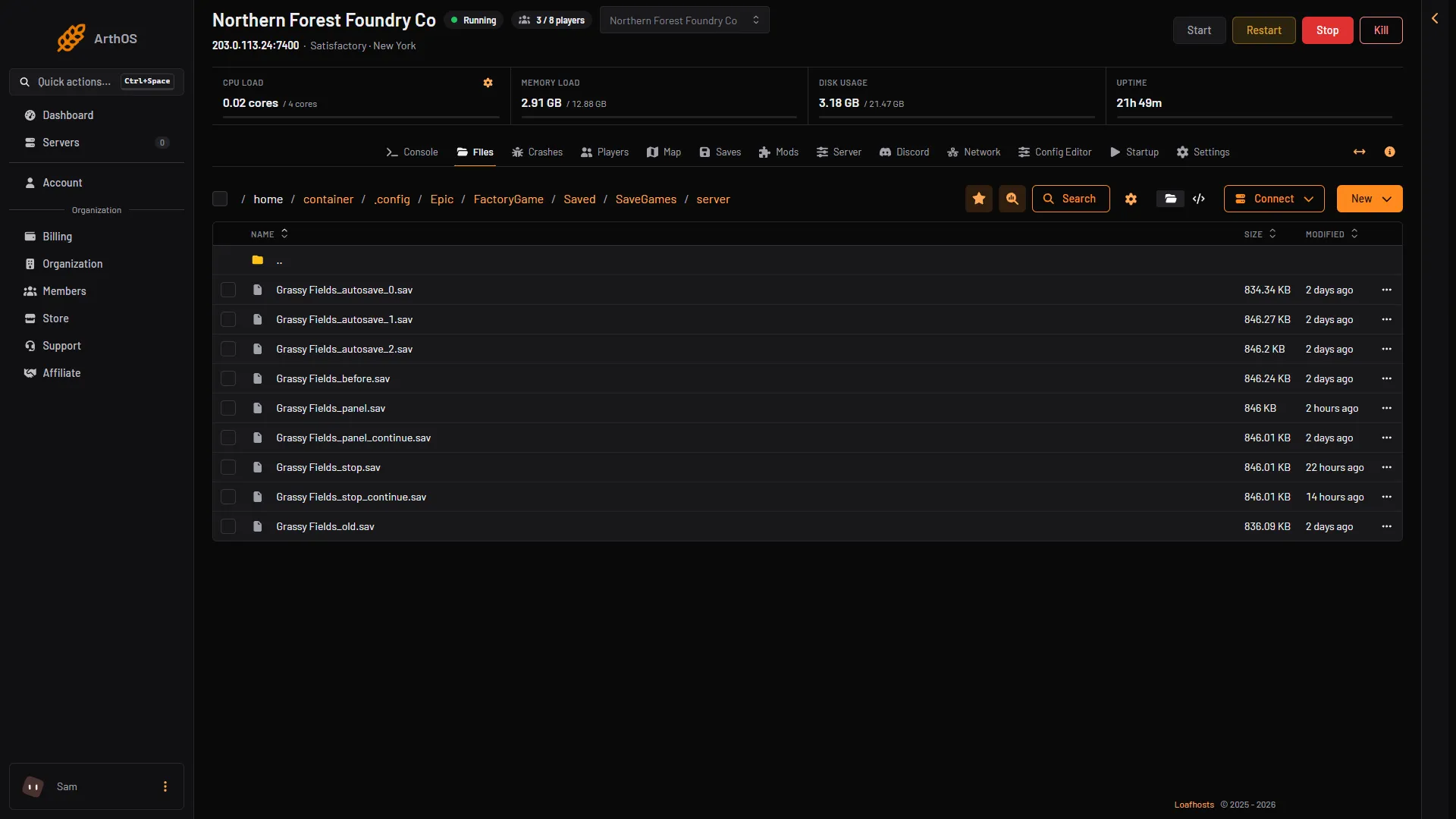
- A save
Select a save (box 1) and use the download button. The same folder holds your whole world.
Play it on your own PC
The game keeps your own saves in %LOCALAPPDATA%\FactoryGame\Saved\SaveGames, in a folder named with your account id (wiki: Save files). Put the downloaded .sav in that folder, with the game closed. Then, in the game, open Load Game in the main menu.
Not checked on 1.2 as of 27 October 2026: playing a server save on a PC this way. If the save had mods, you need the same mods installed. A save from a newer game version than your game will not load.
If it does not work
- Download is missing from the menu. Your role on the panel may not allow reading files.
- The save is old. You downloaded an autosave. Run Save now and download the new one.
- Save now does not work. The server must be running with a game loaded.
To put a save back, see upload a Satisfactory save. More about the game: Satisfactory servers.
Sources: satisfactory.wiki.gg: Save files, satisfactory.wiki.gg: Dedicated servers