











Open the Saves page, choose Save now, and choose Save. The game that is running is saved at once, without waiting for the next autosave. If you leave the name empty, the save is called (session)_panel.
When to use it
- Before a big change, such as a mod change, an update, or a new build you may want to undo.
- Before a backup. A backup takes the files as they are on the server. The panel does not save first for a backup, so without a save it holds the game as its last save left it. With the default autosave, that is up to five minutes old. A save first makes the backup up to date. See back up a Satisfactory server.
- Before you ask the players to leave, so nothing built in the last minutes is lost.
The panel also saves for you before every stop and restart, and before a load, a new game or an upload with load. The game does not save by itself when it is simply stopped.
Save now
- Open the Saves page. A session is one factory and all the saves made of it.
- Choose Save now. The button is grey when no game is loaded, or when the server is stopped or still starting. To start a stopped server, choose Start at the top right of the server page.
- A box called Save now opens. In Save name, type a name, or leave it empty.
- Choose Save.
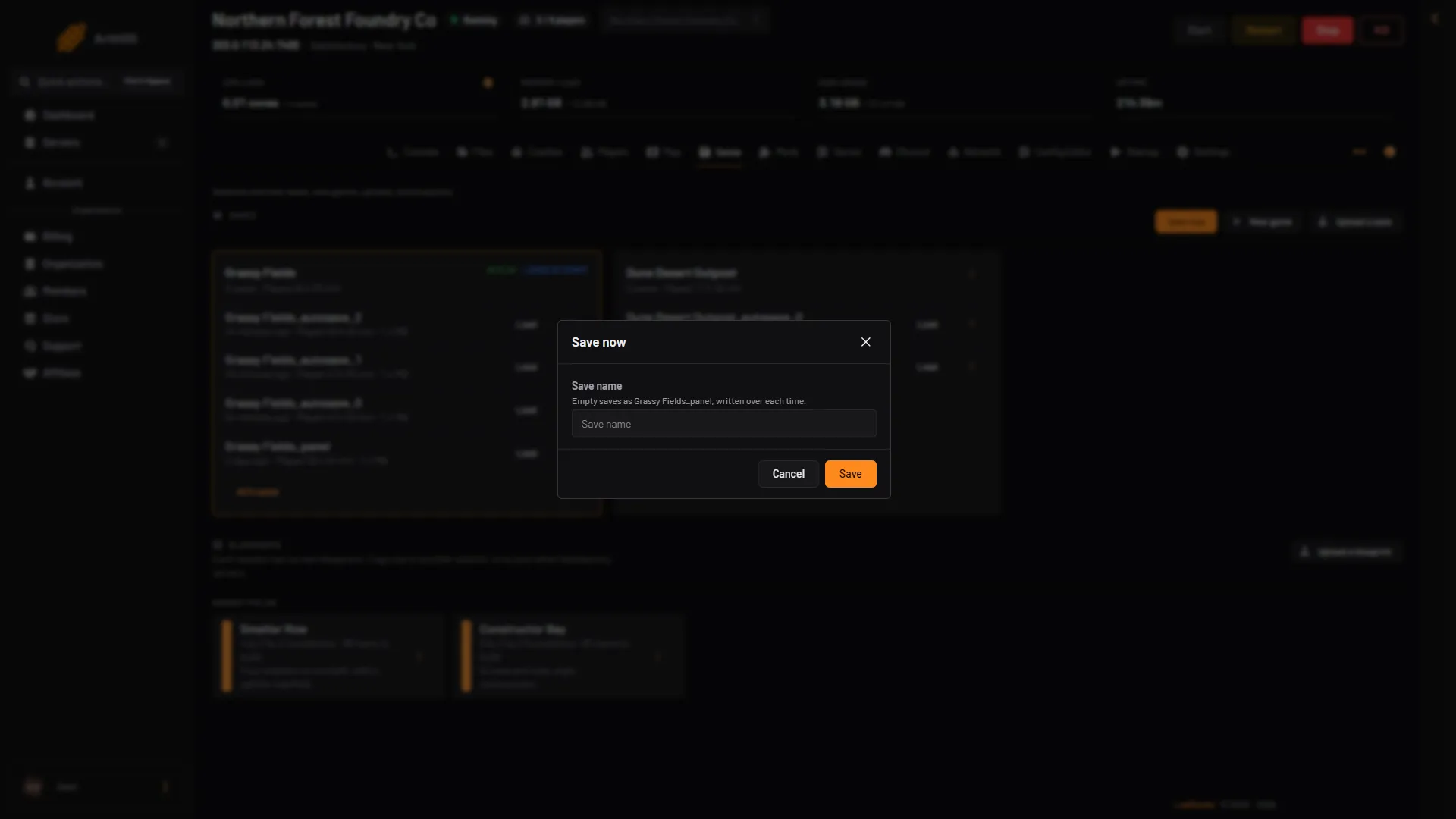
- Save name
- Save
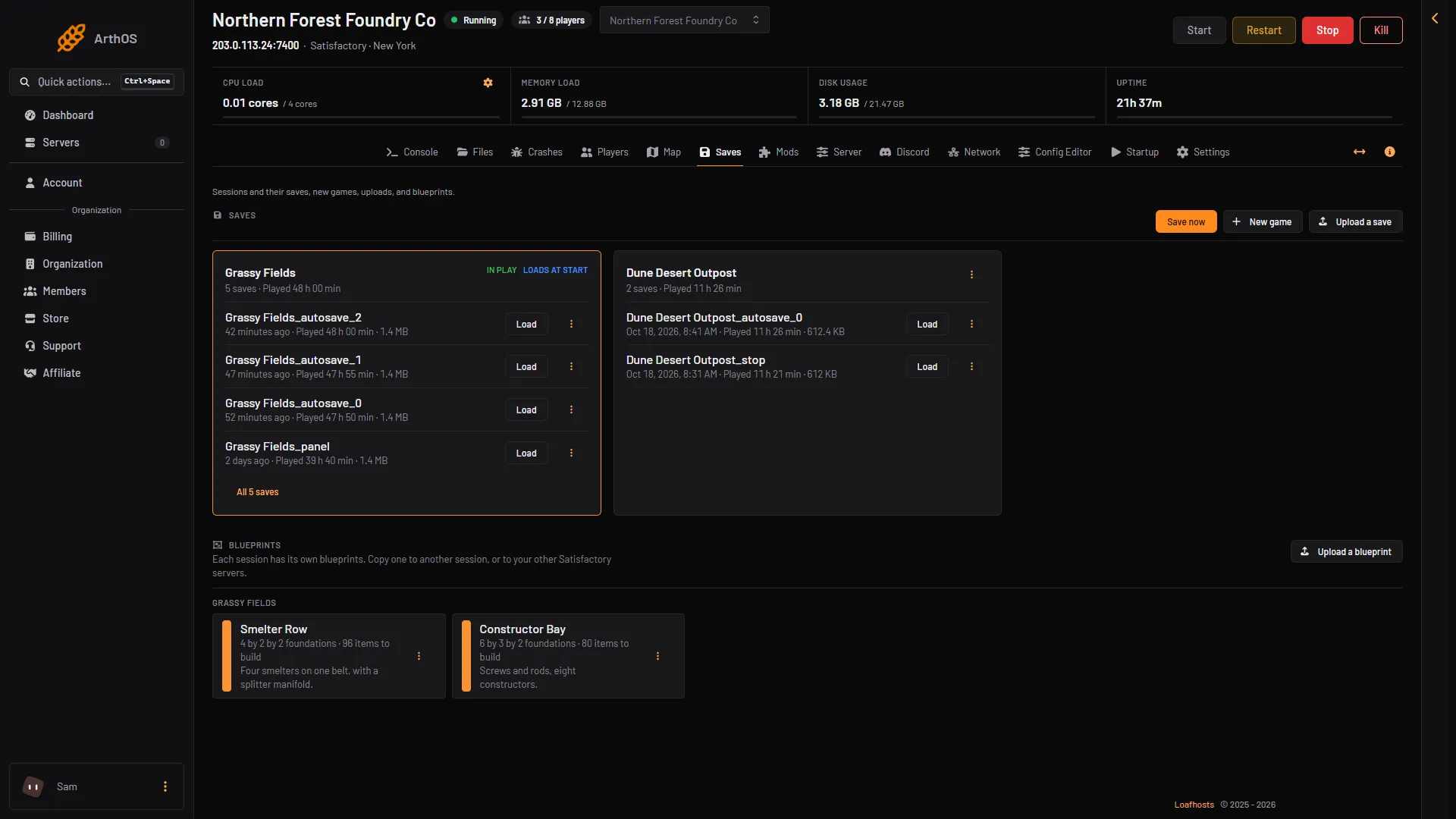
- Save now
The box says: “Empty saves as (session)_panel, written over each time.” Here (session) is the name of the session in play. So an empty name gives you one save that is always the newest, and each press replaces the one before.
The same file is used by Refresh now on the Map page and by the save the panel makes before a load, a new game or an upload. Any of them replaces it. Do not use an empty name when you want a rollback point.
For a rollback point, or any save that stays, type your own name. Use a new name each time you want to keep the older one. A name can have letters, digits, spaces, - and _.
The save appears in the session on the same page.
Refresh now on the Map
Refresh now on the Map page saves the game too. The map is drawn from the newest save, so the page saves first and then draws it again. The page warns that this pauses the game for a moment. It is saved as (session)_panel, the same file as an empty Save now, and it replaces that save.
If it does not work
- Save now is grey. No game is loaded, or the server is not running or still starting. A new store server has no game until you start one. See start a new game.
- There is no Save now button. Your role cannot create files on this server.
- The panel says a name is not allowed. Use letters, digits, spaces,
-and_only. - The panel says no game is loaded. There is nothing to save yet. Start a new game or load a save first.
More about the game: Satisfactory servers.