
















Kick idle players after (minutes) removes a player who has been idle for that many minutes. 0 never kicks. The most you can set is 1440, one day. A change applies at once, while the server runs. In the game’s settings file it is afk_autokick_interval, and the default is 0.
This helps when your server has a player limit and idle players hold the places. See the player limit guide.
Set it
- Open Config Editor on your server.
- Choose the source Server settings.
- Find the group Playing.
- Type a number of minutes in Kick idle players after (minutes) (1).
- Choose Save in the bar “Unsaved changes: (n)”.
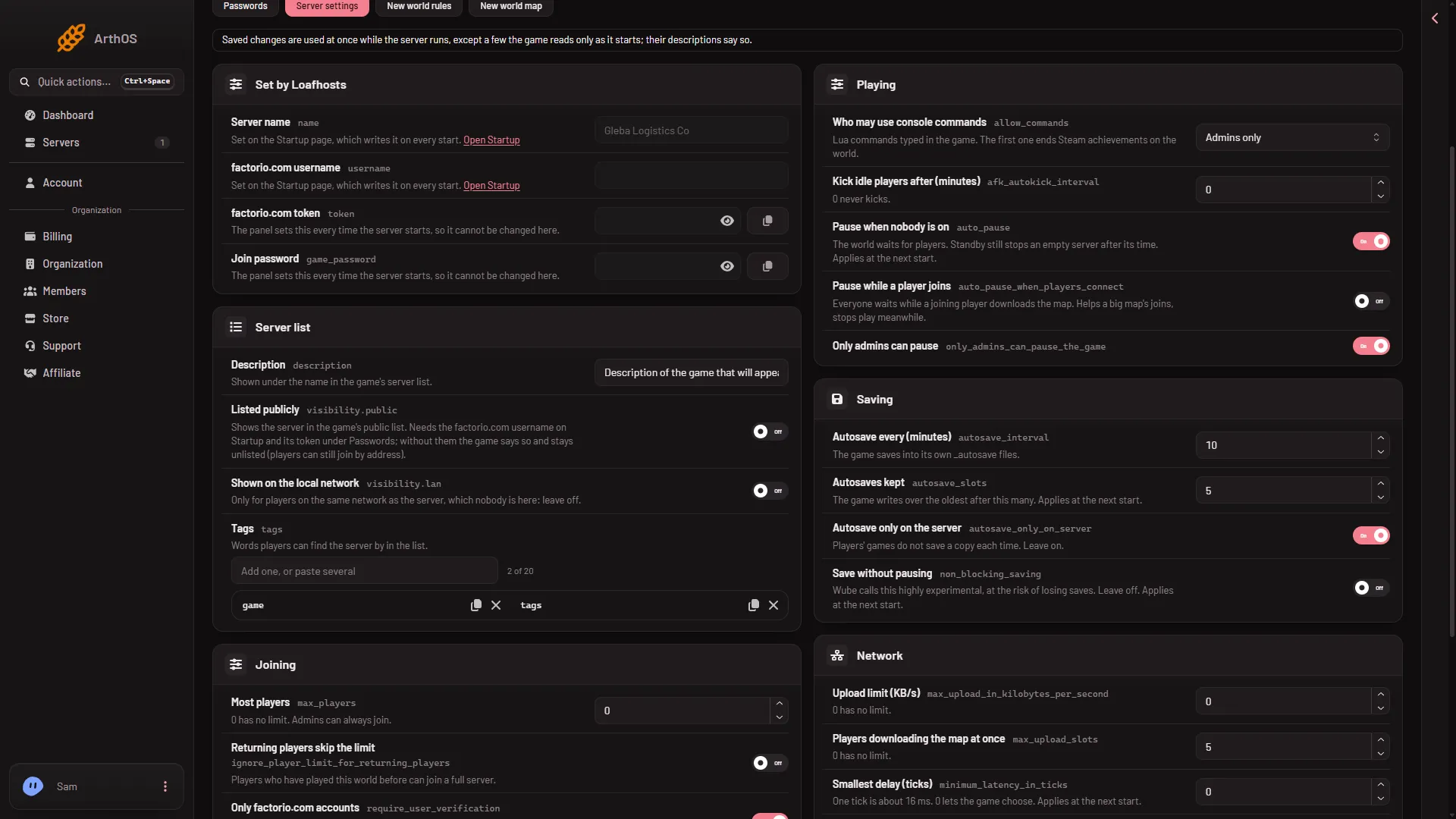
- Type the minutes
On a running server the panel says which settings took effect at once. This one is among them.
Pick a number
See who is idle
The Players page lists who is on. Each row shows how long the player has been idle, as “idle (time)”. Use it to see what number fits.
Kick someone yourself
To remove one player now, use Kick on their row on the Players page. See kick and ban players.
If it does not work
- Nobody is kicked. The value may be
0. That means never. - The number will not save. It must be a whole number from 0 to 1440.
- A player was kicked too soon. Raise the number, or set
0to turn kicking off.
More about the game: Factorio servers.
Sources: wiki.factorio.com: Multiplayer