
















The setting is called Most players. In server-settings.json it is max_players. It is the number of players who can be on the server at the same time. 0 means no limit. A change applies at once, while the server runs. A hand edit of the file is read at the next start.
A new Loafhosts Factorio server starts with Most players at 0. That means the server never turns anyone away, whatever your plan is sized for.
Set the limit
- Open the Config Editor tab of your server.
- Choose the source Server settings.
- Find the group Joining.
- Type a number in Most players. The number can be from 0 to 1000.
- Save the file.
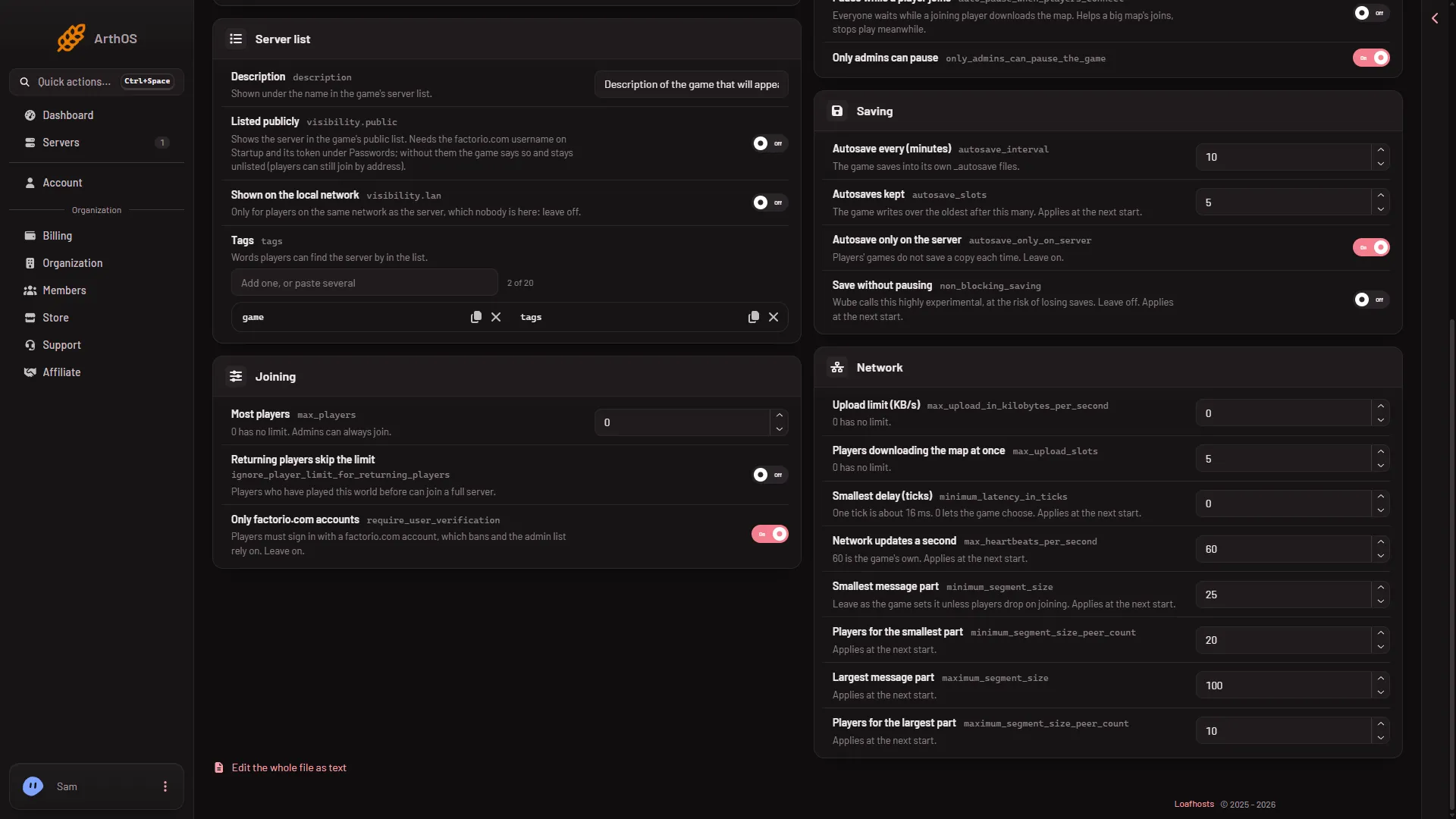
- Type the limit
If the server is running, the panel tells you which settings took effect at once. Most players is one of them.
Pick a number
Plans are sized for a number of players. A small plan is made for 10, a standard plan for 20 and a large plan for 40. The game needs more memory and more processor time as more people play and as the factory grows. A limit close to your plan’s size keeps the server from being asked for more than it can do.
A limit does not make a server faster by itself. It only stops more people from joining.
Admins and returning players
Admins can always join, even when the server is full. On the Players page, the menu More for (name) on a player’s row has Make admin.
Players who have played this world before can also be let in when the server is full. That is a separate setting, explained in returning players skip the limit.
If it does not work
- A player is turned away at once. The limit may be lower than you think. Check Most players in Joining.
0is the only value that means no limit. - The number will not save. It must be a whole number from 0 to 1000.
- You need to get in yourself and the server is full. Admins can always join. Make yourself an admin first, with make yourself admin.
More about the game: Factorio servers.
Sources: wiki.factorio.com: Multiplayer