
















You can talk to players without joining the game. On the Players page, Message sends a private line to one player. Message everyone puts a line in the game chat for all. Both show as coming from the server, written <server> in the chat.
The server must be running, and someone must be online to read it.
Message one player
- Open the Players page.
- In Online, find the player.
- Open the menu on their row (the three dots, named “More for (name)”) and choose Message.
- A box opens: “Message (name)”. It says only that player sees it, from the server.
- Type the text in Message. Choose Send.
The panel says “Sent to (name).” The Send button stays off until you type something.
Message everyone
- Open the Players page.
- In the header of the Online list, choose Message everyone (1).
- A box opens, and says it is “Said in the game chat from the server.”
- Type the text in Message. Choose Send.
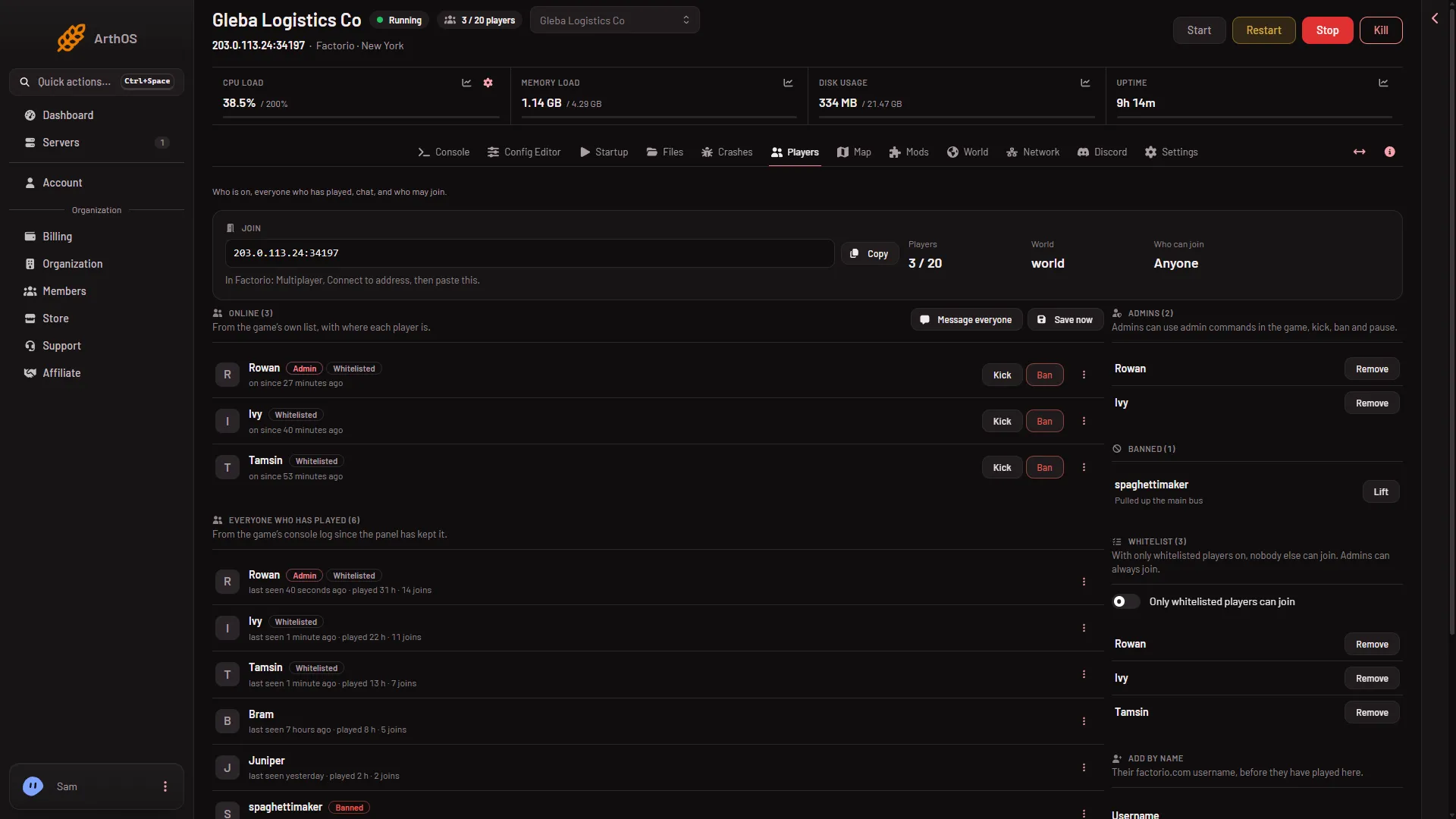
- Message everyone
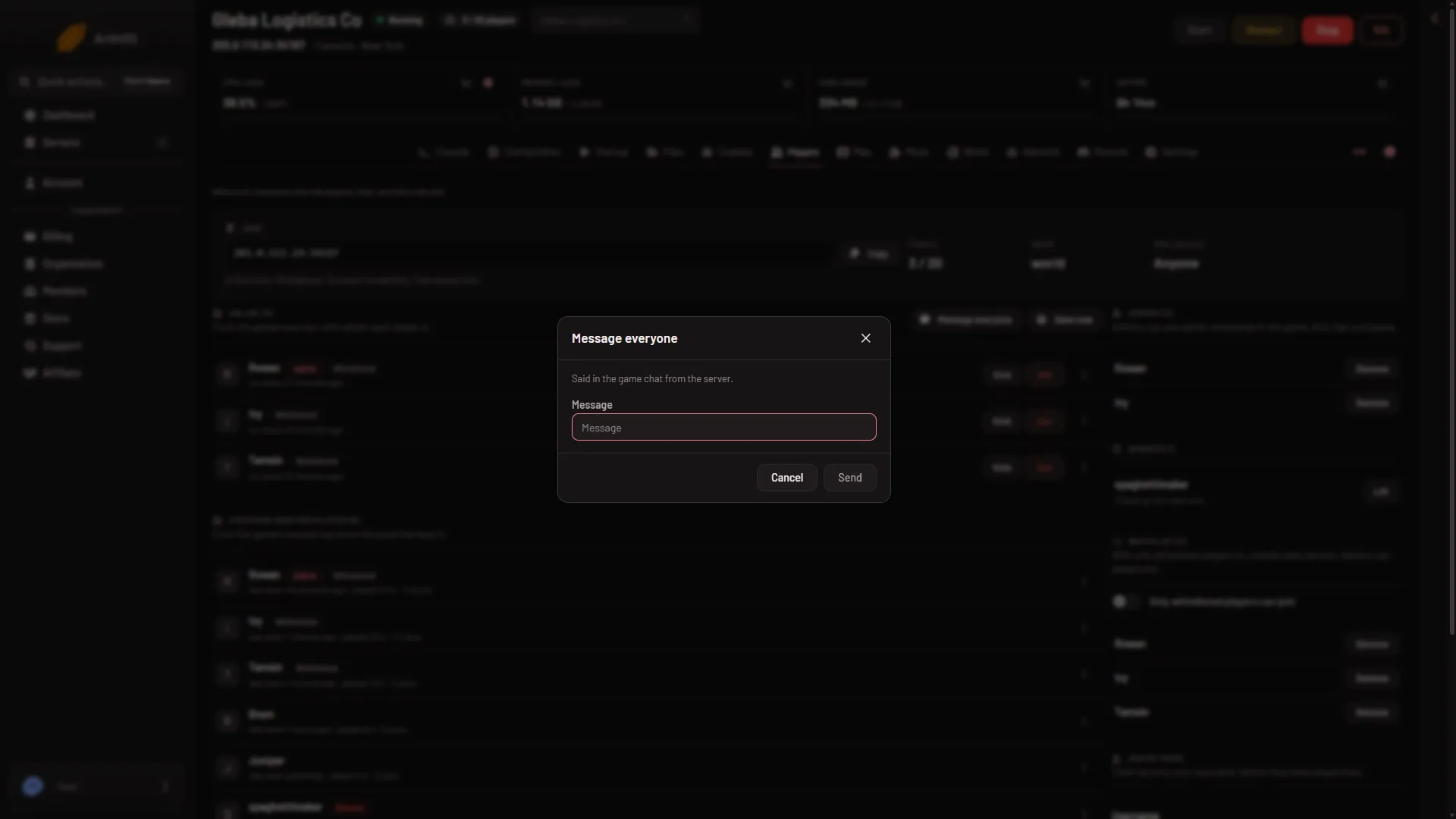
The panel says “Said in the game’s chat.” Every player sees the line in the chat as from <server>. Use it for a restart warning, a rule, or a welcome.
The What happened feed on the same page keeps a record of chat, with lines such as “(name) to everyone: (text)”.
What to know
- The box stops at 200 characters. Write short lines. For a longer note, send two.
- A private message needs the player to be online. The panel refuses with “(name) is not on the server” if they left.
- It does not work on a stopped server. The panel says “the server is not running, so nobody can be messaged”.
Who can do this
You need a role that allows moderating players. Without it, Message, Message everyone, Kick and Ban are not shown.
By hand
On the server console, /w followed by a player name and text sends a private line. Any plain text typed into the server console is chat from the server. The panel uses these two ways to send your text. The game also has /shout for a line to everyone.
If it does not work
- There is no Message everyone button. The server is stopped or still starting, or your role does not allow moderating players. The button sits in the header of Online, which shows only while the server runs.
- “write a message first”. The box was empty.
- “(name) is not on the server”. They left. Look at Online again.
- Nobody reacts. A line sent to an empty server is read by no one. Check Online first.
To remove a player instead, see kick and ban players. More about the game: Factorio servers.
Sources: wiki.factorio.com: Console