
















The server did not start because the game refused one of its mods. This happens when a mod was made for another game version, or when it needs a second mod that is not on the server. The game stops before anything loads, so nobody can join until you fix or turn off that mod.
Find the mod
- Open the Crashes page.
- Open the newest start. It shows the finding A mod could not load, so the server did not start.
- Read the lines under it. The game names the mod and the reason, for example:
Failed to load mod "my-mod"is the mod that was refused.Incompatible Factorio version (current: 2.1, required: 2.0)means the mod was made for an older game version.Missing required dependency other-mod >= 1.0.0means another mod must be installed first.
The Mods page shows the same thing. The Installed list marks the mod Refused, and a note says “The game refused these at its last start, so the server could not run”, with the names.
Fix it
Pick the one that matches the lines you read.
A mod for another game version. A mod must be made for the same major and minor version as the game. The server is on 2.1, so a mod made for 2.0 will not load.
- On the Mods page, find the mod’s row in Installed.
- If a newer release exists, open the menu on the row (More for the mod) and choose Update to the newest version.
- If there is none, use the switch on the row (Turn (mod) off). The mod stays on the server and is skipped from the next start. Choose Remove in the menu to delete it.
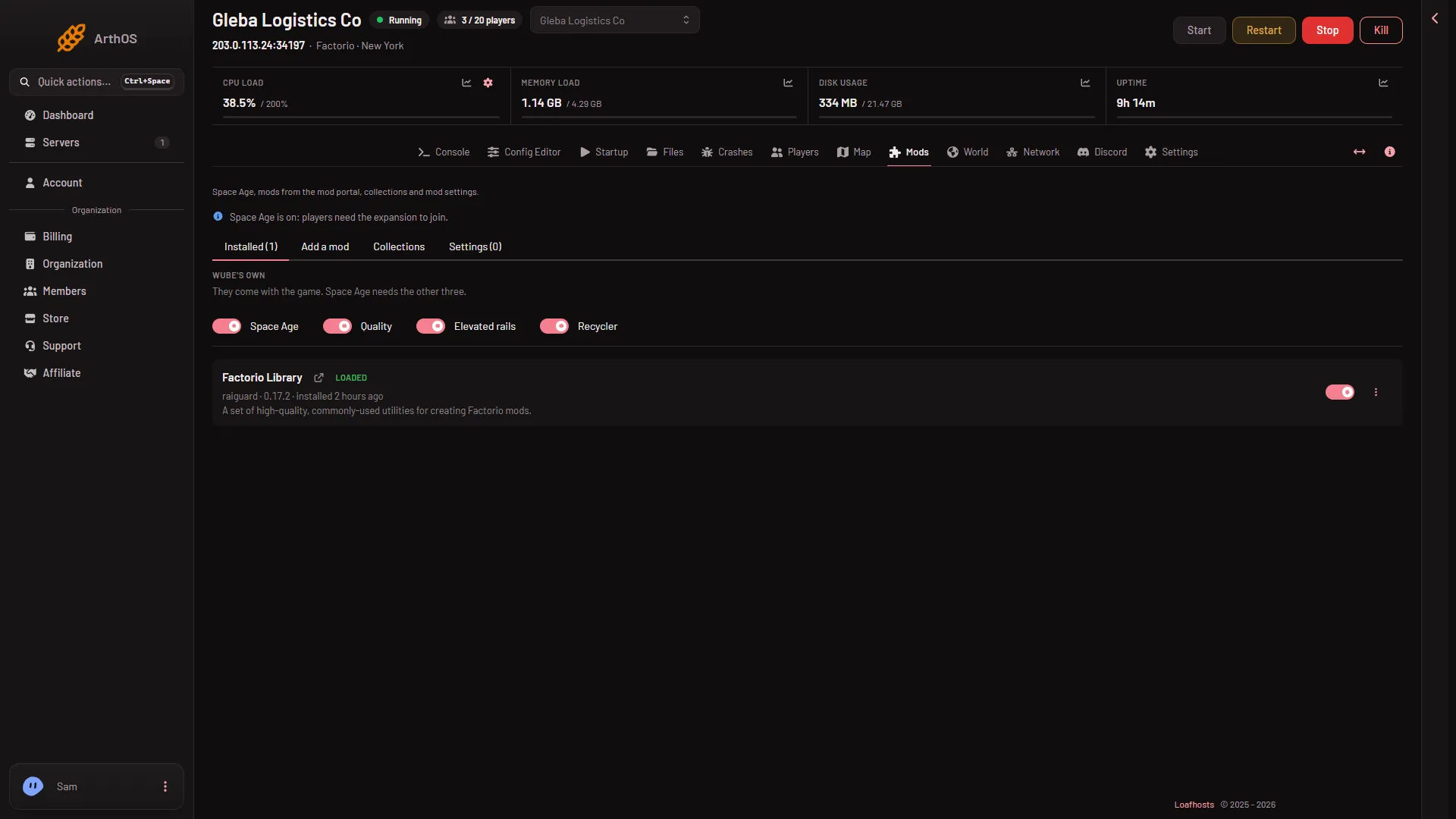
- Add a mod (1)
A missing dependency. Open Add a mod (1), search for the mod the lines name, and choose Install. The box lists everything it will download. Installing a mod also installs the mods it needs. A server downloads from the mod portal with its own factorio.com account: put the username on Startup and the token under Passwords in the Config Editor. If the dependency is a mod you do not want, turn the first mod off instead.
Then start the server. Mod changes take effect at the next start. If the server is running when you install a mod, the panel stops it, puts the mods in place and starts it again, which drops everyone who is on. Warn them first with Message everyone on the Players page.
By hand
The game reads mods/mod-list.json at every start. To switch a mod off, open Files, go to mods and open mod-list.json. Set that mod’s enabled to false:
{
  "mods": [
    { "name": "base", "enabled": true },
    { "name": "my-mod", "enabled": false }
  ]
}
Save the file and start the server.
If it does not work
- The same finding comes back with a different mod name. The game stops at the first mod it refuses. Fix it and read Crashes again for the next one.
- The server starts, then stops later with a mod name. That is a different problem: see a mod crashed the server.
- Players cannot join after the fix. Everyone who joins needs the same mods as the server.
- The install is refused. See mod download refused.
More about the game: Factorio servers.
Sources: wiki.factorio.com: Multiplayer