
















A Factorio server downloads mods from the factorio.com mod portal with its own factorio.com account. If that account is missing, wrong, or does not own the game, the portal refuses the download and the install stops. Set the username on Startup and the token under Passwords, then install again.
What the panel says
Two messages point to this problem:
- “downloads from the mod portal need a factorio.com account: set the server’s username on the Startup page and its token under Passwords on the Config Editor page”. No account is set on the server.
- “factorio.com refused the server’s account: check the username on the Startup page and the token under Passwords on the Config Editor page”. An account is set, and the portal said no.
A message that names an account you did not set also means the server has none: set both below.
The Mods page also shows a note above the list: “Downloads from the mod portal need a factorio.com account: the username on Startup and its token under Passwords in the Config Editor.”
Set the account
- Open Startup.
- In factorio.com username (1), type the account’s username. Use letters, digits,
.,_and-, up to 60 characters.
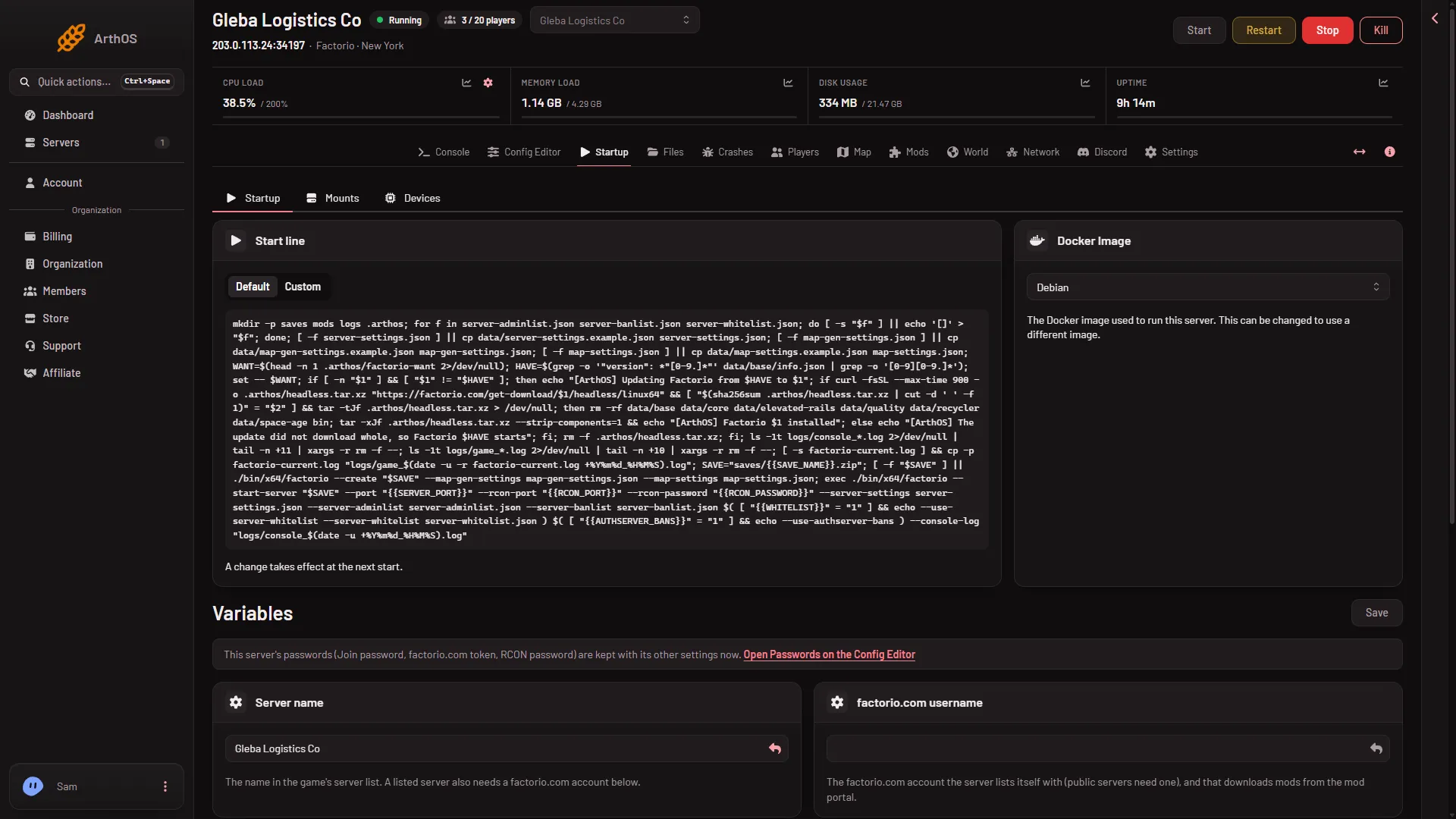
- Type the username
- Open the Config Editor tab and choose Passwords.
- In factorio.com token (1), paste the token from your profile page on factorio.com. It is the token, not the account password. Never type the password here.
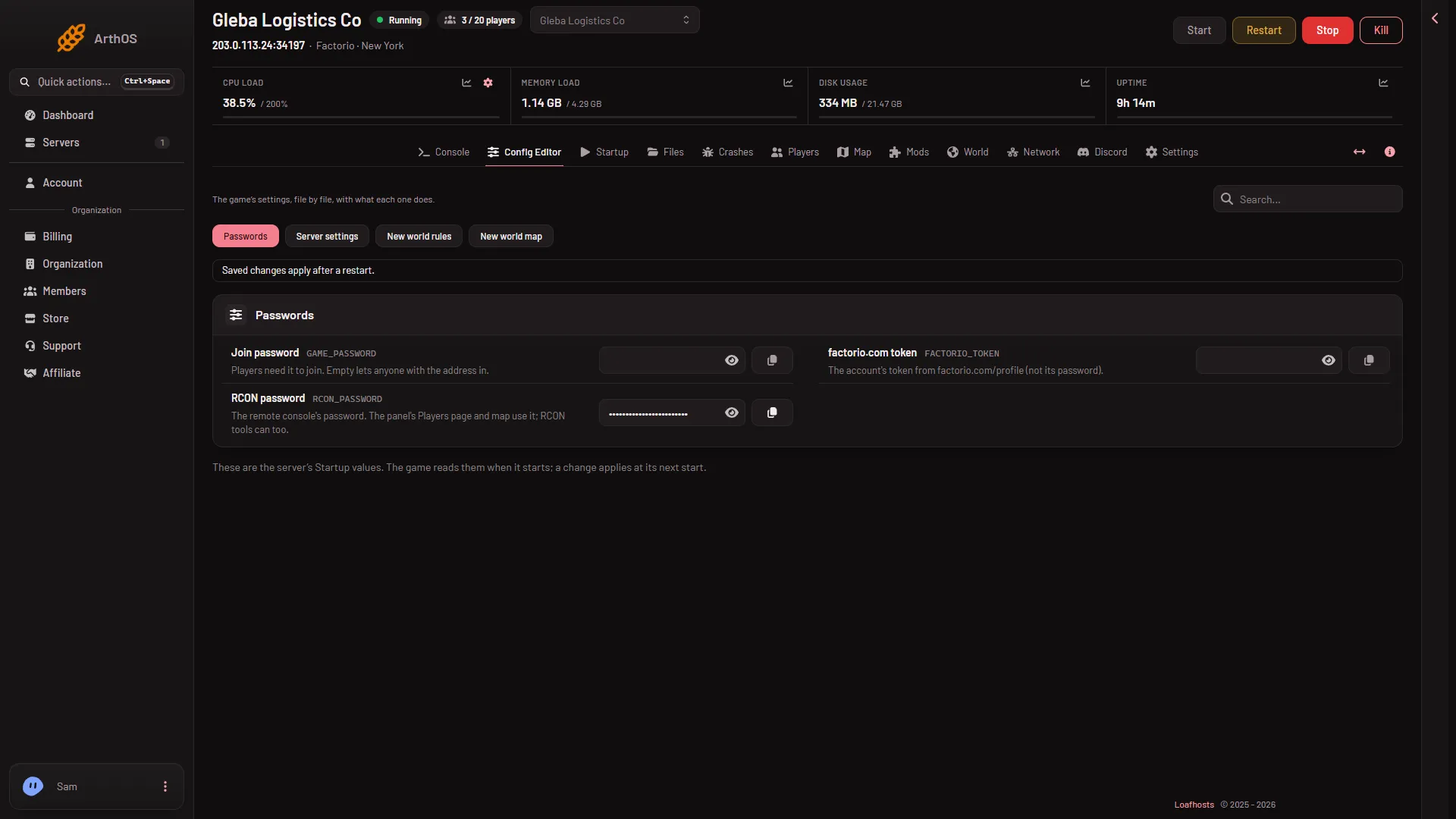
- Paste the token
- Choose Save, then install the mod again from Mods.
The username and token are written into the server’s settings at every start. A hand edit of them in server-settings.json does not stay. See factorio.com token and username.
Check the account owns Factorio
The portal only gives downloads to an account that owns the game. A fresh account with no copy of Factorio is refused, and so is a right username with a wrong token. If the refusal stays after you set both:
- Sign in to factorio.com with that account and check that Factorio is on it.
- Copy the token again from the profile page. A token with a stray space or a missing letter is refused.
- Check the username has no spelling slip. Copy it from factorio.com instead of typing it.
Skip the portal
A mod you already have as a .zip does not need the portal. Use upload a mod. The upload needs no account. Any mods it depends on are still downloaded from the portal, and those need the account.
If it does not work
- Still refused after saving. The token was pasted into the wrong place. Check that the token is under Passwords and the username is on Startup.
- Only one of the two is set. Both must be set. With only one, the server counts as having no account.
- The page says the mod has no release for your Factorio version. That is a different problem. See mod not for this version.
- You cannot change Startup or Passwords. Your role may not allow it. Ask the server’s owner.
More about the game: Factorio servers.
Sources: wiki.factorio.com: Mod portal API