
















Save without pausing is the game’s non_blocking_saving setting. Leave it off. Wube, the makers of Factorio, call it “highly experimental” and say to turn it on “only at your own risk of losing your saves”. A new Loafhosts server starts with it off. In the game’s settings file it is non_blocking_saving.
What it does
Normally the server makes an autosave itself. With this setting on, the game makes the autosave in a copy of itself instead, so that the world does not have to wait. On a Unix server such as Loafhosts’, the game’s own comment says the server “will fork itself to create an autosave”.
That is the whole idea: save without holding the game. The cost is the risk Wube describes. A save that goes wrong is a lost save. The game’s own comment also says autosaving on connected Windows clients is disabled whatever Autosave only on the server says.
Why to leave it off
- Your world is the one thing you cannot rebuild. A smooth save is not worth a broken one.
- The panel’s own help says the same: “Leave off.”
- If the game lags when it saves, a longer time between autosaves is the safer fix. See autosave settings.
Where it is
- Open Config Editor.
- Choose the source Server settings.
- In the group Saving, find Save without pausing (1).
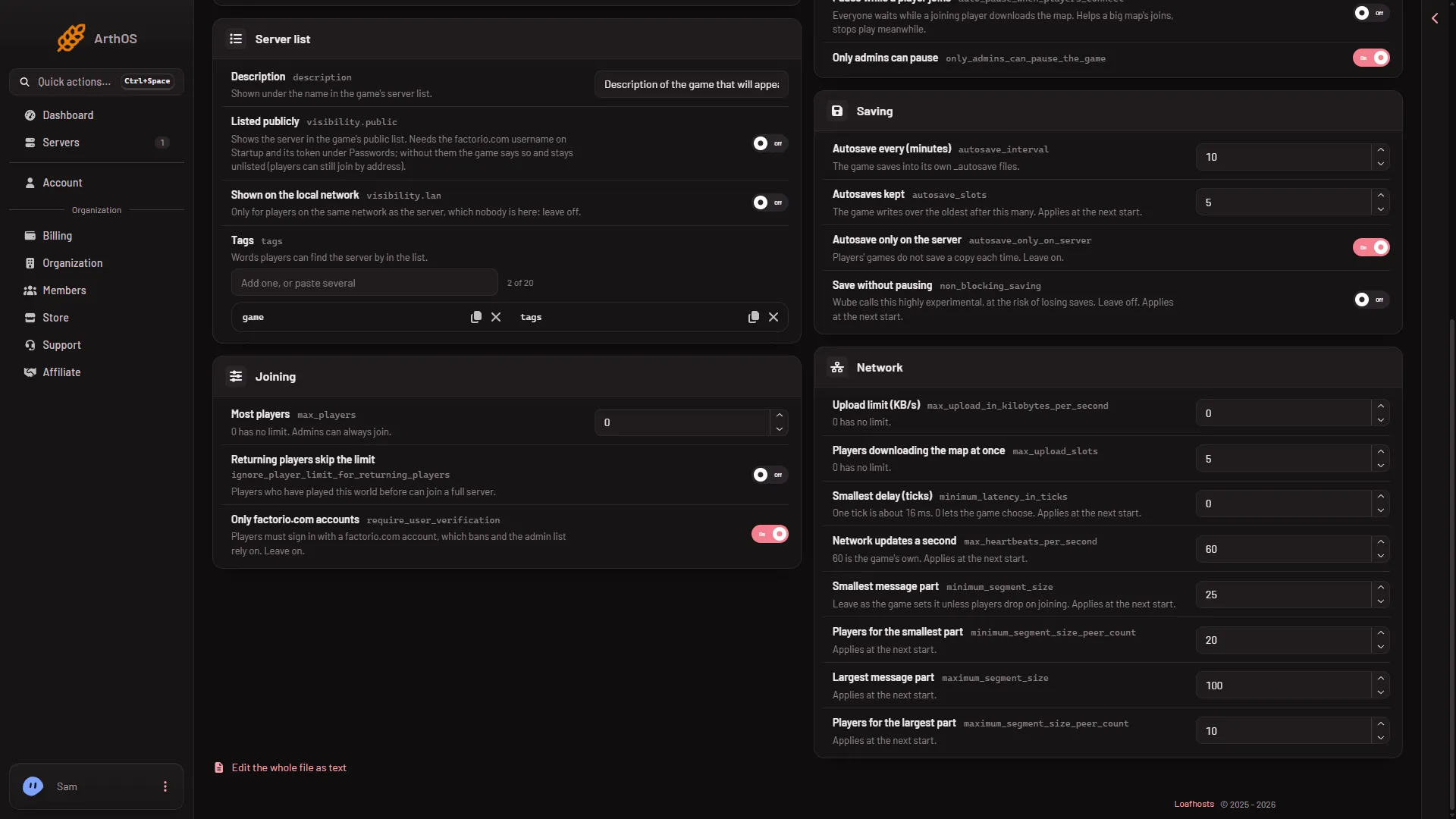
- Save without pausing
A change to this setting applies at the next start. The server keeps its old choice until you restart it.
If you turned it on and want it off
- Switch Save without pausing off in the same place and choose Save in the bar “Unsaved changes: (n)”.
- Restart the server with Restart at the top of the server page. This drops everyone who is on, so warn them first with Message everyone on the Players page.
If you are worried about a world that has run with it on, keep a safe copy first. Use Save a copy now on the World page, or make a backup in Settings, Backups. A backup copies the files as the game last saved them.
If it does not work
- The switch is back on after a restart. The save did not go through. Save again and read the message that says what applies at the next start.
- The game still lags at save time. This setting is not a lag fix you can count on. Raise Autosave every (minutes), or see Factorio server lag.
More about the game: Factorio servers.
Sources: wiki.factorio.com: Multiplayer