
















A new Factorio server on Loafhosts is not listed in Browse public games. That is how it starts. To list it, the server needs your factorio.com username, your factorio.com token, and Listed publicly turned on. Until then, players join by address, and that always works.
Why it is missing
Factorio’s own manual says a public server “requires the login credentials” of a factorio.com account. The game uses them to put the server on factorio.com’s list. Without them the game logs “Missing token”, keeps running, and stays off the list.
A new Loafhosts server has no username, no token, and the list turned off. So it needs three things.
Put it on the list
- Open the Startup page. Type your factorio.com username in factorio.com username (1). Save.
- Open the Config Editor and choose Passwords. Paste the token in factorio.com token (1). Save.
- Still in the Config Editor, open Server settings. In the group Server list, turn on Listed publicly. Save.
- Use Restart at the top of the server page, so the username and token are used. A restart drops everyone who is on, so tell players first with Message everyone on the Players page.
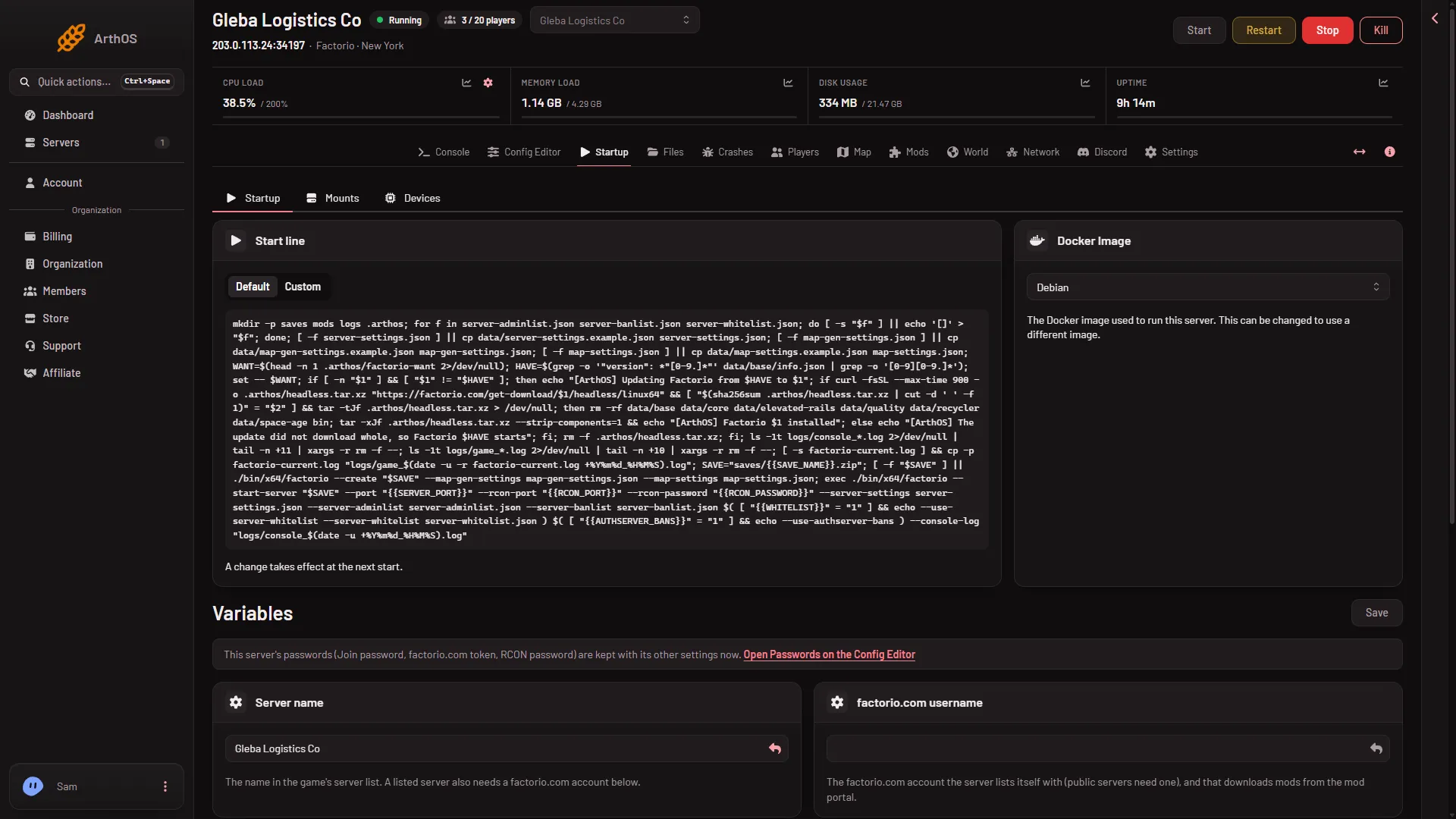
- Type the username
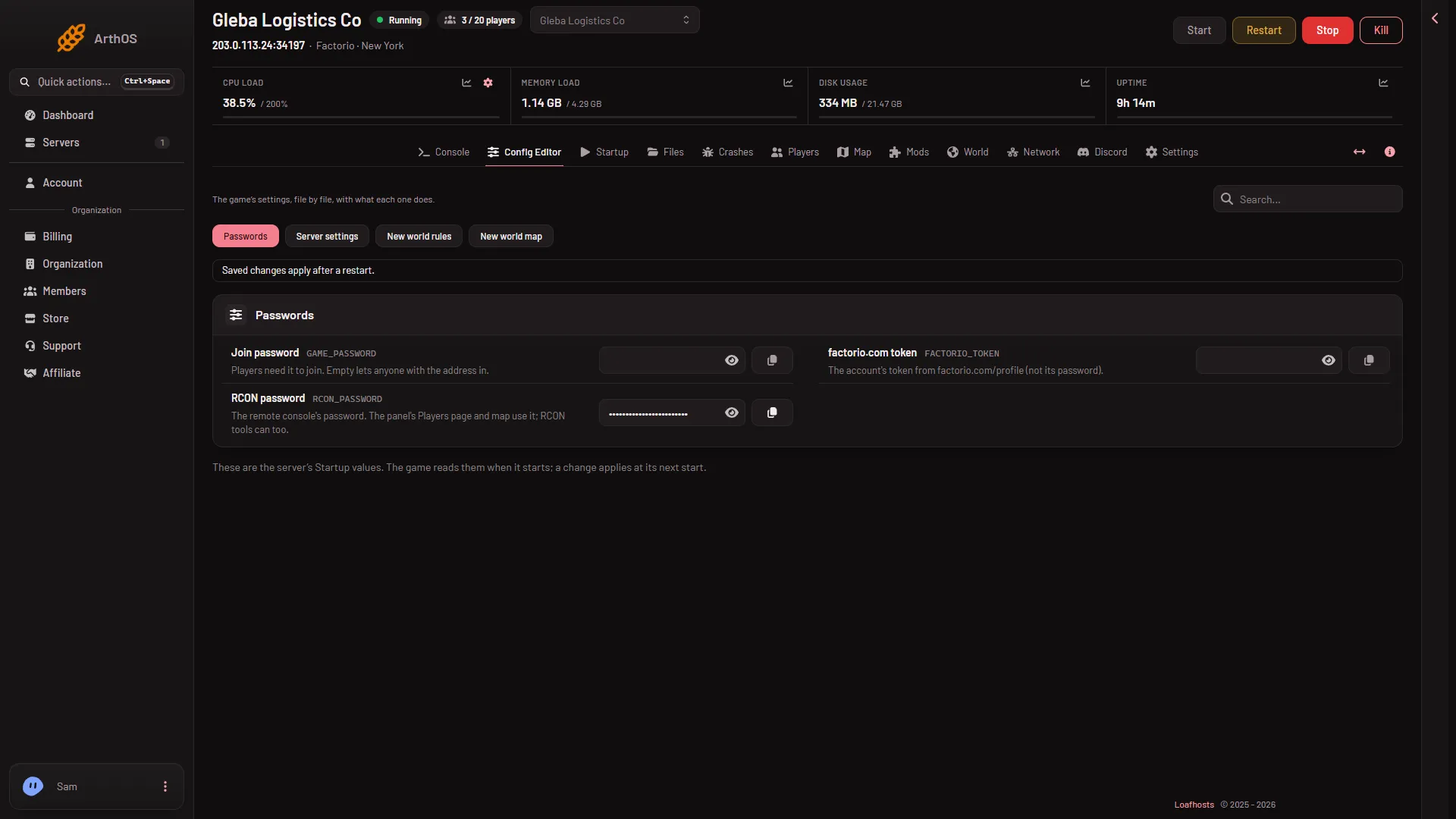
- Paste the token
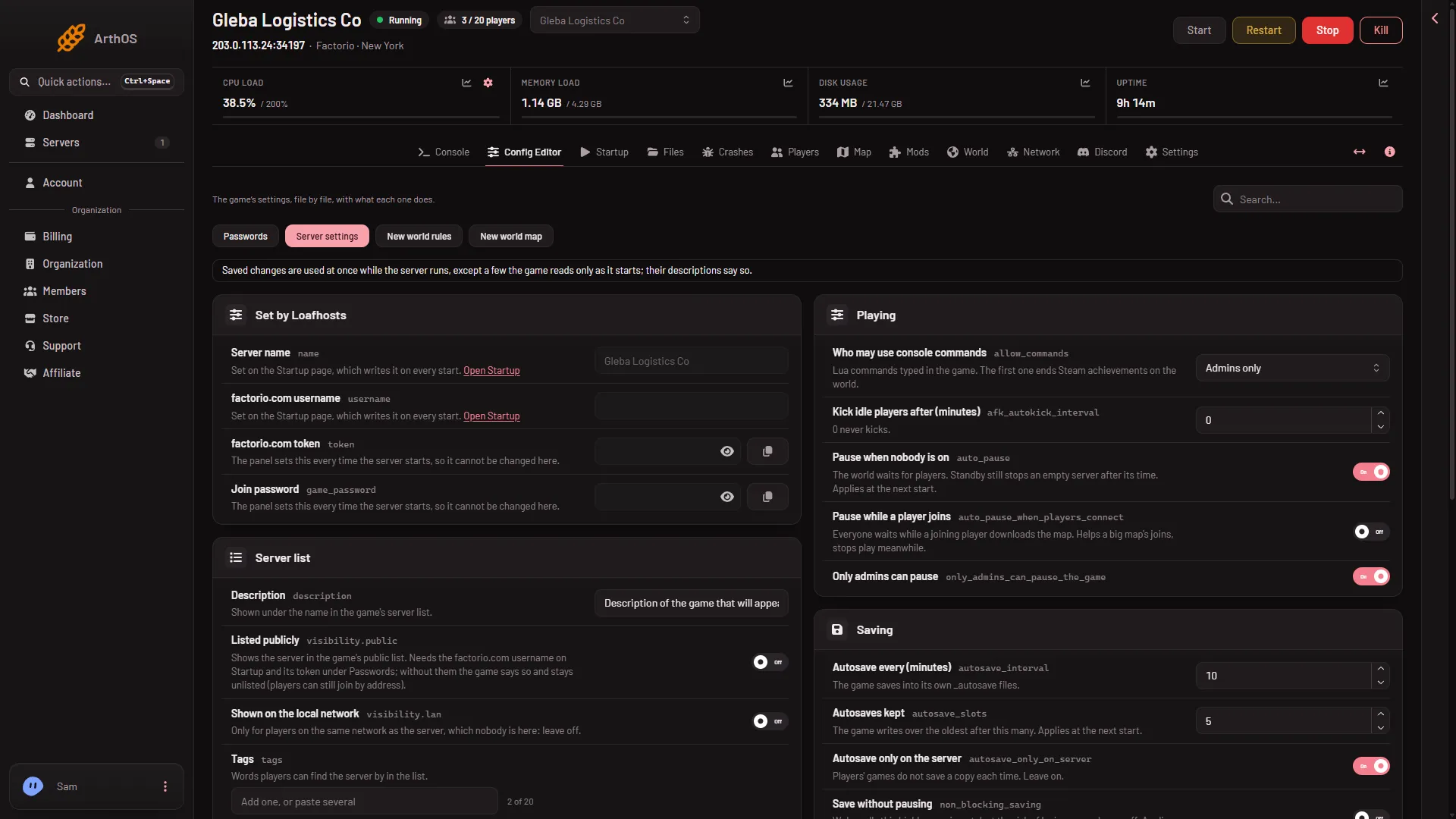
The server empties the game’s own password field at every start.
When it takes effect
- Listed publicly is applied at once on a running server.
- The username and the token are written into the game’s settings at every start. Restart the server after you change them.
After the restart, search for the server name in Browse public games. Players need to be signed in to factorio.com in their game to use that list.
Players can join without the list
Listing is only for finding the server. Players can always use Multiplayer, then Connect to address. Open the Players page. The Join card shows the address and has a Copy button.
If it does not work
- Crashes shows “The server could not list itself”. The username or token is missing or wrong. Set the username on Startup and the token under Passwords, or turn Listed publicly off.
- You turned on Listed publicly but nothing else. The game says so and stays unlisted. Add the username and the token, then restart.
- The token is rejected. Copy it again from your factorio.com profile. Use the token, not the password.
- The name looks different. The list shows Server name from Startup. A new server is called “Loafhosts Factorio”.
- Not checked. Not checked on 2.1.24 as of 13 November 2026: a listing with a real factorio.com account. The steps follow the game’s manual and the panel’s own help text.
More about the game: Factorio servers.
Sources: wiki.factorio.com: Multiplayer