
















A Factorio server uses a factorio.com account for two jobs: listing itself in the public list, and downloading mods from the mod portal. Your factorio.com username goes on the Startup page. Your factorio.com token goes under Passwords in the Config Editor. Never enter your account password.
Username and token are different things
- The username is the name of your factorio.com account.
- The token is a long code that factorio.com makes for your account. It lets a server act for you without your password.
- The password is what you use to sign in on the website. A server does not need it and never keeps it.
Get the token
The token comes from your factorio.com account. The panel’s own text says: “The account’s token from factorio.com/profile (not its password).” Sign in at factorio.com, open your profile, and copy the token from there.
Set the username
- Open the Startup page.
- Type the account name in factorio.com username. Use letters, digits, dots, underscores and dashes, up to 60 characters.
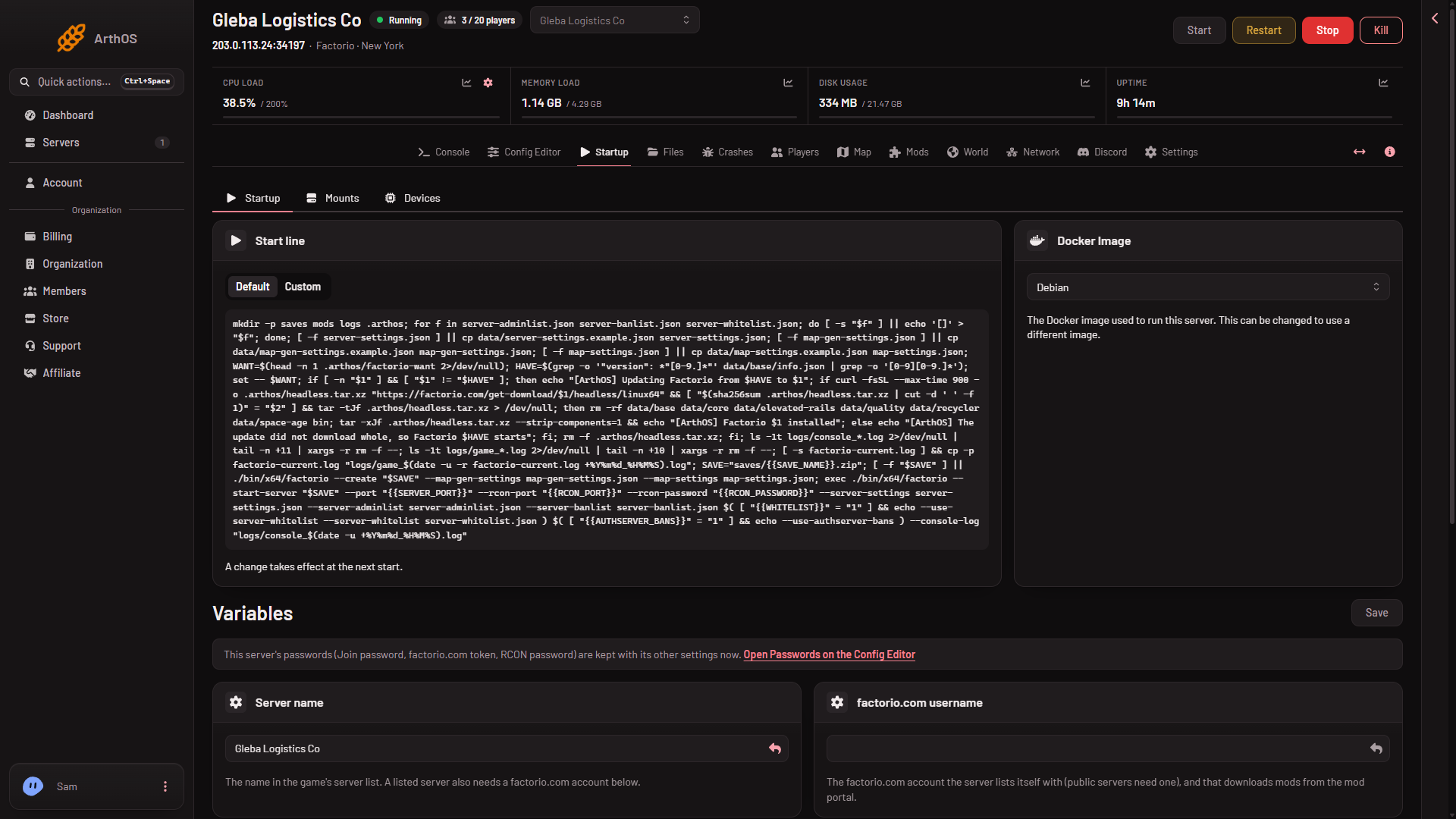
- Save.
Set the token
- Open the Config Editor tab and choose the source Passwords.
- Paste the token into factorio.com token. It holds letters and digits, up to 100.
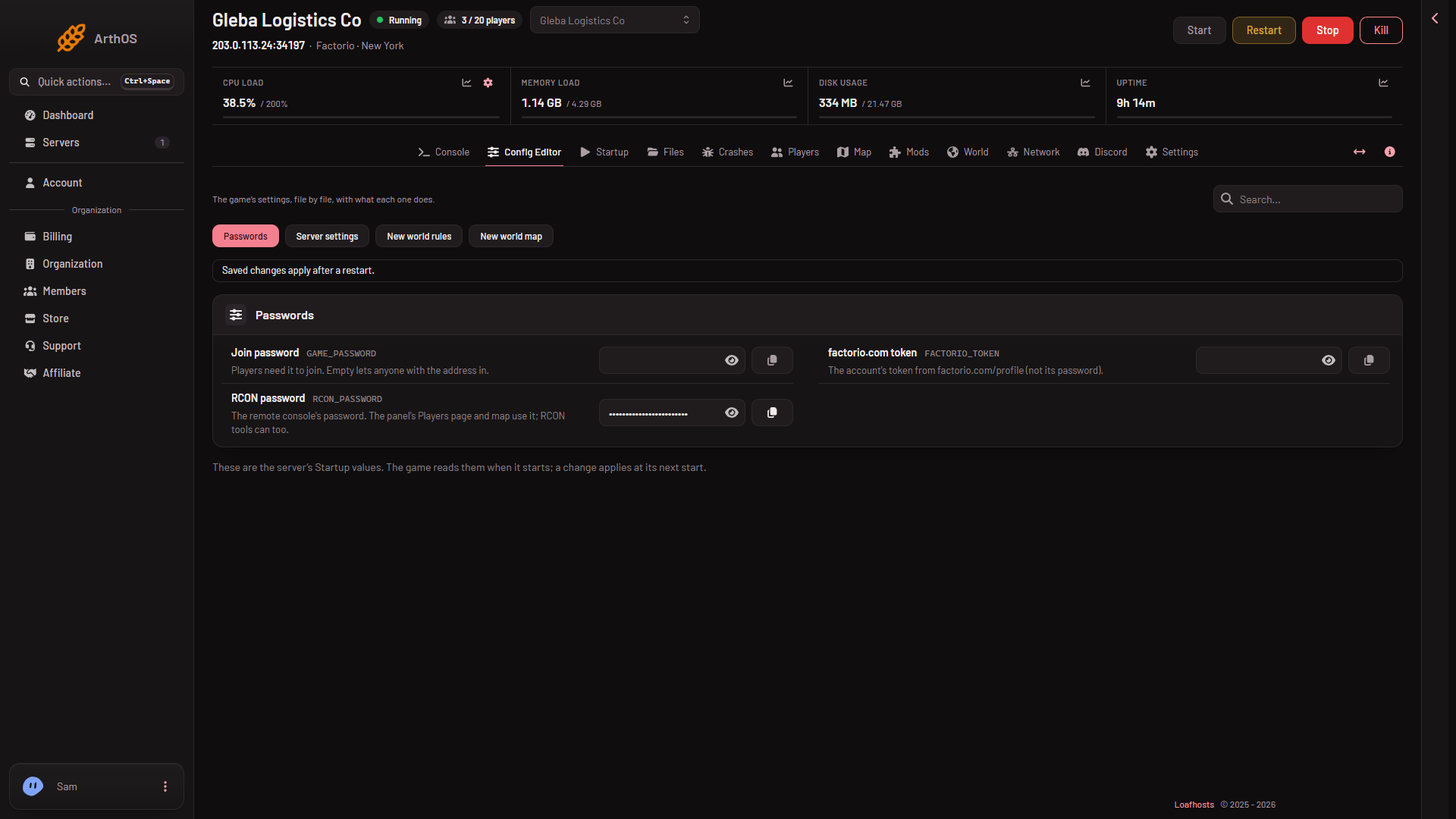
- Save.
Both values are written into the game’s settings at every start. A hand edit of username or token in server-settings.json does not stay. In the Config Editor the Server settings source shows them as locked. The username says “Set on the Startup page, which writes it on every start.” with Open Startup. The token says “The panel sets this every time the server starts, so it cannot be changed here.” The place to change the token is Passwords, in the same Config Editor.
What they are for
- Public list. With both set, restart the server, because the game reads them at its start. Then turn on Listed publicly. See list your server publicly.
- Mod downloads. The mod portal gives a download only to a signed-in account. A server downloads mods with its own username and token. The panel uses the saved values for a download, so a mod download does not wait for a restart. Factorio gives portal downloads only to an account that owns Factorio. Without a working account, installs from the portal are refused. See mod portal account.
If it does not work
- The game says
Missing token. The token is empty or was not saved. Set it and restart the server. - The mods page says factorio.com refused the server’s account. Check the username on Startup and the token under Passwords. The account must also own Factorio.
- You pasted your password. Replace it with the token.
- The token is not on Startup. It is under Passwords, never on Startup.
More about the game: Factorio servers.
Sources: wiki.factorio.com: Multiplayer