
















Open the Players page. If you have joined before, open the menu on your row and choose Make admin. If you have not joined yet, use Add by name, type your factorio.com username, set Add to to Admins, and choose Add.
An admin can use admin commands in the game, kick and ban players, and pause the game.
If you have played on the server
- Open the Players page.
- Find your name under Online if you are in the game, or under Everyone who has played.
- Open the menu on your row. It is named More for (your name).
- Choose Make admin.
- A box asks “Make (your name) an admin?”. Choose Make admin.
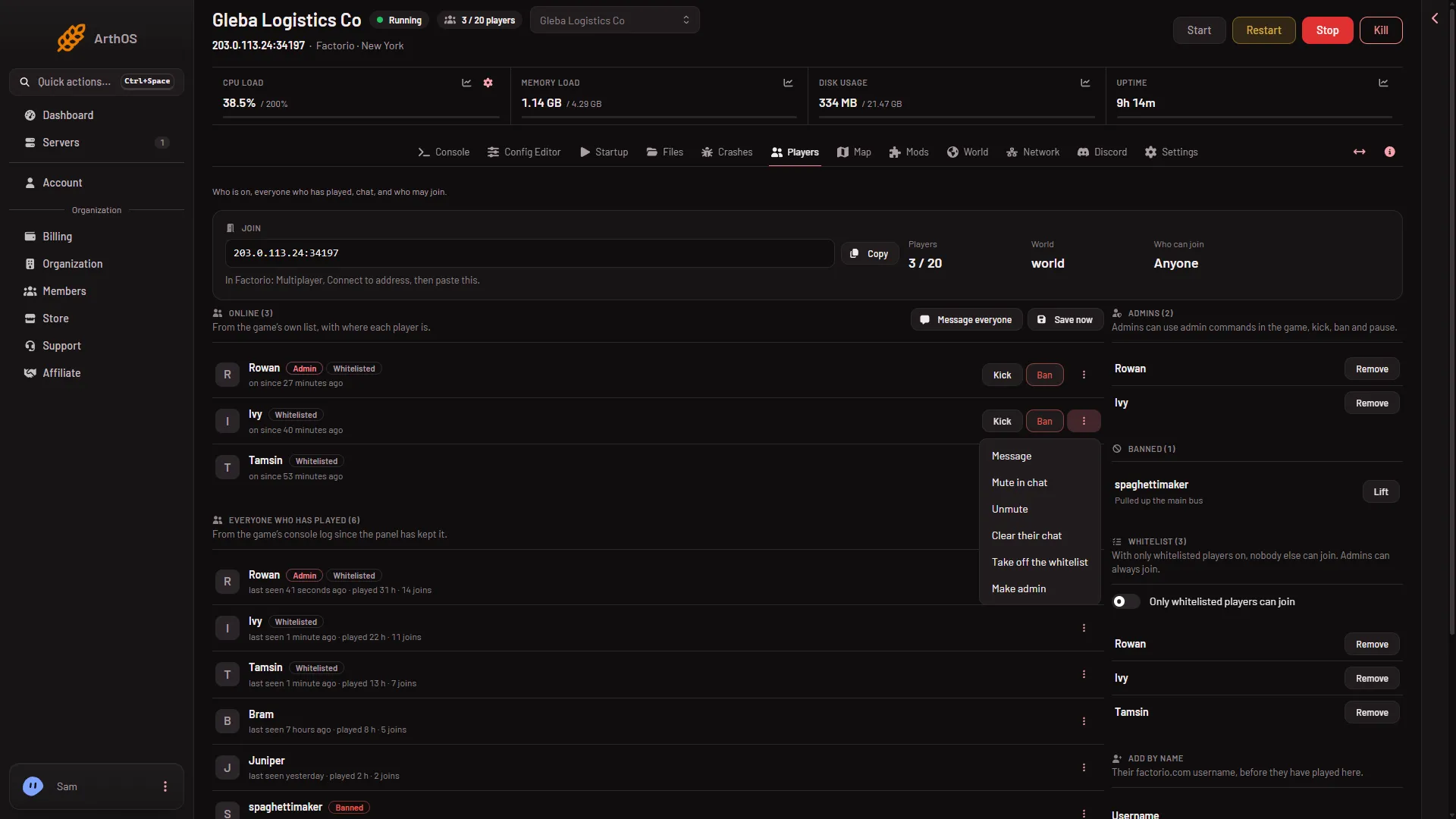
Your row now has the tag Admin, and your name is in the Admins list. The What happened feed shows “(your name) was made an admin by the server”.
If you have not joined yet
Use Add by name.
- Find the card Add by name.
- In Username, type your factorio.com username.
- In Add to, choose Admins.
- Choose Add.
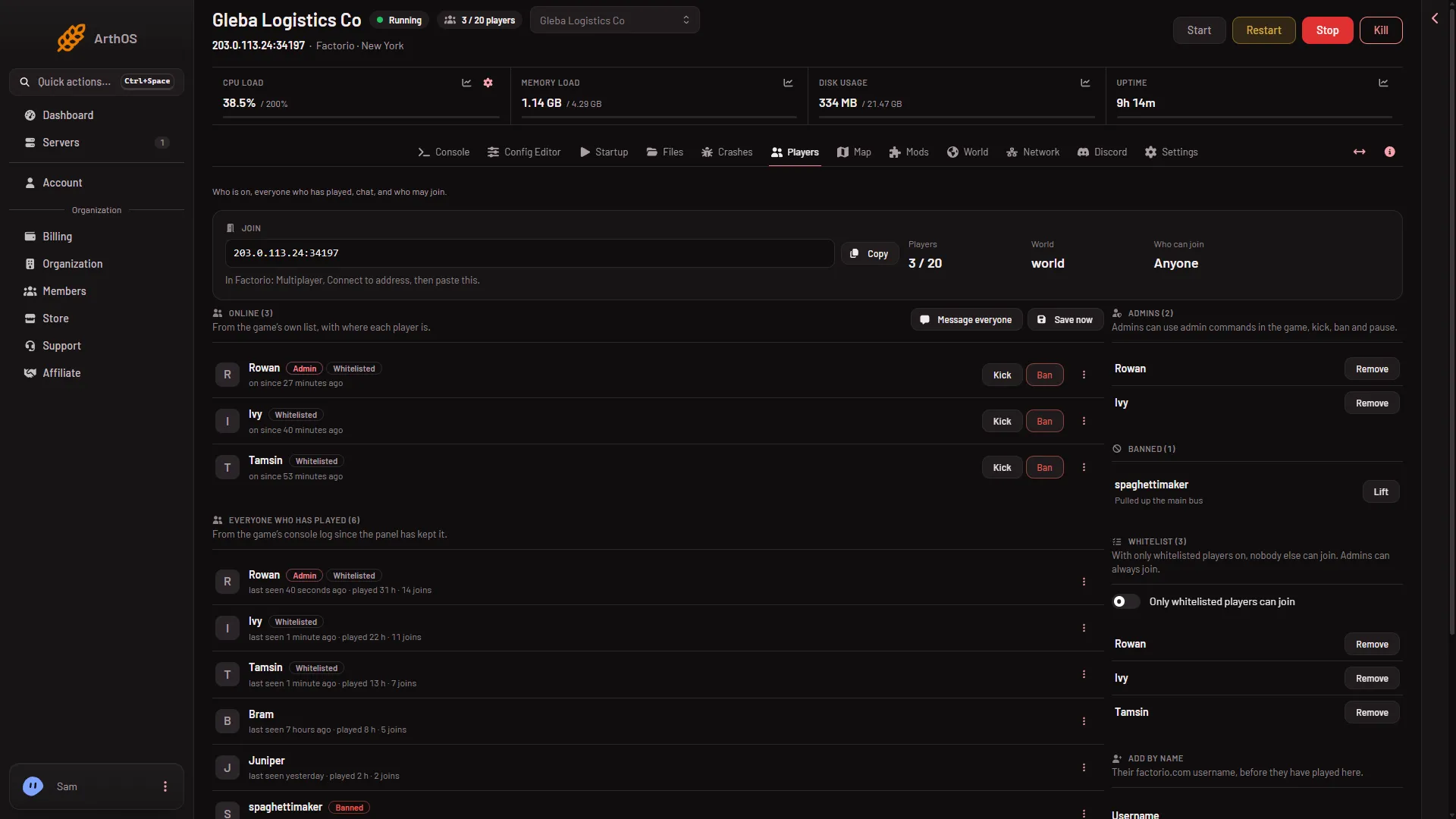
- Add by name
The card Add by name (1) is at the bottom of the right column. Scroll down to reach Username, Add to and Add.
The username must be the one on your factorio.com account. It may hold letters, digits, dots, dashes and underscores. The page says “Letters, digits, dots, dashes and underscores only.” if it does not fit.
When it applies
- Server running: at once. The page asks the game to promote the player, then reads the game’s list back to check.
- Server stopped: the page changes the list, and the game reads it at its next start. The page says so.
If the game does not take the change, the page says “the game did not change its list; the console says why”.
You need a role that allows changing admins.
By hand
The admin list is a file called server-adminlist.json, in the main folder of the server. It is a list of names.
- Stop the server. The game also writes this file itself, so do not edit it while the server runs.
- Open Files and open
server-adminlist.json. - Write your username between the brackets, in quotes. An example:
["Builder_One"]. Add more names with commas:["Builder_One", "Builder_Two"]. - Save, then start the server. The game reads the file at the start.
An empty list is [].
Once you are an admin
Join the server. You can now use admin commands in the game’s chat, such as /kick and /ban. See the admin commands. They need only the admin tag. Lua commands (/c) also depend on Who may use console commands in the Config Editor. See who may use commands.
To take admin away again, see make admin and take admin away.
More about the game: Factorio servers.
If it does not work
- Make admin is missing. Your role on the panel may not allow changing admins. Ask the owner.
- “that is not a Factorio player name”. The name has a character the game does not allow. Check the spelling.
- You are in the list but admin commands do nothing. Check the Admins list on the Players page. If only a Lua command (
/c) is refused, Who may use console commands may be Nobody. It is Admins only on a new server. - The change does not show in the game. The server was stopped, so it applies at the next start.
Sources: wiki.factorio.com: Multiplayer, wiki.factorio.com: Console