






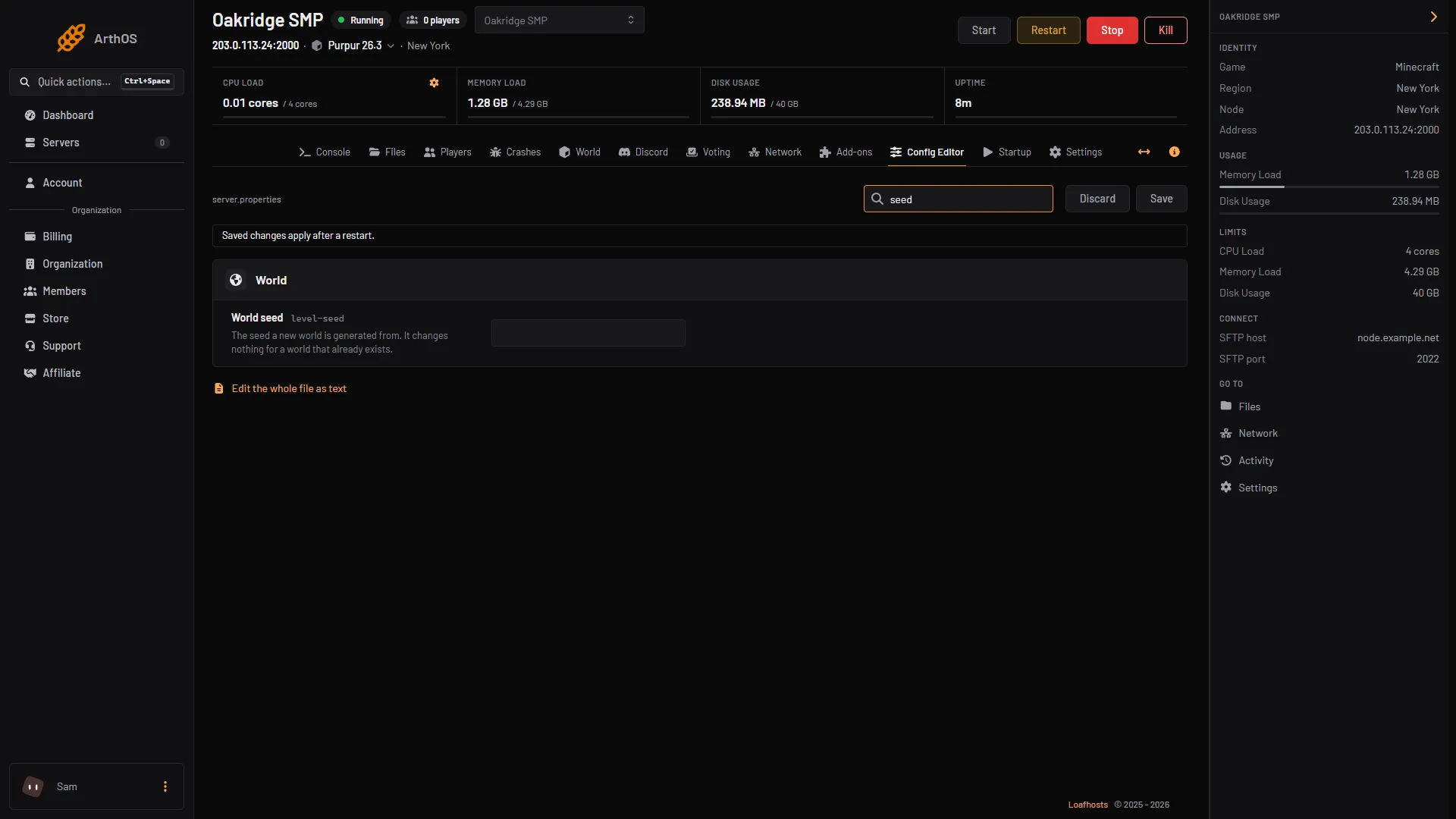
Set World seed and World type in the Config Editor, then start a new world. Both settings are used only when a world is generated. On a server whose world already exists they change nothing, and the panel says so beside each one.
To see the seed of the world you have now, type seed in the Console tab. To use a different seed, you need a new world.
The two settings
| Config Editor label | File key | What it does |
|---|---|---|
| World seed | level-seed | The seed a new world is generated from. Left blank, a random seed is used. |
| World type | level-type | The kind of world that is generated. The default is minecraft:normal. |
The world types the game offers on 26.3:
minecraft:normal: the standard world with hills, valleys and water.minecraft:flat: a flat world with no features. You can change its layers withgenerator-settings.minecraft:large_biomes: like normal, but every biome is larger.minecraft:amplified: like normal, but the height limit is higher, so terrain is taller.minecraft:single_biome_surface: the whole overworld is one biome.generator-settingscan change which.
The Config Editor has a Generator settings row in the World group for generator-settings. The panel describes it as “Advanced world generation settings, as JSON.”
Find the seed you have now
- Open the Console tab.
- Type
seedand press Enter. - The game answers “Seed: [” followed by the number and ”]” (1). Copy the number if you want to build the same world somewhere else.
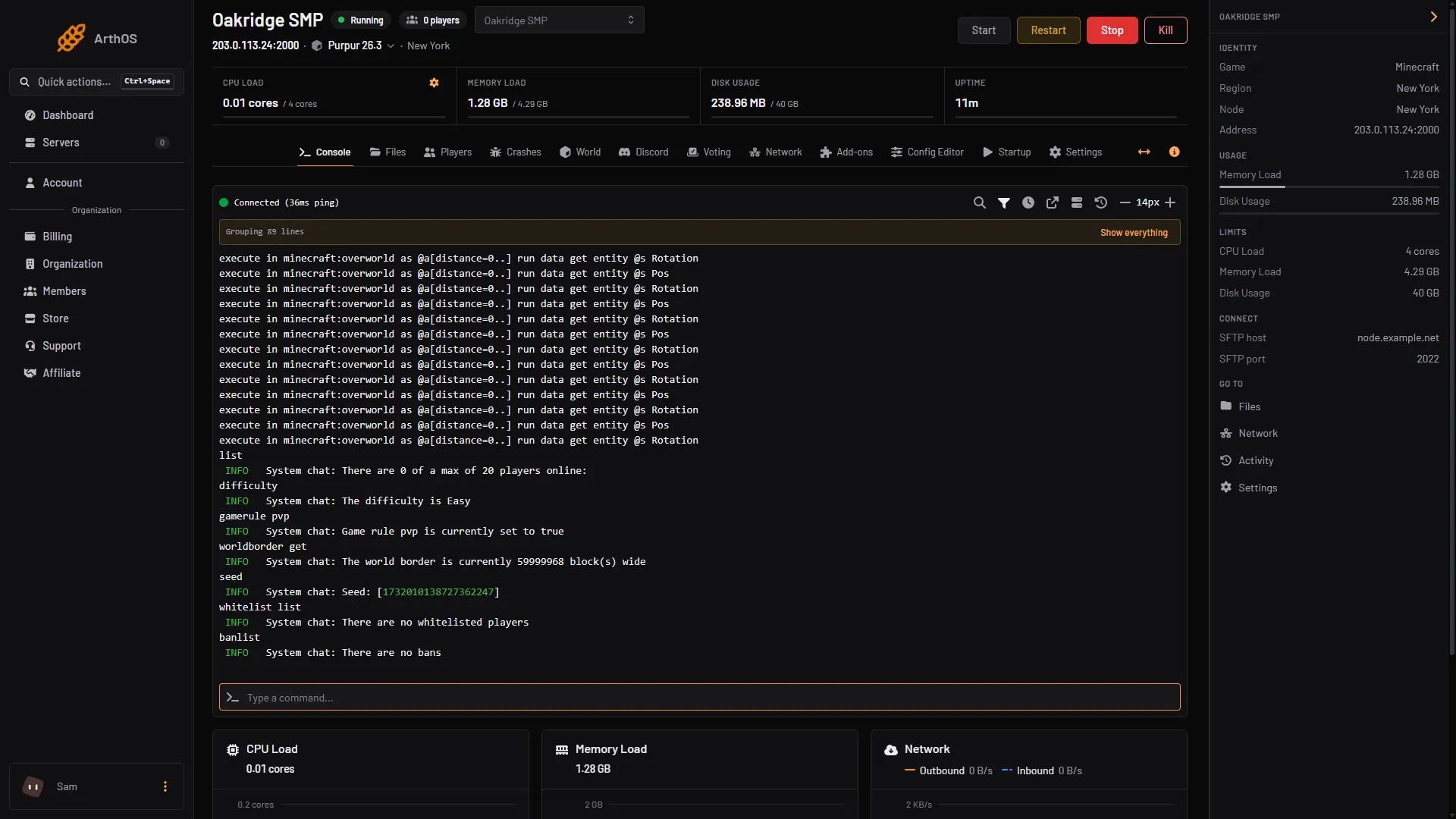
- The seed reply
In game, an operator types /seed. On a multiplayer server it needs permission level 2.
Use a new seed or type
This makes a new world. Your current world stays on the disk if you follow the steps below, but players start fresh in the new one. Take a backup first: see server backups.
- Stop the server.
- Open the Config Editor and type “seed” in Search (1).
- Set World seed (2) to the seed you want. Leave it blank for a random one. The panel’s help says: “The seed a new world is generated from. It changes nothing for a world that already exists.”
- Search
- World seed
- Save
- Search “world type” (1) and set World type (2).
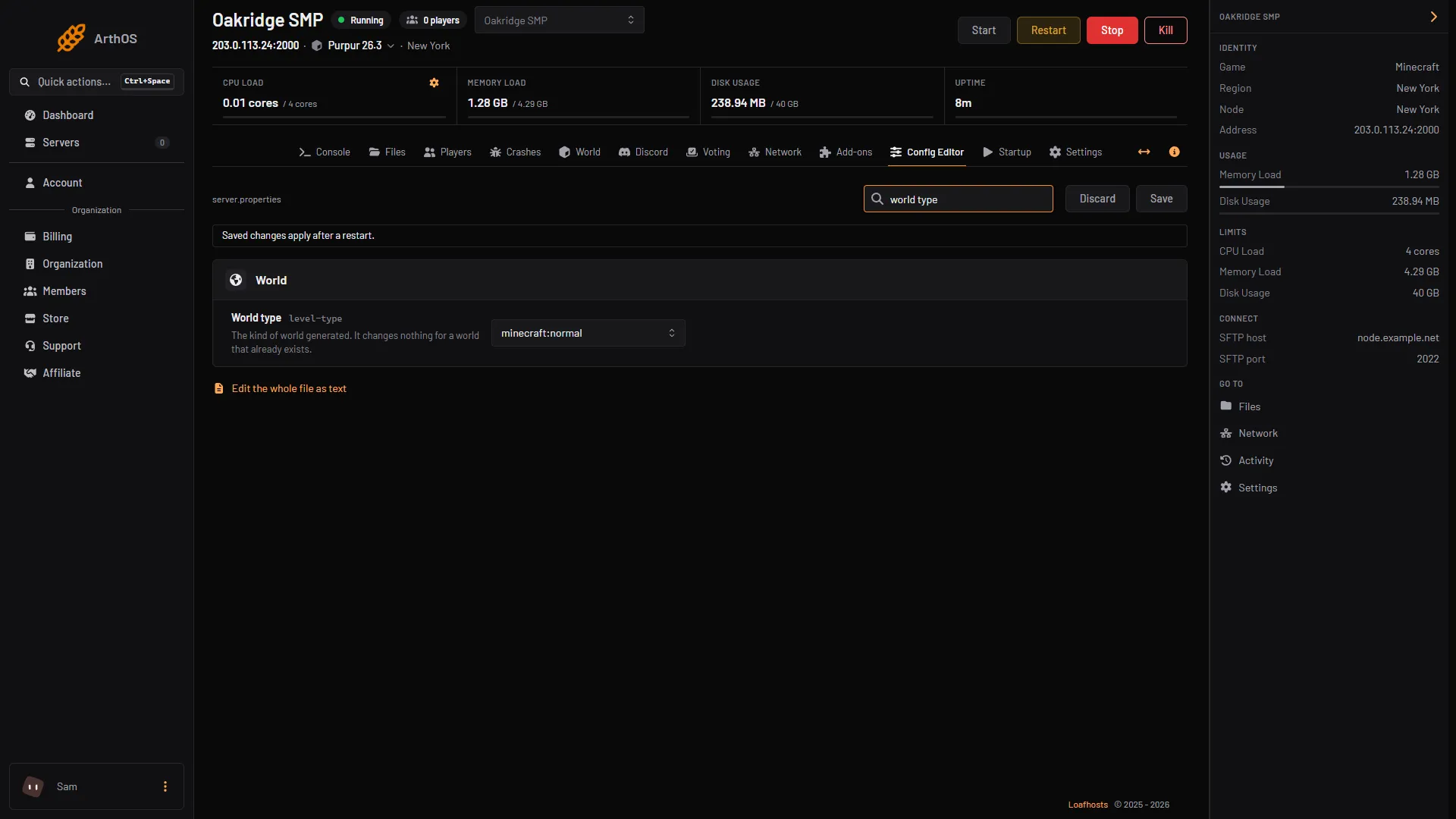
- Search
- World type
- Save
- Search “world folder” and change World folder to a name that does not exist yet, such as
world2. The panel’s help says: “A name with no folder yet creates a new world on the next start.” - Choose Save and start the server. It generates the new world in the new folder, and the old world folder stays as it was.
A game rule such as PvP belongs to the world and starts at its default in the new one. Set it again: turn PvP on or off. Spawn protection and operators belong to the server and carry over.
To go back, set World folder to the old name and restart. If you would rather throw the old world away and keep the name, follow how to reset the world.
By hand
Open Files, then server.properties. Stop the server first, then set:
level-name=world2
level-seed=1234567
level-type=minecraft\:flat
generator-settings=
The text after generator-settings= is advanced world generation settings, as JSON.
The backslash before the colon is how the game writes the file. Save and start. The Minecraft Wiki says the game regenerates the file on start, so keep to the key=value form.
Bedrock servers
A Bedrock Dedicated Server has level-seed in server.properties too. Its wiki entry says that after the world is created the seed is stored in the world’s own files and cannot be changed. To use a new seed, give the World variable on Startup a new name, add level-seed= with your seed in Files, then server.properties, and start the server for the first time with that name.
If it does not work
- I changed the seed and the world is the same. The world already existed. Use a new World folder name, or reset the world.
seedprints a different number than I set. If World seed was blank when the world was made, the game picked a random one.seedprints the real one.- The new world is flat or amplified when I wanted normal. Check World type is
minecraft:normaland restart. - A flat world has the wrong layers. The layers live in
generator-settings. The Minecraft Wiki’sserver.propertiespage points to its Superflat page for the format. - Players have lost their items. Player data belongs to the world folder. Switch World folder back to get them.
More on the game: Minecraft servers.
Sources: minecraft.wiki: Server.properties, minecraft.wiki: Seed