









Guides / Minecraft
Minecraft server guides.
One task per guide: how to do it in the ArthOS panel, and by hand where there is a way.
Server basics
16 guides-
 Server basics
 Change your Minecraft server version or software
Switch a server to another Minecraft version or to Paper, Purpur, Fabric, Forge, NeoForge or Vanilla. The panel backs up first and warns about older worlds. - Server basics
Connect to a Minecraft server on Java and Bedrock
Copy the address and port from the server header, then add it in Multiplayer on Java or in Play, Servers on Bedrock. Use the same version as the server. - Server basics
Let Bedrock players join your Java Minecraft server
Add Geyser and Floodgate so players on phones, tablets and Windows Bedrock can join your Java server on the same address. One switch in the panel. - Server basics
Move a Minecraft server from another host
Copy your whole server from your old host with the Import from another host card in Settings, over SFTP or FTP. Or download a zip and upload it. - Server basics
Set up a Minecraft server from scratch
Order a Minecraft server, pick Java, Bedrock or both, accept the EULA, start it and give players the address. Panel steps first, the file edits by hand after. - Server basics
Accept the Minecraft EULA on your server
A new Minecraft server stops until eula.txt says eula=true. Press Accept EULA in the Console, or change the line yourself in Files. Both steps here. - Server basics
How to read your Minecraft server console
Read the Console tab and logs/latest.log. What INFO, WARN and ERROR mean, how to filter and search, and how to find where an error starts. - Server basics
Minecraft Java or Bedrock server: which to order
Order Java for plugins, mods and PC players, Bedrock for phones, tablets and Windows Bedrock, or Java + Bedrock to let both join one world. - Server basics
Minecraft server commands owners use most
The Java server commands owners use most, the op level each needs, and how to run them from the Console tab or in game chat, with links to how-tos. - Server basics
Restart your Minecraft server on a schedule
Set up a daily Minecraft restart with chat warnings at 5 minutes, 1 minute and 10 seconds, from the Schedules tab in Settings. Or build your own. - Server basics
Set a Minecraft server icon (64 by 64 PNG)
The server icon is a 64 by 64 PNG called server-icon.png in the server's main folder. Upload any picture in the Config Editor and the panel sizes it for you. - Server basics
Set up a Minecraft Bedrock server
Order a Bedrock Dedicated Server, add players to the allow list, find the port and join from a phone, tablet or Windows. Console limits explained. - Server basics
Stop your Minecraft server without losing progress
Use Stop, not Kill, so the server saves the world first. What each button and the stop and save-all commands do, and when Kill is the right choice. - Server basics
Switch to Fabric, Forge or NeoForge for mods
Mods need a mod loader. Open Add-ons, then Versions, pick Fabric, Forge or NeoForge and a version, press Switch now, then install mods that match. - Server basics
Switch your Minecraft server to Paper or Purpur
Plugins need Paper or Purpur. Open Add-ons, then Versions, pick Paper or Purpur and a version, and press Switch now. Your world stays. - Server basics
Use your own domain for your Minecraft server
Add a domain in Network, then Domains, create the A and SRV records the panel lists at your DNS provider, and players join without a port.
server.properties
16 guides-
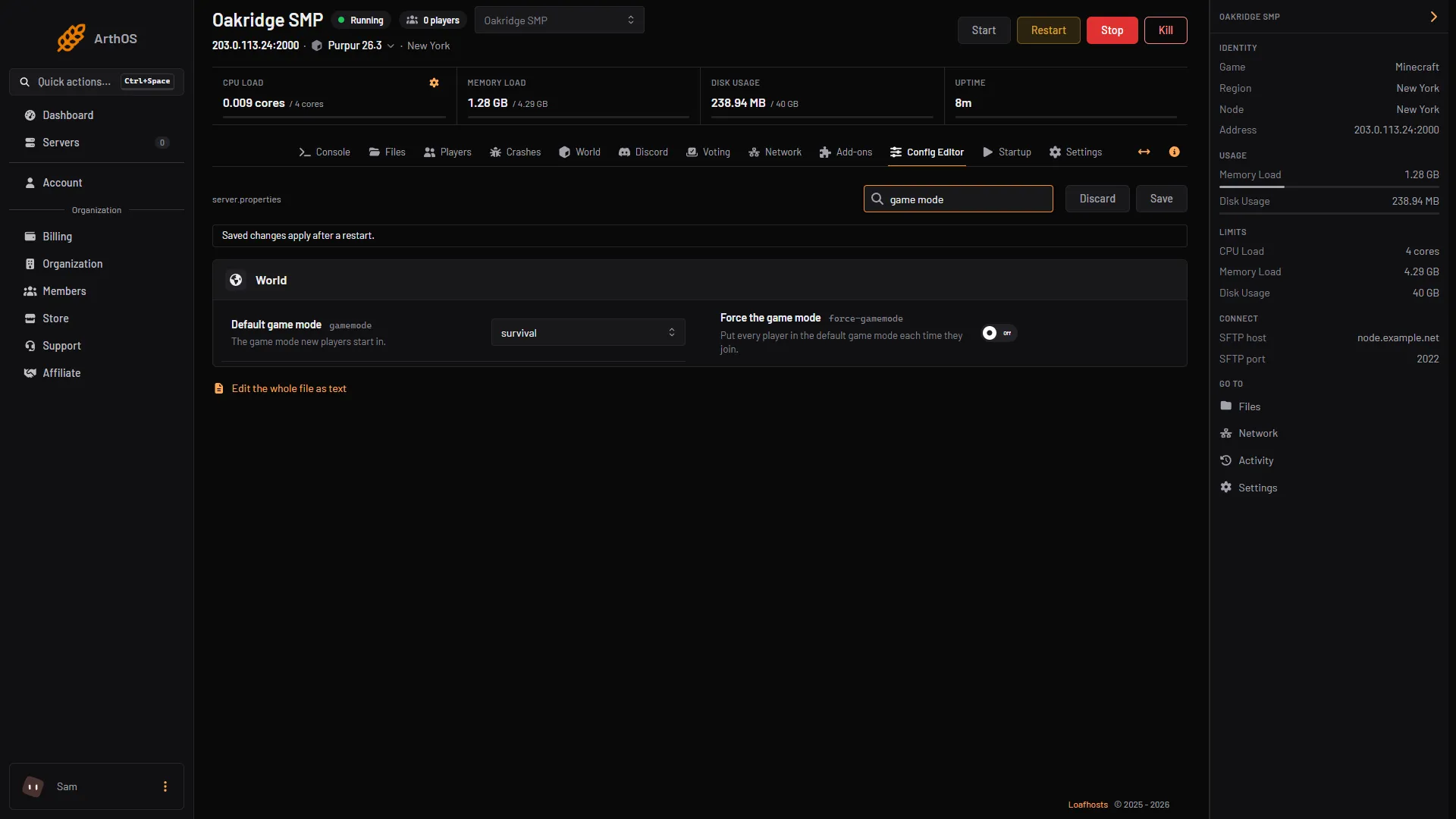
Change the default game mode on a Minecraft server
Set the default game mode in the Config Editor, turn on Force the game mode, or switch one player with /gamemode. Hardcore is a separate setting. - server.properties
Change the difficulty on a Minecraft server
The four difficulties and what each one changes, how to set one in the Config Editor or with /difficulty, and why a command alone is lost at restart. -
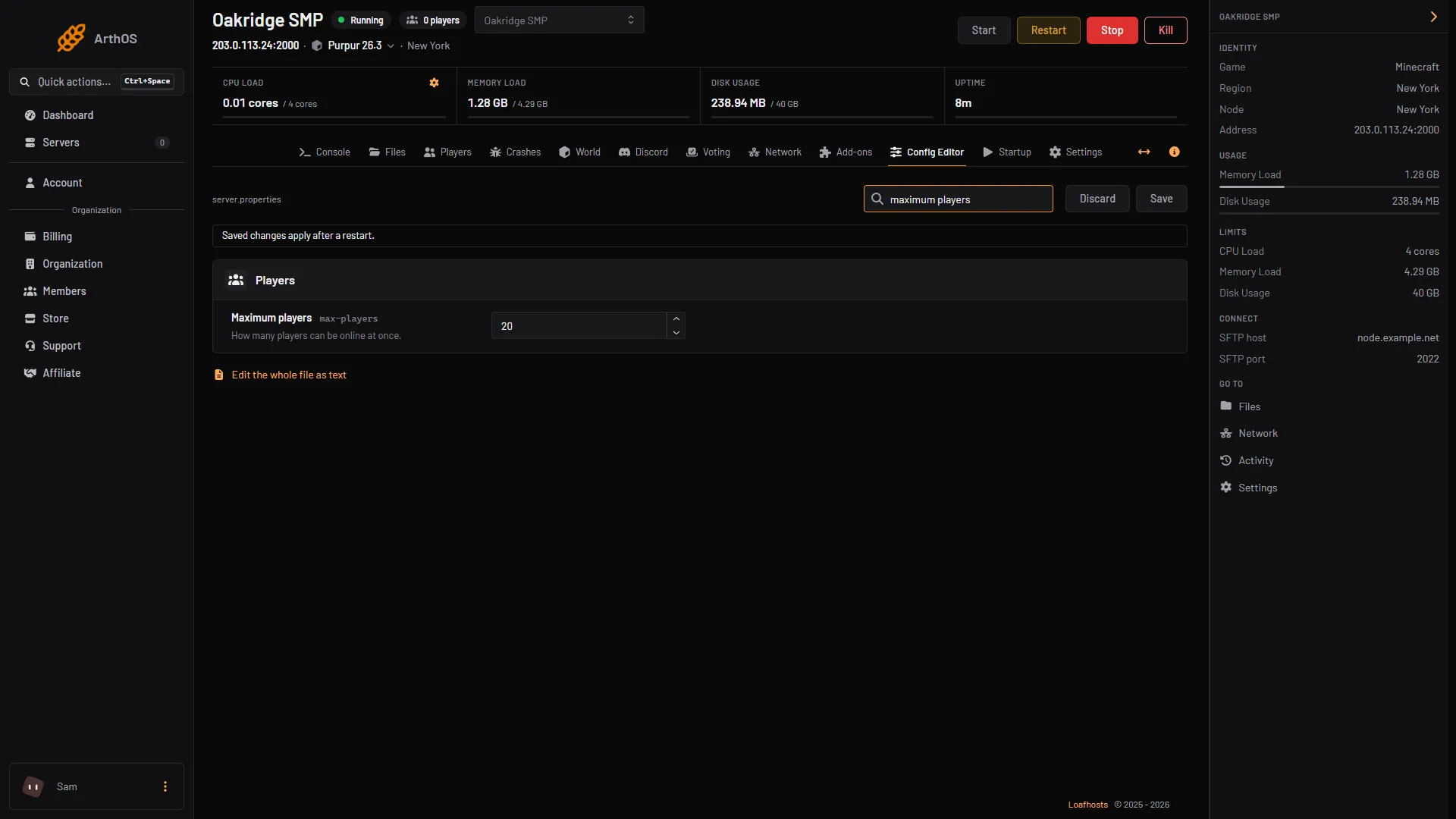
Change the max players on a Minecraft server
Open the Config Editor, change Maximum players in the Players group, save and restart. The default is 20. Here is what the number counts and what it costs. - server.properties
Edit server.properties on your Minecraft server
The Config Editor shows every server.properties setting as a labelled field. Change one, save, restart. Here are the settings people change most. - server.properties
Set a Minecraft server MOTD with colours and two lines
The MOTD is the text under your server name in the multiplayer list. Set it in the Config Editor with colour buttons and a preview, or in server.properties. -
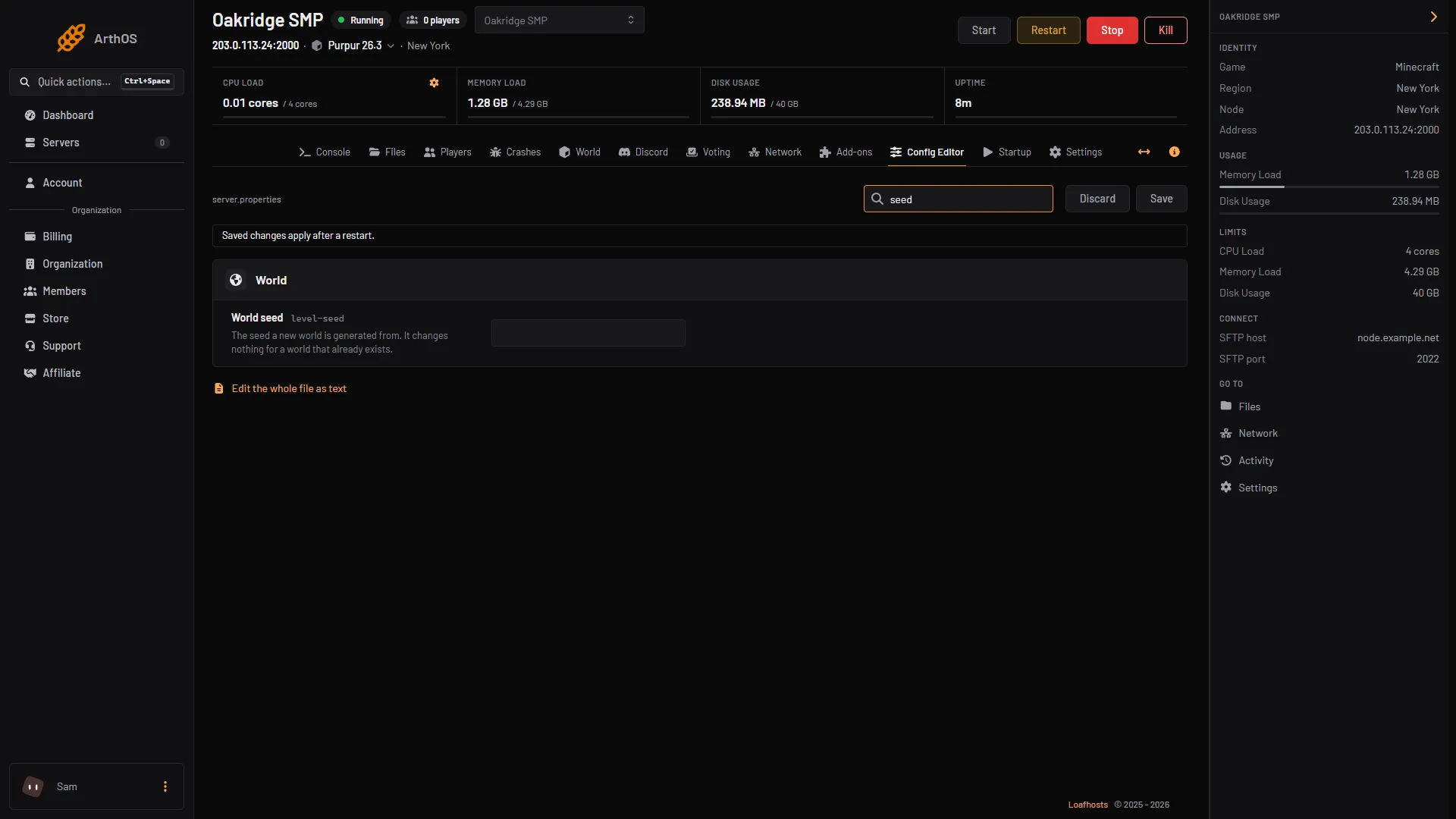
Set the seed and world type on a Minecraft server
World seed and World type only apply when a world is created. Set them in the Config Editor, then start a new world. Find your current seed with /seed. -
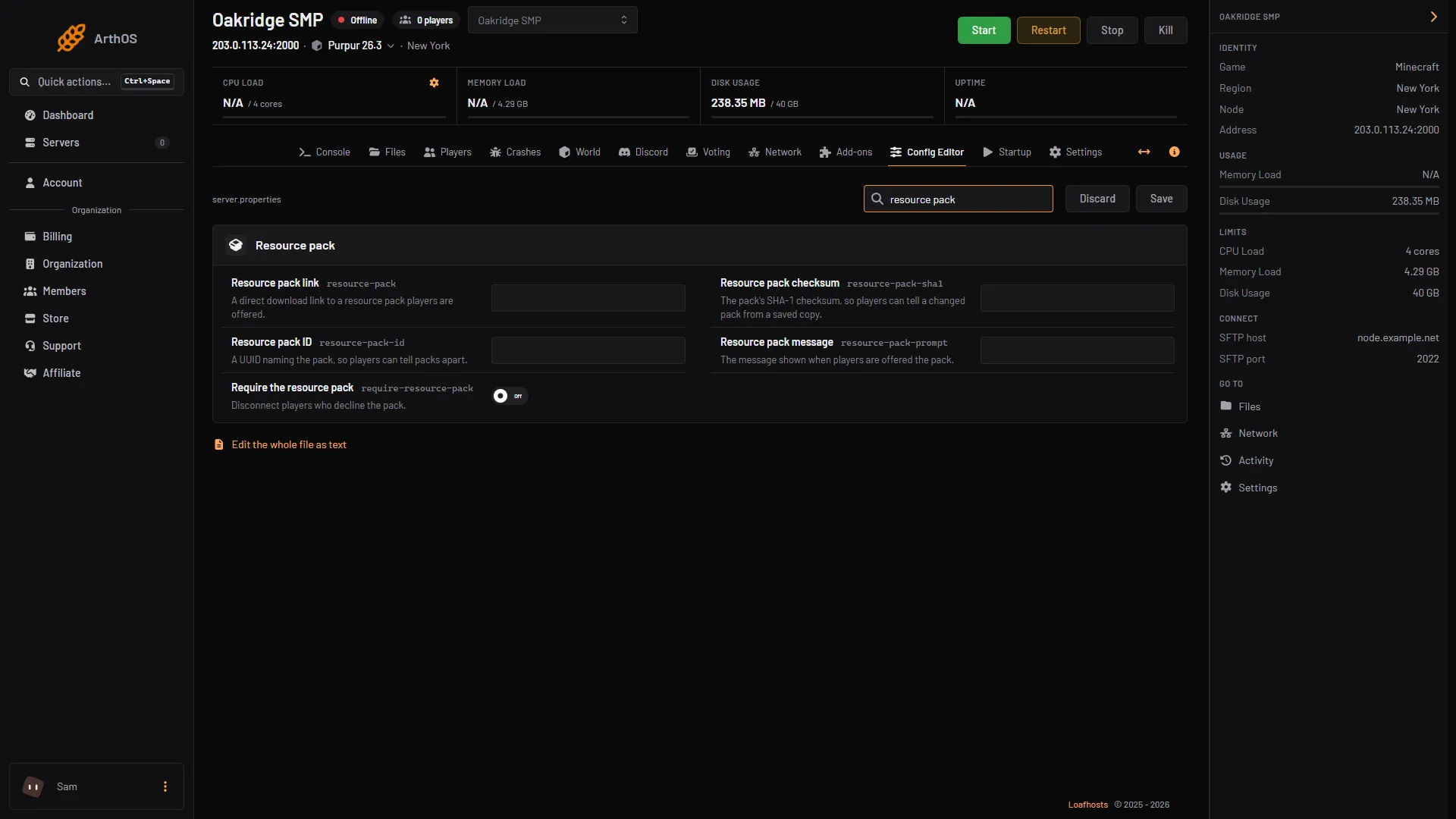
Add a resource pack to your Minecraft server
Put a direct download link in Resource pack link, add the checksum, and choose whether players must accept it. Config Editor steps and server.properties keys. -
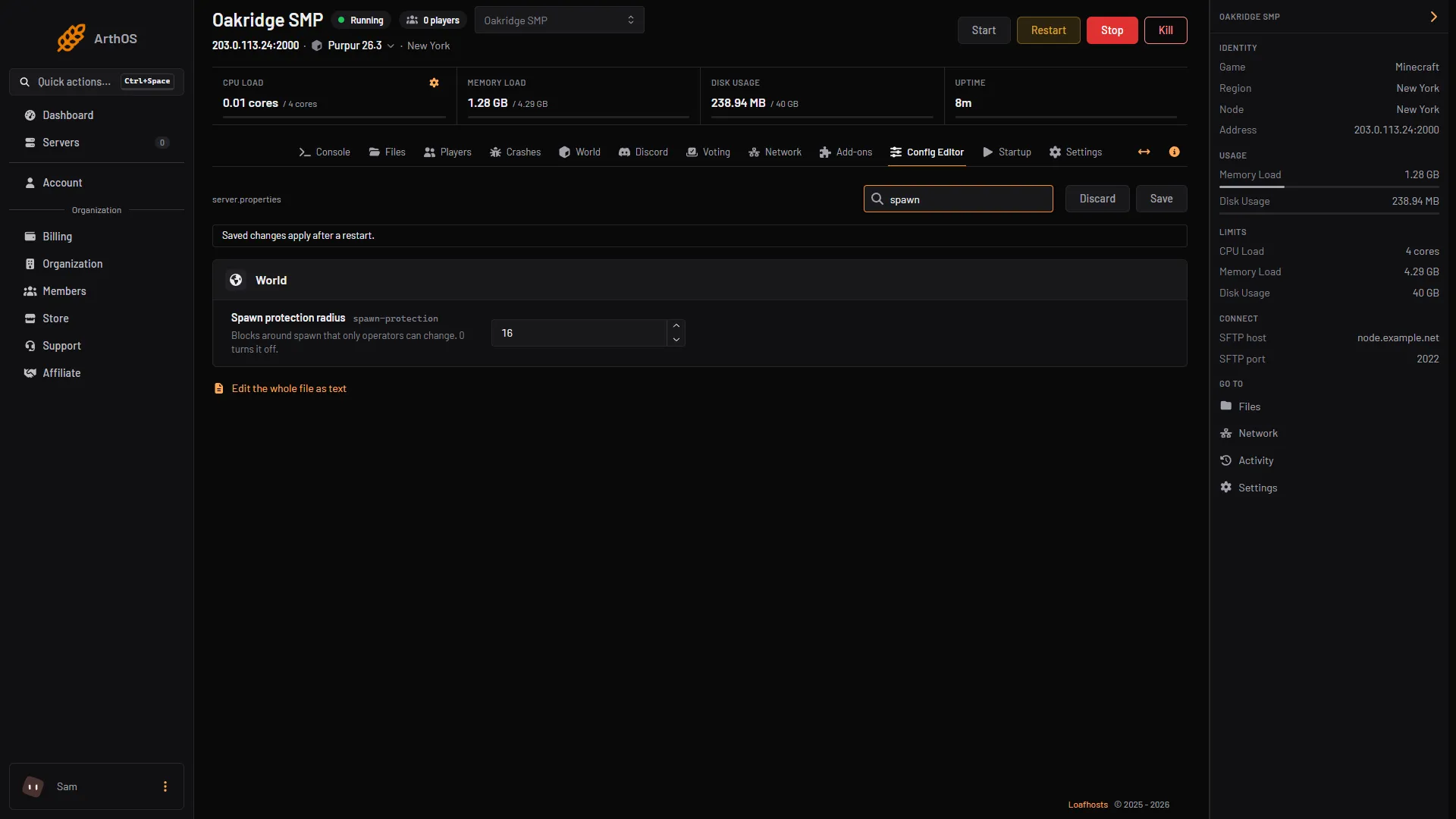
Change or turn off spawn protection in Minecraft
Set Spawn protection radius to 0 in the Config Editor to turn it off, or raise it to protect more ground. Operators are not affected. Restart to apply. -
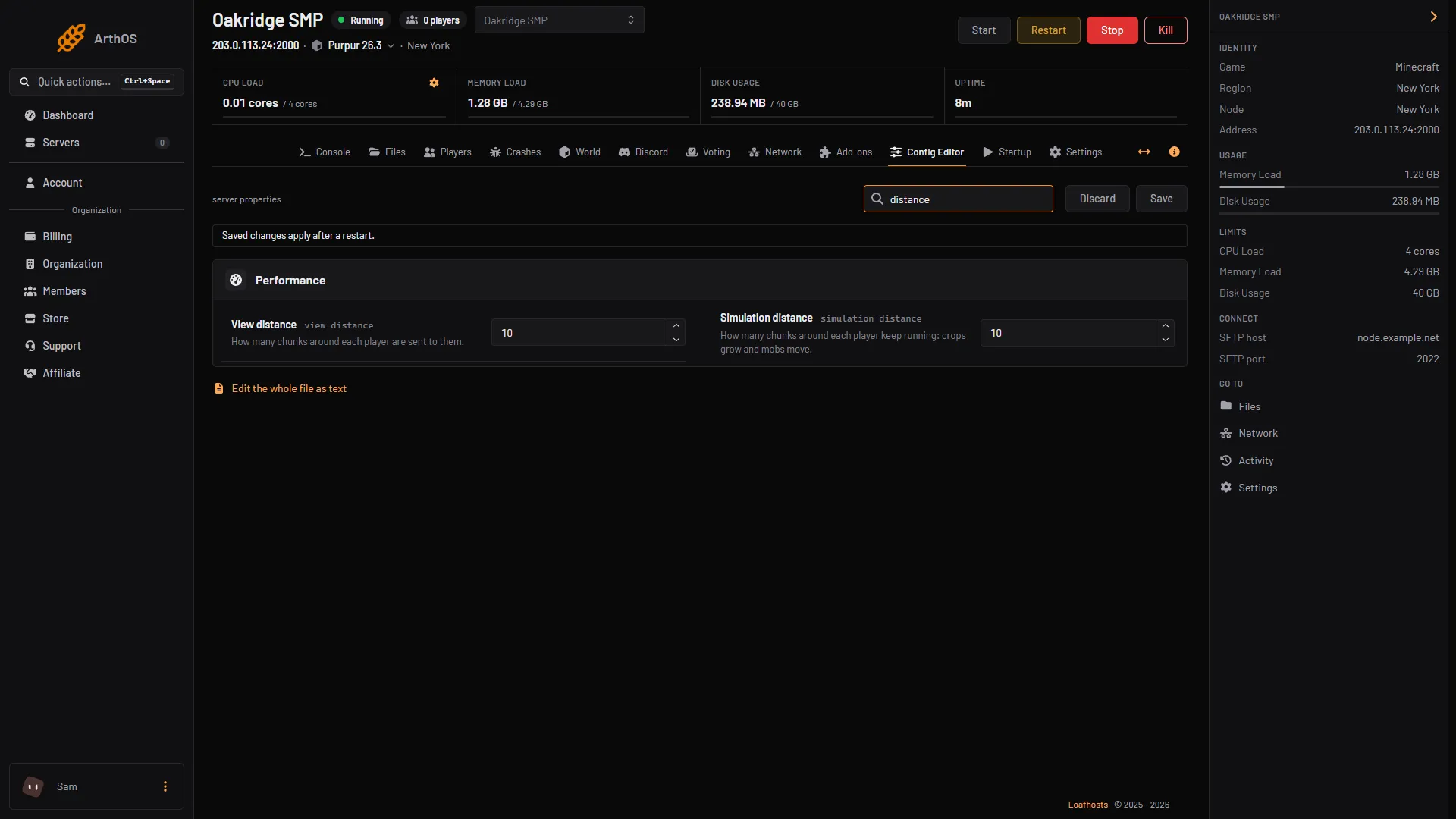
Change view distance on a Minecraft server
View distance is how far the server sends the world to players, in chunks. Simulation distance is how far it runs mobs and crops. Both default to 10. -
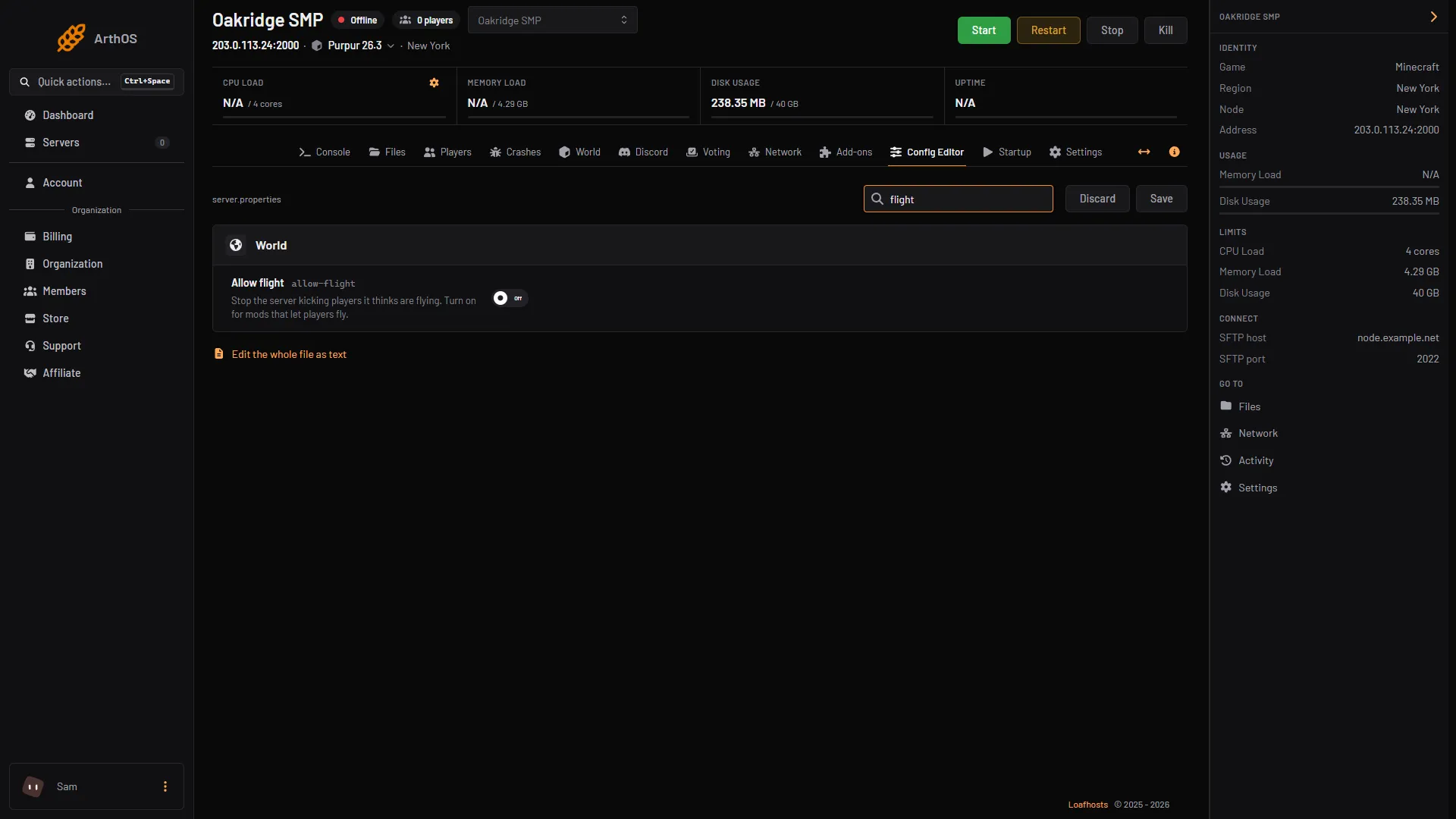
Fix 'Flying is not enabled on this server' in Minecraft
Players kicked for flying? Turn on Allow flight in the Config Editor. When to turn it on, when to leave it off, and what the setting does not cover. -
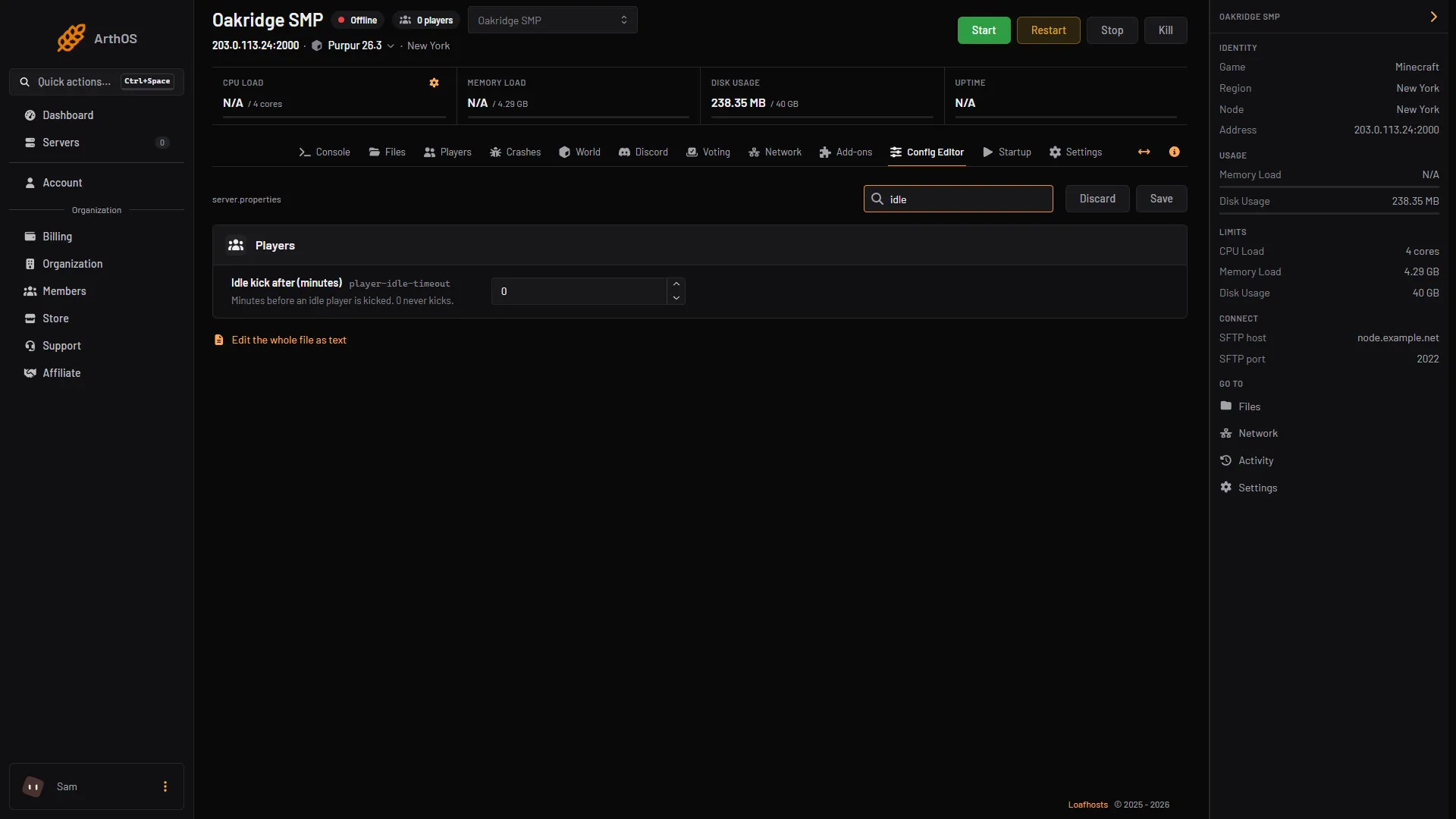
Kick idle players from a Minecraft server
Set Idle kick after (minutes) in the Config Editor to kick players who do nothing for that long. 0 never kicks. What counts as being idle, and the message. - server.properties
Minecraft colour codes and formatting codes
Every Minecraft section sign colour and formatting code with its hex value, where they work in Java and Bedrock, and how to use them in a server MOTD. -
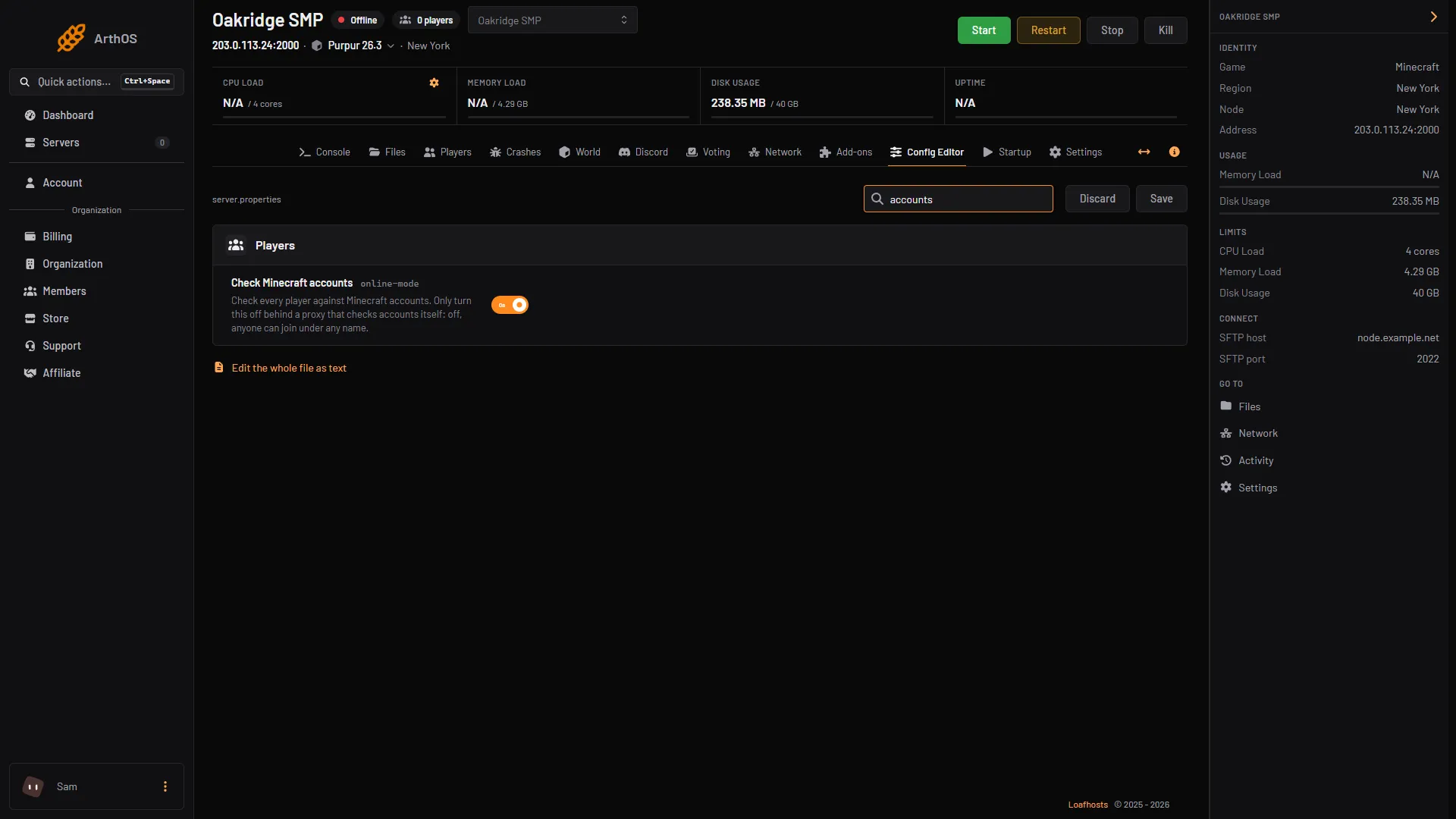
Minecraft online-mode: keep it on, and when to turn it off
Online mode checks every player against Minecraft accounts. Keep it on, unless a proxy such as Velocity does the check. Why, and how to find the setting. -
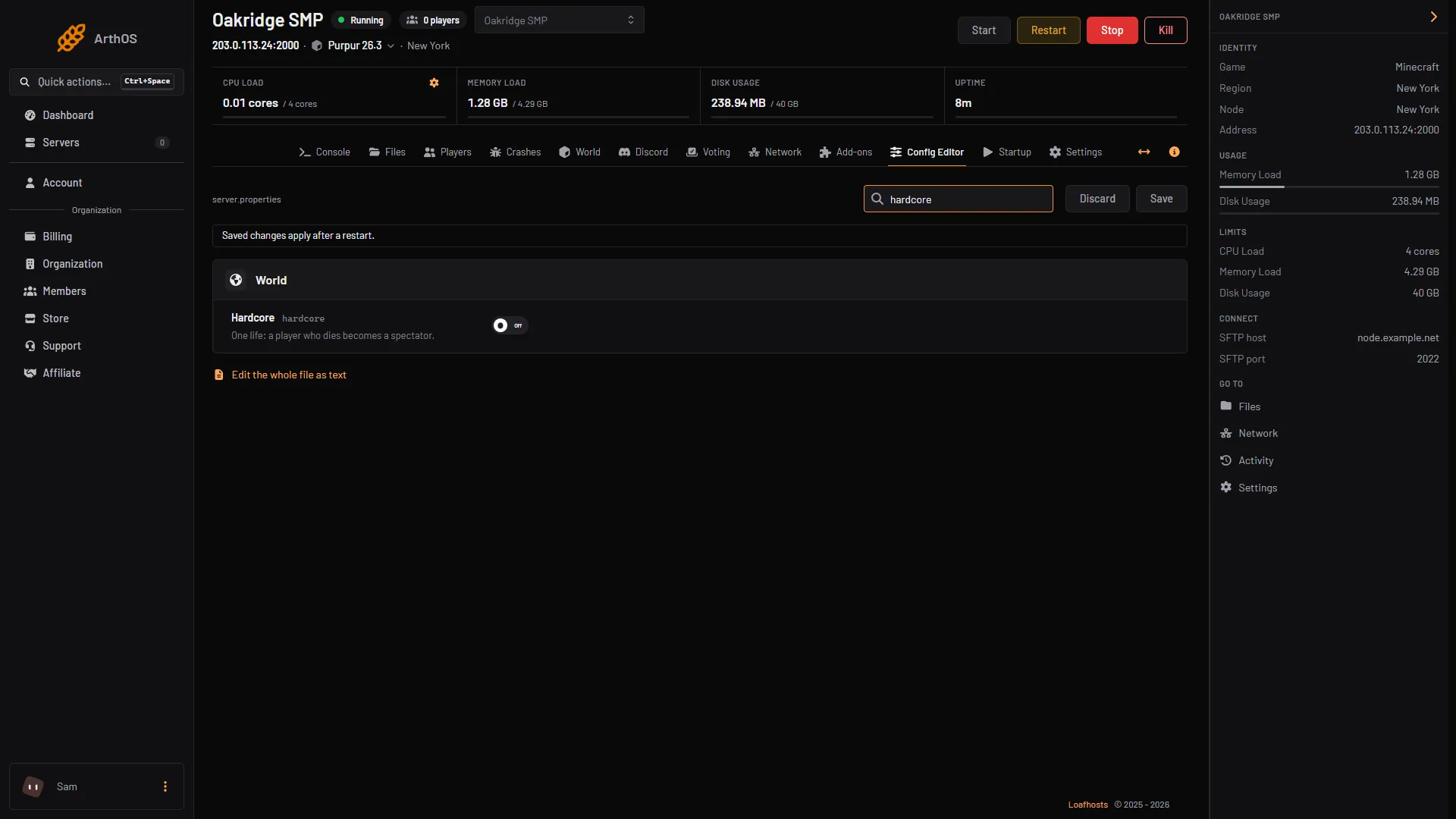
Turn on hardcore mode on a Minecraft server
Hardcore means one life: a player who dies becomes a spectator. Switch Hardcore on in the Config Editor before the world is made, or reset the world. -
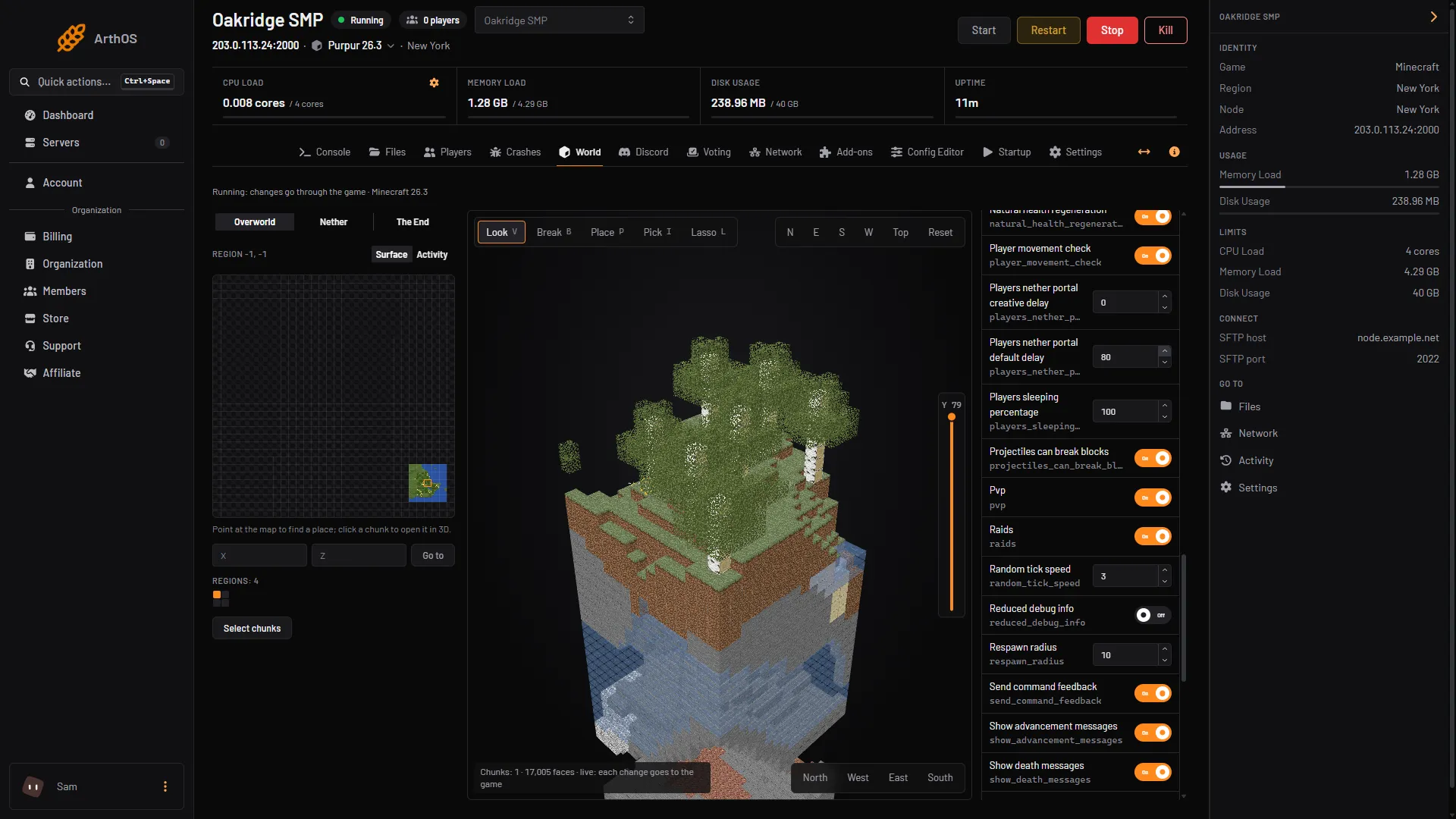
Turn PvP on or off on a Minecraft server
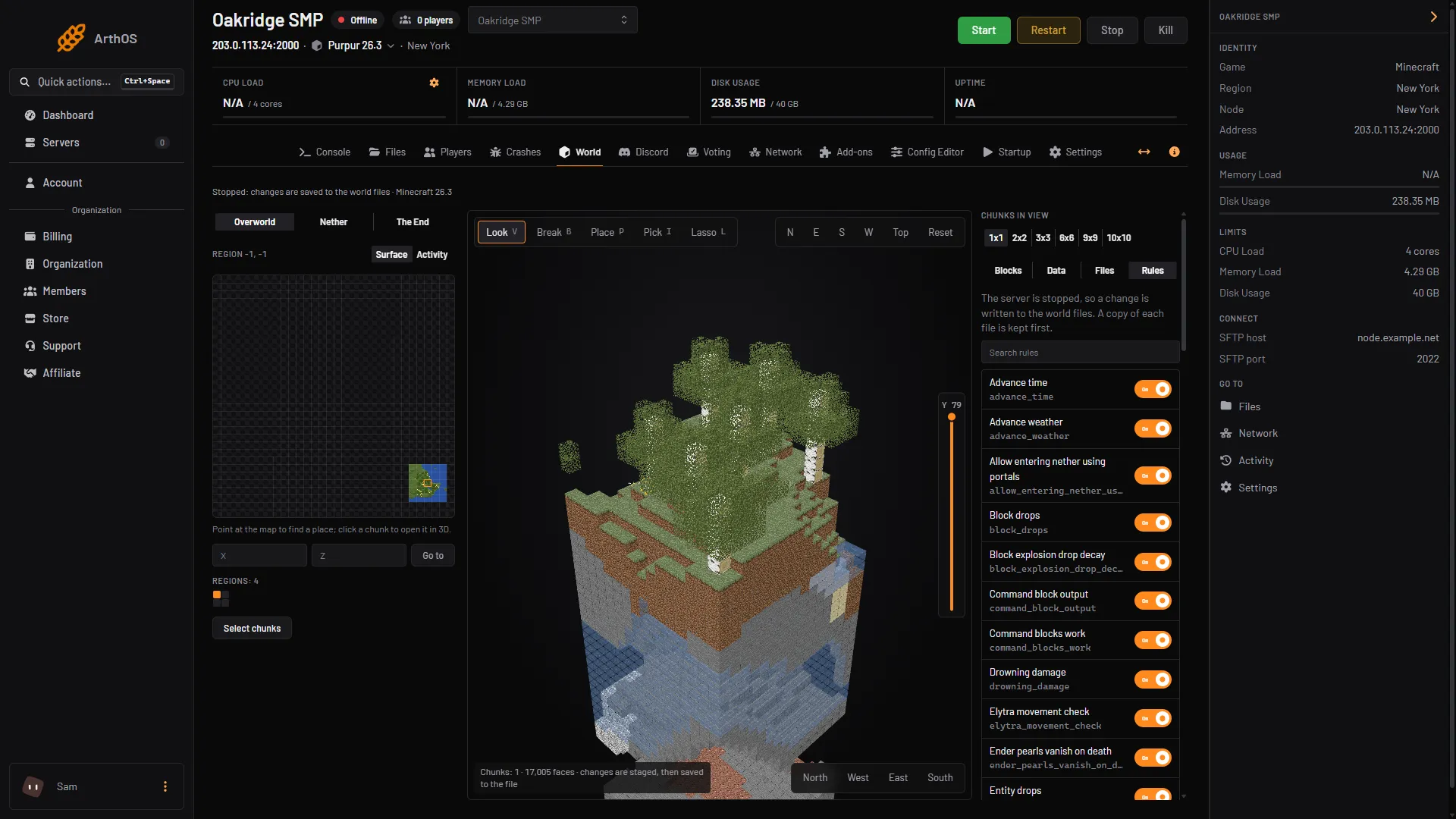
PvP is no longer a server.properties setting. Turn it off with the pvp game rule: the World tab, Rules, or the console command gamerule pvp false. -
Use command blocks on a Minecraft server
Get a command block with /give and place it as an operator in Creative mode. On 26.3 the on and off switch is a game rule, not a server.properties line.
Players and permissions
11 guides- Players and permissions
Give or remove operator (op) on a Minecraft server
Type op and a player's name in the console to make them an operator, deop to remove it. Levels 1 to 4 decide what they can do. Includes ArthOS panel steps. - Players and permissions
Install LuckPerms and set up ranks on Minecraft
Install LuckPerms from Add-ons, make groups with lp creategroup, give them permissions and add players. Includes the web editor and ArthOS panel steps. - Players and permissions
Kick or ban a player on a Minecraft server
Kick and ban from the Players tab or the console: kick, ban with a reason, ban-ip and banlist. A kick lets them rejoin; a ban does not until you pardon. - Players and permissions
See who is online on your Minecraft server
Type list in the server console, or /list in game chat, to see who is online. In the ArthOS panel the header and the Players page show the count and names. - Players and permissions
Set up the whitelist on your Minecraft server
Open the Players tab, keep the Whitelist switch on, type a name and choose Add to whitelist. Commands for the console are under By hand. - Players and permissions
Unban a player or IP address in Minecraft
Type pardon and the player's name in the server console, or pardon-ip and the address. In the ArthOS panel, open the Banned chip on the Players page. - Players and permissions
Find a player's UUID on a Minecraft server
A UUID is the long ID that Minecraft uses for a player. Find it in the ArthOS panel's player window, in usercache.json, or by looking up the name. - Players and permissions
Give items to a player on a Minecraft server
Give a player items with /give, including item components on 26.x. In the ArthOS panel, use Give in the player's window, or move items in their inventory. - Players and permissions
Mute a player on a Minecraft server
Vanilla Minecraft and the panel have no mute. Install a moderation plugin to mute players, or let players hide a chatty player for themselves. - Players and permissions
Reset a player's data on a Minecraft server
Reset one player's inventory, position, stats and advancements. In the ArthOS panel, stop the server and use Reset player data. By hand, rename their files. - Players and permissions
Teleport a player on a Minecraft server
Teleport a player with /tp to another player, to coordinates or to another dimension. In the ArthOS panel, use the Teleport boxes in the player's window.
Worlds
11 guides- Worlds
Add datapacks to your Minecraft server
Install a datapack from Add-ons, or drop it in your world's datapacks folder. Restart the server, then check it with /datapack list. Java servers only. -
Back up and restore a Minecraft server
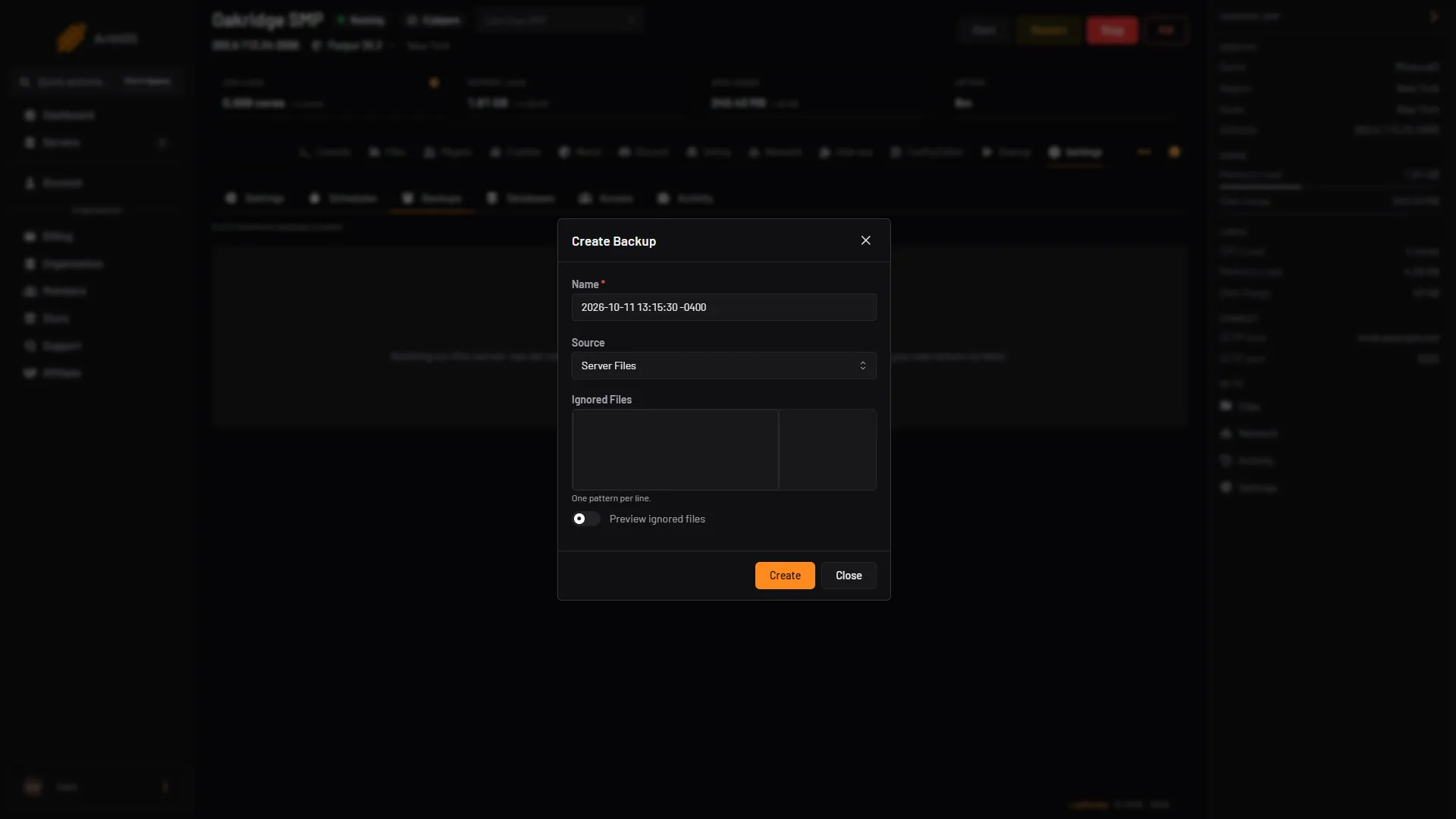
Make a backup in Settings, run one every day with a schedule, lock the one you must keep, and restore it. By hand, use save-off, save-all flush, then save-on. - Worlds
Put a singleplayer world on your Minecraft server
Zip your singleplayer world, upload it in Files, extract it and set World folder to its name. The server must run the same Minecraft version or newer. - Worlds
Upload or download a Minecraft world
Zip your world, upload it in Files, extract it and point World folder at it. To download, select the world folder and choose Download as .zip. - Worlds
Fix a corrupted chunk on a Minecraft server
A damaged chunk can crash a server or fail to load. Find it in the Crashes tab, delete it in the World tab with the server stopped, or restore a backup. - Worlds
Pregenerate chunks on a Minecraft server with Chunky
Install the Chunky plugin, then run chunky radius, chunky start and chunky pause in the console to build your map before players explore it. - Worlds
Reset the world on your Minecraft server
Stop the server, back it up, then give World folder a new name or delete the world folder. The next start builds a fresh world from your seed. - Worlds
Set a world border on your Minecraft server
Type worldborder set 4000 in the server console to keep players within 2,000 blocks of the centre. Plus centre, damage, warning and the size cap. - Worlds
Switch between worlds on a Minecraft server
Keep several worlds on one server and load one at a time. Change World folder in the Config Editor and restart. A new name makes a new world. - Worlds
Turn the Nether or the End back on, or reset it
On Minecraft 26.3 the Nether is switched by a game rule, not allow-nether. Turn it on, or reset only the Nether or End by deleting its folder. - Worlds
View and edit your Minecraft world in the World tab
Open the World tab for a region map, a 3D chunk view, live players and block editing. Back up first, and stop the server for file edits.
Plugins
20 guides- Plugins
Fix and set up Geyser and Floodgate
Why Bedrock names have a dot, the Geyser and Floodgate settings that matter, how to link accounts, slow skins, and fixes when Bedrock players cannot join. - Plugins
Install and set up EssentialsX on Minecraft
EssentialsX had no 26.3 build in October 2026. Its 26.1.2 build may still work but can cause bugs or lag. How to install it safely and set up homes. - Plugins
Install plugins on your Minecraft server
Plugins need Paper or Purpur. Install one from the Add-ons page in a few clicks, or upload the jar by hand, then restart the server to load it. - Plugins
Install WorldEdit on a Minecraft server
Install the Bukkit build of WorldEdit on Paper or Purpur, become an operator, then pick two corners with the wand and use //set, //copy, //paste and //undo. - Plugins
Link Minecraft chat to Discord with DiscordSRV
Install DiscordSRV, make a Discord bot, paste its token and a channel ID into plugins/DiscordSRV/config.yml and restart. Chat then flows both ways. - Plugins
Protect spawn on Minecraft with WorldGuard
WorldGuard needs WorldEdit. Select spawn, run /rg define spawn, then set the pvp and mob-spawning flags and add the players who may build there. - Plugins
Roll back griefing with CoreProtect (no 26.3 build yet)
CoreProtect has no 26.3 build yet. Its 26.2 build may still work but can cause bugs or lag. How to install it safely, then look up and roll back griefing. - Plugins
Add more worlds with Multiverse-Core
Multiverse-Core adds extra worlds to a Paper or Purpur server. Create or import a world, teleport between worlds, and what it means for backups. - Plugins
Add NPCs to your Minecraft server with Citizens
Citizens adds NPCs: characters you place, name, dress and send walking. The core commands to create, select, skin, aim and path one, and how to get Citizens. - Plugins
Best Minecraft plugins for your server
The plugins most Minecraft servers run, grouped by job: permissions, protection, world editing, logging, chat, crossplay, maps and economy. - Plugins
BlueMap or Dynmap: a live web map of your world
BlueMap and Dynmap show your Minecraft world in a web browser. Which one fits Minecraft 26.3, the extra web port they need, and how to set it up. - Plugins
Check that a Minecraft plugin is safe
The ArthOS panel checks every plugin it installs for hidden code and can scan all your plugin files. How to read the result and put back a clean copy. - Plugins
Jobs Reborn: let players earn money from jobs
Jobs Reborn pays players money for mining, farming, fishing and more. What it needs (Vault, an economy plugin, CMILib), how to join a job, first settings. - Plugins
mcMMO on your Minecraft server: skills and commands
mcMMO adds RPG skills such as mining and swords that level up as players use them. Its price and versions, the main commands, and the XP settings to change. - Plugins
Protect builds with GriefPrevention claims
GriefPrevention lets players claim land with a golden shovel. How claim blocks work, how to share a claim with trust commands, and how admins manage claims. - Plugins
Set up ChestShop player shops on Minecraft
ChestShop turns a sign on a chest into a shop. Install it from SpigotMC, write the sign, make admin shops and add Vault and an economy plugin. - Plugins
Set up server list voting with VotifierPlus
Use the Voting tab to install VotifierPlus, copy the address and token vote sites ask for, send a test vote, and add VotingPlugin for rewards. - Plugins
Set up TAB: tab list header, footer and prefixes
TAB changes the player list that opens with the Tab key: a header and footer, rank prefixes from LuckPerms, and the config files. Install it and set it up. - Plugins
ViaVersion: let newer Minecraft clients join your server
ViaVersion lets players on a newer Minecraft version join an older server. What ViaBackwards and ViaRewind add, what none of them can do, and how to install. - Plugins
What the Vault plugin is and when you need it
Vault is a bridge that lets economy, permission and chat plugins work together. It does nothing on its own. Which plugins ask for it, and how to install it.
Mods and modpacks
10 guides- Mods and modpacks
Install a mod on your Minecraft server
Mods need a Fabric, Forge or NeoForge server on the same Minecraft version. Install one from the Add-ons page or upload the jar, then restart. -
Install a modpack on your Minecraft server
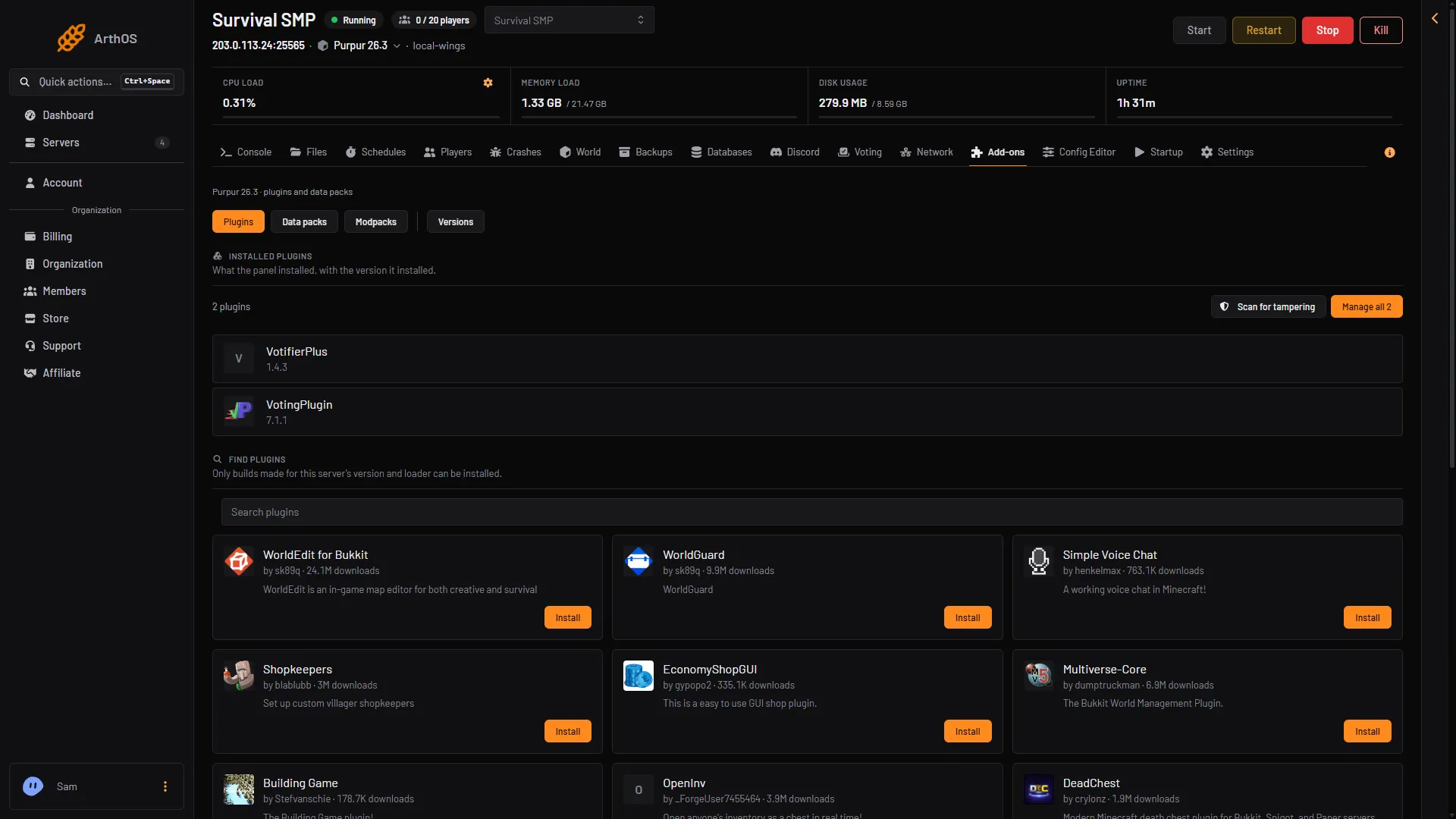
Pick a modpack when you order, or later from Add-ons. The panel installs the loader, Minecraft version and Java it needs, and checks every file. - Mods and modpacks
Add the Create mod to your Minecraft server
Create is a mod, not a modpack. It runs on Forge or NeoForge, and players need it too. Install it from Add-ons, then Mods, or pick a pack built on Create. - Mods and modpacks
Minecraft mods vs plugins vs data packs
A plugin runs only on the server, a mod usually needs players to install it too, and a data pack is a third kind. How to tell which a file is. - Mods and modpacks
Run a Pixelmon server on Minecraft 1.21.1
Pixelmon adds Pokémon to Minecraft. The newest build is for 1.21.1 on NeoForge. Install the official modpack from Add-ons, Modpacks, and match your players. - Mods and modpacks
Run a Vault Hunters server (1.18.2, Forge)
Vault Hunters Third Edition is a Forge modpack for Minecraft 1.18.2. Install it from Add-ons, then Modpacks, and make sure players use the same version. - Mods and modpacks
Run All the Mods 10 on your Minecraft server
All the Mods 10 runs on NeoForge for Minecraft 1.21.1. Install it from Add-ons, Modpacks, start a new world, and have players install the same version. - Mods and modpacks
Run an RLCraft server on Minecraft 1.12.2
RLCraft is a Forge modpack for Minecraft 1.12.2. Install it from Add-ons, then Modpacks, give it plenty of memory, and have players use the same version. - Mods and modpacks
Run Better MC (BMC) on your Minecraft server
Better MC comes in editions for different Minecraft versions and loaders. Pick one, install it from Add-ons, Modpacks, and have players use the same edition. - Mods and modpacks
Update a modpack on your Minecraft server
Update an installed modpack from Add-ons, Modpacks. The panel backs up first, keeps your world and settings, and players must install the same pack version.
Fixes
8 guides- Fixes
Find out why your Minecraft server crashed
Open the Crashes tab, pick the newest crash report or log and read the detected cause. Then fix the plugin, the memory, the Java version or the world. - Fixes
Fix Minecraft server lag and check TPS
Check TPS and MSPT with spark, then lower view and simulation distance, tame entities and farms, pregenerate chunks and watch memory. - Fixes
Minecraft difficulty resets after every restart
A server loads its difficulty from server.properties at each start, so the /difficulty command is lost on restart. Set it in the file, then check plugins. - Fixes
Minecraft server will not connect: fix every message
Connection timed out, Connection refused, invalid session, not whitelisted, Outdated client. What each message means and how to fix it. -
Fix "Failed to bind to port" on a Minecraft server
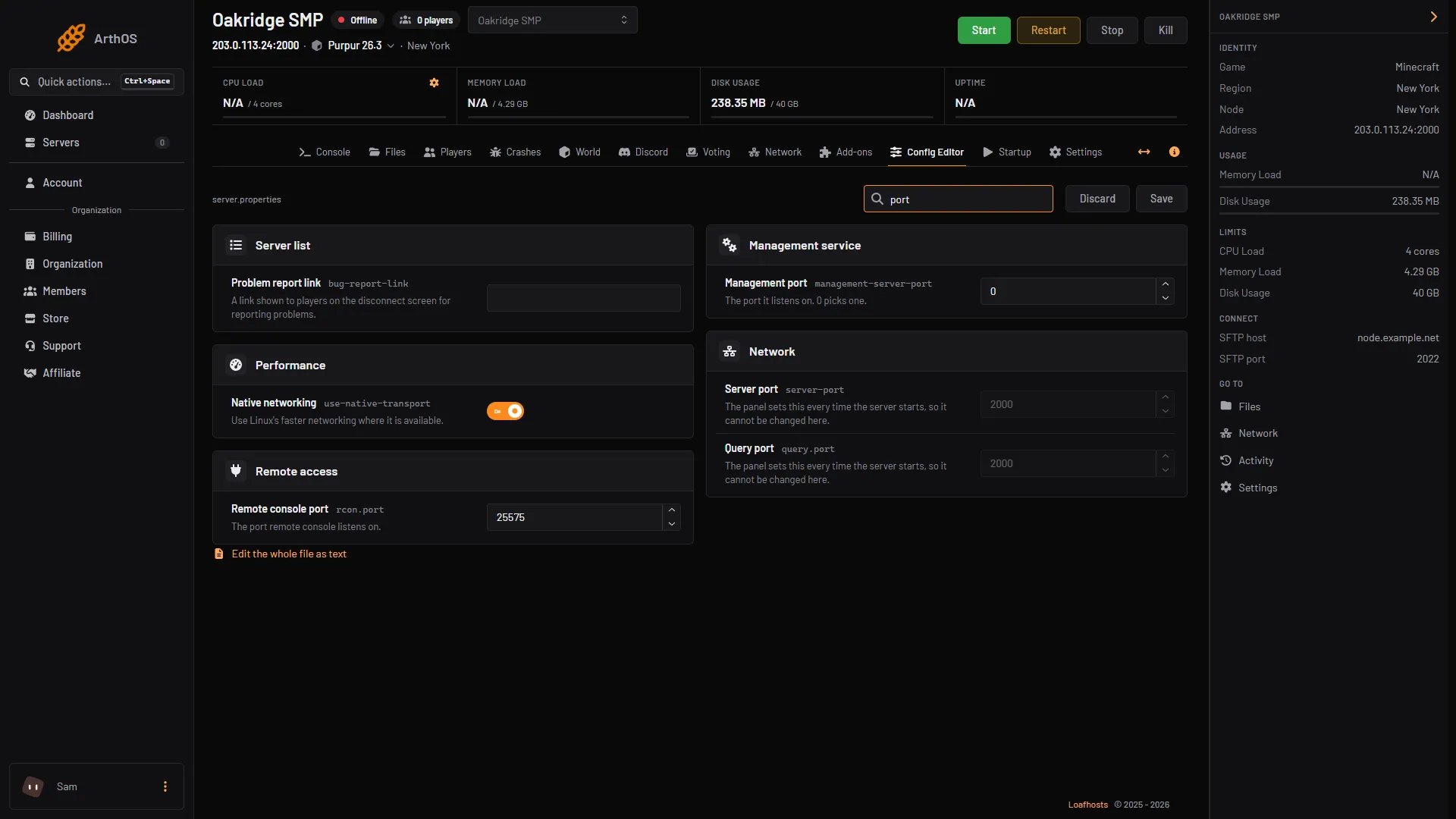
The error "FAILED TO BIND TO PORT" means something else holds the server's port. What the ArthOS panel sets for you, how to find the clash, and how to fix it. - Fixes
Fix a Minecraft plugin that will not load
A plugin red or missing in the list? Check the loader, the Minecraft version, missing dependencies, duplicate jars and a broken plugin.yml, one by one. - Fixes
Fix a Minecraft server that runs out of memory
Fix java.lang.OutOfMemoryError and "Java heap space" on a Minecraft server. Find the cause on the Crashes tab, cut the load, or move to a plan with more memory. - Fixes
Fix Outdated client and Outdated server in Minecraft
Outdated client means the server is newer than your game. Outdated server means your game is newer. Match the versions, or add ViaVersion for newer clients.
- Add datapacks to your Minecraft server Install a datapack from Add-ons, or drop it in your world's datapacks folder. Restart the server, then check it with /datapack list. Java servers only.
- Back up and restore a Minecraft server Make a backup in Settings, run one every day with a schedule, lock the one you must keep, and restore it. By hand, use save-off, save-all flush, then save-on.
- Change the default game mode on a Minecraft server Set the default game mode in the Config Editor, turn on Force the game mode, or switch one player with /gamemode. Hardcore is a separate setting.
- Change the difficulty on a Minecraft server The four difficulties and what each one changes, how to set one in the Config Editor or with /difficulty, and why a command alone is lost at restart.
- Change the max players on a Minecraft server Open the Config Editor, change Maximum players in the Players group, save and restart. The default is 20. Here is what the number counts and what it costs.
- Change your Minecraft server version or software Switch a server to another Minecraft version or to Paper, Purpur, Fabric, Forge, NeoForge or Vanilla. The panel backs up first and warns about older worlds.
- Connect to a Minecraft server on Java and Bedrock Copy the address and port from the server header, then add it in Multiplayer on Java or in Play, Servers on Bedrock. Use the same version as the server.
- Edit server.properties on your Minecraft server The Config Editor shows every server.properties setting as a labelled field. Change one, save, restart. Here are the settings people change most.
- Find out why your Minecraft server crashed Open the Crashes tab, pick the newest crash report or log and read the detected cause. Then fix the plugin, the memory, the Java version or the world.
- Fix and set up Geyser and Floodgate Why Bedrock names have a dot, the Geyser and Floodgate settings that matter, how to link accounts, slow skins, and fixes when Bedrock players cannot join.
- Fix Minecraft server lag and check TPS Check TPS and MSPT with spark, then lower view and simulation distance, tame entities and farms, pregenerate chunks and watch memory.
- Give or remove operator (op) on a Minecraft server Type op and a player's name in the console to make them an operator, deop to remove it. Levels 1 to 4 decide what they can do. Includes ArthOS panel steps.
- Install a mod on your Minecraft server Mods need a Fabric, Forge or NeoForge server on the same Minecraft version. Install one from the Add-ons page or upload the jar, then restart.
- Install a modpack on your Minecraft server Pick a modpack when you order, or later from Add-ons. The panel installs the loader, Minecraft version and Java it needs, and checks every file.
- Install and set up EssentialsX on Minecraft EssentialsX had no 26.3 build in October 2026. Its 26.1.2 build may still work but can cause bugs or lag. How to install it safely and set up homes.
- Install LuckPerms and set up ranks on Minecraft Install LuckPerms from Add-ons, make groups with lp creategroup, give them permissions and add players. Includes the web editor and ArthOS panel steps.
- Install plugins on your Minecraft server Plugins need Paper or Purpur. Install one from the Add-ons page in a few clicks, or upload the jar by hand, then restart the server to load it.
- Install WorldEdit on a Minecraft server Install the Bukkit build of WorldEdit on Paper or Purpur, become an operator, then pick two corners with the wand and use //set, //copy, //paste and //undo.
- Kick or ban a player on a Minecraft server Kick and ban from the Players tab or the console: kick, ban with a reason, ban-ip and banlist. A kick lets them rejoin; a ban does not until you pardon.
- Let Bedrock players join your Java Minecraft server Add Geyser and Floodgate so players on phones, tablets and Windows Bedrock can join your Java server on the same address. One switch in the panel.
- Link Minecraft chat to Discord with DiscordSRV Install DiscordSRV, make a Discord bot, paste its token and a channel ID into plugins/DiscordSRV/config.yml and restart. Chat then flows both ways.
- Minecraft difficulty resets after every restart A server loads its difficulty from server.properties at each start, so the /difficulty command is lost on restart. Set it in the file, then check plugins.
- Minecraft server will not connect: fix every message Connection timed out, Connection refused, invalid session, not whitelisted, Outdated client. What each message means and how to fix it.
- Move a Minecraft server from another host Copy your whole server from your old host with the Import from another host card in Settings, over SFTP or FTP. Or download a zip and upload it.
- Protect spawn on Minecraft with WorldGuard WorldGuard needs WorldEdit. Select spawn, run /rg define spawn, then set the pvp and mob-spawning flags and add the players who may build there.
- Put a singleplayer world on your Minecraft server Zip your singleplayer world, upload it in Files, extract it and set World folder to its name. The server must run the same Minecraft version or newer.
- Roll back griefing with CoreProtect (no 26.3 build yet) CoreProtect has no 26.3 build yet. Its 26.2 build may still work but can cause bugs or lag. How to install it safely, then look up and roll back griefing.
- See who is online on your Minecraft server Type list in the server console, or /list in game chat, to see who is online. In the ArthOS panel the header and the Players page show the count and names.
- Set a Minecraft server MOTD with colours and two lines The MOTD is the text under your server name in the multiplayer list. Set it in the Config Editor with colour buttons and a preview, or in server.properties.
- Set the seed and world type on a Minecraft server World seed and World type only apply when a world is created. Set them in the Config Editor, then start a new world. Find your current seed with /seed.
- Set up a Minecraft server from scratch Order a Minecraft server, pick Java, Bedrock or both, accept the EULA, start it and give players the address. Panel steps first, the file edits by hand after.
- Set up the whitelist on your Minecraft server Open the Players tab, keep the Whitelist switch on, type a name and choose Add to whitelist. Commands for the console are under By hand.
- Unban a player or IP address in Minecraft Type pardon and the player's name in the server console, or pardon-ip and the address. In the ArthOS panel, open the Banned chip on the Players page.
- Upload or download a Minecraft world Zip your world, upload it in Files, extract it and point World folder at it. To download, select the world folder and choose Download as .zip.
- Accept the Minecraft EULA on your server A new Minecraft server stops until eula.txt says eula=true. Press Accept EULA in the Console, or change the line yourself in Files. Both steps here.
- Add a resource pack to your Minecraft server Put a direct download link in Resource pack link, add the checksum, and choose whether players must accept it. Config Editor steps and server.properties keys.
- Add more worlds with Multiverse-Core Multiverse-Core adds extra worlds to a Paper or Purpur server. Create or import a world, teleport between worlds, and what it means for backups.
- Add NPCs to your Minecraft server with Citizens Citizens adds NPCs: characters you place, name, dress and send walking. The core commands to create, select, skin, aim and path one, and how to get Citizens.
- Add the Create mod to your Minecraft server Create is a mod, not a modpack. It runs on Forge or NeoForge, and players need it too. Install it from Add-ons, then Mods, or pick a pack built on Create.
- Best Minecraft plugins for your server The plugins most Minecraft servers run, grouped by job: permissions, protection, world editing, logging, chat, crossplay, maps and economy.
- BlueMap or Dynmap: a live web map of your world BlueMap and Dynmap show your Minecraft world in a web browser. Which one fits Minecraft 26.3, the extra web port they need, and how to set it up.
- Change or turn off spawn protection in Minecraft Set Spawn protection radius to 0 in the Config Editor to turn it off, or raise it to protect more ground. Operators are not affected. Restart to apply.
- Change view distance on a Minecraft server View distance is how far the server sends the world to players, in chunks. Simulation distance is how far it runs mobs and crops. Both default to 10.
- Check that a Minecraft plugin is safe The ArthOS panel checks every plugin it installs for hidden code and can scan all your plugin files. How to read the result and put back a clean copy.
- Find a player's UUID on a Minecraft server A UUID is the long ID that Minecraft uses for a player. Find it in the ArthOS panel's player window, in usercache.json, or by looking up the name.
- Fix 'Flying is not enabled on this server' in Minecraft Players kicked for flying? Turn on Allow flight in the Config Editor. When to turn it on, when to leave it off, and what the setting does not cover.
- Fix "Failed to bind to port" on a Minecraft server The error "FAILED TO BIND TO PORT" means something else holds the server's port. What the ArthOS panel sets for you, how to find the clash, and how to fix it.
- Fix a corrupted chunk on a Minecraft server A damaged chunk can crash a server or fail to load. Find it in the Crashes tab, delete it in the World tab with the server stopped, or restore a backup.
- Fix a Minecraft plugin that will not load A plugin red or missing in the list? Check the loader, the Minecraft version, missing dependencies, duplicate jars and a broken plugin.yml, one by one.
- Fix a Minecraft server that runs out of memory Fix java.lang.OutOfMemoryError and "Java heap space" on a Minecraft server. Find the cause on the Crashes tab, cut the load, or move to a plan with more memory.
- Fix Outdated client and Outdated server in Minecraft Outdated client means the server is newer than your game. Outdated server means your game is newer. Match the versions, or add ViaVersion for newer clients.
- Give items to a player on a Minecraft server Give a player items with /give, including item components on 26.x. In the ArthOS panel, use Give in the player's window, or move items in their inventory.
- How to read your Minecraft server console Read the Console tab and logs/latest.log. What INFO, WARN and ERROR mean, how to filter and search, and how to find where an error starts.
- Jobs Reborn: let players earn money from jobs Jobs Reborn pays players money for mining, farming, fishing and more. What it needs (Vault, an economy plugin, CMILib), how to join a job, first settings.
- Kick idle players from a Minecraft server Set Idle kick after (minutes) in the Config Editor to kick players who do nothing for that long. 0 never kicks. What counts as being idle, and the message.
- mcMMO on your Minecraft server: skills and commands mcMMO adds RPG skills such as mining and swords that level up as players use them. Its price and versions, the main commands, and the XP settings to change.
- Minecraft colour codes and formatting codes Every Minecraft section sign colour and formatting code with its hex value, where they work in Java and Bedrock, and how to use them in a server MOTD.
- Minecraft Java or Bedrock server: which to order Order Java for plugins, mods and PC players, Bedrock for phones, tablets and Windows Bedrock, or Java + Bedrock to let both join one world.
- Minecraft mods vs plugins vs data packs A plugin runs only on the server, a mod usually needs players to install it too, and a data pack is a third kind. How to tell which a file is.
- Minecraft online-mode: keep it on, and when to turn it off Online mode checks every player against Minecraft accounts. Keep it on, unless a proxy such as Velocity does the check. Why, and how to find the setting.
- Minecraft server commands owners use most The Java server commands owners use most, the op level each needs, and how to run them from the Console tab or in game chat, with links to how-tos.
- Mute a player on a Minecraft server Vanilla Minecraft and the panel have no mute. Install a moderation plugin to mute players, or let players hide a chatty player for themselves.
- Pregenerate chunks on a Minecraft server with Chunky Install the Chunky plugin, then run chunky radius, chunky start and chunky pause in the console to build your map before players explore it.
- Protect builds with GriefPrevention claims GriefPrevention lets players claim land with a golden shovel. How claim blocks work, how to share a claim with trust commands, and how admins manage claims.
- Reset a player's data on a Minecraft server Reset one player's inventory, position, stats and advancements. In the ArthOS panel, stop the server and use Reset player data. By hand, rename their files.
- Reset the world on your Minecraft server Stop the server, back it up, then give World folder a new name or delete the world folder. The next start builds a fresh world from your seed.
- Restart your Minecraft server on a schedule Set up a daily Minecraft restart with chat warnings at 5 minutes, 1 minute and 10 seconds, from the Schedules tab in Settings. Or build your own.
- Run a Pixelmon server on Minecraft 1.21.1 Pixelmon adds Pokémon to Minecraft. The newest build is for 1.21.1 on NeoForge. Install the official modpack from Add-ons, Modpacks, and match your players.
- Run a Vault Hunters server (1.18.2, Forge) Vault Hunters Third Edition is a Forge modpack for Minecraft 1.18.2. Install it from Add-ons, then Modpacks, and make sure players use the same version.
- Run All the Mods 10 on your Minecraft server All the Mods 10 runs on NeoForge for Minecraft 1.21.1. Install it from Add-ons, Modpacks, start a new world, and have players install the same version.
- Run an RLCraft server on Minecraft 1.12.2 RLCraft is a Forge modpack for Minecraft 1.12.2. Install it from Add-ons, then Modpacks, give it plenty of memory, and have players use the same version.
- Run Better MC (BMC) on your Minecraft server Better MC comes in editions for different Minecraft versions and loaders. Pick one, install it from Add-ons, Modpacks, and have players use the same edition.
- Set a Minecraft server icon (64 by 64 PNG) The server icon is a 64 by 64 PNG called server-icon.png in the server's main folder. Upload any picture in the Config Editor and the panel sizes it for you.
- Set a world border on your Minecraft server Type worldborder set 4000 in the server console to keep players within 2,000 blocks of the centre. Plus centre, damage, warning and the size cap.
- Set up a Minecraft Bedrock server Order a Bedrock Dedicated Server, add players to the allow list, find the port and join from a phone, tablet or Windows. Console limits explained.
- Set up ChestShop player shops on Minecraft ChestShop turns a sign on a chest into a shop. Install it from SpigotMC, write the sign, make admin shops and add Vault and an economy plugin.
- Set up server list voting with VotifierPlus Use the Voting tab to install VotifierPlus, copy the address and token vote sites ask for, send a test vote, and add VotingPlugin for rewards.
- Set up TAB: tab list header, footer and prefixes TAB changes the player list that opens with the Tab key: a header and footer, rank prefixes from LuckPerms, and the config files. Install it and set it up.
- Stop your Minecraft server without losing progress Use Stop, not Kill, so the server saves the world first. What each button and the stop and save-all commands do, and when Kill is the right choice.
- Switch between worlds on a Minecraft server Keep several worlds on one server and load one at a time. Change World folder in the Config Editor and restart. A new name makes a new world.
- Switch to Fabric, Forge or NeoForge for mods Mods need a mod loader. Open Add-ons, then Versions, pick Fabric, Forge or NeoForge and a version, press Switch now, then install mods that match.
- Switch your Minecraft server to Paper or Purpur Plugins need Paper or Purpur. Open Add-ons, then Versions, pick Paper or Purpur and a version, and press Switch now. Your world stays.
- Teleport a player on a Minecraft server Teleport a player with /tp to another player, to coordinates or to another dimension. In the ArthOS panel, use the Teleport boxes in the player's window.
- Turn on hardcore mode on a Minecraft server Hardcore means one life: a player who dies becomes a spectator. Switch Hardcore on in the Config Editor before the world is made, or reset the world.
- Turn PvP on or off on a Minecraft server PvP is no longer a server.properties setting. Turn it off with the pvp game rule: the World tab, Rules, or the console command gamerule pvp false.
- Turn the Nether or the End back on, or reset it On Minecraft 26.3 the Nether is switched by a game rule, not allow-nether. Turn it on, or reset only the Nether or End by deleting its folder.
- Update a modpack on your Minecraft server Update an installed modpack from Add-ons, Modpacks. The panel backs up first, keeps your world and settings, and players must install the same pack version.
- Use command blocks on a Minecraft server Get a command block with /give and place it as an operator in Creative mode. On 26.3 the on and off switch is a game rule, not a server.properties line.
- Use your own domain for your Minecraft server Add a domain in Network, then Domains, create the A and SRV records the panel lists at your DNS provider, and players join without a port.
- ViaVersion: let newer Minecraft clients join your server ViaVersion lets players on a newer Minecraft version join an older server. What ViaBackwards and ViaRewind add, what none of them can do, and how to install.
- View and edit your Minecraft world in the World tab Open the World tab for a region map, a 3D chunk view, live players and block editing. Back up first, and stop the server for file edits.
- What the Vault plugin is and when you need it Vault is a bridge that lets economy, permission and chat plugins work together. It does nothing on its own. Which plugins ask for it, and how to install it.