












The Map page does not only show players. It also draws the game’s own places, so you can find a tower, a fast travel point or an Alpha Pal on the map. The places are read from the game’s own files, so they match the map you see in the game.
The kinds of place
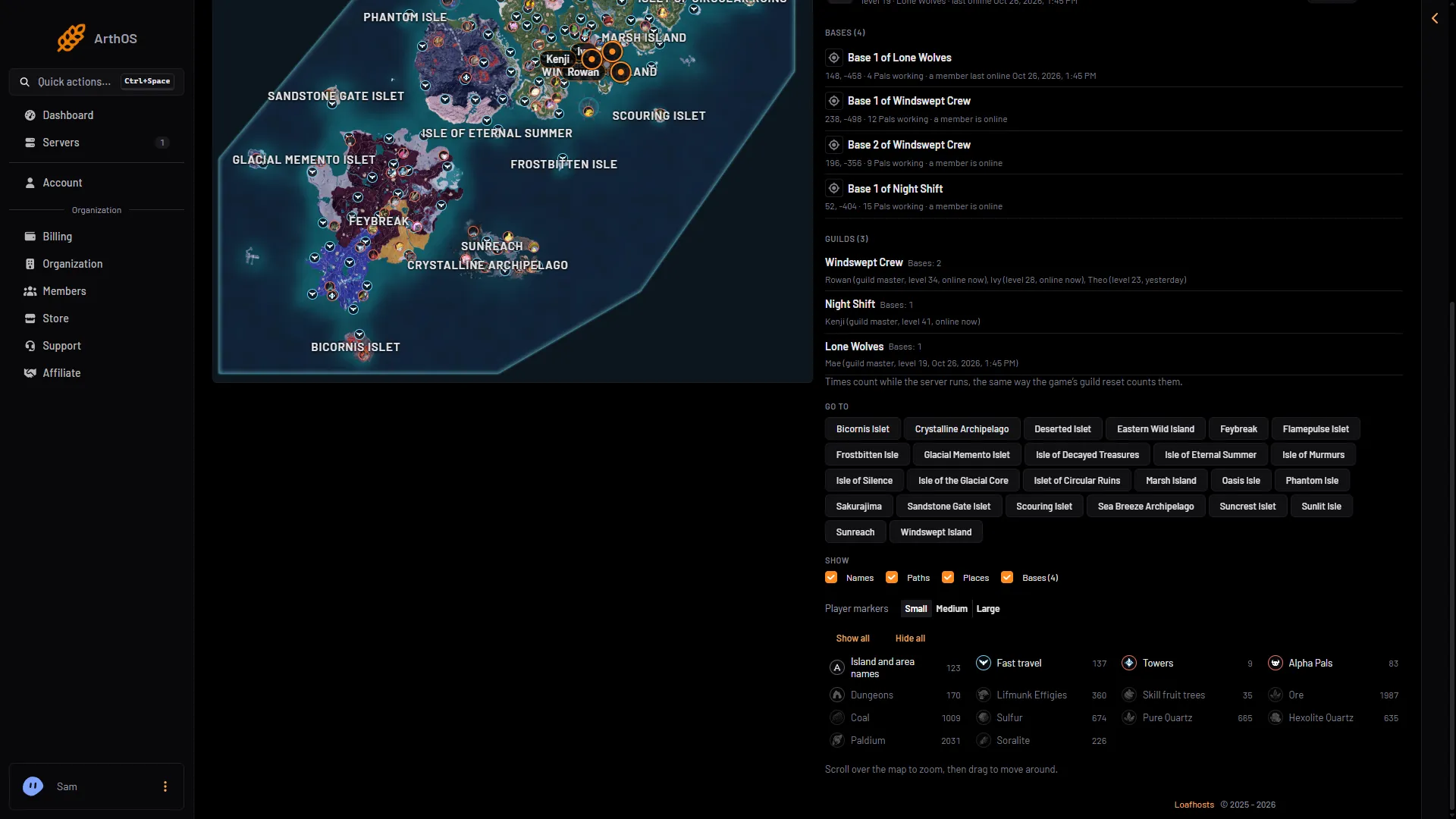
Each kind has its own icon and its own switch:
- Island and area names
- Fast travel, shown with the name of the point
- Towers
- Alpha Pals, each with its own portrait and its level, shown as “(name), level (N)”
- Dungeons
- Lifmunk Effigies
- Skill fruit trees
- Ore, Coal, Sulfur, Pure Quartz, Hexolite Quartz, Paldium and Soralite, one switch each
Beside each switch is how many of that kind the map holds.
- Go to an island
- Player markers
- Show all
- Hide all
- Fast travel
What shows first
Dungeons, Lifmunk Effigies, skill fruit trees and every ore start hidden. There are so many of them that they would cover the map. Island and area names, fast travel, towers and Alpha Pals show from the start.
Show or hide places
- Under Show, make sure Places is ticked. Clear it to hide every place at once.
- Choose a kind to turn it on or off.
- Show all turns every kind on. Hide all turns every kind off.
This is your own choice. It is kept for you and does not change what other people see.
Names on the map
Islands show their names at every zoom. Area names show once you zoom in. Other places show their names beside the icon once you have zoomed in a long way. Zoom in to read them. Scroll over the map to zoom, then drag to move around. On a phone, use Zoom in and Zoom out.
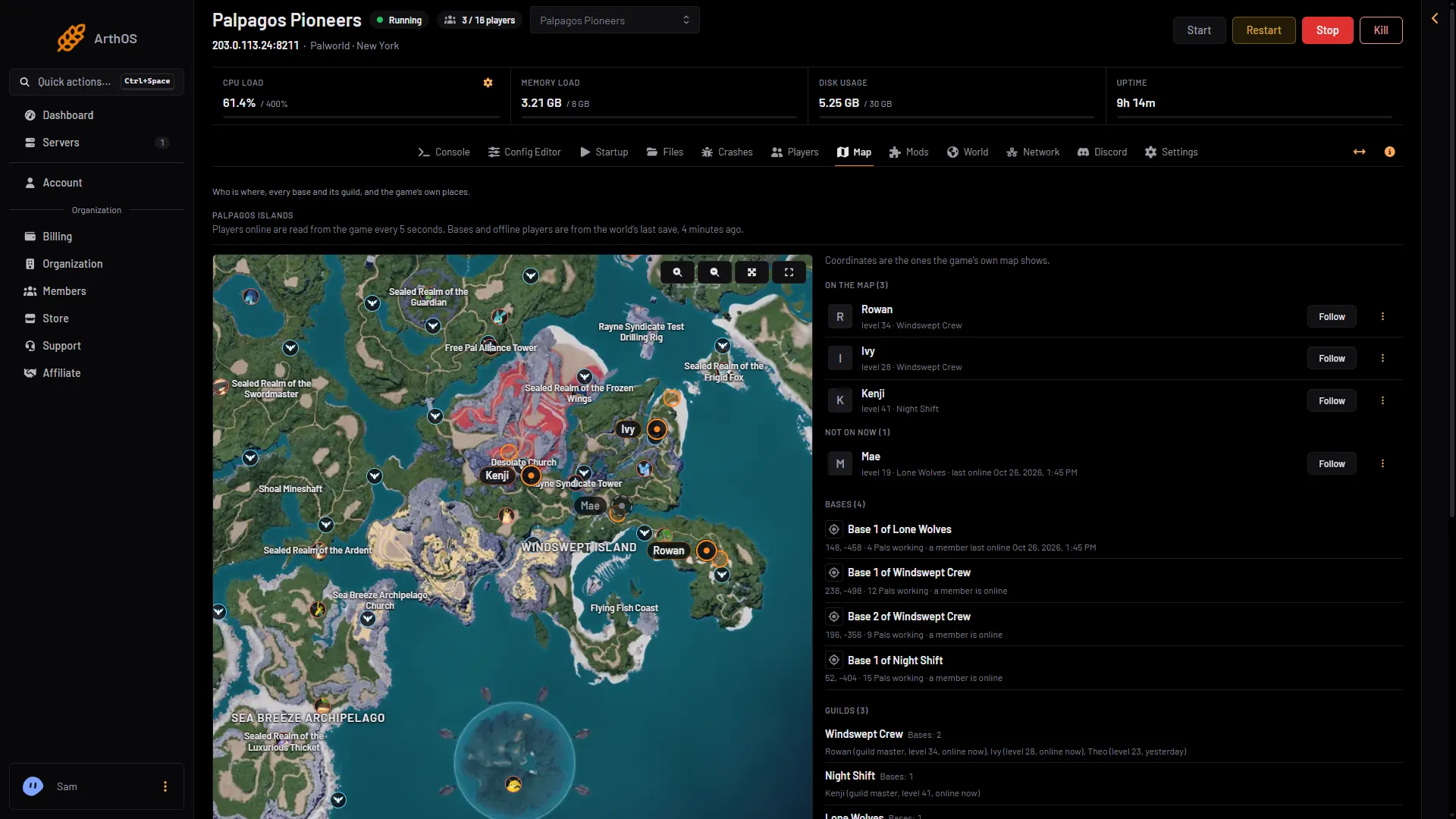
- Island name
- Tower
- A place
Go to an island
Under Go to is one button for each island, in order of name. Choose one and the map zooms to it. It stops following a player if it was following one.
Player markers
Player markers sets how big players look: Small, Medium or Large. This is also your own choice.
Who can see places
Anyone who can open the Map page sees places. They do not need the private permission that bases and guilds need. See the live map and bases and guilds.
If it does not work
- A place is missing. Its kind is switched off, or Places is not ticked. Choose Show all.
- There are no names. Zoom in. Names show beside icons only when you are zoomed in a long way.
- The map shows no players. The server is stopped, nobody is on, or the game’s API is off. The game’s API is how the panel talks to the game; the panel keeps it on while the Admin password is 16 characters or more (a new server gets a 20-character one). Places still show.
More about the game: Palworld servers.