












Palworld has thirteen admin commands. In the game you type them in chat after /AdminPassword. In the panel Console you type the same words without a slash, and you do not need to be an admin in the game.
The commands
| Command | What it does |
|---|---|
/AdminPassword | Gives you admin rights, using the admin password. |
/Shutdown [Seconds] [MessageText] | Shuts the server down. With seconds, it waits that long first and tells players your message. |
/DoExit | Force stops the server. |
/Broadcast (MessageText) | Sends a message to every player. |
/KickPlayer (SteamID) | Kicks that player. |
/BanPlayer (SteamID) | Bans that player. |
/TeleportToPlayer (SteamID) | Teleports you to that player. |
/TeleportToMe (SteamID) | Teleports that player to you. |
/ShowPlayers | Shows information on all connected players. |
/Info | Shows server information. |
/Save | Saves the world. |
/UnBanPlayer (SteamID) | Lifts the ban on that player. |
/ToggleSpectate | Switches you to spectator mode. You change it with the \ key. |
Palworld has no command to give items, Pals or experience.
Use them in the game
- Press Enter to open chat.
- Type
/AdminPasswordand your admin password, with a space between. See make yourself admin. - Press Enter again and type any command from the table.
The admin password must be set in the server’s settings first. In the panel it is in the Config Editor, under Server settings, card Passwords. Type /AdminPassword (your admin password).
Pocketpair’s table asks for a SteamID. Not checked on 1.0.5 as of 4 November 2026: whether the in-game commands want the steam_ prefix. Try the bare number first.
Use them in the panel Console
Open the Console page and type a command in the box at the foot (1). The slash is optional and capitals do not matter. You do not need to be in the game or to be an admin. The Console sends these words through the game’s API. The game’s API is how the panel talks to the game. The panel keeps it on while the Admin password is 16 characters or more (a new server gets a 20-character one).
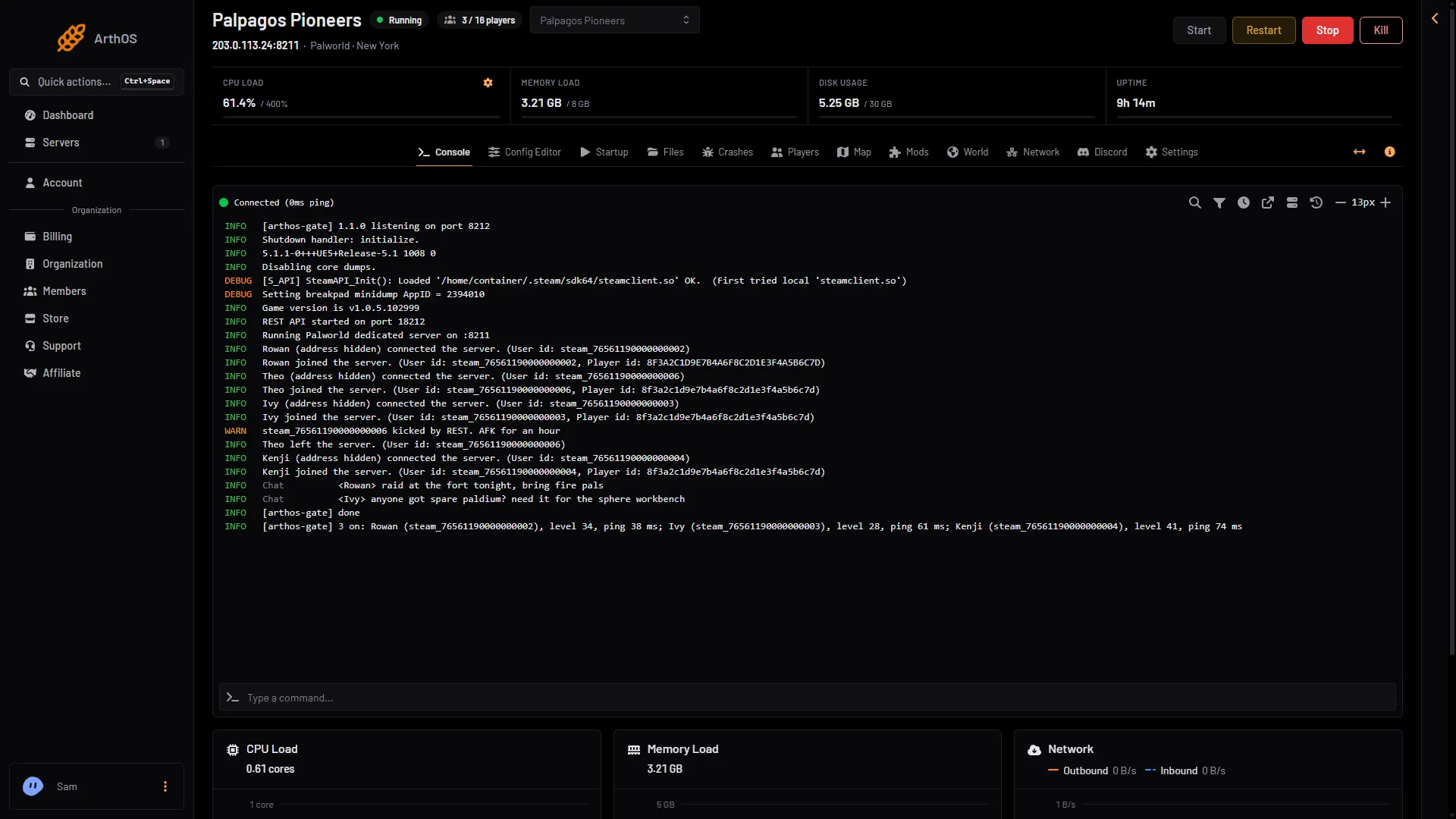
- Type a command
- ShowPlayers answer
Type the words and press Enter. The answer appears in the lines above the box (2 in the first picture).
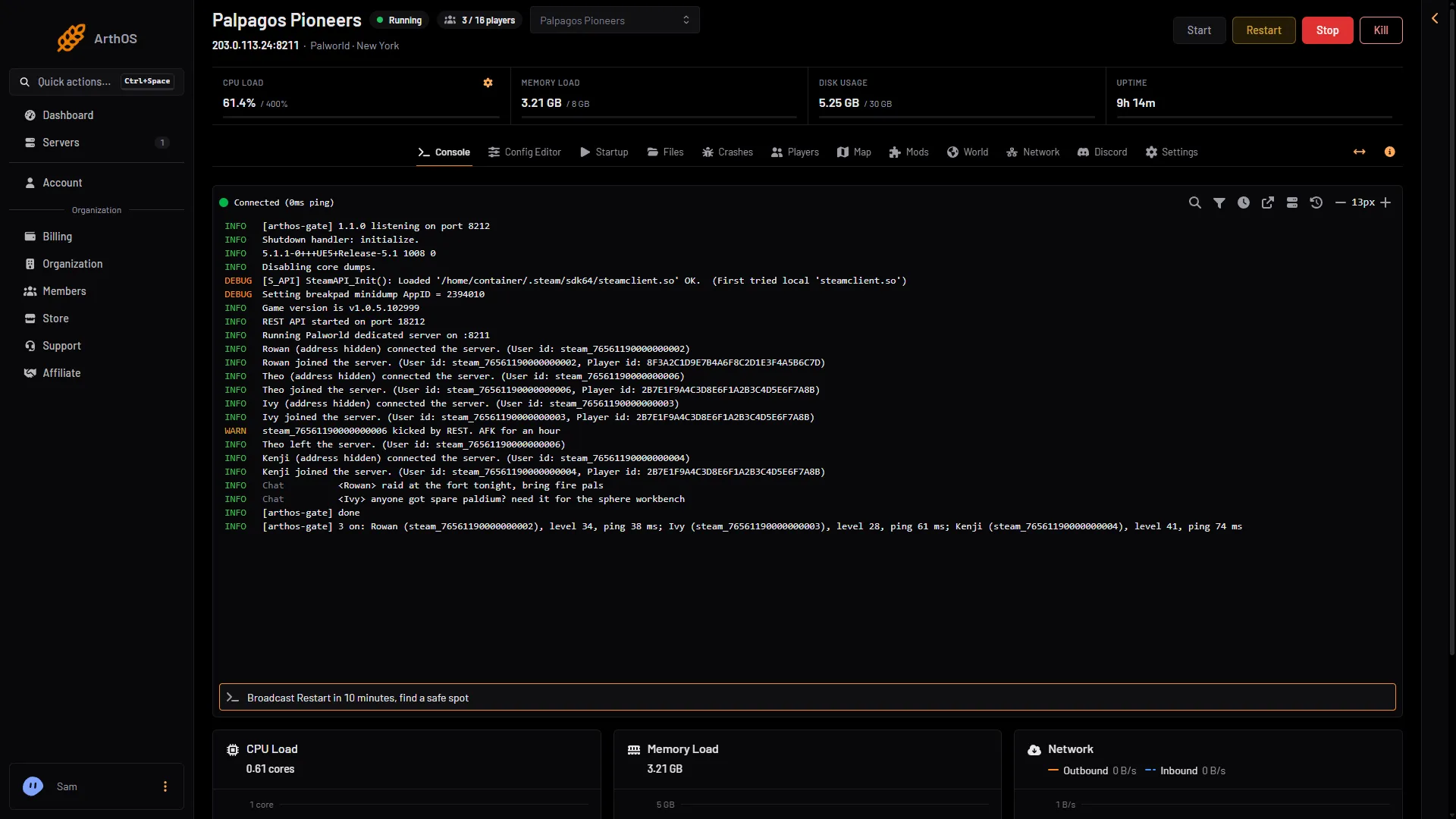
- The command box
These work:
Broadcast (message), orSayKickPlayer (id) (reason), orKickBanPlayer (id) (reason), orBanUnBanPlayer (id), orUnbanSaveShowPlayers, orPlayersInfoShutdown, orStop
Shutdown saves the world and stops the server now. It ignores a time and a message, unlike the game’s /Shutdown [Seconds] [MessageText]. For a countdown, use Restart with a warning on the Players page.
An id is steam_ and the player’s SteamID64, or just the SteamID64. The answer appears in the Console, for example [arthos-gate] done.
These are refused:
DoExitstops the server without saving, so useShutdownor the panel’s stop, which saves first.AdminPassword,TeleportToPlayer,TeleportToMeandToggleSpectatework only in the game. The Console tells you so.
The Console needs the game’s API. A schedule can send these words too: add a Send Command step such as Broadcast Restart in 5 minutes.
The panel buttons
The Players page does the same jobs with buttons:
- Message everyone sends a message of 1 to 200 characters on one line, like
/Broadcast. - Save now saves the world, like
/Save. - Kick and Ban are in the menu at the end of each player’s row (the three dots). Both take an optional Reason.
- Restart with a warning counts down with announcements at 10, 5 and 1 minutes and 10 seconds, then saves and restarts.
The panel cannot message one player, teleport someone or give items. Admins do those in the game.
If it does not work
- The Console says the game refused the admin password. Restart the server once.
- A command in the game does nothing. You are not admin yet. Type
/AdminPasswordfirst. - Nothing happens from the panel. The admin password is shorter than 16 characters, so the game’s API is off. Set a longer one in the Config Editor and restart.
More about the game: Palworld servers.
Sources: docs.palworldgame.com: Commands, docs.palworldgame.com: Configuration