











SML is the Satisfactory Mod Loader. It is a mod that nearly every other mod needs in order to run. You do not install it yourself on a Loafhosts server: the panel adds it with the first mod you install. Players need it on their PC too, and a game without it cannot join a modded server.
What SML does
Mods are not part of the game. Something has to load them and give them a safe way to talk to the game and to each other. That is SML. Its page is on ficsit.app: Satisfactory Mod Loader. The modding documentation says a mod could in theory work without it, but this is rarely done in practice.
Do not mix up two names. SML is the loader. The Satisfactory Mod Manager is the app a player uses to download mods and SML. See how players install the same mods.
On the server
- Open the Mods page.
- With no mods installed, the top of the page says: “SML comes with the first mod: it is the loader every mod needs.”
- Install any mod. See install Satisfactory mods. In the box that opens, SML is in the list of mods to install and is marked needed.
- Afterwards the top of the page says: “SML (version) is on this server and loads the mods.” In the Installed list, SML is a row of its own.
The SML row has no switch to turn it off. The mods need it, so it stays on while any mod is installed. Its menu does have Remove, which works only while the server is stopped. The For players list at the foot of the page does show SML, with its version. Players get SML with their Mod Manager.
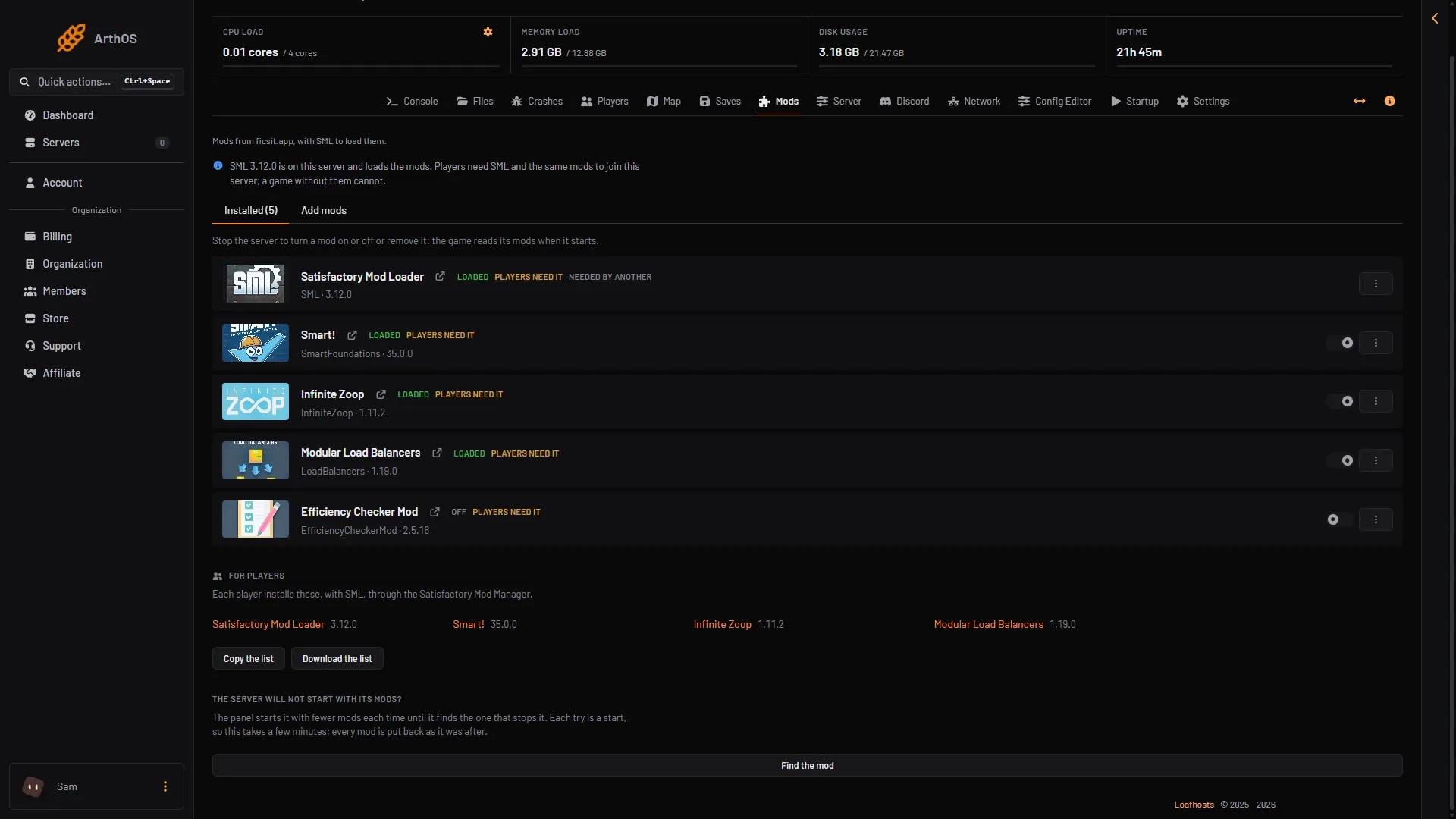
- For players
- Copy the list
If a mod does not load, the page can show a box called What SML said at this start. It lists the problems SML found, such as a mod it refused to load.
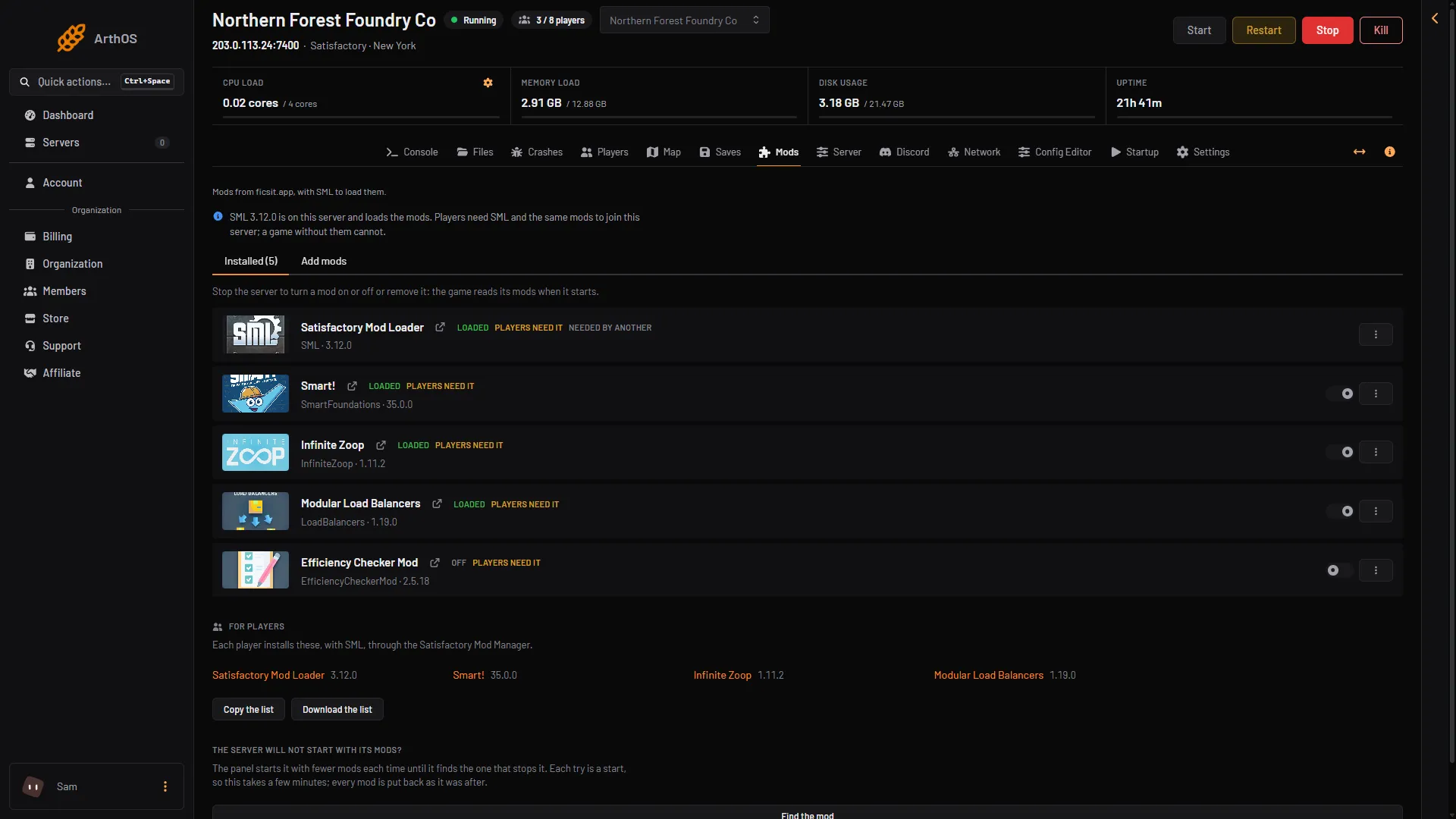
- The SML line
- Installed tab
Players need it too
The top of the Mods page says: “Players need SML and the same mods to join this server; a game without them cannot.” SML marks the server as modded. A player whose game has no SML cannot join it. This means a modded server cannot be joined by a plain, unmodded game.
To let anyone join with an unmodded game again, remove the mods and then SML. See remove Satisfactory mods.
If it does not work
- A player is refused. Their game has no SML, or not the same mods. Send them to the players guide.
- The SML row says Not loaded yet. The server is still starting. Give it a minute, then read What SML said at this start if it appears.
- The server will not start with its mods. Use Find the mod at the bottom of the Installed tab. It tries fewer mods each time and puts every mod back after.
More about the game: Satisfactory servers.
Sources: docs.ficsit.app: Index.html, docs.ficsit.app: SatisfactoryModManager.html, ficsit.app: SML