











Pause when nobody is on is a Satisfactory server option. When it is on, the game stops time while the server is empty. When the first player joins, time runs again. The server stays up the whole time.
The game’s own server settings page describes it the same way: the server pauses automatically when no players are connected.
Turn it on or off in the panel
- Open the Server page of your Satisfactory server.
- The server must be running and the game must be answering. If it is stopped, the page says “The server is stopped” and shows no options.
- Find the card Options.
- Switch Pause when nobody is on on or off. The help text under it reads “The game stops time while the server is empty.”
- Choose Save options.
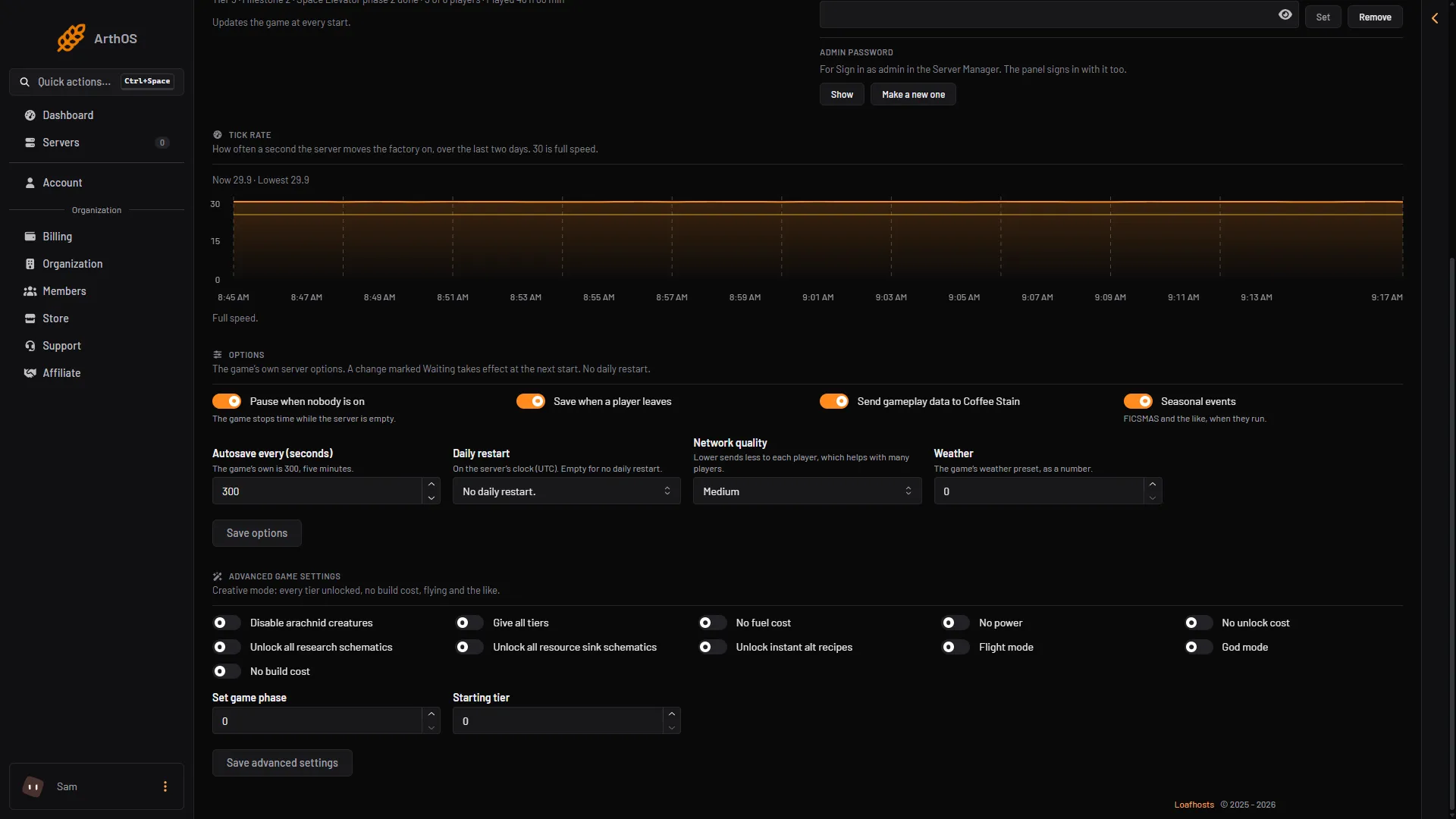
- Pause when nobody is on
- Save options
If the option shows Waiting, the change applies at the next start. To apply it, choose Restart at the top right of the server page.
What you see while it is on
The In play card on the same page shows “Paused while nobody is on.” when the server is empty and paused.
What it does not tell you
The game describes the option only as pausing the server. Not checked on 1.2 as of 27 October 2026: whether machines keep running while the game is paused.
Pause is not Standby
These two sound alike and do different things.
- Pause when nobody is on is a game option. The server keeps running and stays joinable. Only time stops.
- Standby is a panel feature on the Settings page. It is on by default on every server: a server nobody has played on for 10 days stops by itself, and the time can be changed. A stopped server shows offline in the Server Manager (the list of servers in the game). Start it with Start at the top right of the server page, or with its wake link (Make link in the Standby card).
You can use both. Pause covers the empty time, and Standby stops the server if it stays empty for long.
If it does not work
- The Options card is missing. The server is stopped or still starting. Start it and wait until the Server page shows its settings.
- You cannot change it. A member’s role must be allowed to change the startup settings.
- The change did not apply. Look for the word Waiting next to the option, then choose Restart at the top right of the server page.
More about the game: Satisfactory servers.