











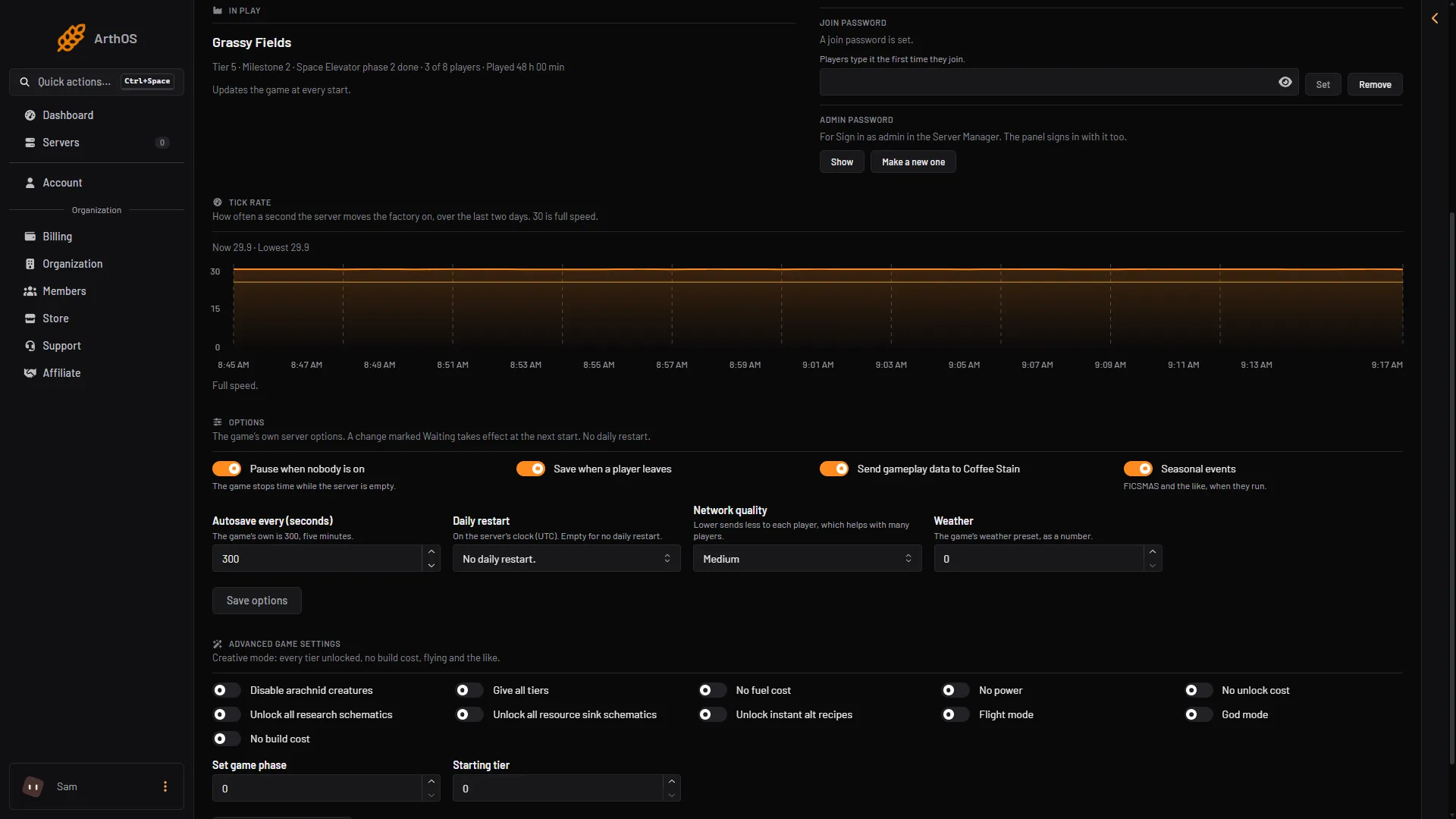
The tick rate is how many times a second the server moves the factory on. 30 is full speed. Anything lower means the server is behind, and the factory runs slow.
The Server page has a Tick rate card that shows this over the last two days.
Read the card
- Open the Server page of your Satisfactory server.
- Find the card Tick rate. It shows a graph of the last two days. The panel reads the rate once a minute while the game runs, so there are no readings while the server is stopped. With none, the card says “No readings yet”.
- Under the graph are three short lines:
- Now: the newest reading.
- Lowest: the lowest reading in the two days.
- Slow (a number) % of the time: how often the rate was below 25.
- Tick rate
- Now and lowest
- What it means
What the message says
The card ends with one message.
- Full speed. The rate is fine. Now is 25 or more, and the rate was slow no more than a quarter of the time.
- “The factory has run slow.” Now is below 25, or the rate was slow more than a quarter of the time. The card says big factories slow the server down, that a daily restart helps, and that so does a lower network quality with many players.
- “The factory runs slow now.” Now is below 15. A restart helps at once. A daily restart and a lower network quality with many players keep it from coming back.
The card also shows the size of the newest save: “the bigger the factory, the more the server has to move each tick.”
What helps
- Restart the server. Choose Restart at the top right of the server page. It helps at once. See restart your server.
- A daily restart. The game restarts itself at an hour you choose. See daily restart.
- A lower network quality when many players are on. See network quality.
- A smaller factory. The card says the bigger the factory, the more work each tick. Fewer machines means less to move.
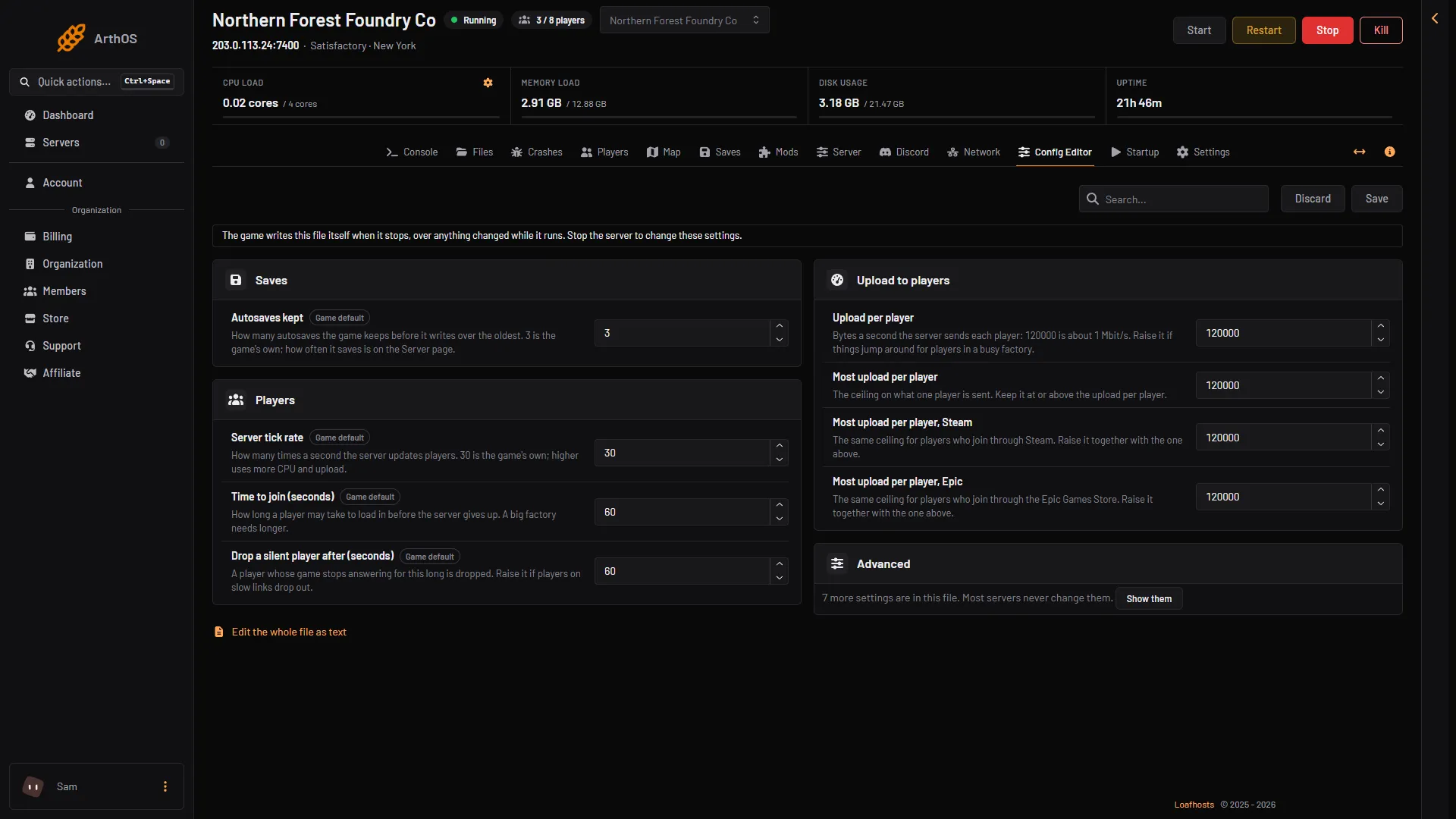
- Server tick rate
The official wiki adds why one fast core matters: a developer said the game loop is fundamentally single threaded, so one core always works harder than the others.
If the card looks wrong
- “No readings yet”. The server has not run long enough, or is stopped. The panel reads it once a minute while the game runs.
- A gap in the graph. The server was off, or the panel could not read it for more than five minutes.
- The graph dips only now and then. Look at Slow to see how often the rate was below 25.
For slow play with a normal tick rate, see server lag.
More about the game: Satisfactory servers.