











Seasonal events is a Satisfactory server option. It lets the game’s holiday events run, such as FICSMAS, when their dates come round. Turn it off and your server does not run them.
What FICSMAS is
According to the official wiki, FICSMAS is a holiday-themed seasonal event that takes place between December 1 and January 18.
The wiki lists what it adds:
- Giant FICSMAS Gifts that drop from the sky.
- A FICSMAS Calendar in the HUB.
- FICSMAS research in the MAM.
- New items, buildings, equipment and Customizer skins.
- Festive decorations in other places.
In the event’s introduction, ADA, the game’s assistant, calls it “not obligatory”. Some servers like it and some do not.
Turn it off or on in the panel
- Open the Server page of your Satisfactory server. The server must be running and the game must be answering.
- In the card Options, find Seasonal events. Its help text reads “FICSMAS and the like, when they run.”
- Switch it off to stop seasonal events, or on to allow them.
- Choose Save options.
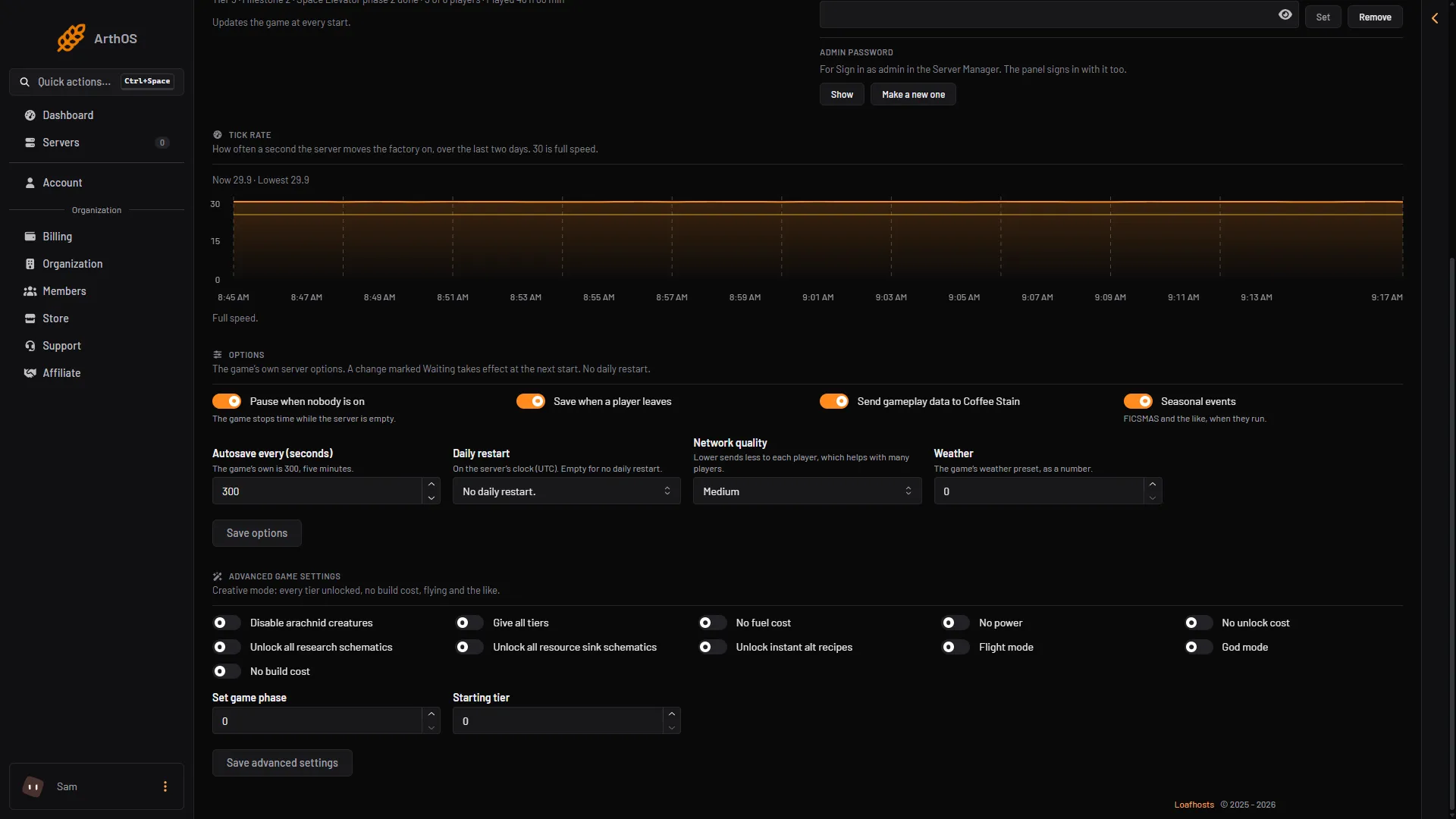
- Seasonal events
- Save options
If the option shows Waiting, the change applies at the next start of the server. To apply it, choose Restart at the top right of the server page. A member’s role must be allowed to change the startup settings to use this card.
By hand, the game’s start option -DisableSeasonalEvents “disables all seasonal events, such as FICSMAS” (wiki). On a Loafhosts server use the switch above.
What players see
The wiki says that after the event is disabled, the next time the save is loaded the game’s assistant, ADA (the game’s in-world helper), announces that she is grateful.
The option is on the server, so you set it once for everyone.
If it does not work
- The Seasonal events switch is missing. The server is stopped or still starting. Start it with Start at the top right of the server page and wait until the Server page shows its settings.
- The change did not apply. Look for Waiting next to the option, then choose Restart at the top right of the server page.
- You cannot change it. A member’s role must be allowed to change the startup settings.
Not checked on 1.2 as of 27 October 2026: what happens to FICSMAS items already in a save when the option is turned off.
More about the game: Satisfactory servers.
Sources: satisfactory.wiki.gg: FICSMAS, satisfactory.wiki.gg: Dedicated servers