











On a Satisfactory server, an admin is anyone who signs in with the admin password. Get the password from the Server page, then use Sign in as admin in the game’s Server Manager. The Server Manager is the game’s own screen for dedicated servers.
Get the admin password
- Open the Server page.
- Find Admin password.
- Choose Show.
The page shows the password, with a Copy button. Hide puts it away again. If there is none yet, the page says “Not made yet: the server makes one at its next start.”
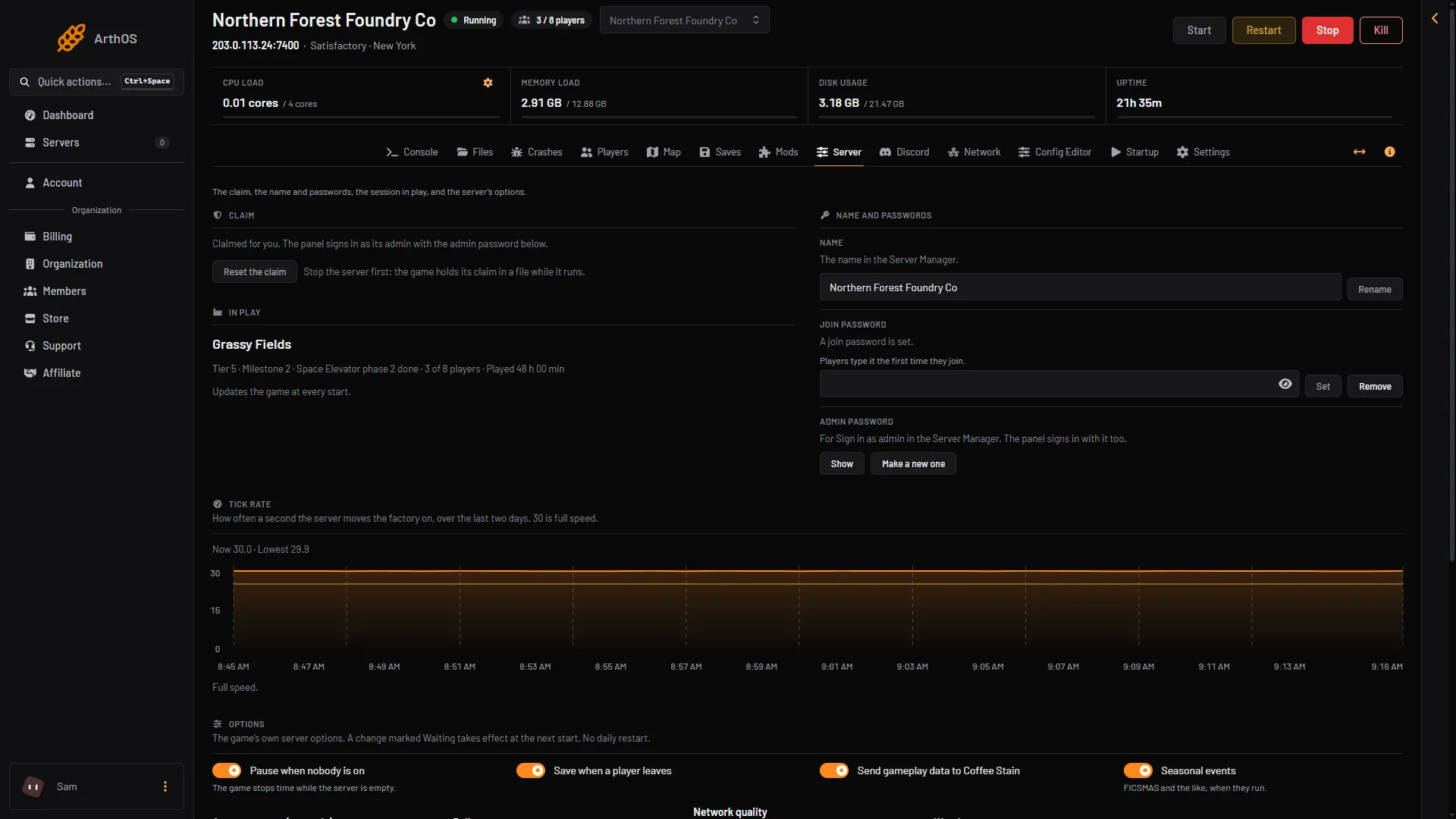
- Show the admin password
- Make a new one
The Startup page also lists the Admin password, masked and read only. Change it on the Server page, not there.
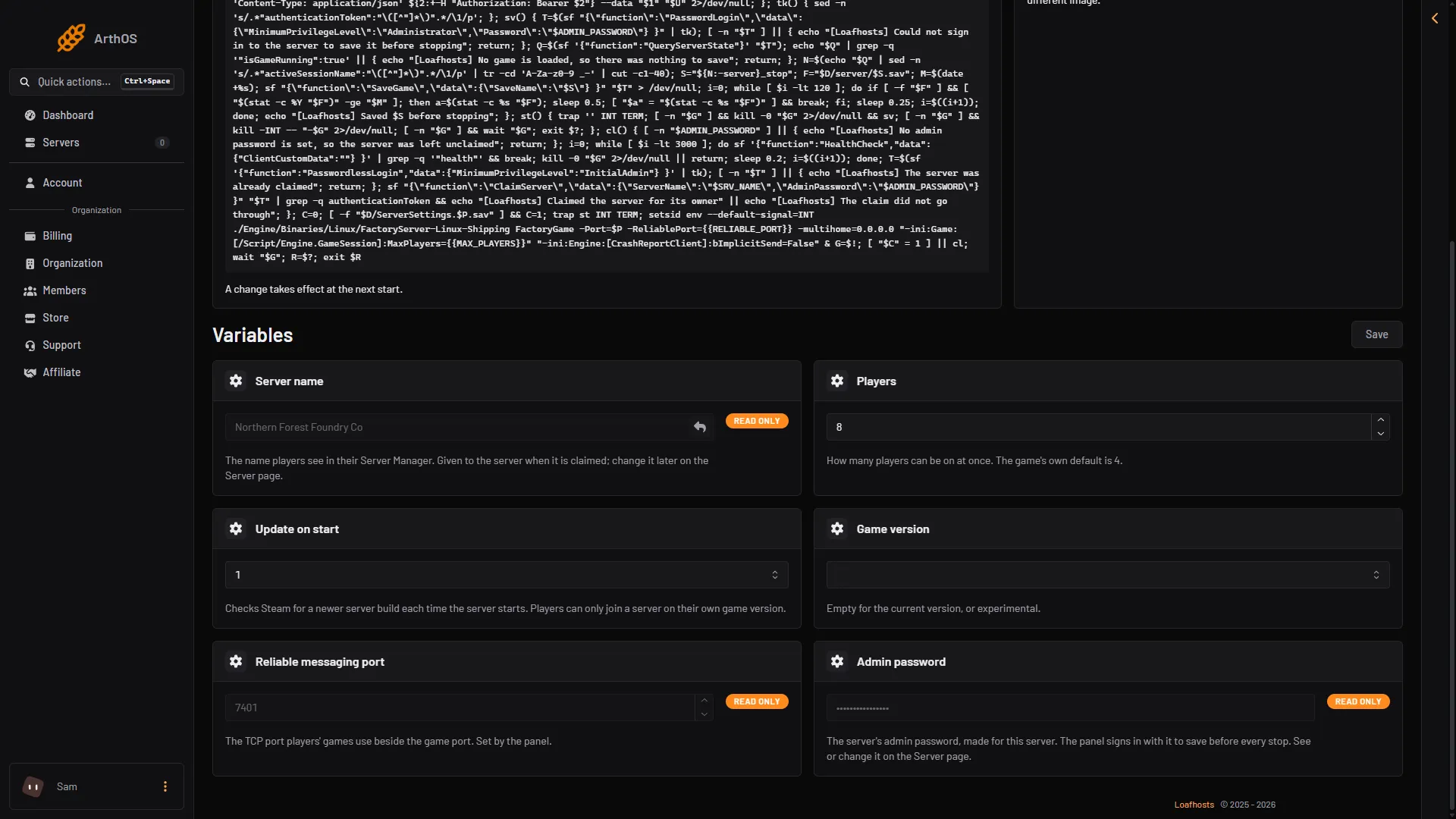
- Admin password
Seeing or changing anything on the Server page, the admin password included, needs a member’s role that may change the startup settings.
The panel accepts only 8 to 64 letters, digits, - and _. A password set in the game with other characters cannot be used in the panel. Set one that fits in the game, or use Make a new one.
The server is already claimed. Loafhosts claims it for you at its first start, so nobody else can claim it.
Sign in as admin in the game
- Start Satisfactory and open the Server Manager from the main menu.
- Open your server.
- Choose Sign in as admin and type the password.
Anyone who has the password can do this. Give it only to people you trust. To lock out admins who already have it, choose Make a new one. Everyone signed in as admin then signs in again with the new password.
What an admin can do
The wiki says the admin password limits administrator privileges, such as loading a save, changing server options and creating a new game, to a certain set of players.
| In the game, as admin | In the panel |
|---|---|
| Change the server name and the passwords | Server page |
| Change the server options | Server page, Options |
| Load a save, start a new game, upload a save | Saves page |
| Kick a player | Not in the panel: the Server Manager only |
Anyone who is not signed in as admin cannot change these in the game.
Commands
The wiki lists a few commands for a dedicated server. Not checked on 1.2 as of 27 October 2026: the Console tab of the Server Manager, where the wiki says to run them.
server.SaveGame (name)makes a save with that name.quit,stopandexitshut the server down from inside the game.server.GenerateAPITokenandserver.InvalidateAPITokensmake and cancel tokens for tools that talk to the server’s HTTPS API. The wiki page on the HTTPS API describes it.
The wiki marks the list as incomplete. Nothing else is listed.
If it does not work
- Sign in as admin says the password is wrong. Press Show again and copy it. If someone changed it in the game, the Server page asks for the new one.
- The Server page shows no password. The server may be stopped. The game keeps its passwords itself, so start it first.
- Show is missing. A member’s role on the panel must allow changing the startup settings.
More about the game: Satisfactory servers.
Sources: satisfactory.wiki.gg: Dedicated servers, satisfactory.wiki.gg: HTTPS API