
















To heal a player, open the menu on their row on the Players page and choose Heal. They are healed to full health. This needs the panel’s tools, so the server must run TShock or tModLoader, and the player must be on the server.
Heal from the Players page
- Open the Players page of your Terraria server.
- In the On now list, find the player. Their row shows their health as “(hp) / (max) health”.
- Open the menu on the row and choose Heal.
- A box asks Heal (name)? and says “(name) is healed to full health.” Choose Heal.
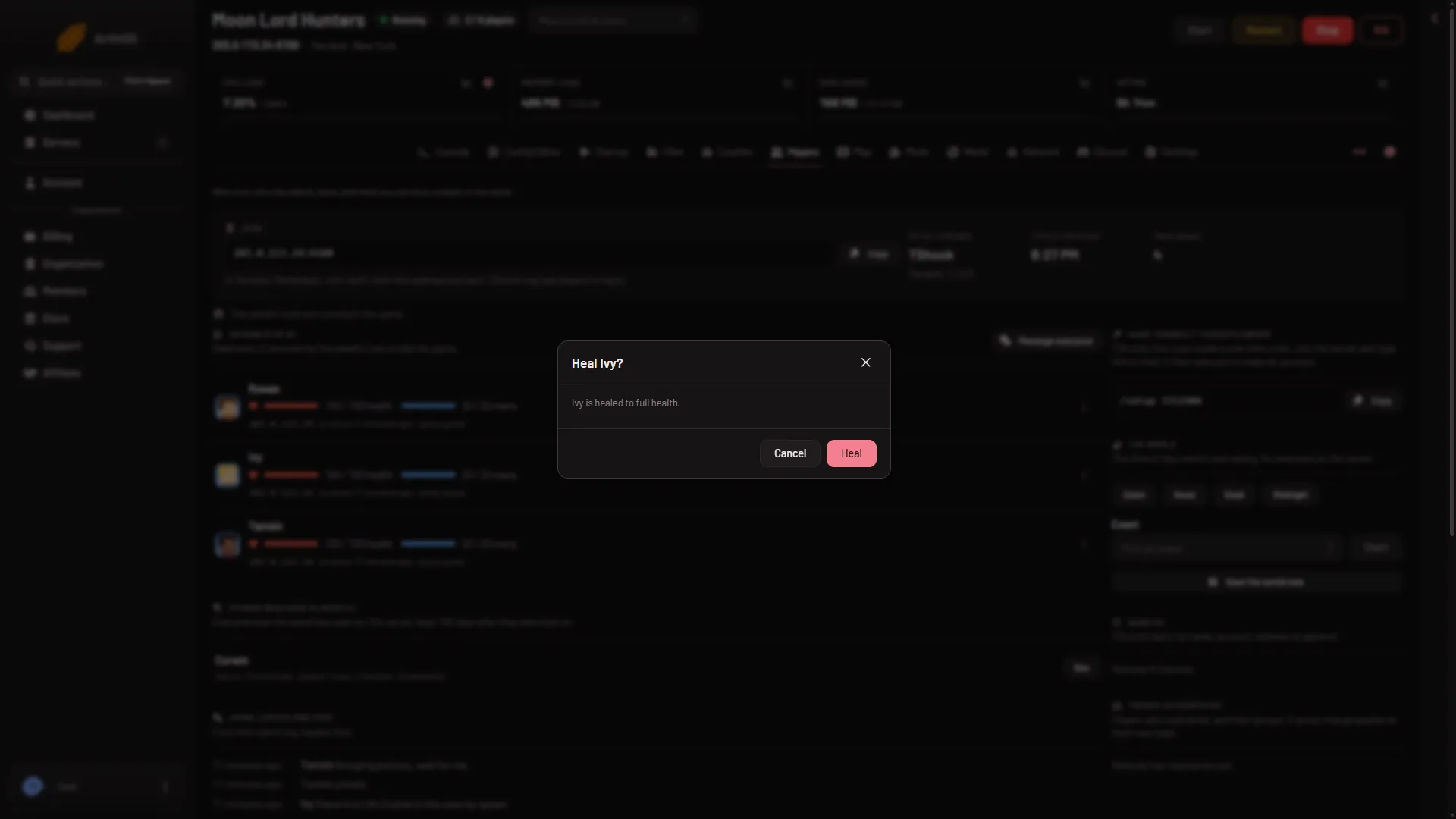
Nothing needs a restart. The page reads the server every 2 seconds, so the health on the row catches up within moments.
Heal from the Map
The Map page shows each player on the world. Open a player’s card and choose Heal. This one sends at once, with no box to confirm. See live players on the map.
What you need
- TShock or tModLoader. A Vanilla server runs none of the panel’s tools. The page says so and links to the World page, where you can change the software.
- A player on the server. A Terraria server with nobody on is paused, and the game does nothing until someone joins. The panel says “Nobody is on the server, so the world is paused” and the heal does not run.
- A role that allows game actions. Without it the menu has no Heal. The Map card needs the same.
Heal covers health only. The box does not promise anything else.
If it does not work
- Heal is missing. The server runs Vanilla, the tools have not loaded, or your role does not allow it. The page shows which: read the line under its stats.
- “The panel’s tools get their key at the server’s next start”. Restart the server once.
- “The game did not answer”. The tools load when the server starts. Restart and try again.
- The row shows no health. The player is on but the tools are not reading yet, or the server is Vanilla.
See also: give a buff.
Sources: terraria.wiki.gg: Server