
















A Terraria server’s join password is not on the Startup page. It is under Passwords in the Config Editor. The Startup page only points you there. This guide lists every password a Terraria server can have and where each one lives.
Why Startup shows none
The panel keeps passwords in one place of their own, under Passwords in the Config Editor.
On Startup you will see a note: “This server’s passwords (Server password) are kept with its other settings now.” with a link, Open Passwords on the Config Editor (1). Nothing is hidden or lost.
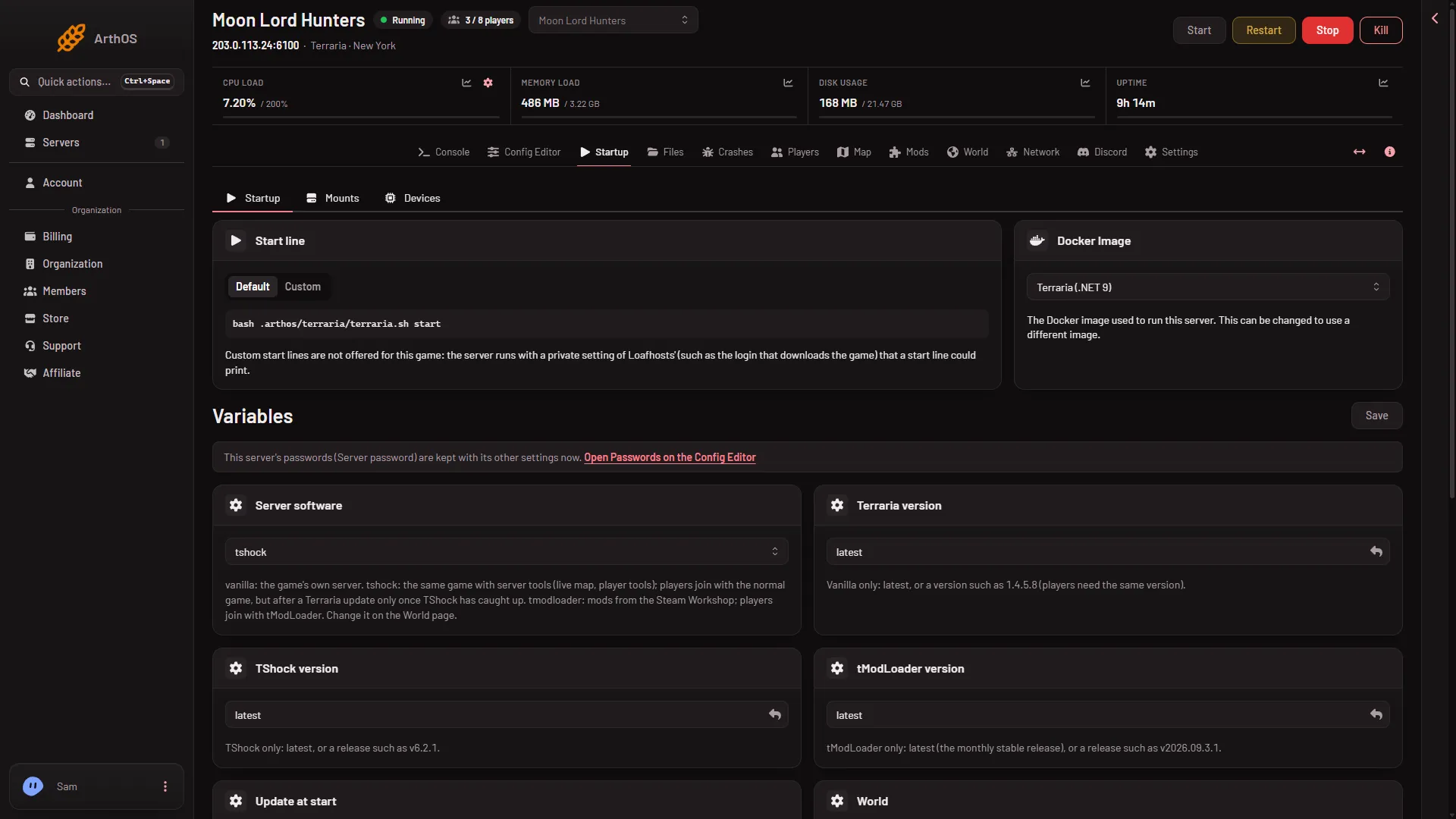
- Open Passwords on the Config Editor
The value is the same one. It is just changed somewhere else.
The console is quiet about it too. The game prints its password line when it starts, and the launcher replaces it with “Password: (hidden here; it is under Passwords in the Config Editor)”.
The join password
This is the password players type when they join. A new Loafhosts server has none: anyone with the address and port can join.
- Open the Config Editor.
- Choose Passwords (1) in the list of files.
- Find Server password. Type the new password, or empty it to remove the password.
- Choose Save in the bar that appears. A running server says “Saved. Restart the server to apply the changes.”
The password can be up to 40 characters and must stay on one line. A change applies at the next start. A restart disconnects everyone who is on, so warn them first with Message everyone on the Players page.
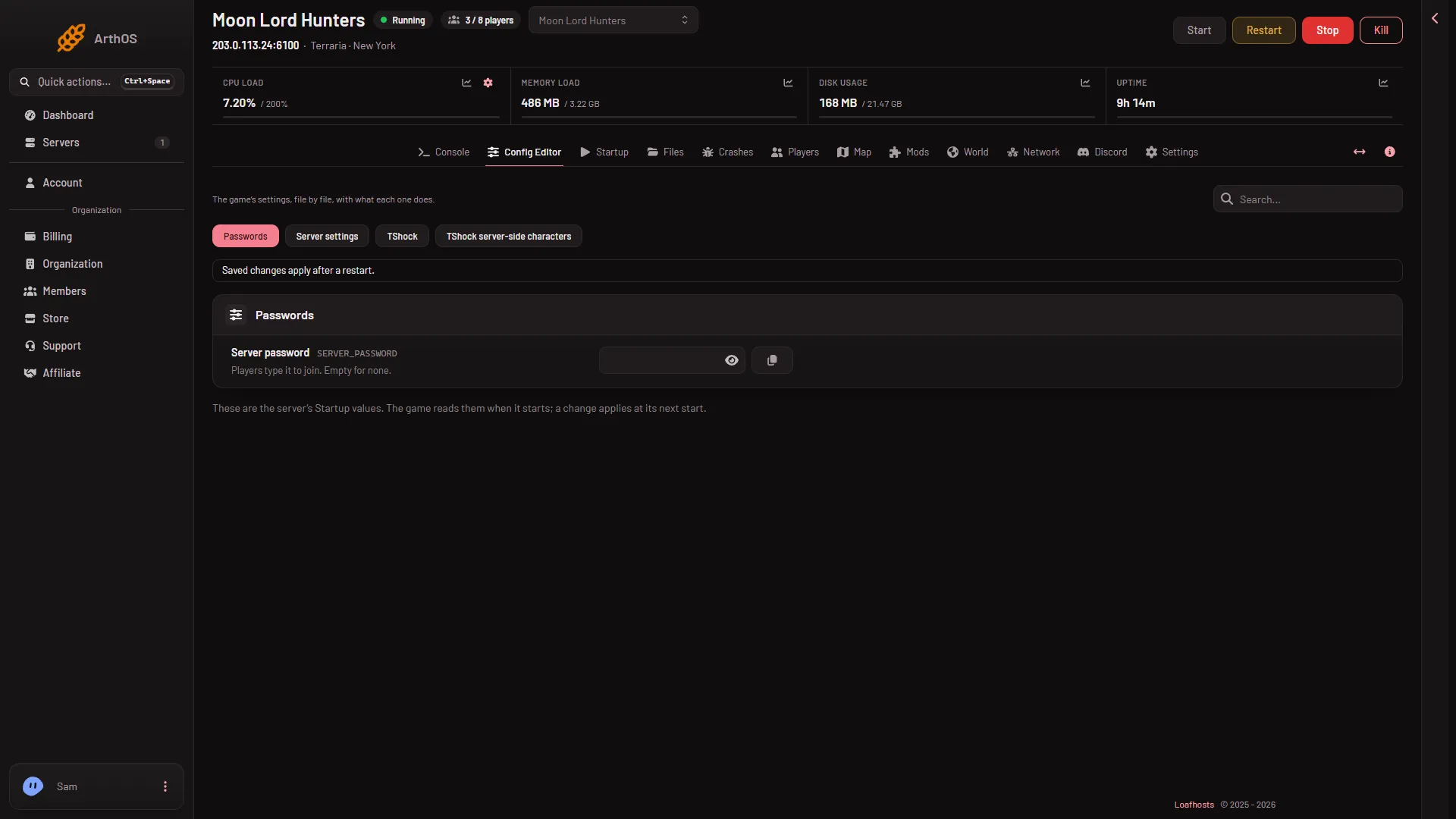
- Passwords
This is the same password on Vanilla, TShock and tModLoader. The panel writes it into the server’s serverconfig.txt before every start. A hand edit of the password line in that file is overwritten, so change it here.
The Server settings file in the Config Editor also shows a Join password line. It is locked, and says “Changed under Passwords, which the panel writes here on every start.” with a link, Open Passwords.
TShock has more
TShock keeps three secrets in its own file. Open the TShock file in the Config Editor.
- TShock join password, in the Server group. If it is empty, TShock uses the join password from Passwords. If you set it here, TShock asks players for this one instead.
- MySQL password and PostgreSQL password, in the Database group. They matter only if TShock stores its data in MySQL or PostgreSQL. A server on the default storage does not need either.
All three are shown as secret fields. The TShock file only appears when the server runs TShock. You pick the program on the World page.
Discord
The Discord status only says “password protected” when a join password is set. It never sends the password.
What is not a password here
- TShock account passwords. Players make those in the game, and TShock keeps them.
- The panel’s tools key. The panel makes it and never shows it.
If it does not work
- The new password is not asked for. You have not restarted yet. The change applies at the next start.
- TShock asks for a different password. The TShock join password is set and wins over Server password. Empty it to use one password.
- You cannot find Passwords. Your role may not allow changing the startup. Ask the owner of the server.
- Players are refused with a wrong password. See wrong or forgotten join password.
More about the game: Terraria servers.
Sources: terraria.wiki.gg: Server