
















A Terraria world is Small, Medium or Large. You pick the size once, when the world is made. It cannot be changed afterwards. To get a different size, make a new world. This guide shows what the sizes are and what a bigger world asks of your Terraria server.
The three sizes
The game’s maker lists the sizes in tiles, width by height:
- Small: 4200 x 1200
- Medium: 6400 x 1800
- Large: 8400 x 2400
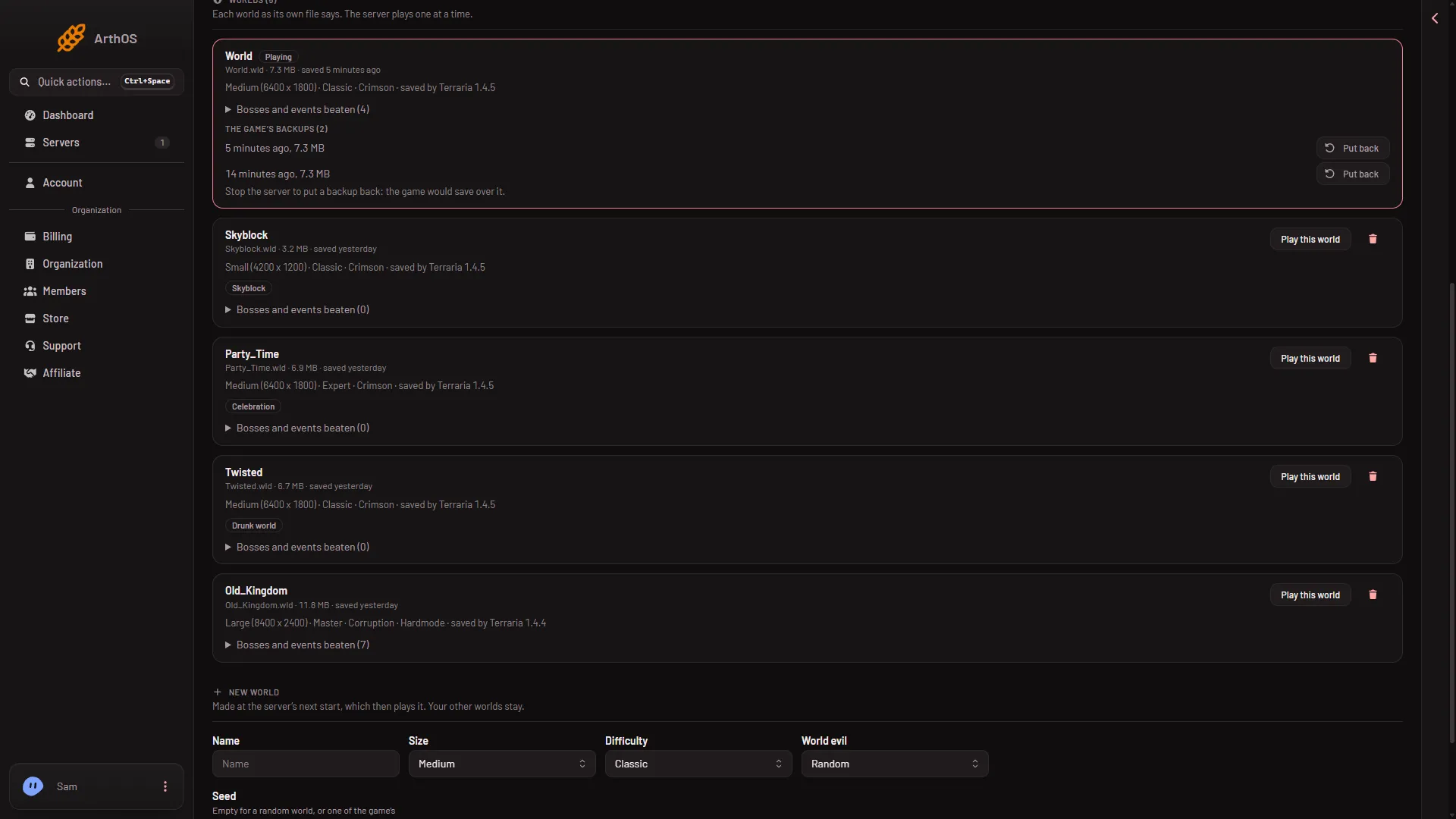
The World page reads the real width and height from each world’s file. In the Worlds list a row reads Small, Medium or Large followed by its width x height. A world of another size shows only the two numbers. Trust the numbers on the row.
What a bigger world asks of the server
A bigger world is more to build and explore. It is also more for the server to hold and save.
- Making it takes longer. The panel says a large world takes a minute or two to make at the next start.
- It needs more memory. The game’s maker notes that small worlds need less memory. The panel’s crash page says the same: “Large worlds and big mods need more.” If the server runs out of memory, take off a mod you do not need, or move to a bigger plan.
- The map takes longer to draw. The Map page draws a small world in a few seconds and a large one in longer. A world file over 160 MB is too large for the map to read.
- Saving takes longer. The game saves and loads smaller worlds faster.
Pick the size when you make a world
- Open the World page.
- In the form New world, open Size and choose Small, Medium or Large.
- Fill in the rest and press Make this world.
- Restart the server. The world is made at the start.
The full steps are in make a new world.
Change the size of an existing world
You cannot. The size is part of the world file. Make a new world of the size you want. Your old world stays on the server, and Play this world on its row switches back to it.
If it does not work
- The server ran out of memory. The Crashes page names it. Take off a mod you do not need, or move to a bigger plan.
- The map shows nothing for a big world. The panel may still be drawing it, or the world file is over 160 MB.
- A size shows as two numbers only. The world is not one of the three standard sizes. This is normal.
- The new world is still the old size. The server has not restarted since you made the new world.
Sources: terraria.wiki.gg: World size