
















Open Settings, then Backups, choose Create, then Create Backup. The panel copies your server’s files and keeps the copy. Choose Lock on it and it is never deleted for you.
What a backup copies
A backup is a copy of the files in your server’s folder, as they are at that moment. That includes the settings (server.cfg, basic.cfg), the missions in mpmissions, the keys folder and the serverprofile folder.
The panel does not ask the game to save first. Arma 3 keeps nothing between sessions unless the mission saves by itself, so the backup holds whatever the mission last wrote. For the best copy, make it when nobody is playing.
Create a backup
- Open Settings on your server, then the Backups tab.
- Choose Create (1), then Create Backup.
- Confirm.
The page shows “Backup created.” and the backup appears in the list. A backup taken while the server runs notes “Taken while running. The game did not confirm a save.” That is expected for Arma 3, because the panel does not ask the game to save first.
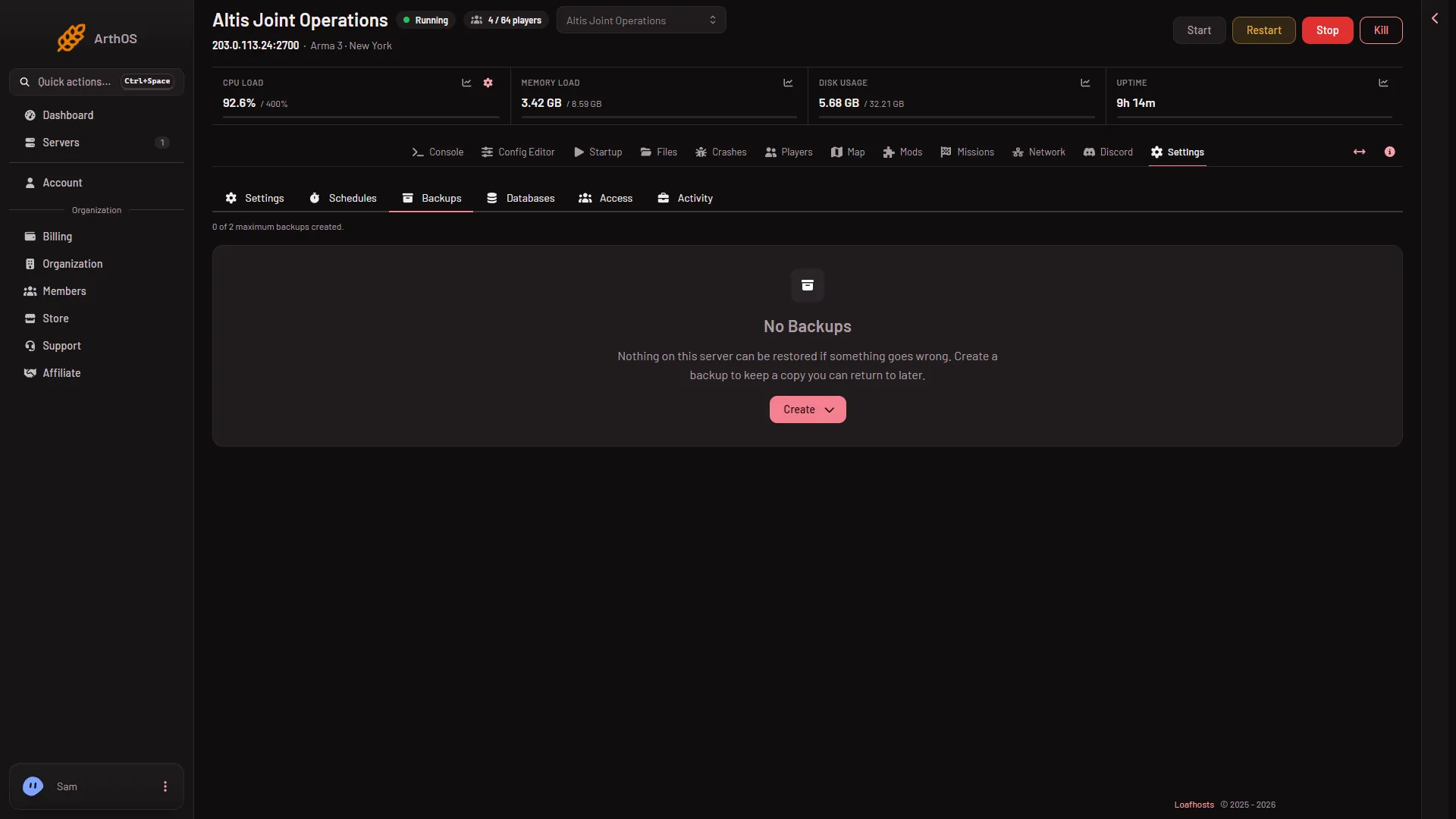
- Create
The top of the page shows how many backups your plan allows, for example “0 of 2 maximum backups created.” (the numbers on your page are your plan’s). Each backup in the list has Restore, Lock or Unlock, Browse and Export to Files.
When you reach the limit
- A backup you create by hand is refused when you are at the limit. Delete one first, or lock the ones you want and delete an old one.
- A backup made by a schedule (a Create Backup step) deletes the oldest backup that is not locked, then makes the new one. See a daily restart for adding that step.
Lock a backup
Choose Lock on a backup. A locked backup is not deleted by a schedule. Choose Unlock to let it be deleted again. Lock the backup you made before a big change, such as a new mod set.
Export a backup to Files
Choose Export to Files on a backup. The panel starts an export (“Backup export started.”) that puts the backup’s files in your server’s Files page, where you can download or move them. You can also use Browse to look inside a backup.
The campaign save is separate
Campaign missions such as Antistasi and KP Liberation keep their progress in one file in the server’s profile, serverprofile/home/Player/Player.vars.Arma3Profile. A backup includes it, because it is in the profile folder. The Missions page also keeps its own copies of that file, under Campaign saves:
- Copy aside keeps a dated copy of the save. The newest 10 are kept.
- Put back replaces the save in use with a copy. It works only while the server is stopped, because the game writes its save while it runs. The save in use is copied aside first.
Restore
If it does not work
- Create does not work. Check the line at the top of the page, “(N) of (M) maximum backups created.” If you are at the limit, delete an old backup that is not locked.
- The backup does not hold your latest progress. The game had not saved it yet. The panel copies files as they are.
- You cannot delete a backup. It may be locked. Choose Unlock first.
- Put back is refused. Stop the server first.
More about the game: Arma 3 servers.
Sources: Bohemia wiki: Dedicated Server