
















You can skip to day or night without waiting for the mission clock. On the Map page, choose Move the time and type how many hours to move. The change applies to everyone at once.
This needs the panel tools and a mission that is playing. The panel tools are a small addon of the panel’s own. They run on the server only, so players install nothing. See turn on the panel tools if they are off.
Move the time
- Open the Map page while a mission is playing.
- In the mission section titled The mission now, choose Move the time. The section also shows the game’s clock, as “(time) in game”.
- In Hours, type a number from -24 to 24. A positive number moves the time forward. A negative number moves it back. A half hour is
0.5. - Choose Move the time at the bottom of the box.
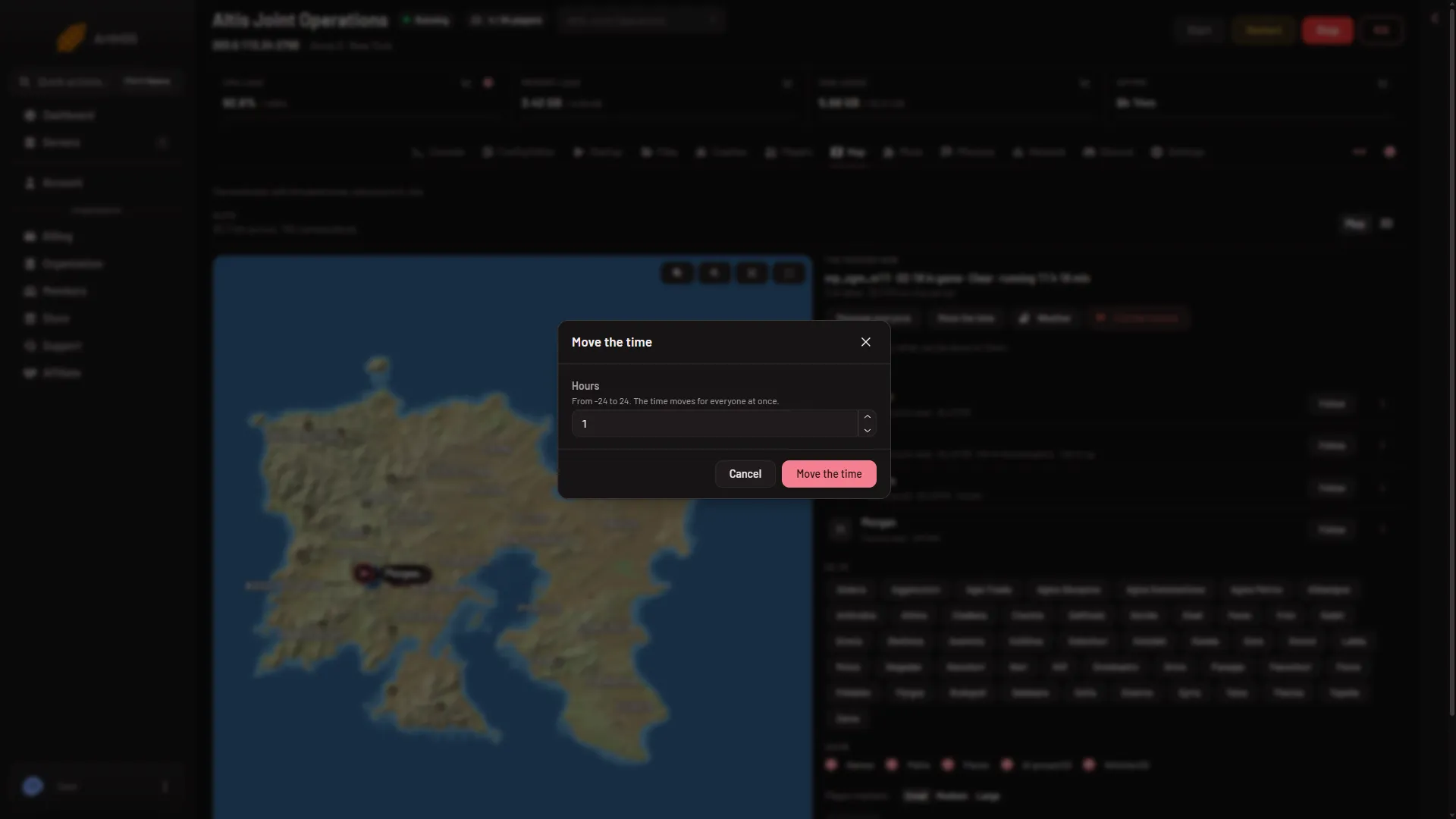
- Hours
Type the number in Hours (1). The box says: “From -24 to 24. The time moves for everyone at once.” The button stays grey if the box is empty, if the number is 0, or if it is outside that range.
For example, if the game clock reads 20:00 and you enter 10, the time moves forward by ten hours.
When it happens
Within seconds. The panel sends the command and the addon carries it out in the game. No restart is needed.
Not checked on 2.22.154089 as of 13 November 2026: missions that set their own time of day, and whether they set it back.
If it does not work
- No button. Your role may not allow helping players from the map. Ask the owner for a role that allows it.
- “turn on the panel tools first”. Turn them on from the Map page, then restart the server.
- “the panel tools load at the server’s next start”. You turned them on while the server was running. Restart it.
- “the game is not running the panel tools now: they run while a mission plays”. Start a mission first.
- “the game did not answer in time”. The panel waits about 8 seconds for the game. Try again once the mission has loaded.
To change the weather as well, see change the weather.