
















The panel tools are a small addon of the panel’s own. They run on the server only, so players install nothing. With them on, the Map page shows where everyone is, and you can help players from there. You turn them on from the Map page. They load at the next start of the server.
What they do
- They read where everyone is every two seconds.
- They give the Players page more: each player’s side, group and vehicle.
- They let the panel act in the game, but only when someone presses a button in the panel. Examples are healing a player, giving items, sending a message, and moving the time or the weather.
They are not a mod. They are not on the Mods page, and a player’s game does not load them. If you try to add or remove them on the Mods page, the panel says: “@arthos is the panel tools’ own addon; turn them on or off on the Map page”.
Turn them on
- Open the Map page.
- In the bar at the top, which says the panel tools are off, choose Turn on the panel tools (1).
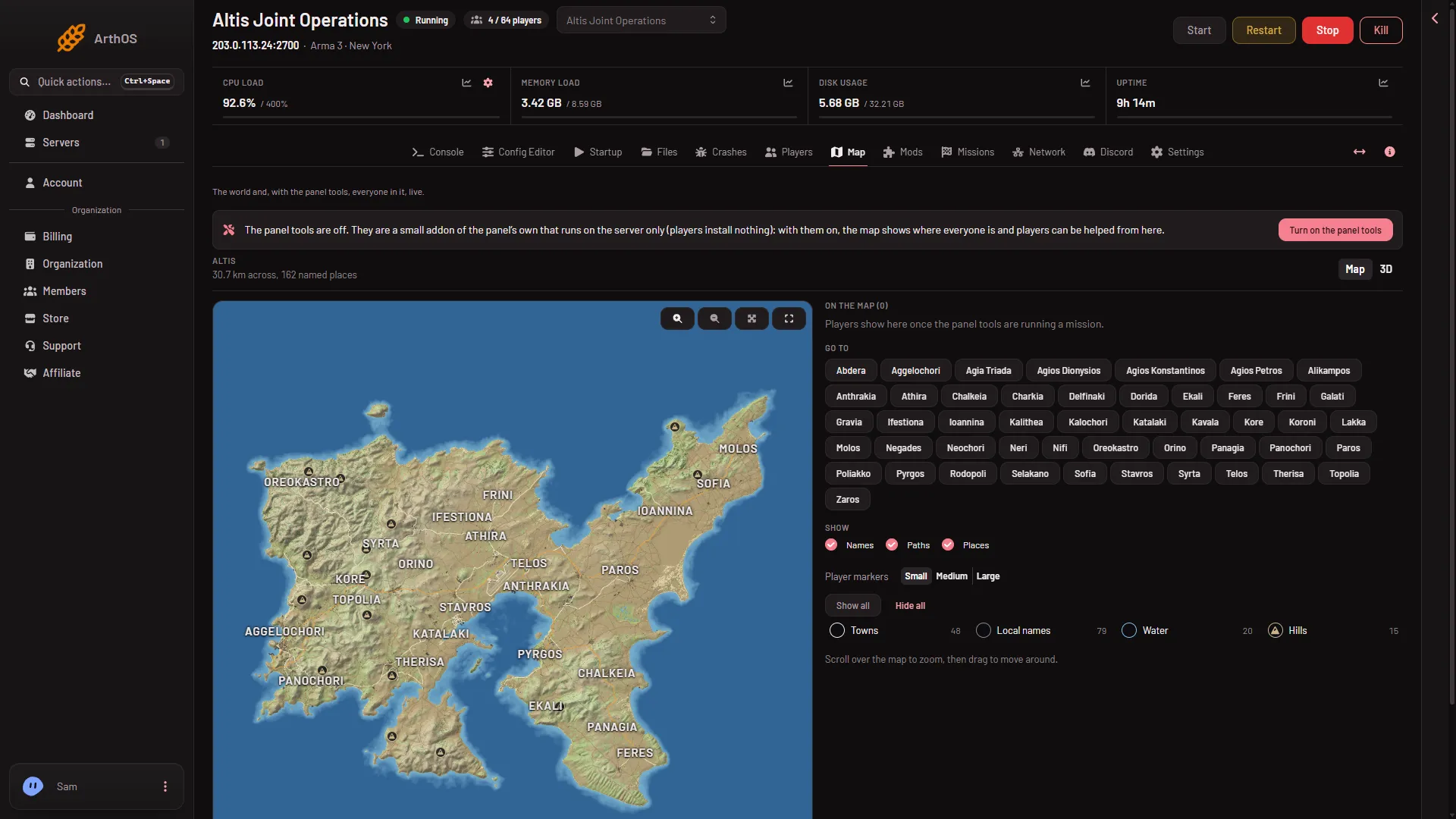
- Turn on the panel tools
- A box asks Turn on the panel tools? It says the panel adds its own addon to the server’s server-only mods, that it loads at the next start, and that players need nothing. Confirm with Turn on the panel tools (1).
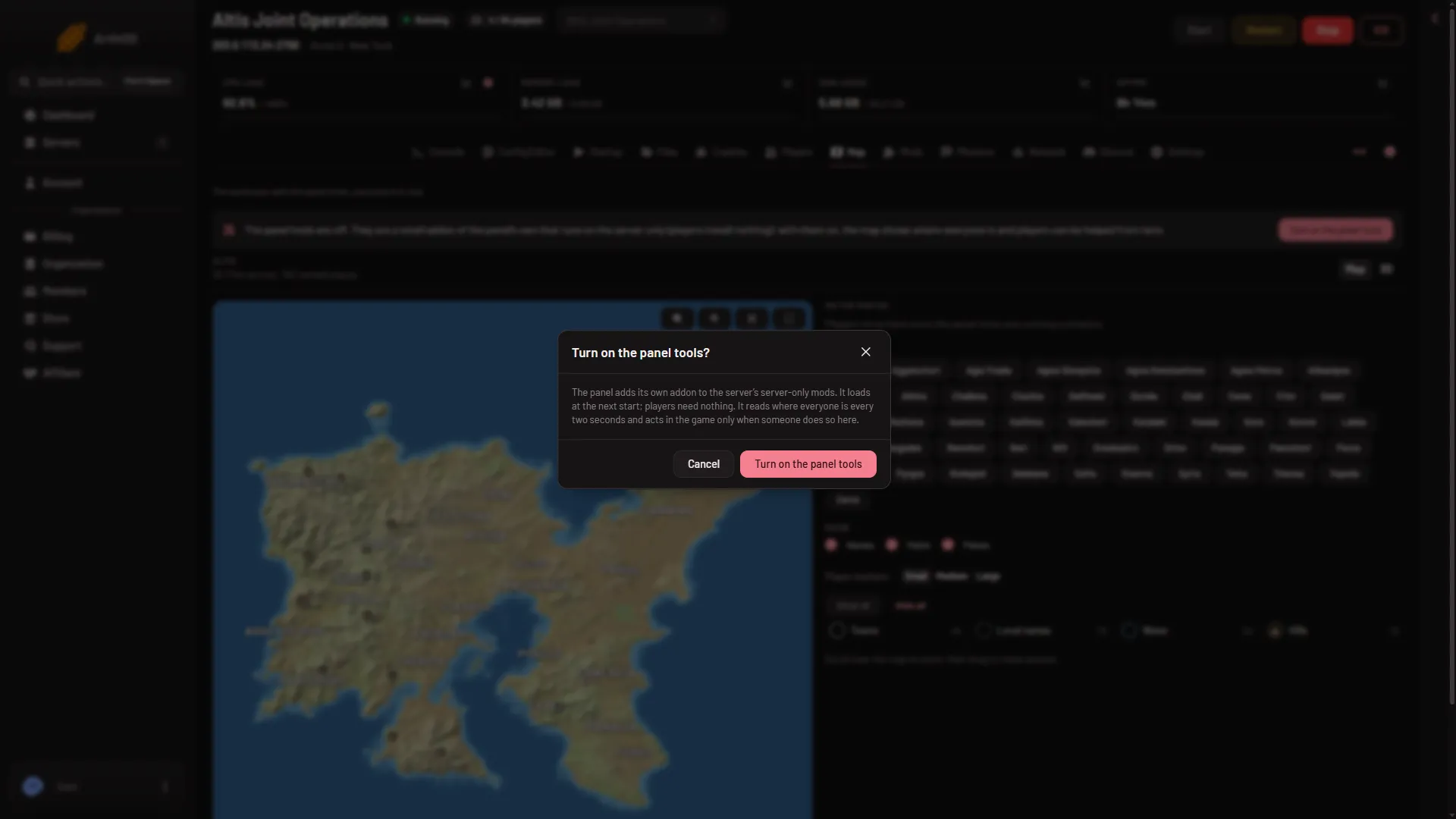
- Turn on the panel tools
- Restart the server, or start it if it is stopped. The panel puts the tools in place only at a start. It never changes them under a running server, because that would end the game.
After you confirm, the page tells you when they load:
- “The panel tools load at the next restart.” on a running server, or “The panel tools load when the server starts.” on a stopped one.
- “The panel tools are running.” once they have loaded.
The server needs a mission playing for the tools to act. If the card says they are running but cannot act yet, restart the server so they get their key.
A role needs to be allowed to change the server’s startup to turn them on or off.
Turn them off
- On the Map page, choose Turn off in the panel tools bar.
- Confirm Turn off the panel tools? The box says the addon is left out from the next start. The map keeps its drawing. Players are no longer shown, and nothing can be done in the game from the panel.
- Restart the server. The card says “The panel tools stop at the next restart.”
If it does not work
- The map shows no players after turning them on. The server has not restarted since. Restart it, then start a mission.
- The panel says to turn the tools on first. The action needs them. Turn them on and restart.
- The panel says the tools load at the server’s next start. You turned them on but the server has not restarted yet.
- The game is not running the panel tools. They run while a mission plays. Start a mission.
- The panel says the game started without the panel’s key. Restart the server.
More about the game: Arma 3 servers.